
Alternatives
A PixVerse alternative running some of the same video models on different terms
If you are weighing a PixVerse alternative, begin with the overlap rather than the differences. PixVerse's developer platform offers Seedance 2.5 and MiniMax H3 next to the models it builds itself, and Vellria's catalog carries both families as well. What separates the two services is everything wrapped around those models: Vellria's terms openly permit explicit scenes between invented adults, your prompt is passed on unedited, and one prepaid balance pays for Studio and API runs alike. PixVerse, for its part, brings its own models, a longer list of video tools and ready-made ComfyUI and MCP connections, none of which Vellria offers.
Free to start: a new account created with Google gets 20 free credits, valid for 7 days (about 10 images on Z-Image Turbo Uncensored), and every signed-in account gets free daily uses of the NSFW prompt generator and the image to prompt tool.
Two catalogs that share model families
When we checked it on 12 September 2026, PixVerse's developer platform announced Seedance 2.5 on the platform and listed Seedance 2 and MiniMax H3 among the models it serves besides its own. Seedance is made by ByteDance and H3 by MiniMax, and both families sit in Vellria's catalog: Seedance 2.5, MiniMax H3 and H3 Max, each of which can set up a scene from scratch or bring a still to life. Switching, then, need not mean giving up the model your best clips came from. The MiniMax side of that overlap has a page of its own in our Hailuo AI comparison.
A shared family name is not a promise of identical clips. The version a service runs, the settings it exposes and whatever sits between your request and the model can all differ, and no side-by-side test was run for this page. What the overlap does settle is that the decision turns on terms, billing and tooling. On Vellria the provider behind each model keeps a filter of its own, as our page on uncensored AI video explains; the cards below come straight from the current catalog and show the shared families as they run here.
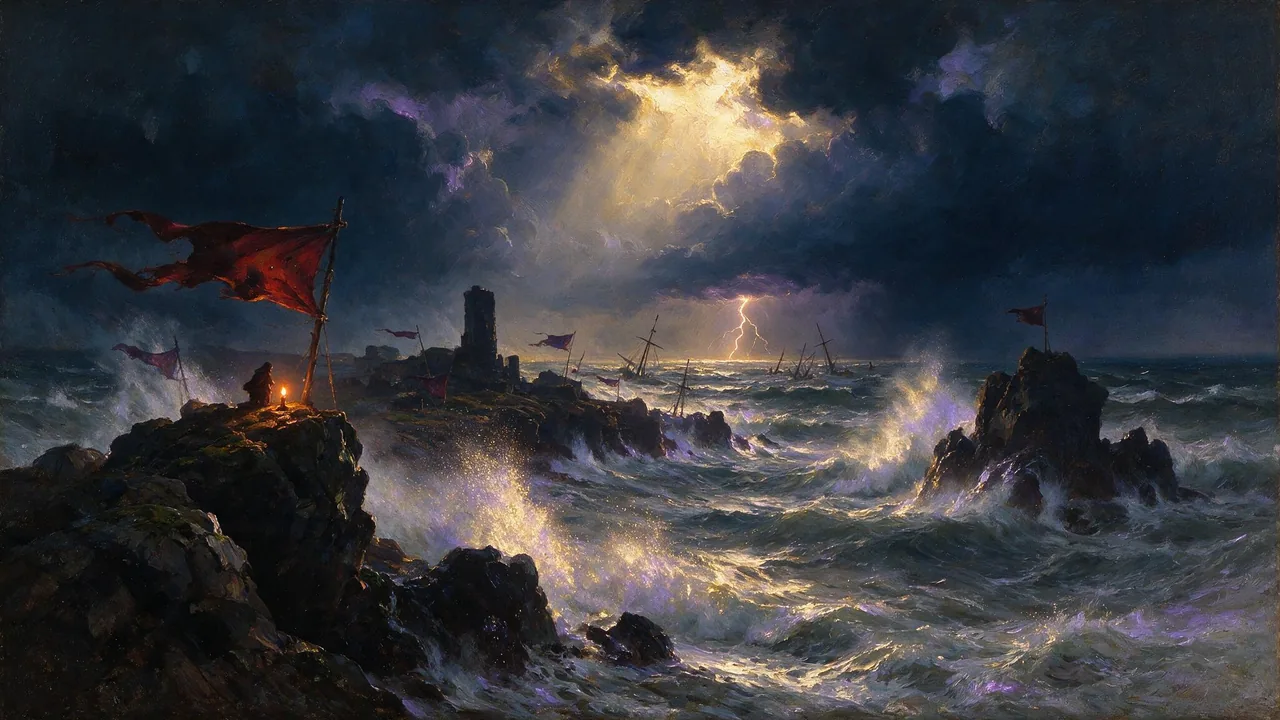
Seedance 2.5 Uncensored
Scenes that arrive with sound, 4–30 s up to 1080p, or bring a still to life as the first frame.
Video
from 35 credits / s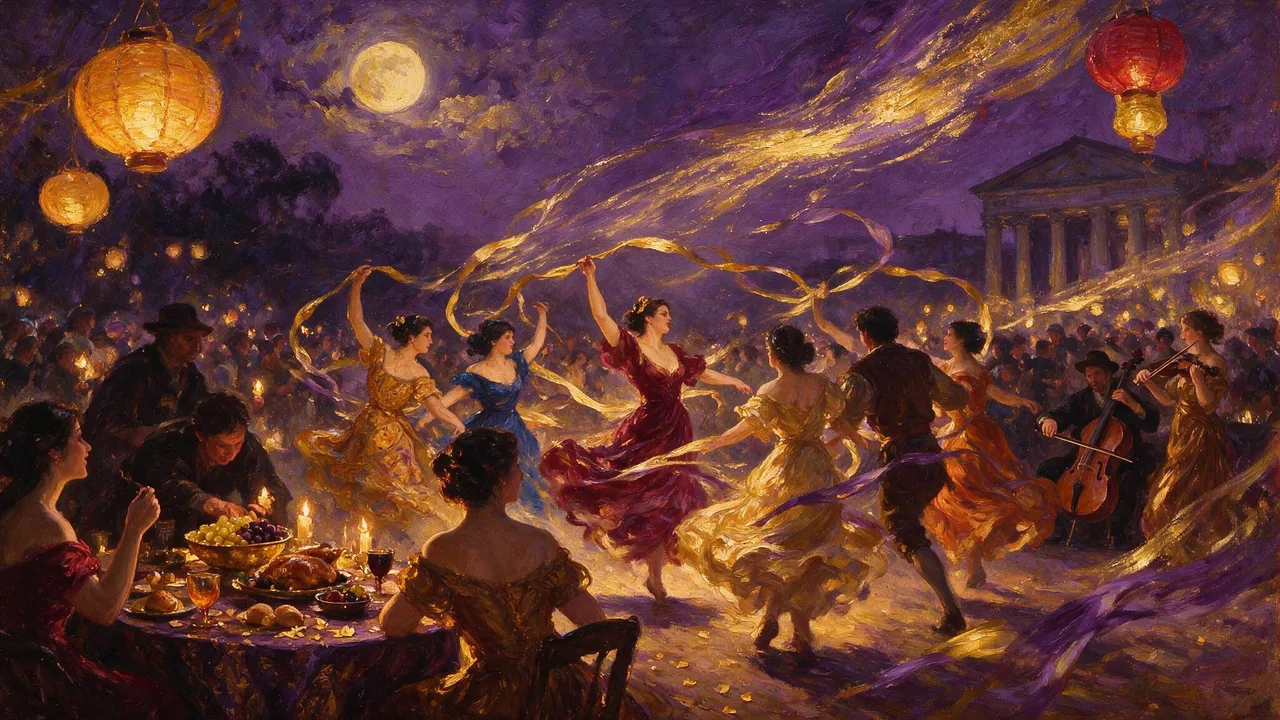
MiniMax H3 Video Uncensored
Test shot ideas before the final take: 4–15 s clips up to 4K, or see how a still moves.
Video
from 6 credits / sSide by side
Details about PixVerse were checked on September 12, 2026 from its own site and may have changed since.
Browse the models| Vellria | PixVerse | |
|---|---|---|
| Shared model families | Seedance and MiniMax H3, next to other video families | Seedance 2.5, Seedance 2 and MiniMax H3 beside its own (12 Sep 2026) |
| Sexual content in the terms | Fictional adult scenes permitted in writing | Explicit content of others without consent prohibited (Terms, 7 May 2026) |
| Paying for the API | One prepaid balance, shared with Studio | Credit packs or three monthly plans, Essential to Business |
| Tooling | REST API and Studio; no ComfyUI nodes, no MCP | API nodes built into ComfyUI, plus MCP integration |
See what the models make
Real outputs from the models on this page, each shown with the exact prompt that produced it. Copy a prompt, or open the model and run it yourself.
Wan 3.0 UncensoredImage to video
Long single takes up to 30 s with sound, 480p to 1080p, or animate a still as the opening shot.
from 15 credits / s
Wind sweeps her red dress and hair as waves crash against the cliffs below, slow aerial orbit around her
MiniMax H3 Max UncensoredImage to video
For the take you keep: 5–15 s clips up to 4K with sound; start from a still if you have one.
from 15 credits / s
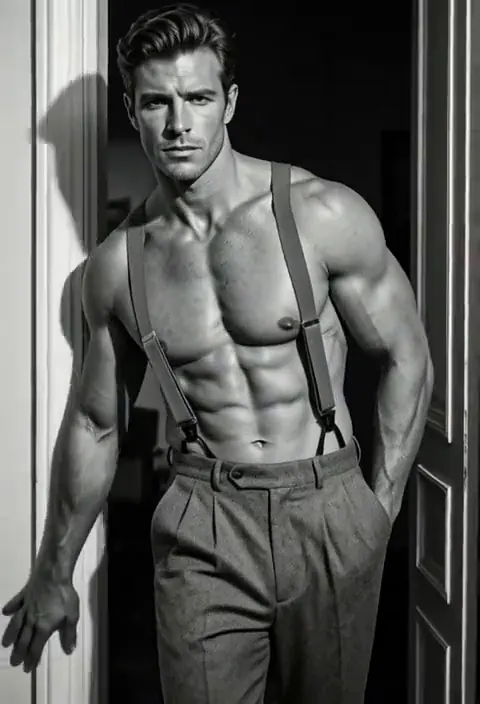
He pushes off the doorframe and steps toward the camera, light sweeping across his torso, slow dramatic motion
Pruna P-Video 2 UncensoredImage to video
From a one-second beat to a 20-second take, with sound, at 720p or 1080p; animates stills too.
from 8 credits / s
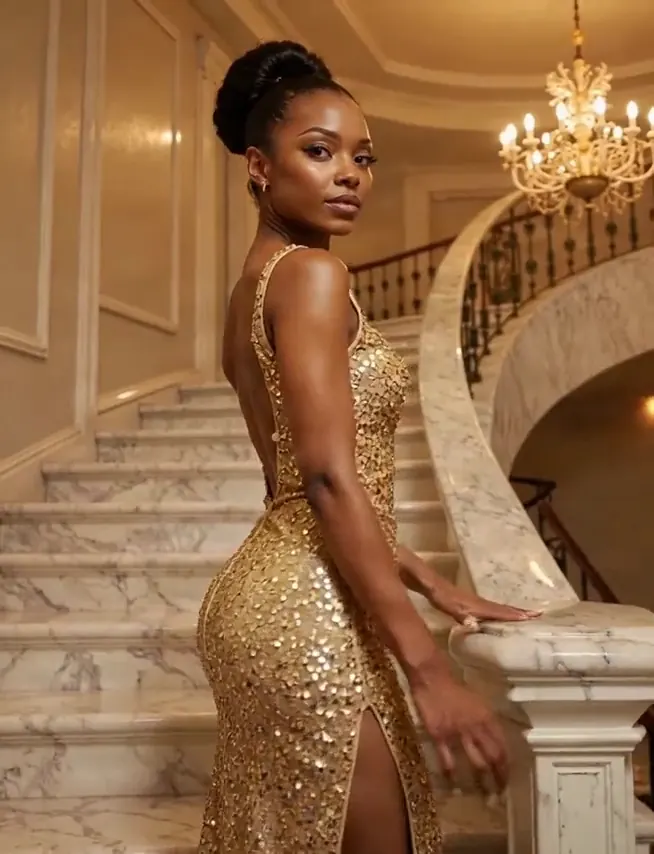
She turns to face the camera on the staircase, sequins shimmering under the chandelier light, slow push-in
Seedance 2.5 UncensoredImage to video
Scenes that arrive with sound, 4–30 s up to 1080p, or bring a still to life as the first frame.
from 35 credits / s
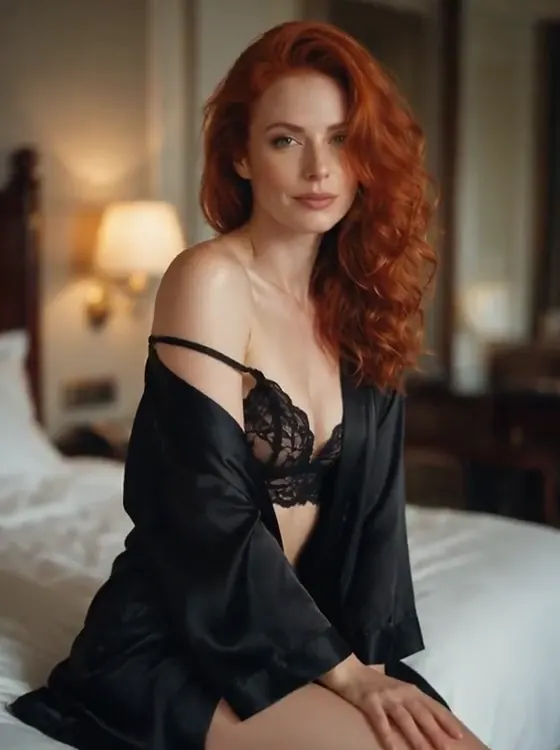
She slowly turns her head toward the camera with a soft smile as the silk robe slides gently, warm lamplight flickering, slow push-in
MiniMax H3 Video UncensoredImage to video
Test shot ideas before the final take: 4–15 s clips up to 4K, or see how a still moves.
from 6 credits / s
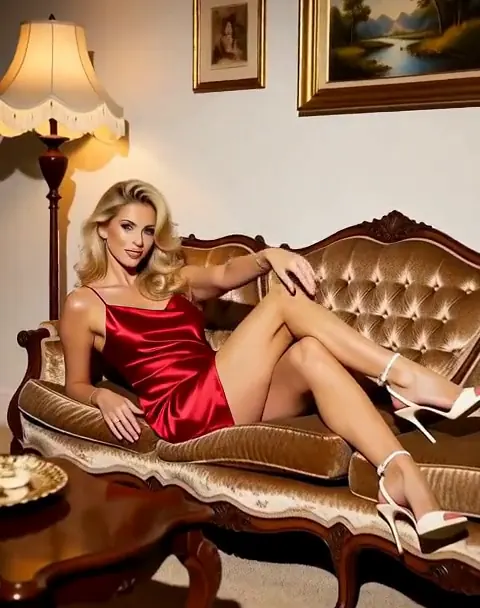
She stretches lazily on the sofa and looks at the camera with a playful smile, warm light, gentle handheld camera
Wan 3.0 Pro UncensoredText to video
Step up for final takes: 2–30 s with sound up to 1080p; start from a still to keep your framing.
from 20 credits / s
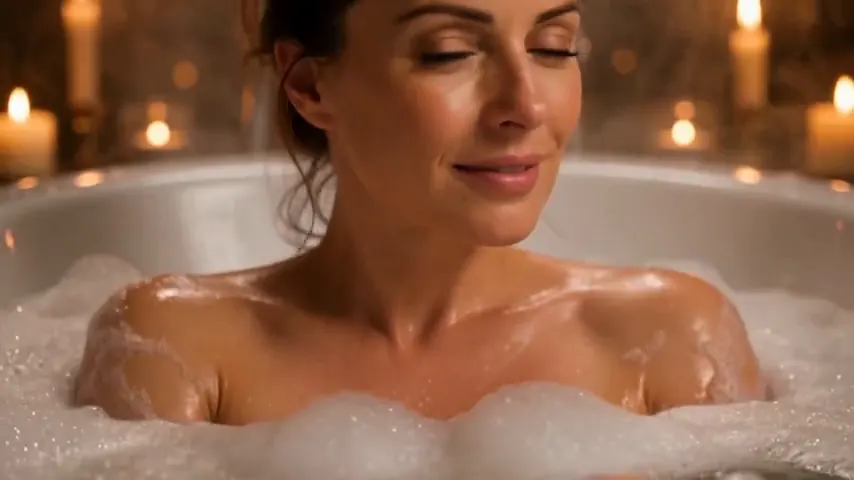
Close-up of a woman in her thirties in a candlelit bubble bath with only her shoulders above the foam, she slowly turns toward the camera and smiles, steam rising, warm intimate light

What PixVerse's Terms say, and what they leave open
PixVerse's Terms of Service name AIVORA PTE. LTD. as the operator, and the version we read on pixverse.ai on 12 September 2026 was marked as updated on 7 May 2026. They set the minimum age at 16 and allow younger users under a parent's supervision.
On sexual content the rule is narrower than many readers expect. The Terms prohibit sexually explicit or sexually suggestive content of other people without the subject's consent, a rule about depicting people who have not agreed to it. Child sexual abuse material is prohibited in every form, and the Terms spell out that manipulated media and animation count as well as real footage. That is a much narrower rule than a blanket ban on sexual content, which is what Kling's documents set out, as our Kling AI comparison shows.
We found no clause in that document on fictional adult content as such, either permitting it or forbidding it. That finding covers a single document as it stood on a single day. It says nothing about how PixVerse's app, filters or moderators treat an adult prompt, since we ran no such test, and PixVerse may publish rules elsewhere that we did not review. Check its current terms on pixverse.ai before relying on either reading.
The rules on this side, in writing
Vellria's terms allow adult content outright, in stills and in clips, so an explicit scene between invented adults is ordinary use rather than a grey area. The words you type are what the model receives; no step rephrases a request into something milder before the render starts.
Where PixVerse is ahead
PixVerse builds its own video models. Its API pricing document, as it stood on 12 September 2026, carries price tables for V6, C1, V5.6 and V5.5, and none of those runs on Vellria. If your results depend on one of them, the overlap described above does not help you.
Its API also does more. Beyond turning text or an image into a clip, the platform page names effects, lip sync, transitions, extending a clip, camera movement, sound effects, fusion, restyling, swapping and motion control, and it offers API nodes built into ComfyUI and a connection through the Model Context Protocol (MCP). On Vellria a video model does two things, a new scene or a still brought to life, and there is no ComfyUI node or MCP server to plug in. For a node-based pipeline, or one that relies on those extra tasks, PixVerse is the better tool, and this page does not pretend otherwise.
Starting a clip from a still
Image to video is the workflow many PixVerse users arrive with. Here every video model accepts exactly one picture and treats it as the opening frame, while the prompt says how things move from there. If the picture is not online yet, send it to the upload endpoint first and pass along the link it returns. NSFW image to video covers the route, and the Seedance 2.5 and MiniMax H3 Max pages list lengths, resolutions and prices on this side.
Choosing the frame, writing the motion and what to change when a take goes wrong are covered on the NSFW image to video page.
Credits, plans and the API
PixVerse's API is paid in credits. Its pricing document, checked the same day, sells them as one-time packs in a range of sizes and through three monthly plans, Essential, Scale and Business, each carrying a larger credit allowance than the one before. A monthly allowance like that suits steady, high-volume use, and it is a shape Vellria does not sell.
Vellria has the prepaid balance by default, plus an optional monthly plan if you would rather not top up by hand. You add to the balance through a checkout page our payment partner hosts, it never renews by itself unless you are on one of the plans, and the balance pays whether a run starts in Studio or through the API. Credits leave when a run begins; if the provider fails the job, they come back automatically. Top-up packages sit on the pricing page.
Keys are issued in the console to every account, and each travels in the Authorization header as a Bearer token. A request specifies the model, the prompt and, for image to video, the starting picture; the reply is a job id straight away, and your code keeps asking about that job until the clip is done. Our NSFW video API walkthrough sends a full request, and every field is documented in the API reference.
Try it with a ready prompt
Each prompt opens in Studio with the text already in the box and the model selected; change anything you like before you run it.
Video prompt
An adult woman in a wet white shirt walks out of the ocean at sunset toward the camera, wringing out her hair, slow tracking shot moving backward, golden backlight.
Video prompt
An adult man in a towel steps out of a steamy shower, wipes the mirror and grins at his reflection, the camera pans slowly from the mirror to him, soft bathroom light.
Switching from PixVerse in 3 steps
Sign up with Google
Create an account with Google: a new account gets 20 free credits, valid for 7 days, once per person. An account made with an email and password works too, without the gift.
Paste your prompt
Open an image model in Studio and paste a prompt you used on PixVerse, written out in full sentences. The model page shows the price before you run it.
Turn the image into a video
Send the finished image to a video model as its start frame and describe the movement. Video is priced per second, and the cost is shown before the clip starts.
FAQ ( 5 )
Frequently asked questions
Does PixVerse allow NSFW content?
Are the Seedance and MiniMax models here the same ones PixVerse offers?
Can I use PixVerse's own models on Vellria?
Is there a monthly plan like PixVerse's?
Can I try it for free?
Other alternatives
- Hailuo AI alternative
- Kling AI alternative
- Higgsfield alternative
- Grok Imagine alternative
- Veo alternative
- Sora alternative
- Pollo AI alternative
- Civitai alternative
- Venice AI alternative
- Mage.space alternative
- Candy AI alternative
- Promptchan alternative
- SoulGen alternative
- Perchance alternative
- OurDream AI alternative
- Seduced AI alternative
- Unstable Diffusion alternative
- Nano Banana alternative
- ChatGPT image alternative
- Midjourney alternative
- Leonardo AI alternative
- Tensor.Art alternative
- PixAI alternative
- NovelAI alternative
- SeaArt alternative
Try Vellria on the sign-up gift
Free to start: a new account created with Google gets 20 free credits, valid for 7 days (about 10 images on Z-Image Turbo Uncensored), and every signed-in account gets free daily uses of the NSFW prompt generator and the image to prompt tool.