
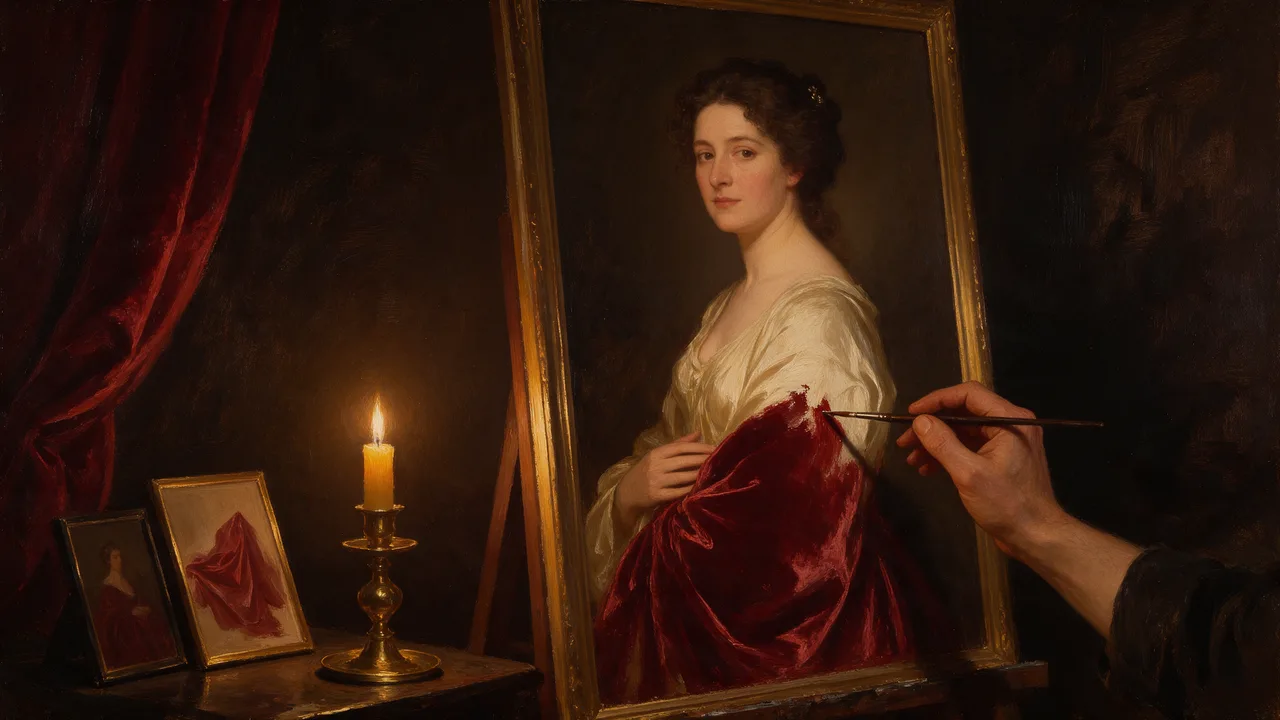
Qwen Image Edit Spicy Uncensored
Qwen Image Edit Spicy Uncensored is Alibaba's image model, hosted on Vellria with nothing to install: text to image and image to image, output up to 1K. Run it in Studio or over the REST API, 10 credits (100 credits = $1.00).
vellria-qwen-image-edit-spicyQwen Image Edit Spicy is developed by Alibaba. Vellria provides access to the model; it does not own it. All trademarks belong to their respective owners.
Output
No generation yetCover art
10 credits
Your request will cost 10 credits.
About Qwen Image Edit Spicy
Also known as: Qwen Edit Spicy · Alibaba Qwen Image Edit Spicy
Qwen Image Edit Spicy is an instruction editor from Alibaba's Qwen image family, hosted here under its Spicy name. It does one job: you upload a picture, write what should change, and it returns that picture with the change applied. It does not invent images from text alone; for that, start on Z-Image Spicy and bring the result here.
The first picture you attach is the one being edited, and the output keeps its proportions and size, so frame it the way you want the result before uploading. A second and a third picture are optional references: an outfit to dress the person in, a room to move them into, a texture or a prop to borrow. In the prompt, say which picture is the base and what each extra one contributes.
Write edits as instructions rather than as a fresh description of the whole scene: change the dress to red satin, move the couple to a candle-lit bathroom, make it evening light. Name what must stay as well, such as the face, the pose and the camera angle. The seed can be fixed, which helps when you test two wordings of the same edit against each other.
For a Qwen model that can also start from text, compare Qwen Image Edit 2511 and Qwen Image 2.1. An edited still can then open a clip on Wan 2.7 Spicy, which animates from a picture.
Qwen Image Edit Spicy in action
Qwen Image Edit Spicy outputs with the exact prompts behind them.
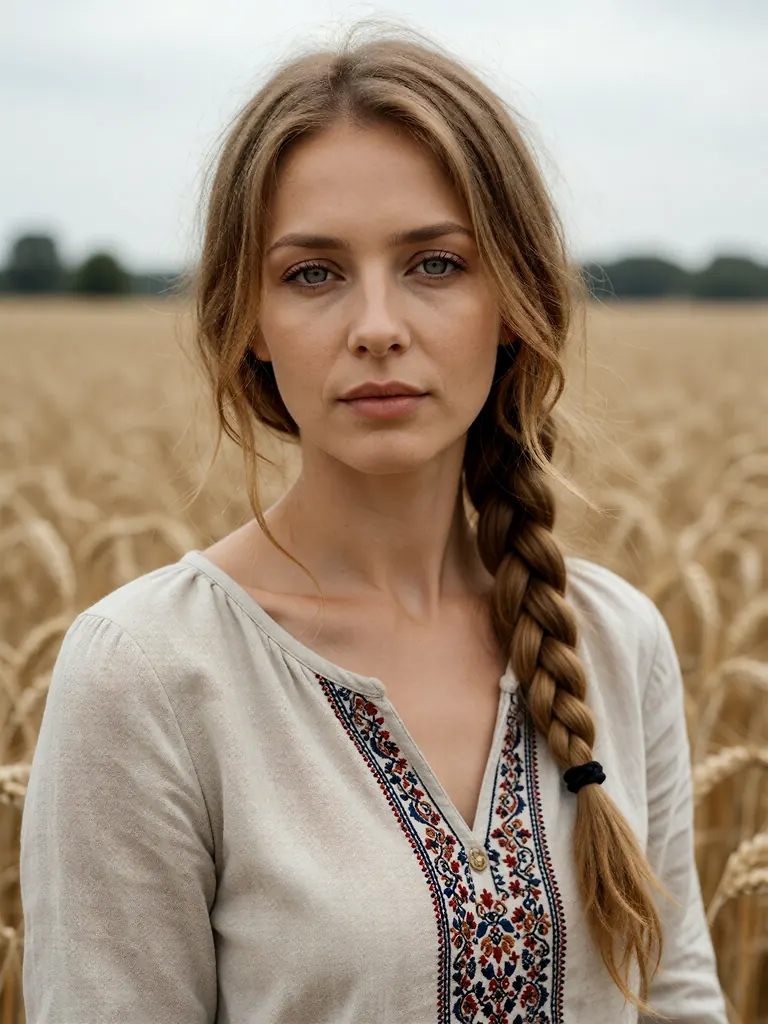 Before
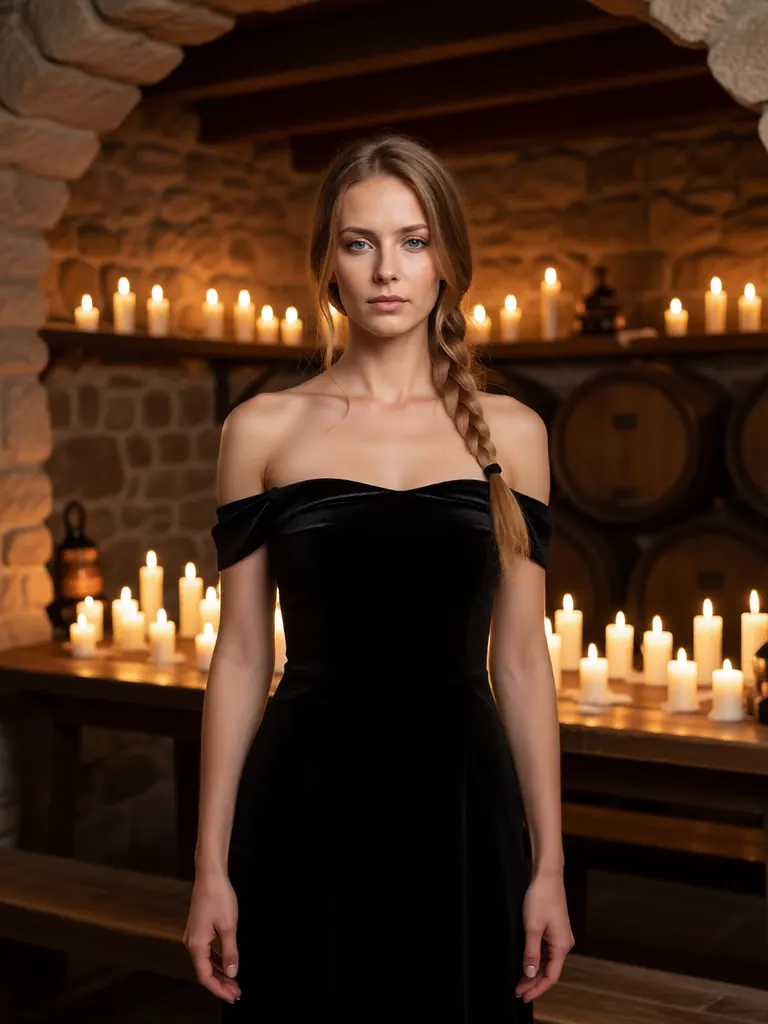 After
AfterEdit
Change her linen blouse to a black off-the-shoulder velvet dress and move her to a candlelit stone wine cellar; keep her face, braid and pose unchanged
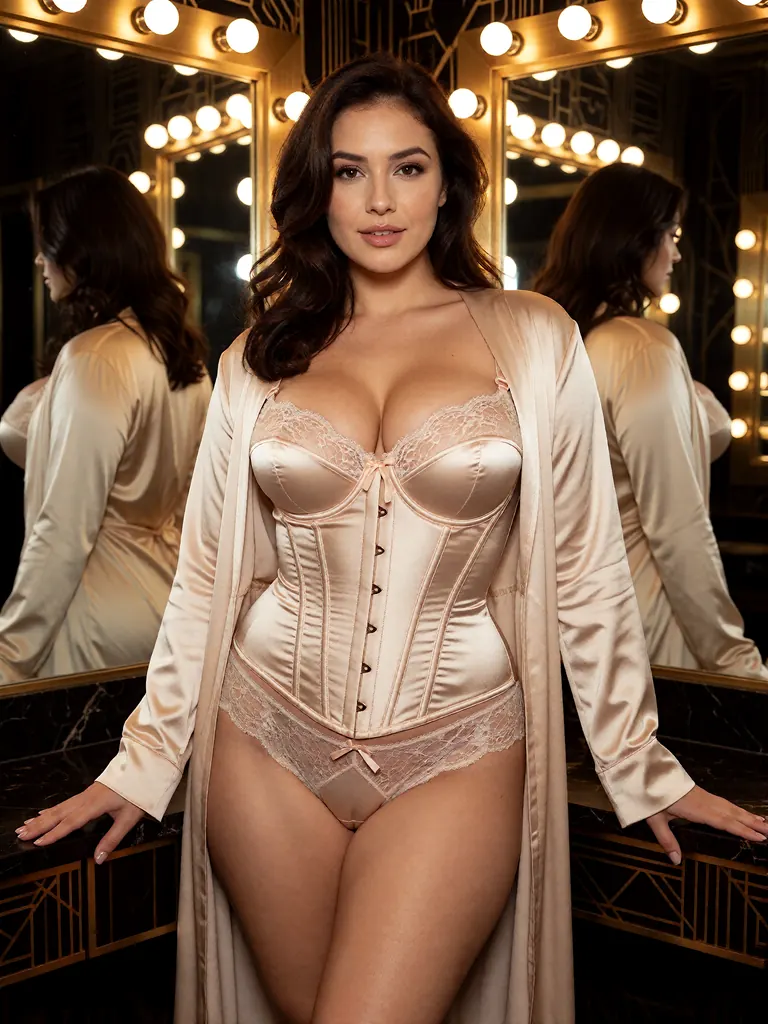 Before
 After
AfterEdit
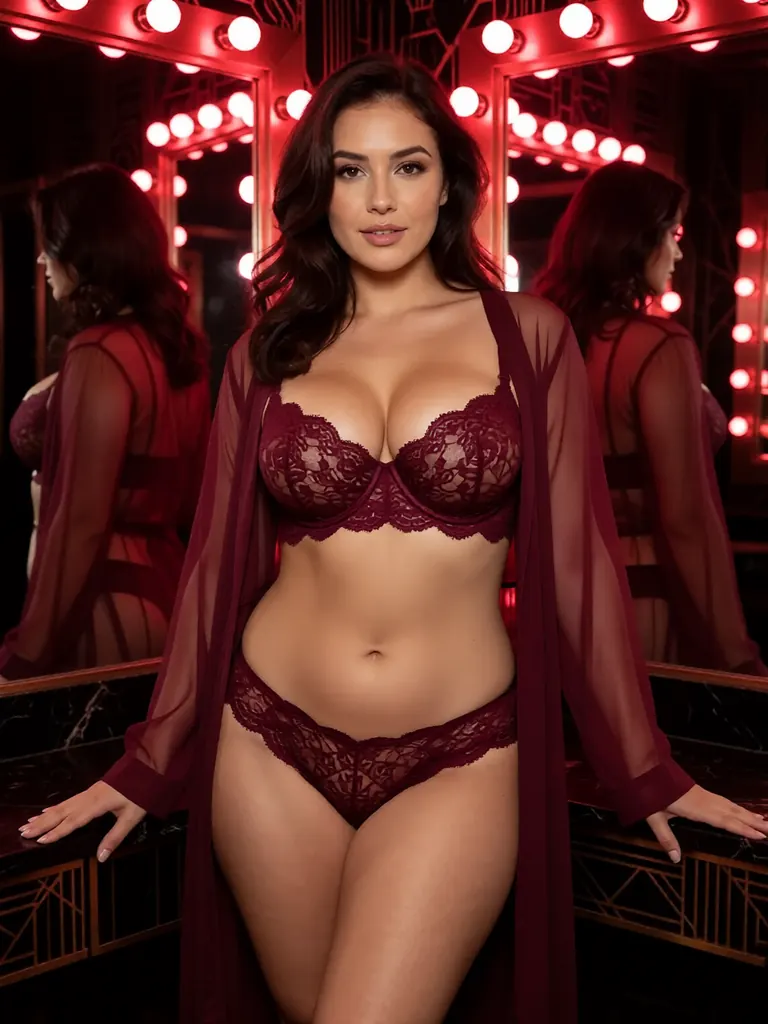
Change the champagne corset and robe to a deep burgundy lace set with a matching sheer robe and turn the dressing room lights to a moody red glow; keep her face, hair and pose unchanged
 Before
 After
AfterEdit
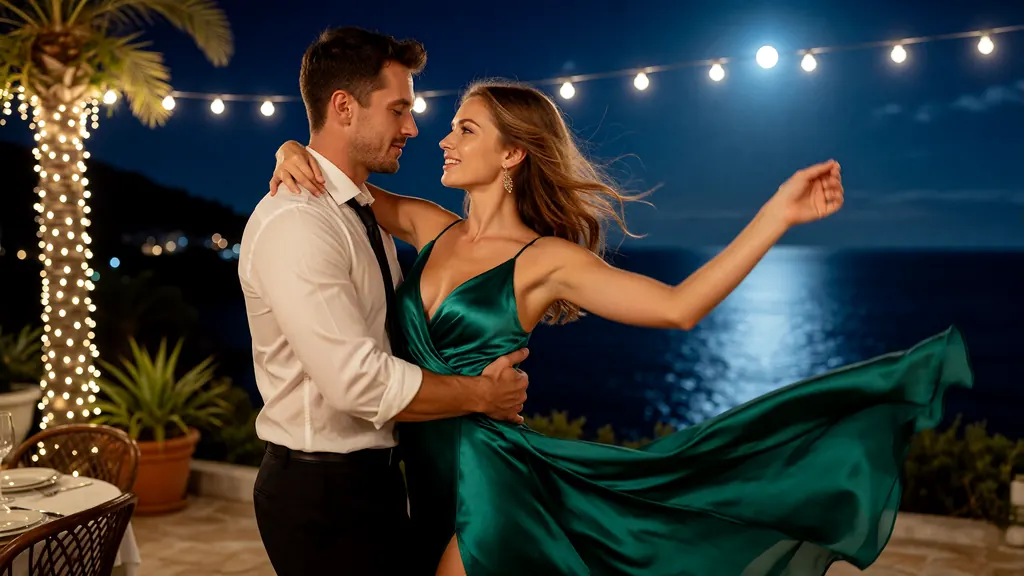
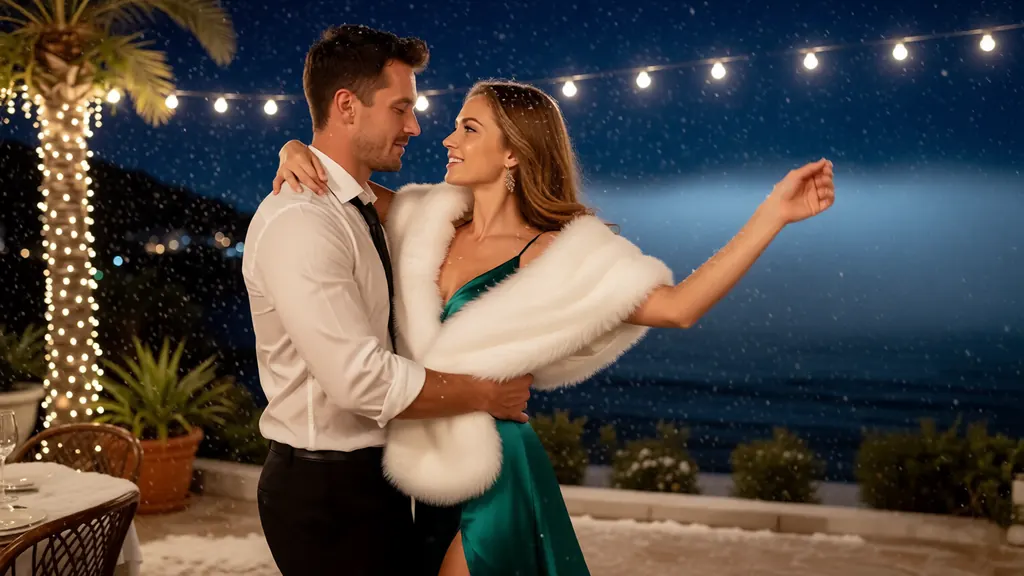
Make it a snowy winter night: snow falling and settling on the terrace and on their shoulders, a white fur stole over her gown, the sea dark and misty; keep the couple and their pose unchanged
 Before
 After
AfterEdit
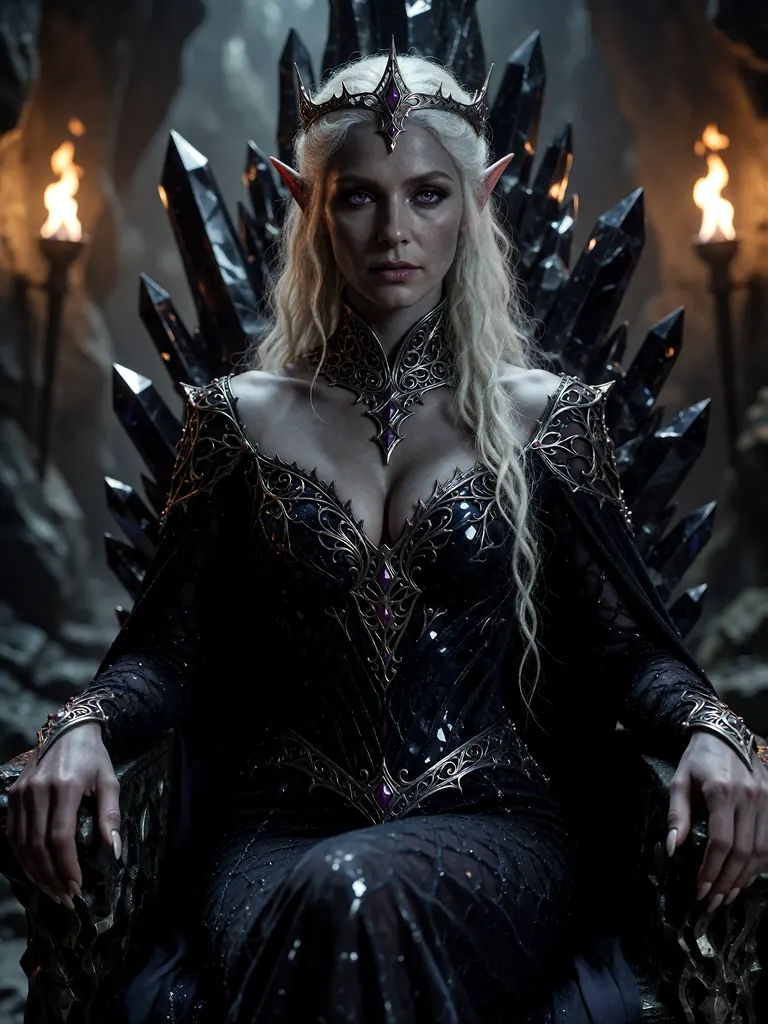
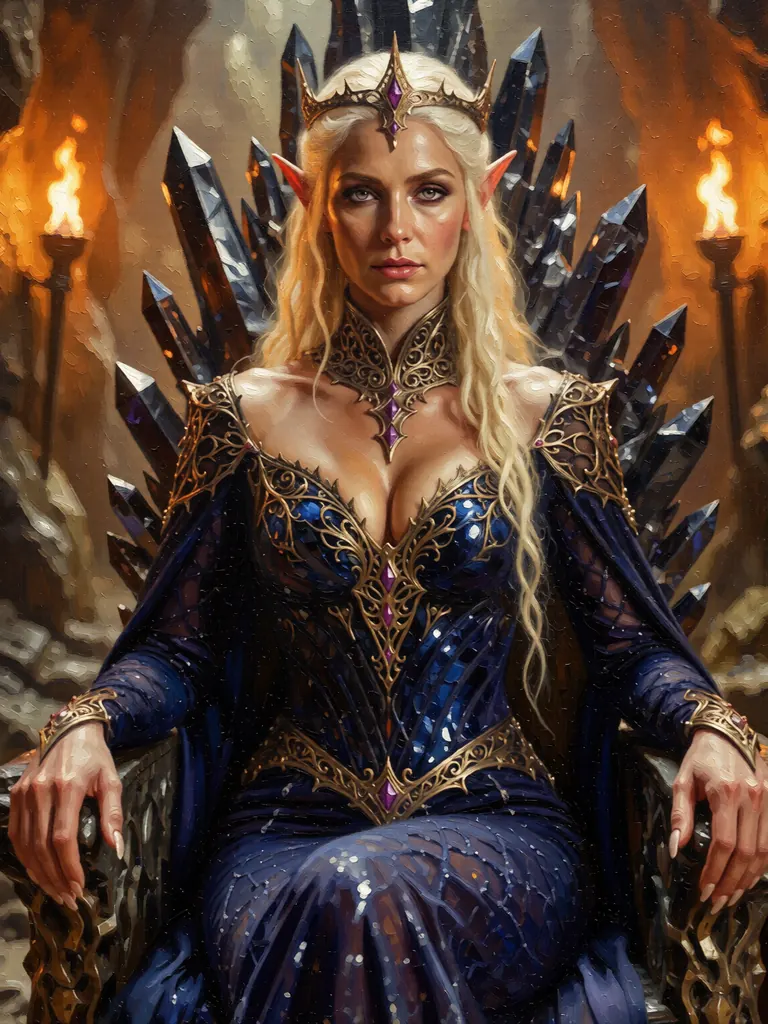
Repaint the entire image as a classical oil painting with thick visible brushstrokes and warm gallery tones, so it no longer looks like a photo; keep the queen, her gown and the composition
When to pick Qwen Image Edit Spicy
Pick it when
- You already have the picture and only the outfit, the room, the light or a single detail should change.
- You want to bring an outfit or a setting from another picture into the one you are editing.
- The edit must come back at the exact size and proportions of the picture you uploaded.
Pick another model when
- You have no picture yet and want to start from text; begin on Z-Image Spicy.
- You need to merge many references into one scene; Qwen Image 2.1 accepts up to ten.
- The finished image should follow a detailed photographer-style brief on light and lens; Seedream 5.0 Pro also edits from references.
Prompt or reference
There is no text-only mode: every run needs the picture to be edited, placed first and framed the way the result should look. Add one or two more pictures only when the edit borrows something from them, such as an outfit or a room, and tell the prompt what each one is for.
How to use Qwen Image Edit Spicy on Vellria
- Prompt: up to 10,000 characters in the panel above.
- To edit or combine pictures, attach 1–3 reference images; leave them out to start from text.
- Cost: 10 credits — see pricing.
Example prompts
Edit: keep the woman's face, pose and framing; change the room to a candle-lit hotel suite with red velvet curtains.
Edit: keep the adult couple and the camera angle; change the daylight to warm evening lamp light with long, soft shadows.
Edit using the second picture as the outfit reference: dress the adult woman from the first picture in that red satin robe, same pose and background.
Edit: keep the man as he is; replace the plain wall behind him with a rain-streaked window and city lights at night.
Edit: change her hair to long copper waves and put a glass of champagne in her hand; everything else stays.
Tips
- Crop the first picture to the final framing before uploading; the result keeps its shape and size.
- Say what stays as well as what changes, such as the face, the pose and the camera angle.
- Use the extra slots only for pictures the edit actually needs, and say in the prompt what each one is for.
- Edit pictures you generated or have the rights to; real people may not be edited without their consent.
Specifications
| Size: | 1K · Matches input image |
|---|---|
| Reference images: | 1–3 reference images |
See also: uncensored AI image generator · uncensored image editor.
Pricing
| Size | Credits |
|---|---|
| 1K · Matches input image | 10 credits |
Qwen Image Edit Spicy vs Qwen Image Edit 2511 and Qwen Image 2.1
Qwen Image Edit Spicy is the edit-only member of the Qwen image models on Vellria: one picture to change, up to two extra references, and the output at the base picture's own size. The two Qwen models compared here can also start from text.
| Model | Price | Max size | Reference images |
|---|---|---|---|
| Qwen Image Edit Spicy Uncensored This page | 10 credits | 1K | Up to 3 |
| Qwen Image Edit 2511 Uncensored | 6 credits | 1280×960 | Up to 3 |
| Qwen Image 2.1 Uncensored | from 7 credits | 1184×896 | Up to 10 |
Prices and limits come from the live model catalog.
Qwen Image Edit Spicy or Qwen Image Edit 2511?
- Price: 6 credits (Qwen Image Edit Spicy: 10 credits)
- Max size: 1280×960 (Qwen Image Edit Spicy: 1K)
Qwen Image Edit 2511 edits by instruction in a similar way and adds a text-to-image mode, so one model covers both the first draft and the changes. Choose the Spicy editor when an edit is the whole job.
Qwen Image Edit Spicy or Qwen Image 2.1?
- Price: from 7 credits (Qwen Image Edit Spicy: 10 credits)
- Max size: 1184×896 (Qwen Image Edit Spicy: 1K)
- Reference images: Up to 10 (Qwen Image Edit Spicy: Up to 3)
- Extra reference images: +1 credit per extra image (Qwen Image Edit Spicy: No extra charge)
Qwen Image 2.1 accepts many more references and lets the prompt point at each one by its tag, which suits scenes built from several sources. Stay here for a focused change to a single picture.
Qwen Image Edit Spicy API: price and a first request
Qwen Image Edit Spicy costs 10 credits over the API, the same rate as in Studio. Model id vellria-qwen-image-edit-spicy on POST /v1/generate/image.
curl https://vellria.com/v1/generate/image \
  -H "Authorization: Bearer vll_..." \
  -H "Content-Type: application/json" \
  -d '{
    "model": "vellria-qwen-image-edit-spicy",
    "prompt": "…",
    "size": "1K",
    "image_urls": [
      "https://…"
    ]
  }'
Parameters, polling and uploads: API documentation · NSFW image API.
FAQ
Does Qwen Image Edit Spicy allow NSFW?
Yes, for fictional adult content: nudity and explicit scenes between adults are allowed. Minors are refused automatically, and editing pictures of real people without their consent is prohibited by the terms.
Is Qwen Image Edit Spicy free?
No, there is no free plan, but a new account created with Google gets 20 credits as a gift, valid for 7 days: enough to try Qwen Image Edit Spicy, which costs 10 credits. After that every run is paid from prepaid credits at the rate this page shows before you start, and a run that fails at the provider is refunded automatically. Is there a free uncensored AI generator? covers the cheapest way to a first result.
Can Qwen Image Edit Spicy create an image from text?
No. Every run needs at least one picture to edit. To start from words, make the picture on Z-Image Spicy first, then edit it here.
How many pictures can I attach?
Up to three. The first is the picture being edited and sets the output size; the second and third are optional references for an outfit, a setting or a detail.
Can I choose the output size?
No size setting is needed: the result keeps the proportions and size of the first picture. Crop or resize that picture before uploading if you want a different frame.
Is this the same as Qwen Image Edit 2511?
No. Both come from Alibaba's Qwen image family, but they are separate models on Vellria. Qwen Image Edit 2511 can also start from text; this one only edits.
Related models
Turn a still into a clip with one of our video models.
Wan 3.0 Pro Spicy Uncensored
Full HD takes of 2–30 s from text or a first frame at a single 1080p step, sound on or off.
Video
45 credits / s
LTX 2.5 Fast Uncensored
Quick drafts with sound in even-second takes from 6 to 20 s, 720p or 1080p, landscape or portrait; animates stills too.
Video
from 25 credits / s
Wan 2.2 Spicy Uncensored
Budget clips of 5 or 8 s at 480p or 720p that bring your still to life as the first frame.
Video
from 5 credits / s