
One still, one clip
NSFW image to video from a frame you choose
NSFW image to video takes one still of fictional adults and animates it into an explicit clip: the picture serves as the first frame and your prompt says what happens next. On Vellria every video model can do it: a selection is listed below from the live catalog, and the whole video catalog is one link away; run them from Studio or call them through the API, paid per second from prepaid credits. The frame has to be invented, because a real, identifiable person used without consent is prohibited by the terms.
20 video models animate your picture, from 5 credits / s (100 credits = $1.00), clips up to 30 s. New accounts created with Google get 20 credits as a gift, valid for 7 days. Is there a free option?
Running an AI video generator from an image, step by step
Five steps, and only the first needs real thought. Pick the still and crop it the way the clip should be framed, because the frame fixes the composition. In Studio, pick any video model; each one takes a starting picture. Upload the still as the single starting image the model accepts. Write what moves: who does what, how fast, and how the camera travels, without describing again what the picture already shows. Then pick a length and a resolution the model offers, and run it. This is what most searches for NSFW image to video, image to video AI NSFW or an NSFW image to video generator are after: a still you already like, set in motion, without the scene being reinvented around it. If the words for the motion will not come, the free NSFW prompt generator drafts a video prompt from a few words. To start from the still itself, image to prompt reads it and writes a video prompt you can edit.
Over the API it is the same job, with the still's public address sent in image_urls; a file you do not host yourself can be uploaded first, and the returned address used instead. Send no picture and the model invents the opening frame itself, so include the still whenever the first frame has to be yours. The longer walkthrough, from building the frame to rescuing a take that drifts, is in the still-to-video guide.
See what the models make
Real outputs from the models on this page, each shown with the exact prompt that produced it. Copy a prompt, or open the model and run it yourself.
Seedance 2.5 UncensoredImage to video
The man turns up his coat collar and walks slowly toward the camera as rain falls, the neon sign flickering above him, the camera dollies back
MiniMax H3 Max UncensoredImage to video
The singer sways and sings into the microphone, the spotlight shimmering on her sequins, smoke drifting, slow camera push-in
Wan 3.0 UncensoredImage to video
Wind sweeps her red dress and hair as waves crash against the cliffs below, slow aerial orbit around her
MiniMax H3 Video UncensoredImage to video
The couple walks slowly forward under the umbrella as rain falls around them, the camera tracks backward along the street
Wan 3.0 Pro UncensoredImage to video
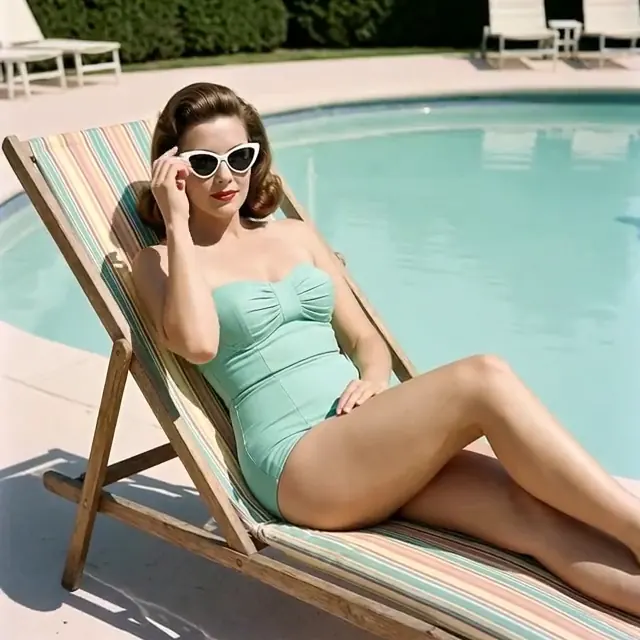
She lowers her sunglasses and smiles at the camera, the pool water rippling behind her in a sunny summer breeze
Pruna P-Video 2 Pro UncensoredImage to video
He walks through the casino as the chandeliers glitter and guests turn to watch, smooth steadicam follow
Seedance 2.0 UncensoredImage to video
She lifts the whiskey glass, takes a slow sip and glances toward the camera as neon light flickers through the window, subtle slow push-in
LTX 2.5 Pro UncensoredImage to video
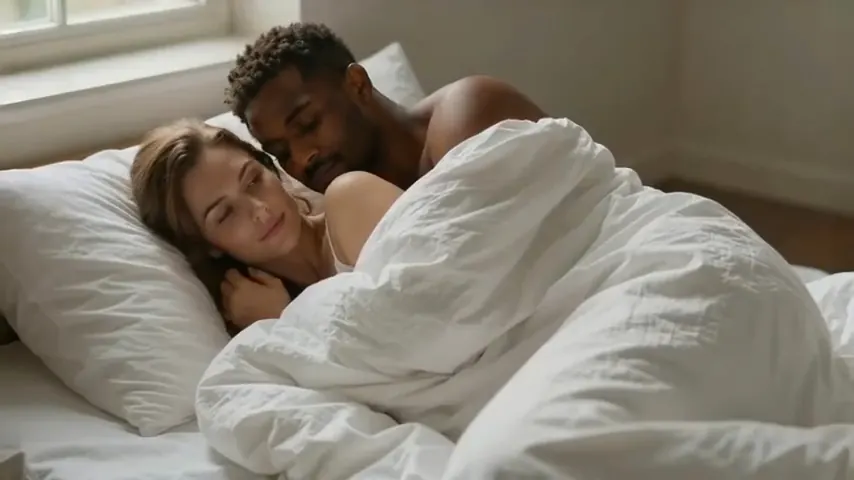
The couple stirs lazily in the morning light, she lifts her head from his shoulder and smiles at him, the white sheet staying wrapped around them, slow camera drift
Wan 2.2 UncensoredImage to video
Her braided hair and the flowing turquoise gown sway gently in the current as silver fish swirl around her and she slowly raises her gaze to the camera, shafts of sunlight shimmering, slow push-in
Video
Seedance 2.5 Uncensored
Scenes that arrive with sound, 4–30 s up to 1080p, or bring a still to life as the first frame.
from 35 credits / s
Video
MiniMax H3 Max Uncensored
For the take you keep: 5–15 s clips up to 4K with sound; start from a still if you have one.
from 15 credits / s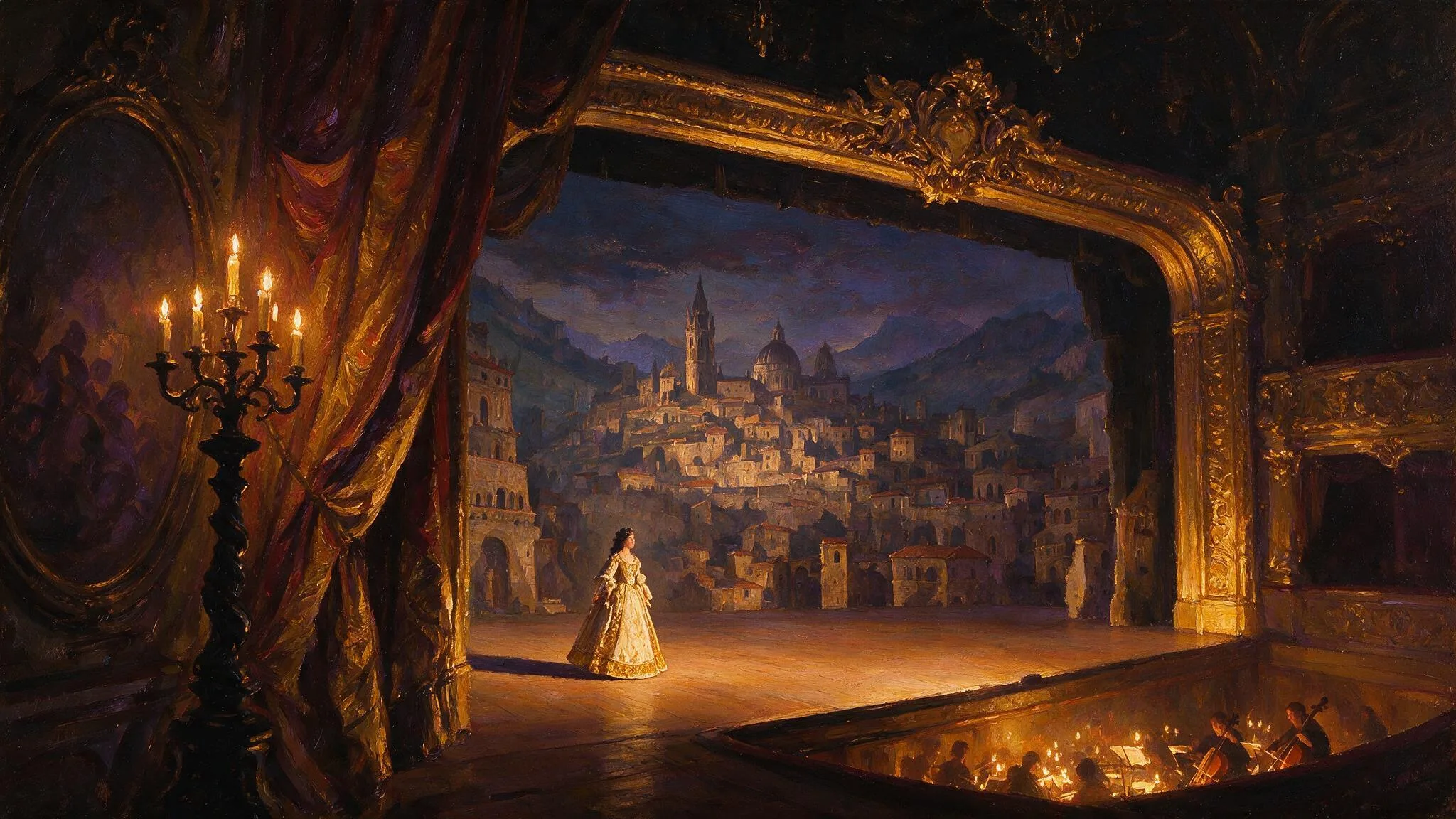
Video
Wan 3.0 Pro Uncensored
Step up for final takes: 2–30 s with sound up to 1080p; start from a still to keep your framing.
from 20 credits / s
The models for this, side by side
| Model | Sample | Price | Max resolution | Duration | Reference images |
|---|---|---|---|---|---|
| Seedance 2.5 Uncensored | 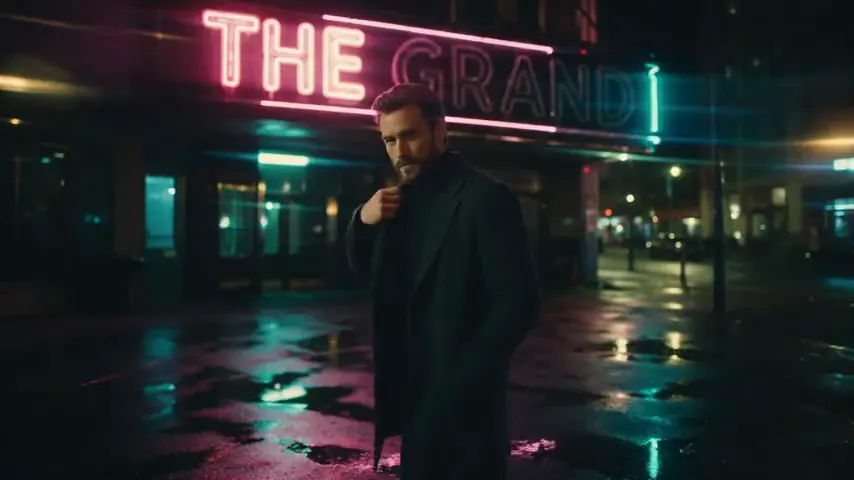 | from 35 credits / s | 1080p | 4–30s | Up to 1 |
| Seedance 2.0 Uncensored | 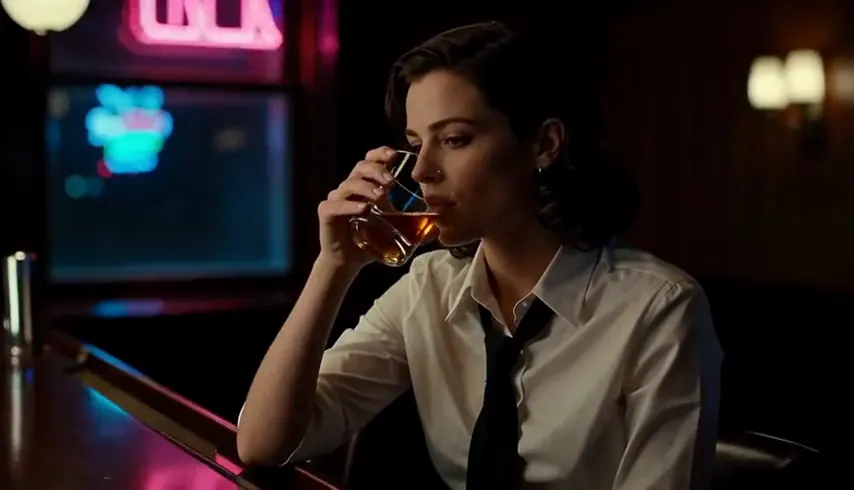 | from 30 credits / s | 1080p | 4–15s | Up to 1 |
| MiniMax H3 Video Uncensored | 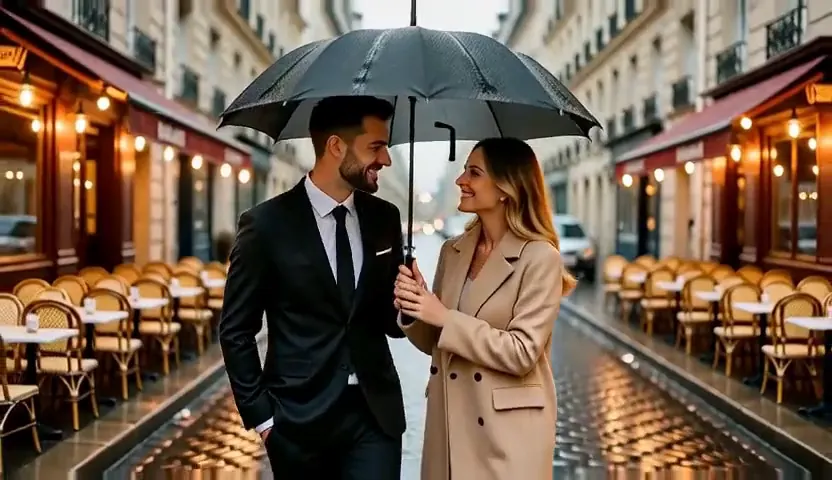 | from 6 credits / s | 4K | 4–15s | Up to 1 |
| MiniMax H3 Max Uncensored | 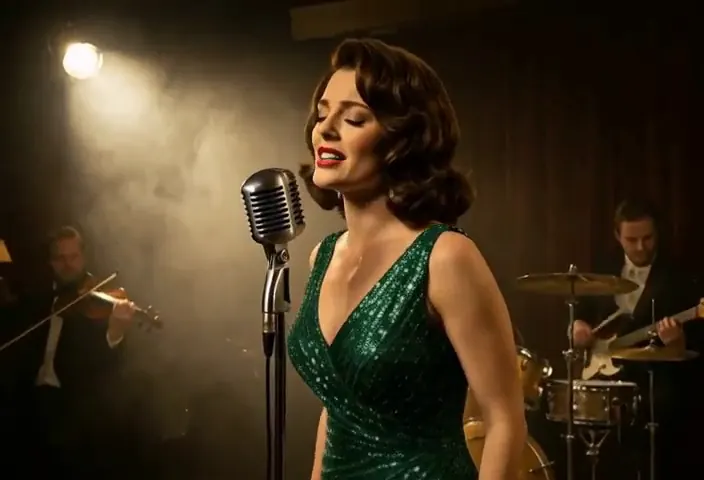 | from 15 credits / s | 4K | 5–15s | Up to 1 |
| Wan 3.0 Uncensored | 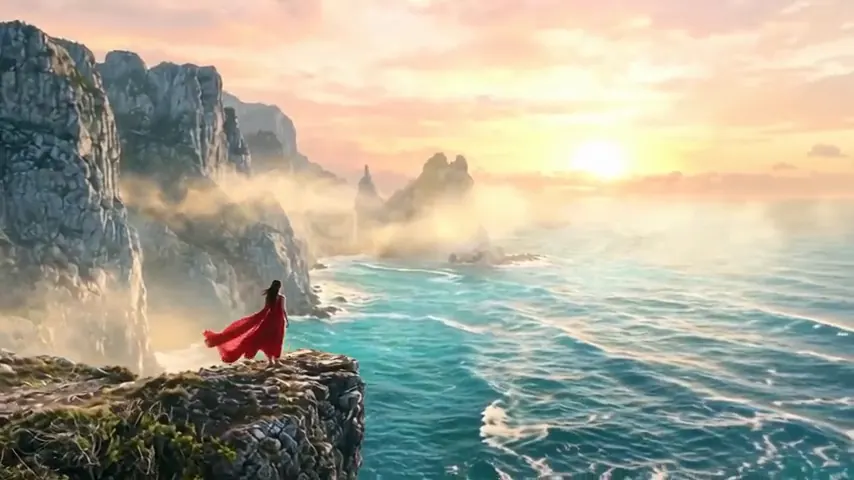 | from 15 credits / s | 1080p | 2–30s | Up to 1 |
| Wan 3.0 Pro Uncensored |  | from 20 credits / s | 1080p | 2–30s | Up to 1 |
| Wan 2.2 Uncensored | 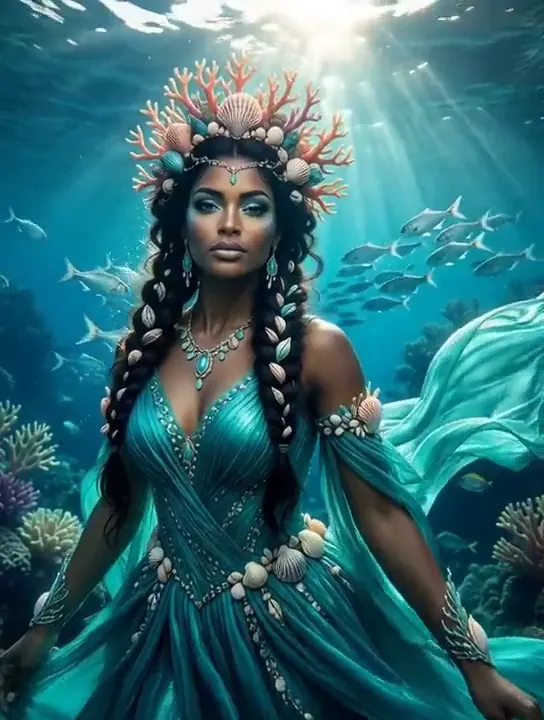 | from 8 credits / s | 720p | 5–8s | Up to 1 |
| Pruna P-Video 2 Pro Uncensored | 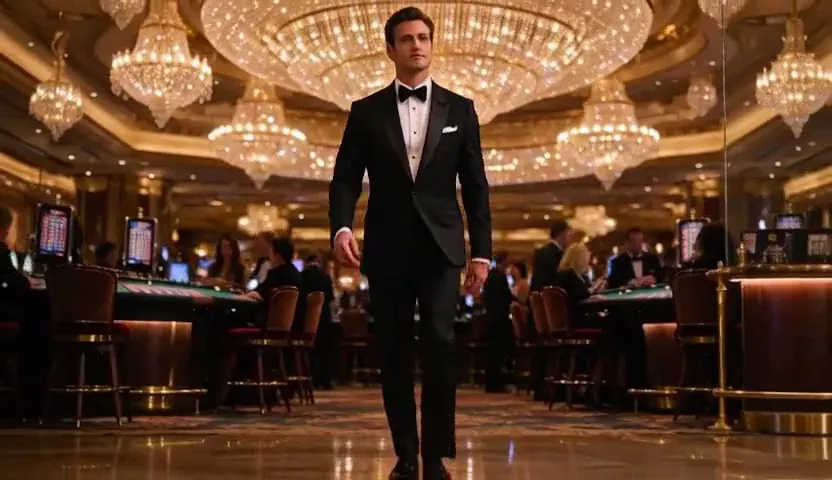 | from 12 credits / s | 768p | 5–15s | Up to 1 |
| Pruna P-Video 2 Uncensored | 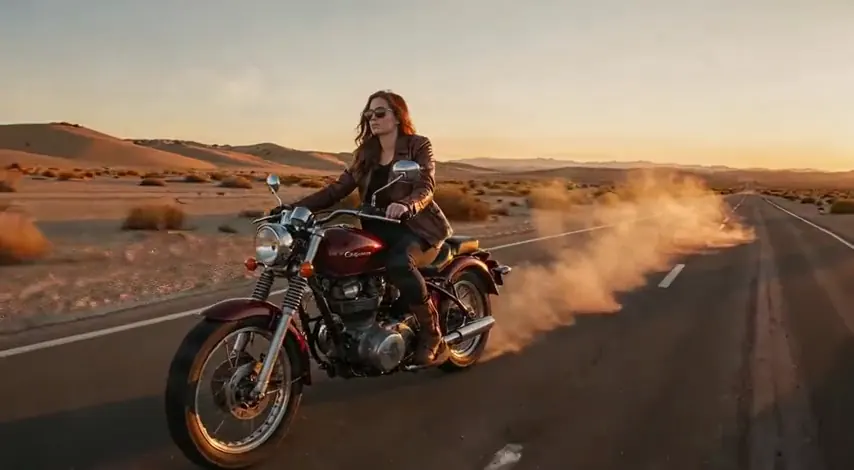 | from 8 credits / s | 1080p | 1–20s | Up to 1 |
| LTX 2.5 Pro Uncensored | 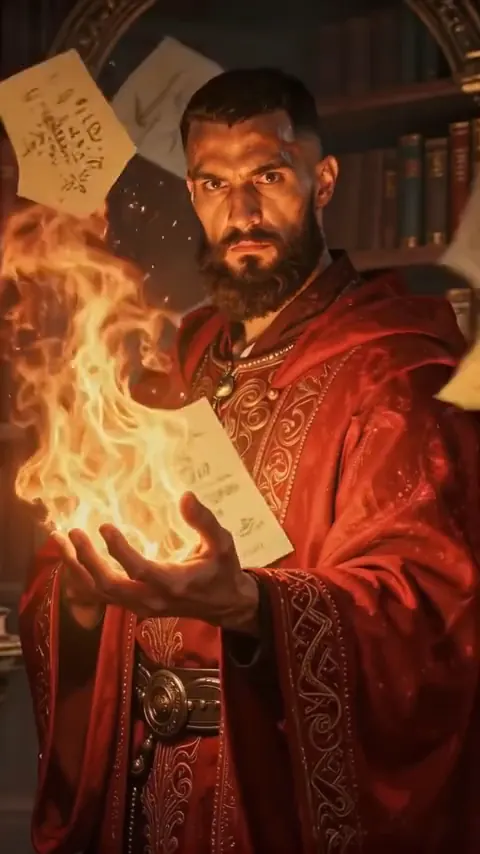 | from 35 credits / s | 4K | 6–10s | Up to 1 |
| LTX 2.5 Fast Uncensored | 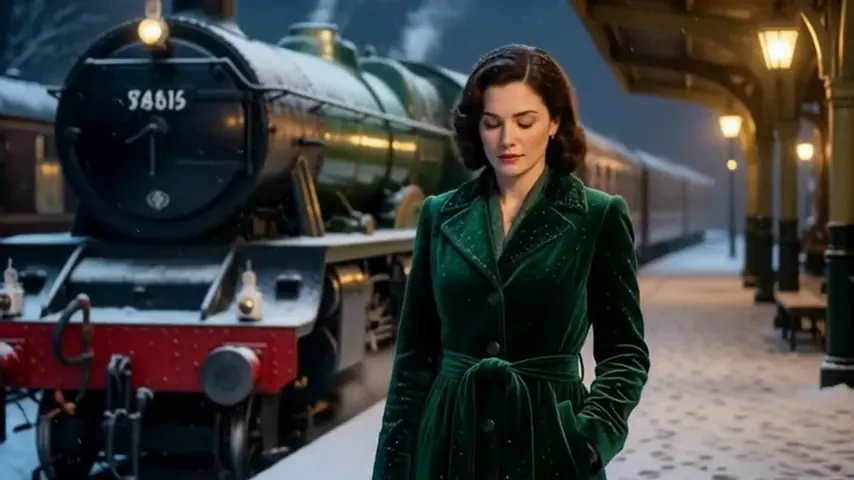 | from 25 credits / s | 1080p | 6–20s | Up to 1 |
| Wan 3.0 Spicy Uncensored | 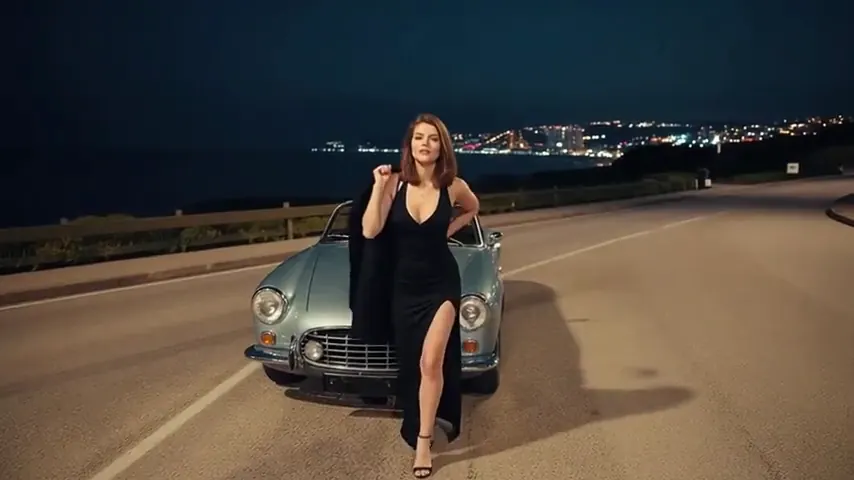 | from 13 credits / s | 1080p | 2–30s | Up to 1 |
| Wan 3.0 Pro Spicy Uncensored | 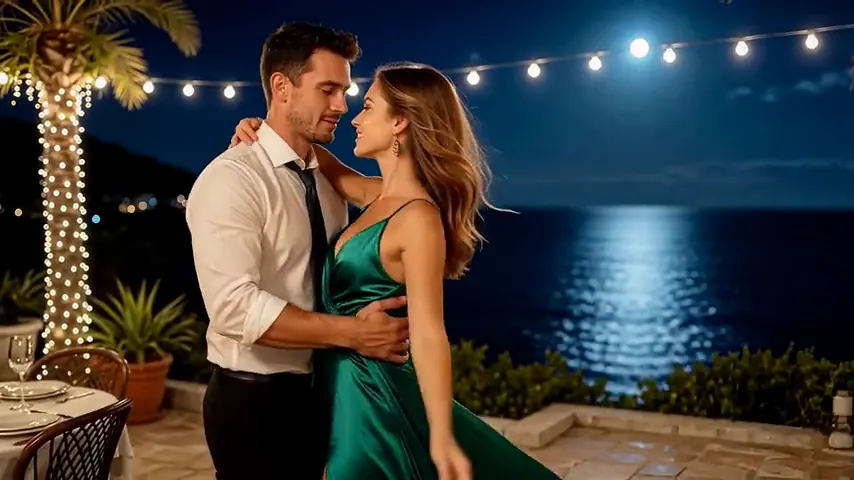 | 45 credits / s | 1080p | 2–30s | Up to 1 |
| Wan 3.0 Prime Spicy Uncensored | 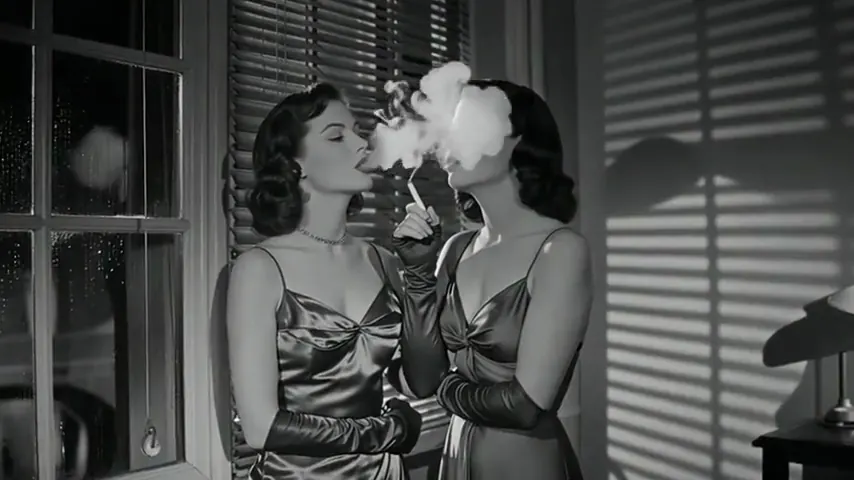 | from 17 credits / s | 1080p | 2–30s | Up to 1 |
| Wan 3.0 VSR Prime Spicy Uncensored | 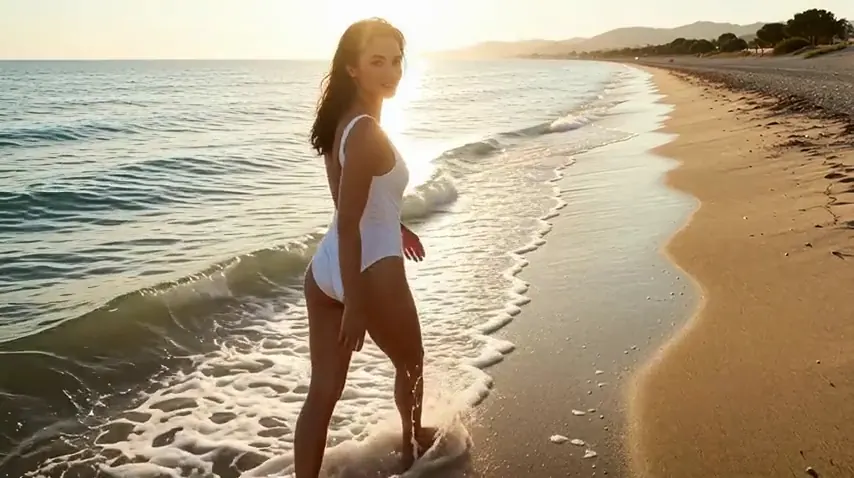 | from 70 credits / s | 4K | 2–30s | Up to 1 |
| Wan 2.7 Spicy Uncensored |  | from 33 credits / s | 1080p | 2–15s | Up to 1 |
| Wan 2.2 Spicy Uncensored |  | from 5 credits / s | 720p | 5–8s | Up to 1 |
| Wan 2.6 Spicy Uncensored |  | from 25 credits / s | 1080p | 5–15s | Up to 1 |
| Wan 2.6 Spark Spicy Uncensored |  | 25 credits / s | 1080p | 5–15s | Up to 1 |
| Lime 1.0 Spicy Uncensored |  | from 8 credits / s | 720p | 5–10s | Up to 1 |
Prices and limits come from the live model catalog.
Free NSFW AI image to video: what the free credits cover
Looking for a free NSFW AI image to video generator? Vellria is free to start rather than free forever, and the honest version is short. A new account created with Google gets 20 free credits, valid for 7 days, and they spend like bought credits on every image-to-video model here; there is no daily video allowance that refills. That is what free uncensored AI image to video means on this page: your first clips cost you nothing, and after that each clip is paid from a balance you fund.
At today's catalog prices the gift covers 2 clips of 1 second each on Pruna P-Video 2 Uncensored, the cheapest short clip any image-to-video model here offers, at 8 credits / s. That is enough to see whether a still moves the way you hoped before you buy anything. A longer take, a higher resolution or another model costs more per run, and the card below shows the current price.
The rest of the job can stay free too. The NSFW prompt generator drafts the motion prompt from a few words, and image to prompt reads your still and writes one you can edit; a signed-in account gets free uses of both every day. Credits leave your balance only when a clip starts, and a clip the provider fails hands them back.
Pruna P-Video 2 Uncensored
From a one-second beat to a 20-second take, with sound, at 720p or 1080p; animates stills too.
Video
from 8 credits / sWhat the picture settles, and what the prompt still carries
Composition, light, the look of each person and the setting all come from the frame, so the render is spent on motion. That is the reason to animate a still rather than write a scene from nothing when a body or a face must come out a certain way: text to video rebuilds those details from words on every take, while the image route inherits them. What the picture cannot say is what happens next. A prompt that repeats the frame wastes its words; one that describes the action, its pace and the camera gets all of them used. The same holds for uncensored image to video as a whole: the frame fixes the look, and nothing between your prompt and the model rewrites the motion you describe.
Explicit motion comes out cleanest when it follows from the pose already in the frame. A still in which the people are placed close to the action leaves the model little to invent, whereas one posed as a portrait asks it to move bodies a long way, and a bigger move leaves more to get wrong. When a take drifts, change the still or the verbs before you change the model.
Making the frame first
The frame can come from anything you hold the rights to: a render from an image model, your own illustration, a character sheet drawn earlier. Making it on Vellria keeps the whole job on one balance. Render the still with uncensored AI image generation, save the version you are happy with, and upload that same file for the motion. The upload takes JPEG, PNG and WebP, as well as BMP and GIF. For the still itself, Seedream 5 Pro suits a finished, striking frame and Qwen 3 a photographic one, and either result can be adjusted before it moves with the uncensored AI image editor.
For a series, hold the character steady across stills before any of them moves; the guide on character consistency handles that stage. Each clip then opens on a frame you have already approved, and a take you throw away costs only its motion, not another search for the look.
Choosing a model for adult clips
Short answer: whichever video model holds a body steady through the move you need, at the length you want. Every model here is sent explicit prompts as written, so the choice comes down to quality, duration and price, and the longer answer, including which families held adult scenes together best in our runs, is on the page for explicit video from text. For image to video in particular the order differs from text to video: in our runs Seedance 2.5, Wan 3.0 Pro and MiniMax H3 Max stayed most faithful to the frame they were given. Seedance 2.5 and the two Wan 3.0 models, Wan 3.0 included, reach the longest single takes, while MiniMax H3 Max stops shorter. To check whether a pose moves at all before paying for a long take, run the shortest duration first; the guide to resolution and clip length explains why a bigger re-run is a fresh draw rather than an enlargement.
Real people in the reference image
Here image to video differs from writing a scene from scratch, because an uploaded picture can show anyone. Animating a photo of an actual, identifiable person without their agreement is prohibited by the terms, famous faces included, and turning the photo into a clip changes nothing about that. What is allowed is the invented adult, a character who corresponds to no one alive. A breach costs the account, which the terms close without notice.
Be clear about what does the checking. Our automatic check reads the prompt and turns down any it identifies as sexual content involving minors, and the rule itself holds regardless of what it catches. The picture you upload is not screened for content: no start frame is refused for who or what it shows, and only a file that cannot be read is refused. No check works out whether a face, famous or not, belongs to a real person, so that half of the rule on real people rests on the terms and on you. The provider behind each model runs its own filtering too, as the uncensored AI video generator explains. If you came looking for an AI image to video generator with no restrictions, read that plainly: no layer rewrites your prompt, but rules apply, and what the rules allow and block sets out all of them.
FAQ ( 4 )