
Free image tool
Free image to prompt generator
Upload a picture and this free image to prompt generator describes it as a detailed English prompt you can run again on an image or a video model, explicit scenes included. A free account gets 5 images every day, then each one costs 1 credit; your image is read in memory and never saved.
JPEG, PNG or WebP up to 8 MB. Read in memory, never saved.
Prompt for
Free with an account: 5 images every day, then 1 credit per image. Your image is never stored.
How image to prompt works
Drop a JPEG, PNG or WebP file onto the box, paste it from the clipboard or pick it from your device, up to 8 MB. Choose Image or Video, press Get prompt, and a vision model reads the picture and writes what it sees the way generators read best: who is in frame and how they look, the pose and the action, the clothing or the lack of it, the setting, the light, the lens and the visual style. The result is one paragraph you can copy or open straight in Vellria Studio with Generate on Vellria.
A picture larger than 2048 pixels on its long side is scaled down in your browser before it is sent, which keeps the upload quick without losing anything a prompt can describe. It works on photos, renders, drawings and anime-style art alike; what comes back is a description in words, so a very busy picture gets its main subject and mood rather than every object in the background.
See what the models make
Real outputs from the models on this page, each shown with the exact prompt that produced it. Copy a prompt, or open the model and run it yourself.
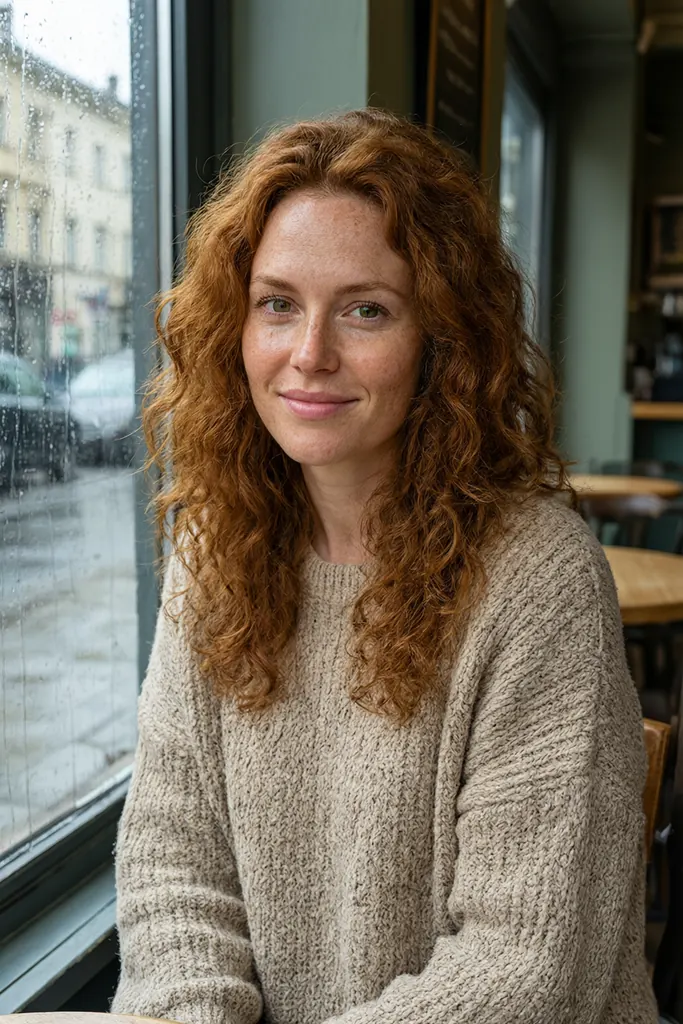
Qwen 3 Pro UncensoredText to image
Natural light portrait of a freckled woman in her thirties with auburn curls and green eyes, wearing an oversized knit sweater, sitting by a rainy cafe window, gentle smile, soft bokeh, photorealistic
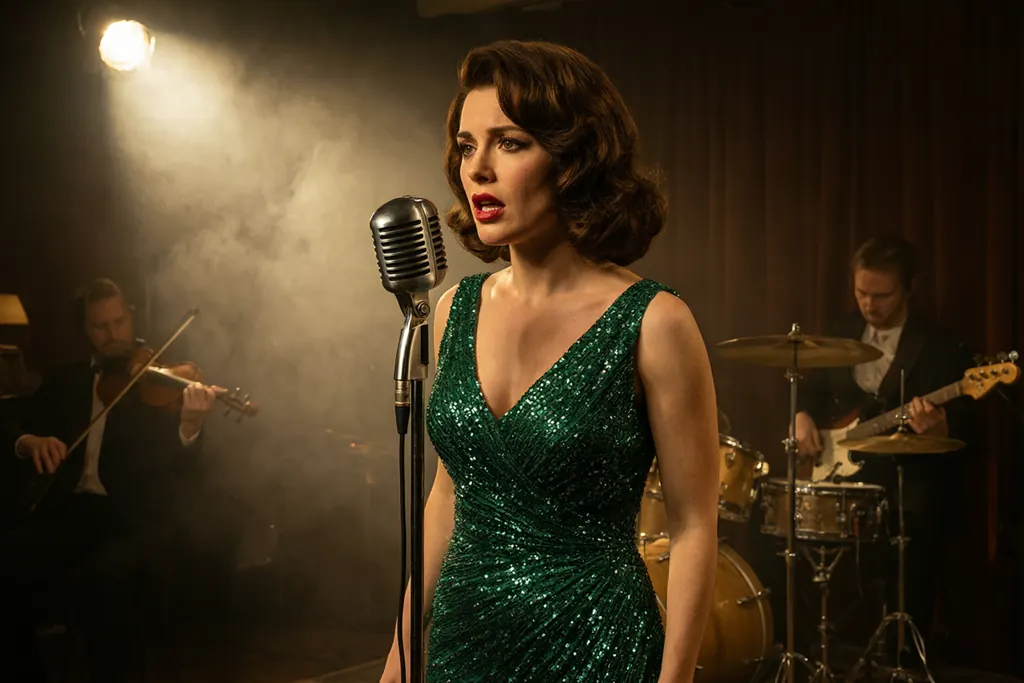
Qwen 3 Pro UncensoredText to image
Cinematic interior of a 1960s jazz club, a sultry singer in her thirties in a sequined emerald gown at a vintage microphone, smoky haze, a single spotlight, band silhouettes behind her, warm tungsten film look
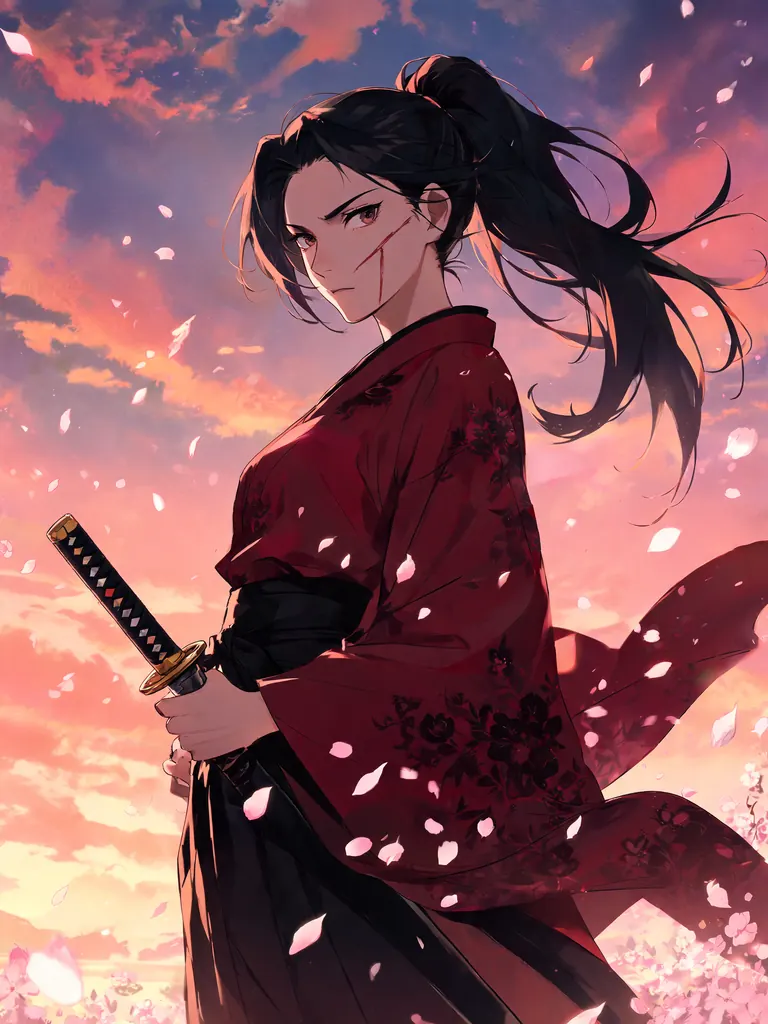
Seedream 5 Lite UncensoredText to image
Detailed anime illustration of an adult samurai woman in her thirties with a scar across her cheek and a high ponytail, crimson kimono and katana, cherry blossoms swirling, dramatic dusk sky, sharp linework
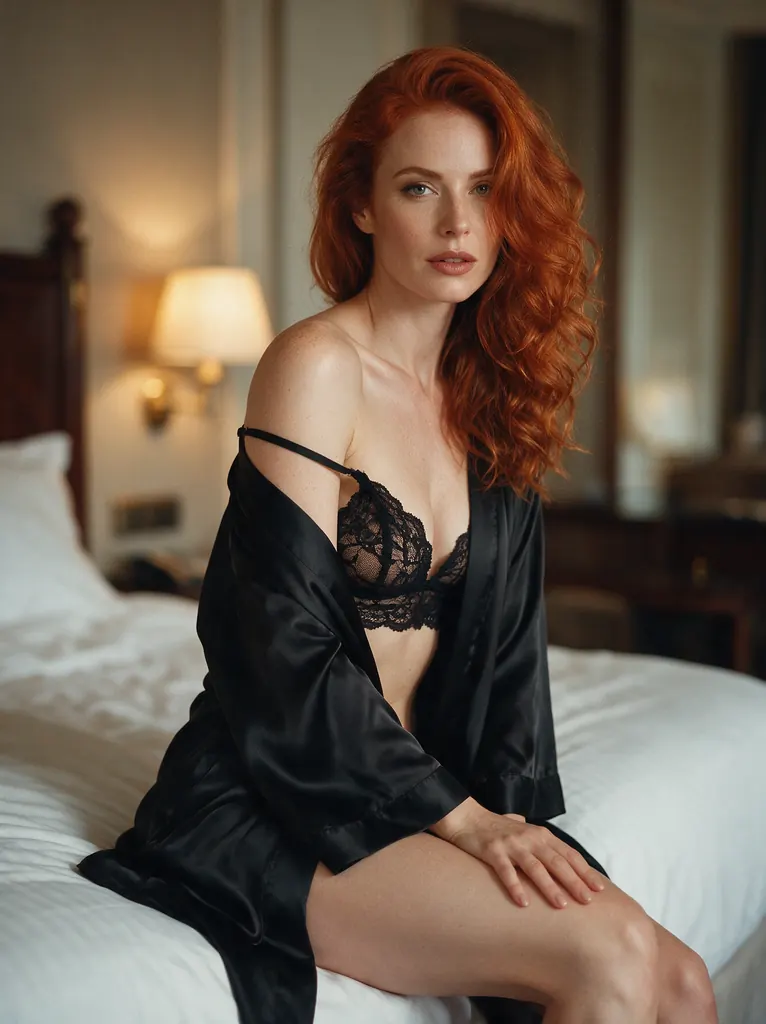
Seedream 5 Pro UncensoredText to image
Boudoir glamour photo of an elegant red-haired woman in her early thirties wearing a black lace bralette under a silk robe slipping off one shoulder, sitting on the edge of a hotel bed, warm lamplight, tasteful and suggestive, soft focus background, 50mm film look
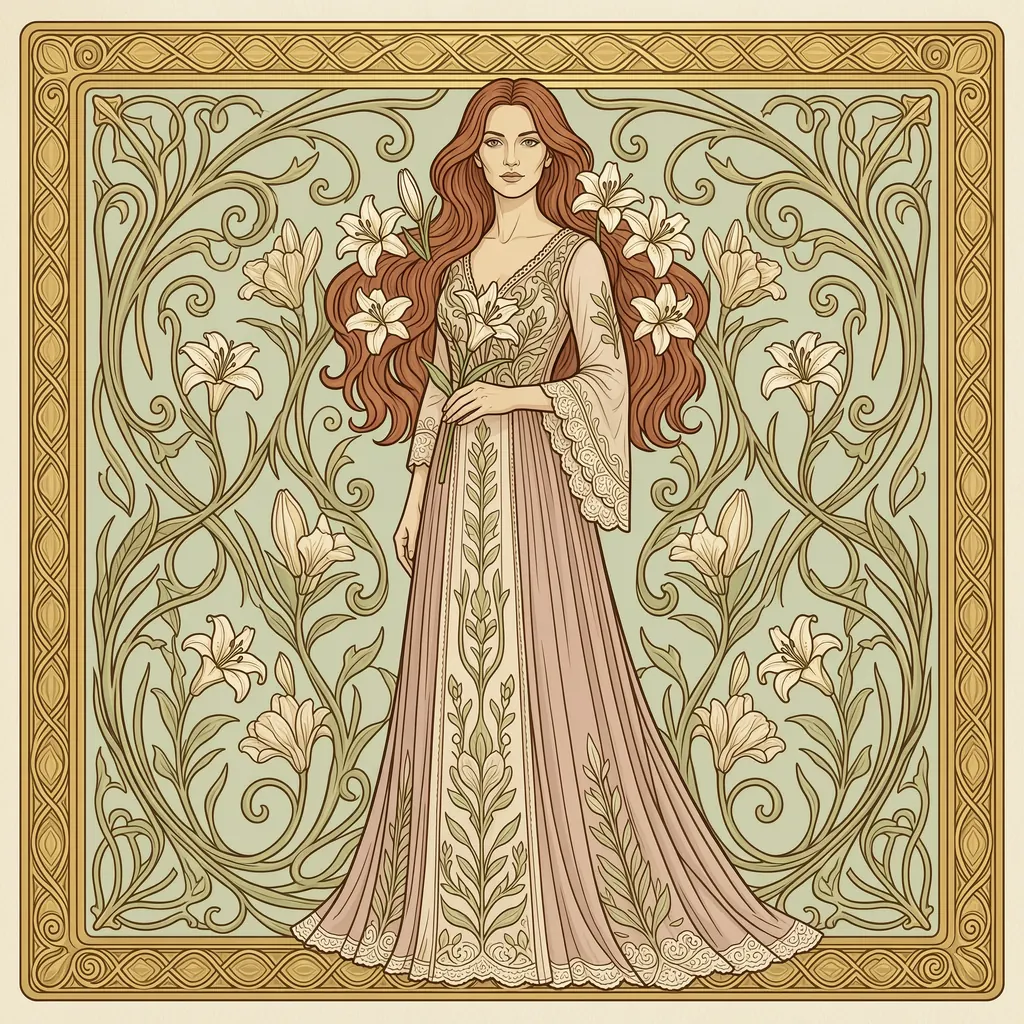
Wan 2.7 UncensoredText to image
Art nouveau illustration of an elegant woman in her thirties with flowing auburn hair intertwined with lilies, ornate golden border, muted pastel palette, decorative poster style, no text
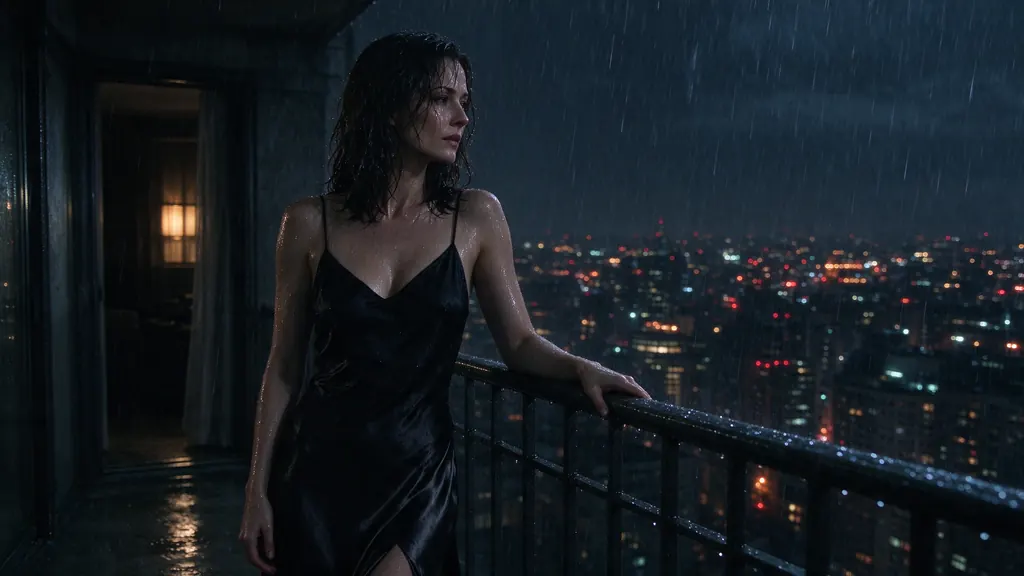
Seedream 5 Flash UncensoredText to image
Rainy night scene of a woman in her thirties in a black slip dress leaning on a balcony railing above a glowing city, rain on her skin, smoky mood, cinematic noir lighting
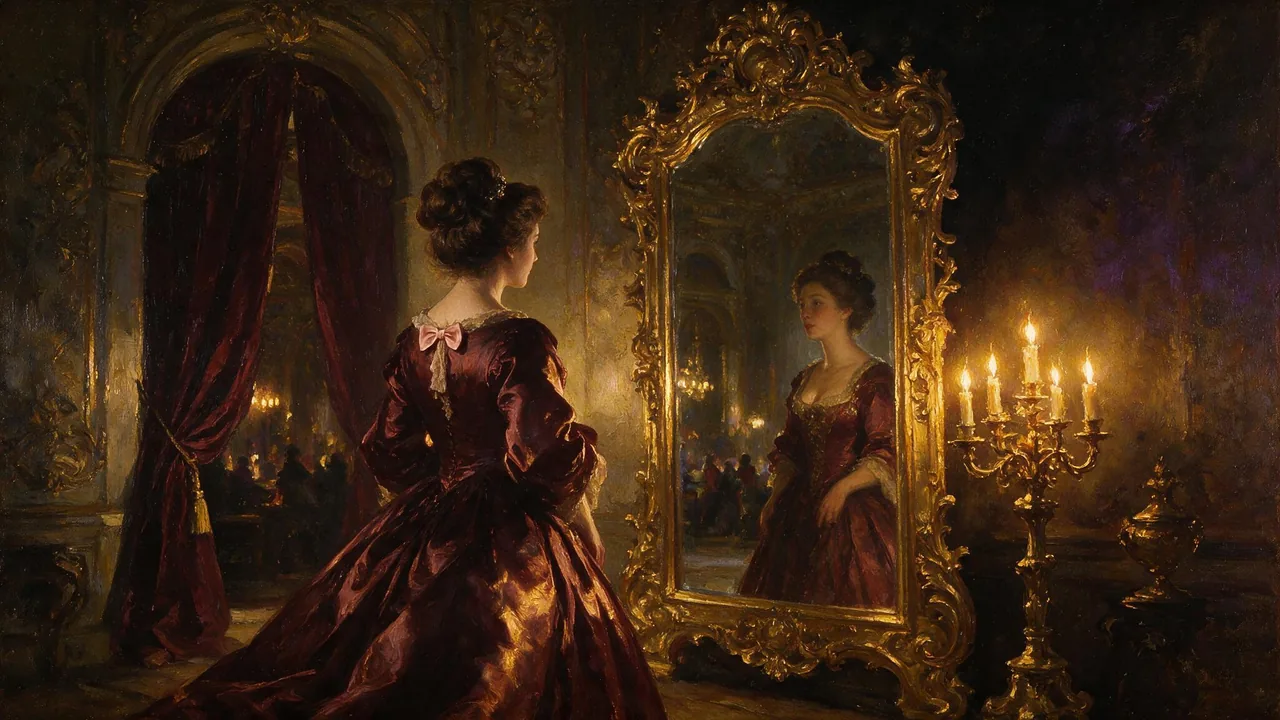
Image
Seedream 5 Pro Uncensored
Finished 2K images like covers and portraits; add up to 10 images to rework an existing shot.
10 credits
Image
Qwen 3 Uncensored
Precisely described scenes, followed as written, up to 2K; edit with up to 3 references.
8 credits
Image
MiniMax H3 Image Uncensored
Simple 1K images: seven shapes, all one price, or blend up to 9 reference images into one.
8 credits
An image prompt or a video prompt from the same picture
With Image selected, the prompt describes a frozen moment, so running it on an image model gives you a new picture in the same spirit rather than a copy: the same kind of scene, a different take. With Video selected, it also writes what should move and how the camera travels, a slow push-in, an orbit or a handheld follow, so a video model has a motion to animate instead of guessing.
If you want the picture itself to move, rather than a new clip in its style, give it to a video model as the opening frame on NSFW image to video and use the video prompt from here to describe the motion. Which image model suits the prompt is a separate question; the uncensored AI image generator page compares them side by side.
From a reverse prompt to a better one
A prompt read from a picture is a description, and a description is a starting point. Press Enhance it and the result opens in the free NSFW AI prompt generator with Enhance selected, where you can push it further: move the scene somewhere else, change the light, make a pose more specific, then run the rewrite again until it reads like the picture you have in mind.
Editing by hand works just as well, and it helps to know what the paragraph is made of. Subject first, then action, setting, light and style, each in plain words; writing prompts without a filter explains why models follow that order and how to change one part without breaking the rest.
Free every day, and your image is never kept
Every Vellria account gets 5 free image prompts a day, counted separately from the prompt generator's own 5 and reset at midnight UTC; after that each image costs 1 credit from the same balance that pays for images and clips, and the line under the button shows how many free ones are left. Creating the account is free, with Google or an email address, and if a run fails the free use or the credit is given back. Credit packs are listed on pricing.
The picture is read in memory, passed to the model and dropped: it is not saved to your gallery, to storage or to your account, and only the prompt text comes back. The rules are the same as in Studio. The written prompt passes the same automatic check as a Studio prompt, and a picture that cannot be described under those rules is refused without spending a free use or a credit.
FAQ ( 6 )