
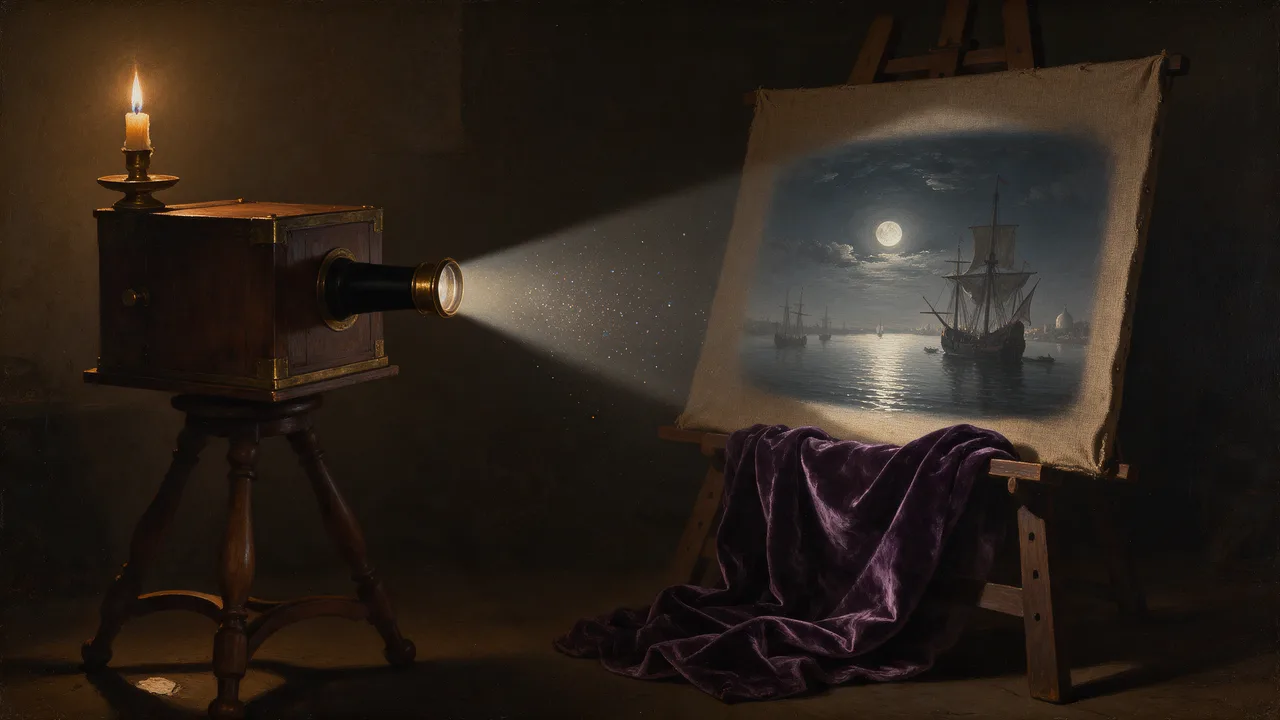
Seedream 5 Flash Uncensored
Seedream 5 Flash Uncensored is ByteDance's image model, hosted on Vellria with nothing to install: text to image and image to image, output up to 2816×1584. Run it in Studio or over the REST API, 8 credits (100 credits = $1.00).
vellria-seedream-5-flashSeedream 5 Flash is developed by ByteDance. Vellria provides access to the model; it does not own it. All trademarks belong to their respective owners.
Output
No generation yetCover art
8 credits
Your request will cost 8 credits.
About Seedream 5.0 Flash
Also known as: Seedream 5 Flash · ByteDance Seedream 5.0 Flash
Seedream 5.0 Flash is the quick tier of ByteDance's Seedream 5.0 family, built by the Seed team that also makes Seedance. It shares the family's taste for photographic light and clear composition, but it is set up for volume: one resolution and one price for every run, so the only choices left are your words and the frame. If you know Seedream 4.5 and want something you can run many times while you find an idea, this is the tier for it.
Use Flash for drafts. Try a pose in three shapes, test whether a costume reads, check a lighting idea, then take the winning prompt to Seedream 5.0 Pro for the version you keep. Because the price does not change with the shape, exploring square, wide and tall versions of the same idea costs the same as repeating one.
Editing is generous here: several references can ride along on one run without changing the price, so include every picture that helps. By default the output matches the first picture's proportions, with the standard shapes available as an override. Runs cannot be pinned to a seed, so when a result is worth keeping, save the image itself rather than counting on regenerating it.
For very large or ultrawide outputs, Seedream 5.0 Lite is the sibling to use. For another flat-price option with a different look, compare Bria FIBO 1.5.
Seedream 5.0 Flash in action
Seedream 5.0 Flash outputs with the exact prompts behind them.
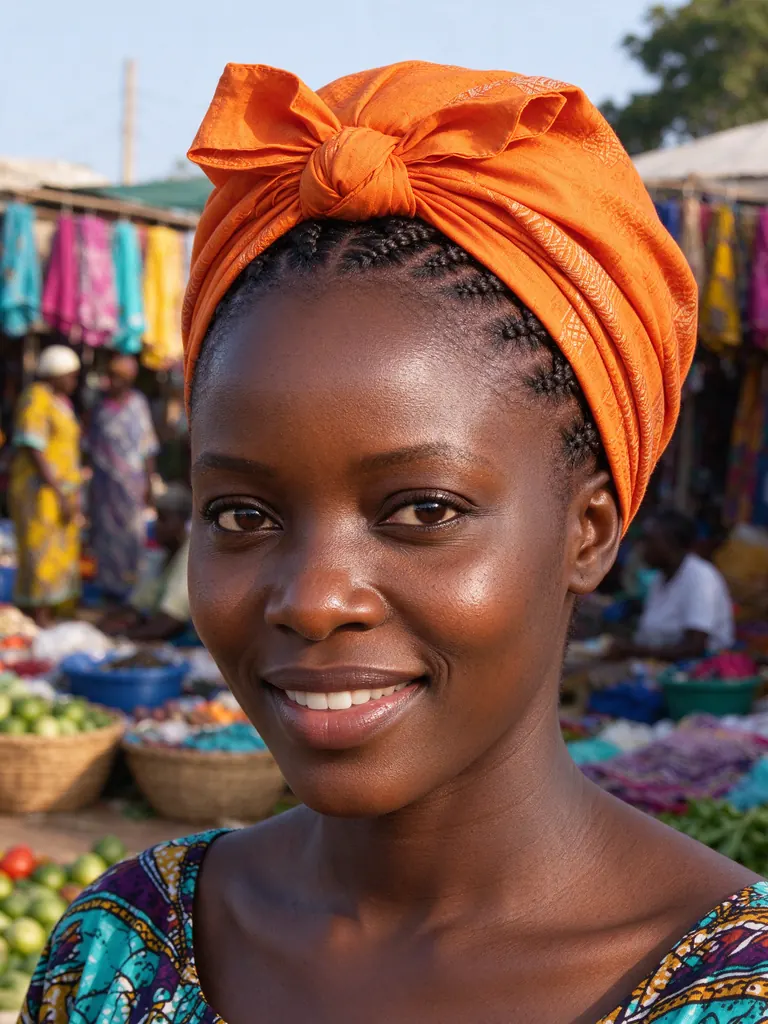
Text to image
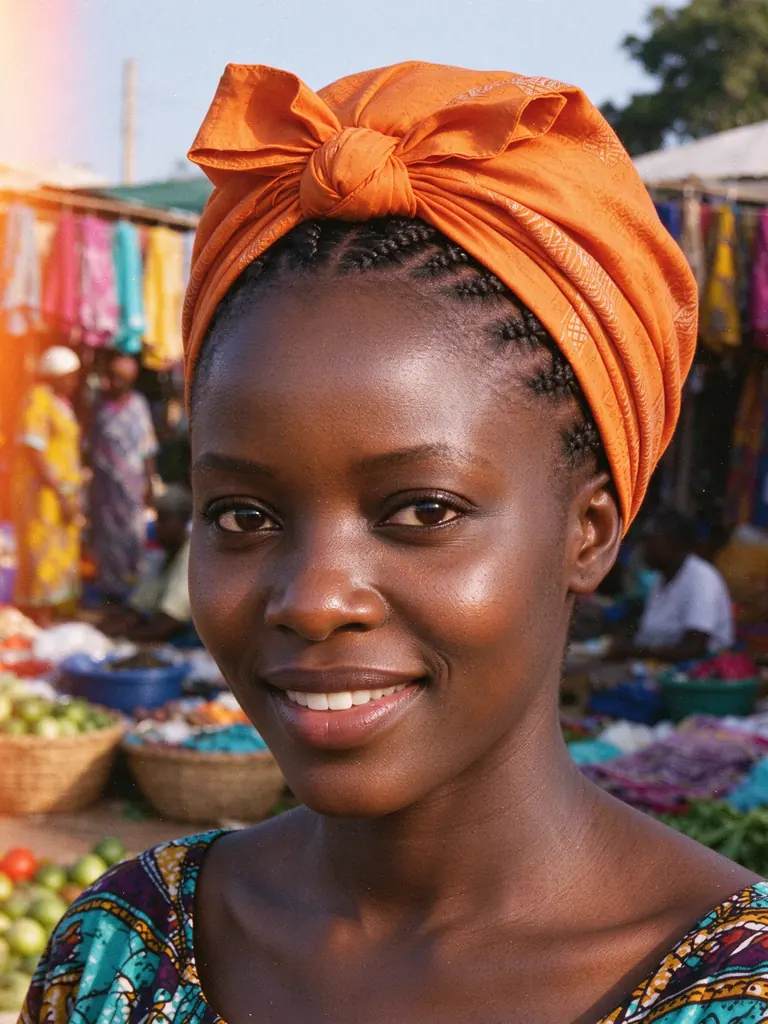
Close-up portrait of a Nigerian woman in her thirties with a braided updo and a bright orange headwrap, sunlit marketplace behind her, vibrant colors, natural smile, crisp detail
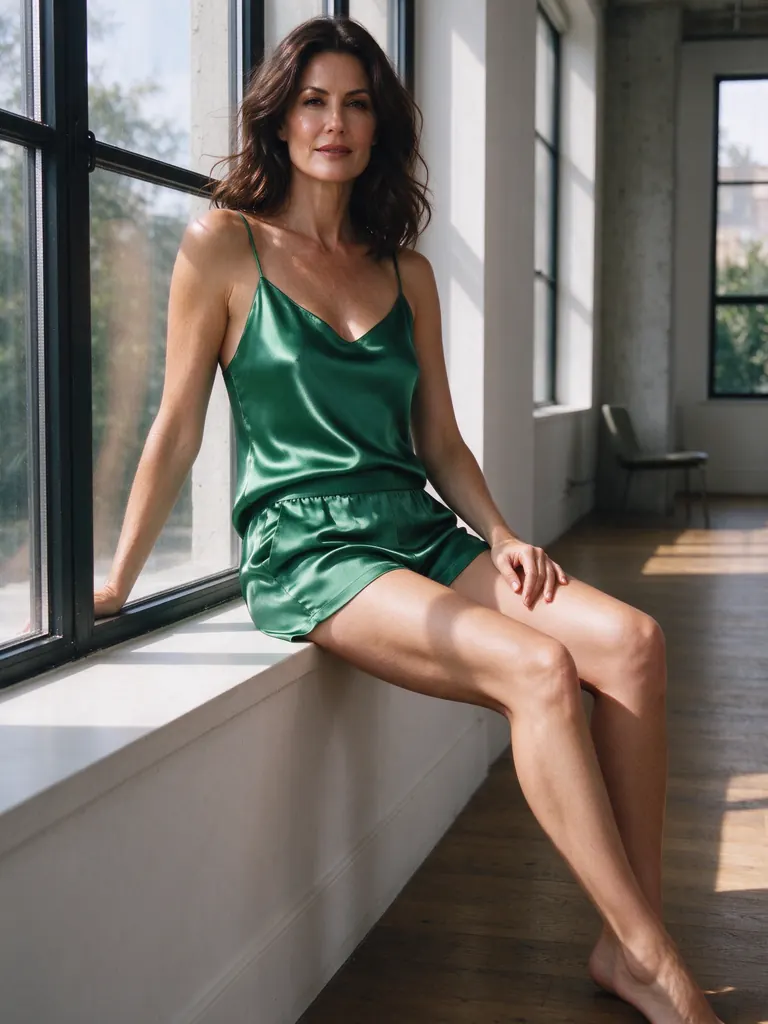
Text to image
Lingerie fashion shot of a brunette woman in her thirties in an emerald silk camisole and high-waisted shorts, sitting on the windowsill of a sunlit loft, relaxed and confident, film photography look
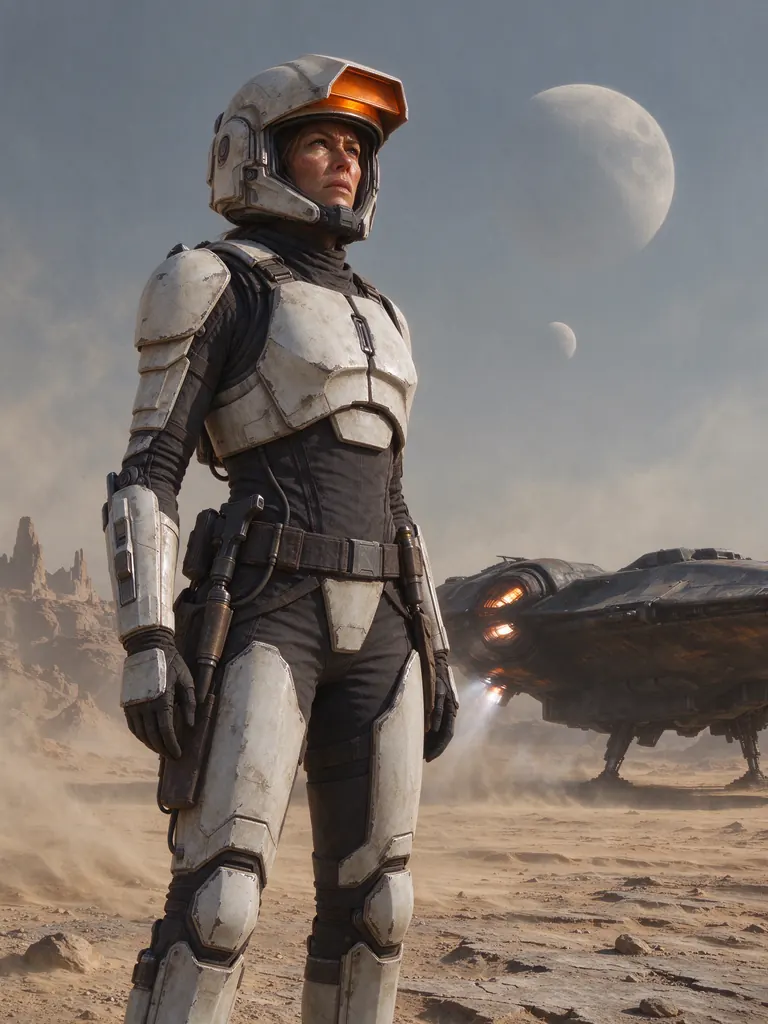
Text to image
Space opera bounty hunter woman in her thirties in battered white armor with an orange visor raised, alien desert planet with twin moons, blowing dust, cinematic sci-fi concept art
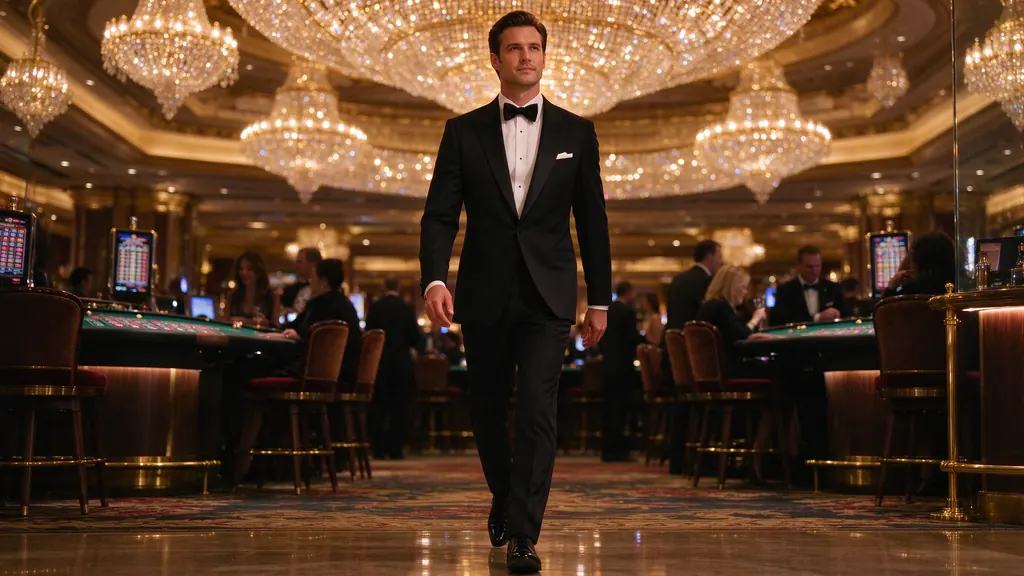
Text to image
Cinematic shot of a man in his thirties in a tailored tuxedo striding through a lavish casino under crystal chandeliers, warm gold tones, shallow depth of field
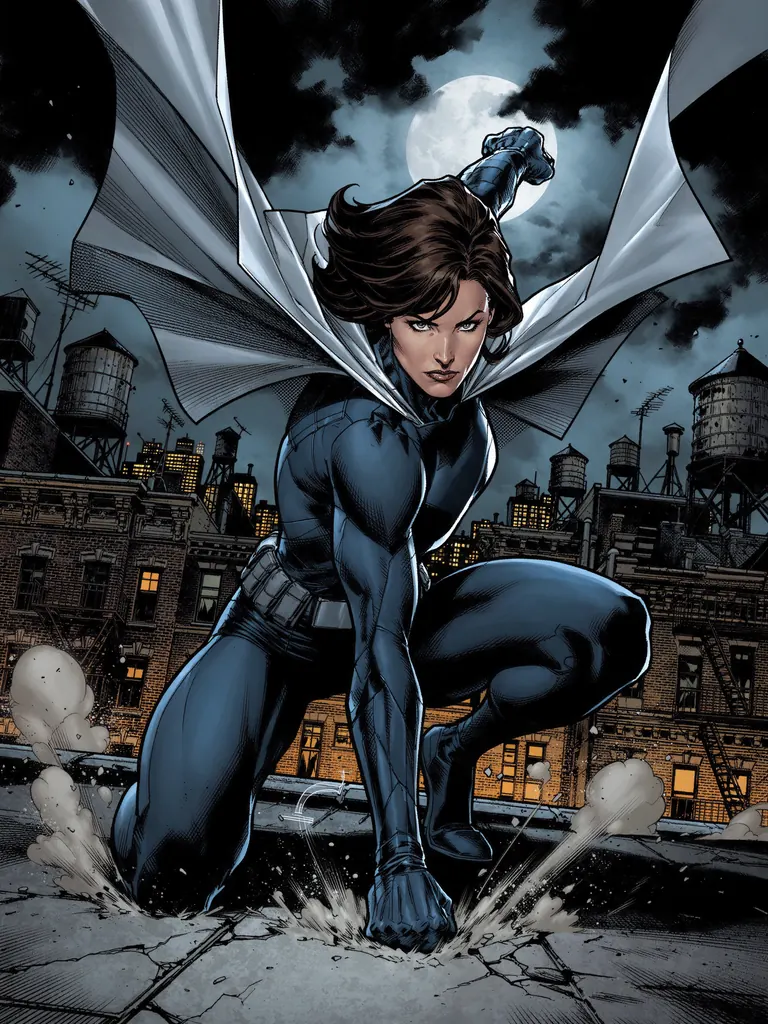
Text to image
Comic book cover style illustration of a superheroine in her thirties in a dark blue suit and silver cape landing on a rooftop at night, dynamic pose, halftone shading, no text
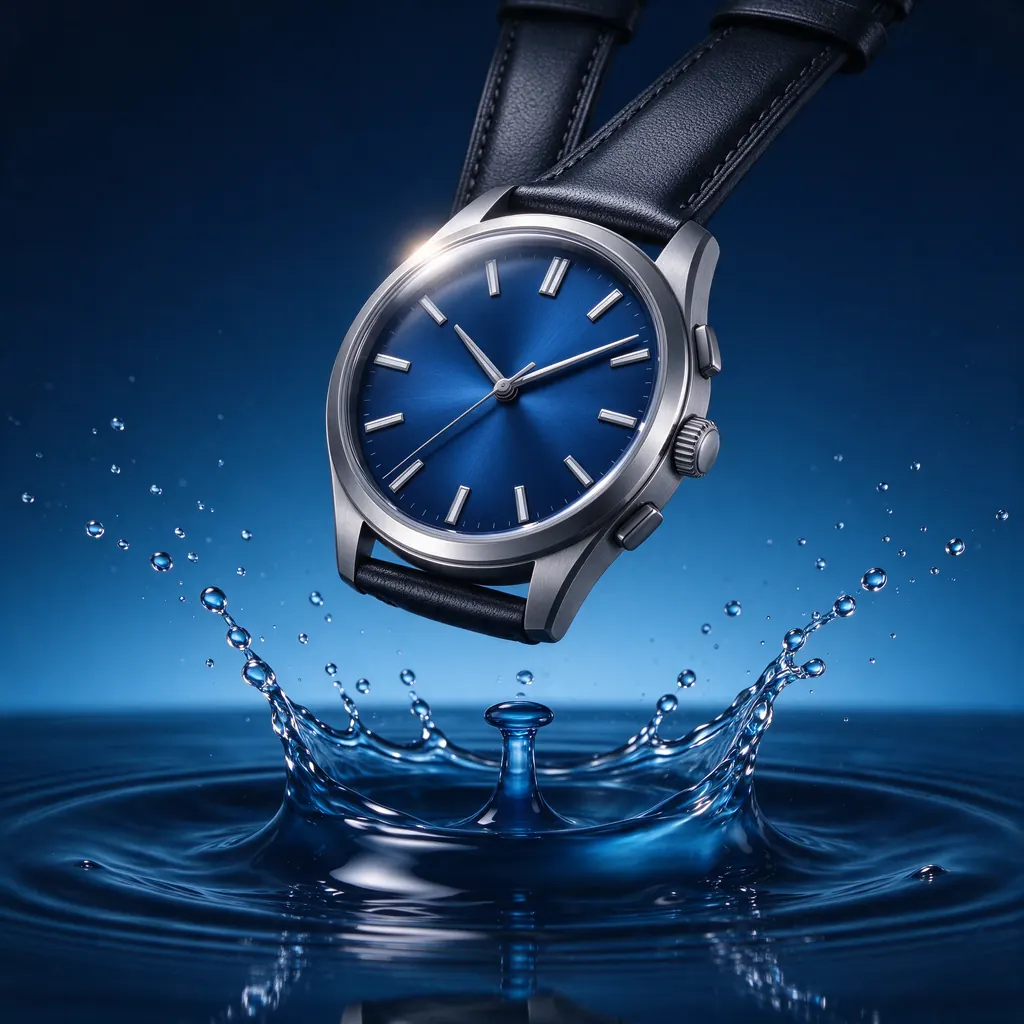
Text to image
Mechanical wristwatch with a deep blue dial floating above rippling water, splash frozen in motion, high-speed studio product photography, no text, no logo
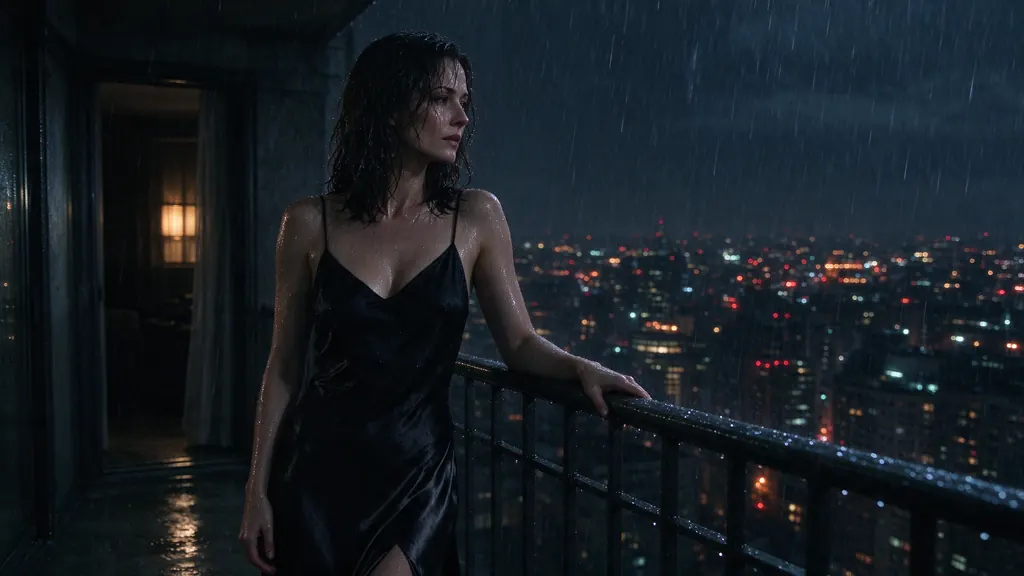
Text to image
Rainy night scene of a woman in her thirties in a black slip dress leaning on a balcony railing above a glowing city, rain on her skin, smoky mood, cinematic noir lighting
- Before
 After
AfterEdit
Restyle the image as a 1970s film photograph with visible grain, faded warm colors and a soft light leak; keep the subject and composition
When to pick Seedream 5.0 Flash
Pick it when
- You are drafting: testing a pose, a costume or a lighting idea many times before committing to a final render.
- You want to compare square, wide and tall versions of one idea and pay the same for each run.
- Your edit needs several reference pictures at once and you want the price to remain fixed whatever number you attach.
Pick another model when
- The image is the final deliverable and needs the most polish; move the winning prompt to Seedream 5.0 Pro.
- You need very large or ultrawide output, or a long series at one exact size; use Seedream 5.0 Lite.
- You must reproduce a frame exactly from a seed later; Flash takes no seed, while Qwen Image 3.0 Pro does.
Prompt or reference
Start fresh to compose a new picture and pick the shape. Attach pictures to edit — several at once, and the price stays the same however many you add, so bring every reference that helps. The frame starts out matching the first picture, and the usual shapes are there if you want a different one.
How to use Seedream 5.0 Flash on Vellria
- Prompt: up to 10,000 characters in the panel above.
- To edit or combine pictures, attach 1–10 reference images; leave them out to start from text.
- Cost: 8 credits — see pricing.
Example prompts
Draft: adult woman in a wet white tank top under a waterfall, jungle greenery, splashing water frozen mid-air, bright daylight.
Same prompt, tall frame: crop to her silhouette against the falling water, rim light from the sun.
Adult male model in unbuttoned linen trousers on a sailboat deck, sea spray, golden hour, fashion editorial.
Edit with references: put the woman from picture 1 into the bedroom from picture 2, wearing the robe from picture 3.
Retro pulp magazine cover of an adult space adventuress in a chrome bikini, ray gun, alien planet sky, halftone print texture.
Tips
- Save any result you like immediately; Flash cannot be re-run from a seed.
- Explore shapes freely; on Flash every shape costs the same.
- Attach all helpful references for edits; more references do not cost more here.
- Move a finished idea to Seedream 5.0 Pro with the same wording for the final render.
Specifications
| Size (Text to image): | 2048×2048 (1:1, 2K)2368×1776 (4:3, 2K)1776×2368 (3:4, 2K)2816×1584 (16:9, 2K)1584×2816 (9:16, 2K) |
|---|---|
| Size (Image to image): | 2K · Matches input image2048×2048 (1:1, 2K)2368×1776 (4:3, 2K)1776×2368 (3:4, 2K)2816×1584 (16:9, 2K)1584×2816 (9:16, 2K) |
| Reference images: | 1–10 reference images |
See also: uncensored AI image generator · uncensored image editor.
Pricing
Text to image
| Size | Credits |
|---|---|
| 2048×2048 (1:1, 2K) | 8 credits |
| 2368×1776 (4:3, 2K) | 8 credits |
| 1776×2368 (3:4, 2K) | 8 credits |
| 2816×1584 (16:9, 2K) | 8 credits |
| 1584×2816 (9:16, 2K) | 8 credits |
Image to image
| Size | Credits |
|---|---|
| 2K · Matches input image | 8 credits |
| 2048×2048 (1:1, 2K) | 8 credits |
| 2368×1776 (4:3, 2K) | 8 credits |
| 1776×2368 (3:4, 2K) | 8 credits |
| 2816×1584 (16:9, 2K) | 8 credits |
| 1584×2816 (9:16, 2K) | 8 credits |
Seedream 5.0 Flash vs Seedream 5.0 Pro and Seedream 5.0 Lite
Seedream 5.0 Flash is the drafting tier of the Seedream 5.0 line: one price for every shape and for any number of reference pictures, so an idea can run many times without watching the cost. It has no adjustable settings, which is the main thing it gives up.
| Model | Price | Max size | Reference images |
|---|---|---|---|
| Seedream 5 Flash Uncensored This page | 8 credits | 2816×1584 | Up to 10 |
| Seedream 5 Pro Uncensored | 10 credits | 1536×1536 | Up to 10 |
| Seedream 5 Lite Uncensored | 8 credits | 4704×2016 | Up to 10 |
Prices and limits come from the live model catalog.
Seedream 5.0 Flash or Seedream 5.0 Pro?
- Price: 10 credits (Seedream 5.0 Flash: 8 credits)
- Max size: 1536×1536 (Seedream 5.0 Flash: 2816×1584)
- Extra reference images: +1 credit per extra image (Seedream 5.0 Flash: No extra charge)
- Settings: Reasoning (Seedream 5.0 Flash: None)
Move to Pro once a draft is worth keeping; the prompt carries over as written, and Pro is the tier aimed at the polished final frame. Each extra reference costs more there, so attach only what the edit needs.
Seedream 5.0 Flash or Seedream 5.0 Lite?
- Max size: 4704×2016 (Seedream 5.0 Flash: 2816×1584)
Lite goes the other way: the same Seedream habits at much larger sizes, ultrawide included. Use it when the final file has to fill a wide screen or a print rather than a phone.
Seedream 5.0 Flash API: price and a first request
Seedream 5.0 Flash costs 8 credits over the API, the same rate as in Studio. Model id vellria-seedream-5-flash on POST /v1/generate/image.
curl https://vellria.com/v1/generate/image \
  -H "Authorization: Bearer vll_..." \
  -H "Content-Type: application/json" \
  -d '{
    "model": "vellria-seedream-5-flash",
    "prompt": "…",
    "size": "2048*2048"
  }'
Parameters, polling and uploads: API documentation · NSFW image API.
FAQ
Does Seedream 5.0 Flash allow NSFW?
Yes, on Vellria, for fictional adult content: nudity and explicit scenes are allowed. Minors are refused automatically and real people without consent are prohibited.
Is Seedream 5.0 Flash free?
No, there is no free plan, but a new account created with Google gets 20 credits as a gift, valid for 7 days: enough to try Seedream 5.0 Flash, which costs 8 credits. After that every run is paid from prepaid credits at the rate this page shows before you start, and a run that fails at the provider is refunded automatically. Is there a free uncensored AI generator? covers the cheapest way to a first result.
How is Flash different from Seedream 5.0 Pro?
Flash has one price and one resolution for every run and is meant for drafting; Pro is meant for the finished frame and its price follows the size and references you choose.
Can I reproduce a Seedream 5.0 Flash image exactly?
Not with a seed; the model does not accept one. Keep the image file, or use it as a reference for the next edit.
Is Seedream 5.0 Flash available by API?
Yes. The API section on this page shows the request; see the docs for authentication and polling.
Related models
Turn a still into a clip with one of our video models.
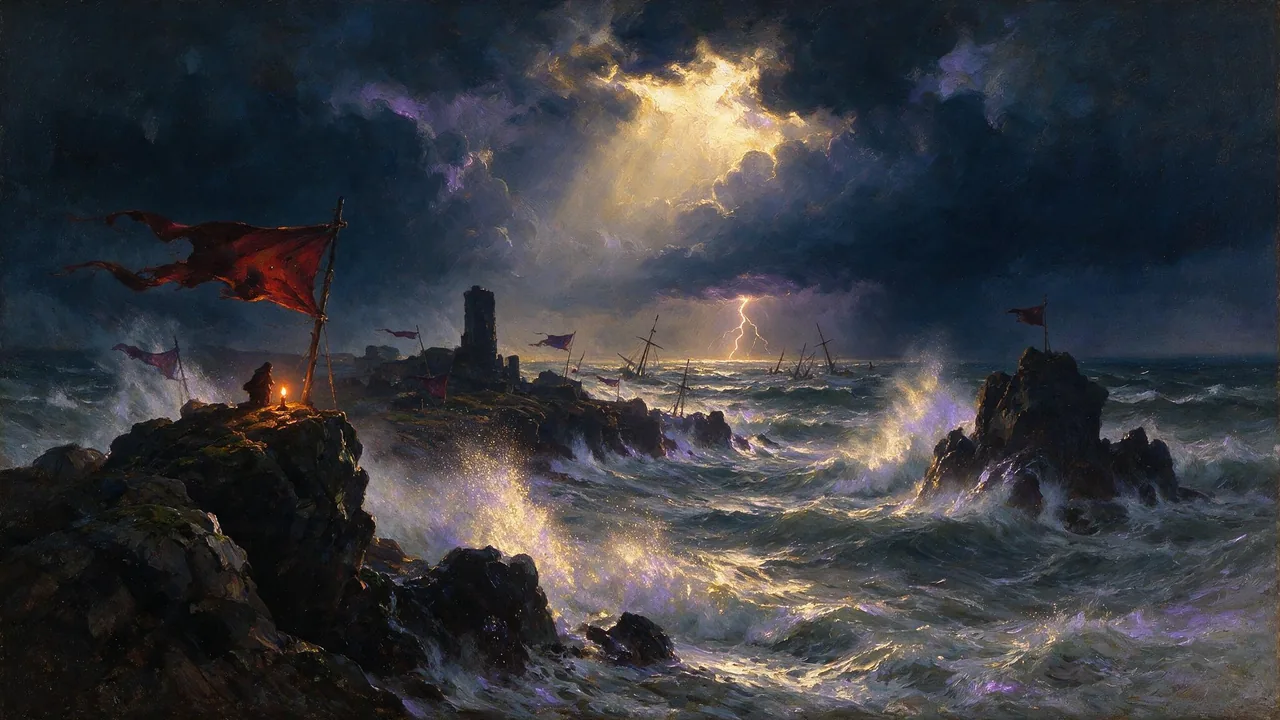
Seedance 2.5 Uncensored
Scenes that arrive with sound, 4–30 s up to 1080p, or bring a still to life as the first frame.
Video
from 35 credits / s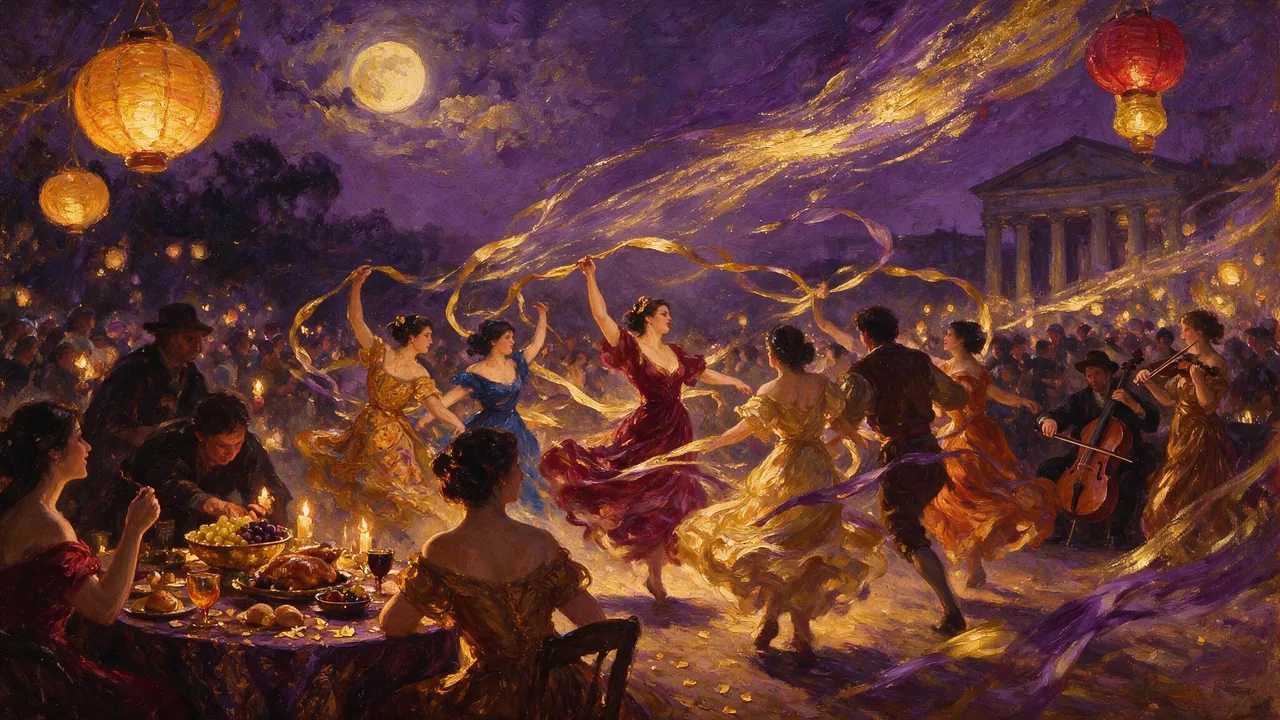
MiniMax H3 Video Uncensored
Test shot ideas before the final take: 4–15 s clips up to 4K, or see how a still moves.
Video
from 6 credits / s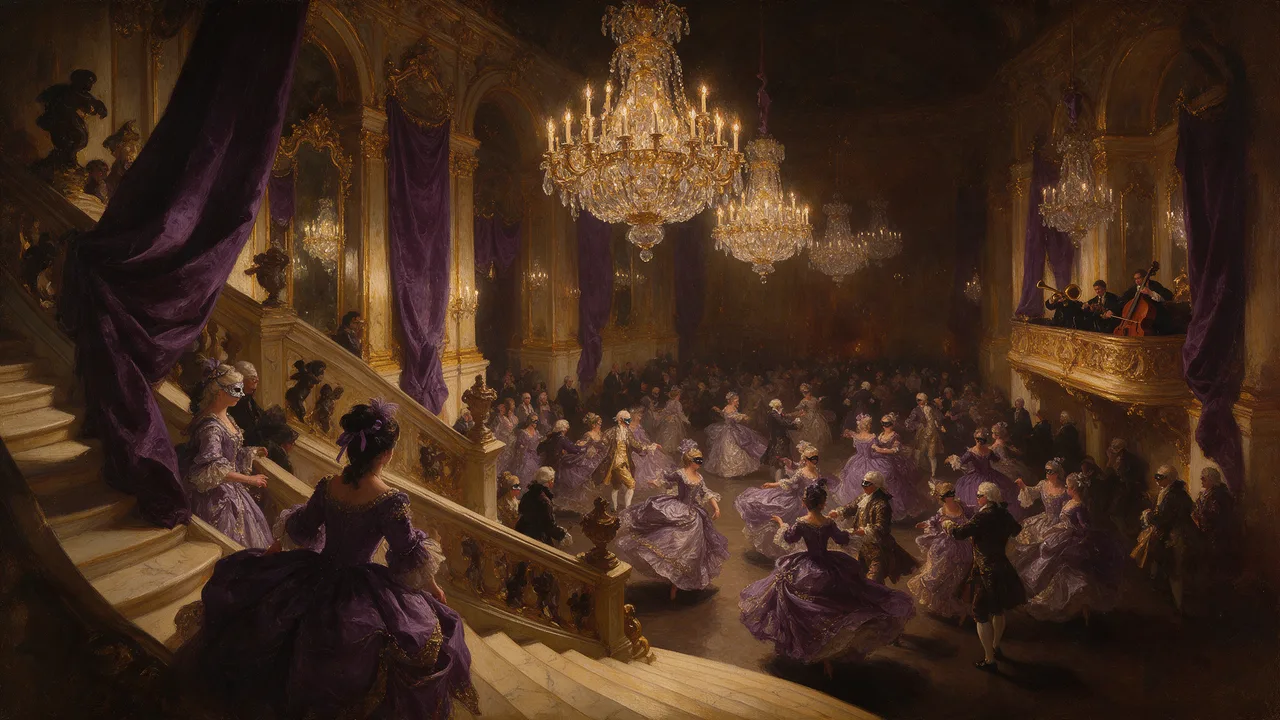
MiniMax H3 Max Uncensored
For the take you keep: 5–15 s clips up to 4K with sound; start from a still if you have one.
Video
from 15 credits / s