
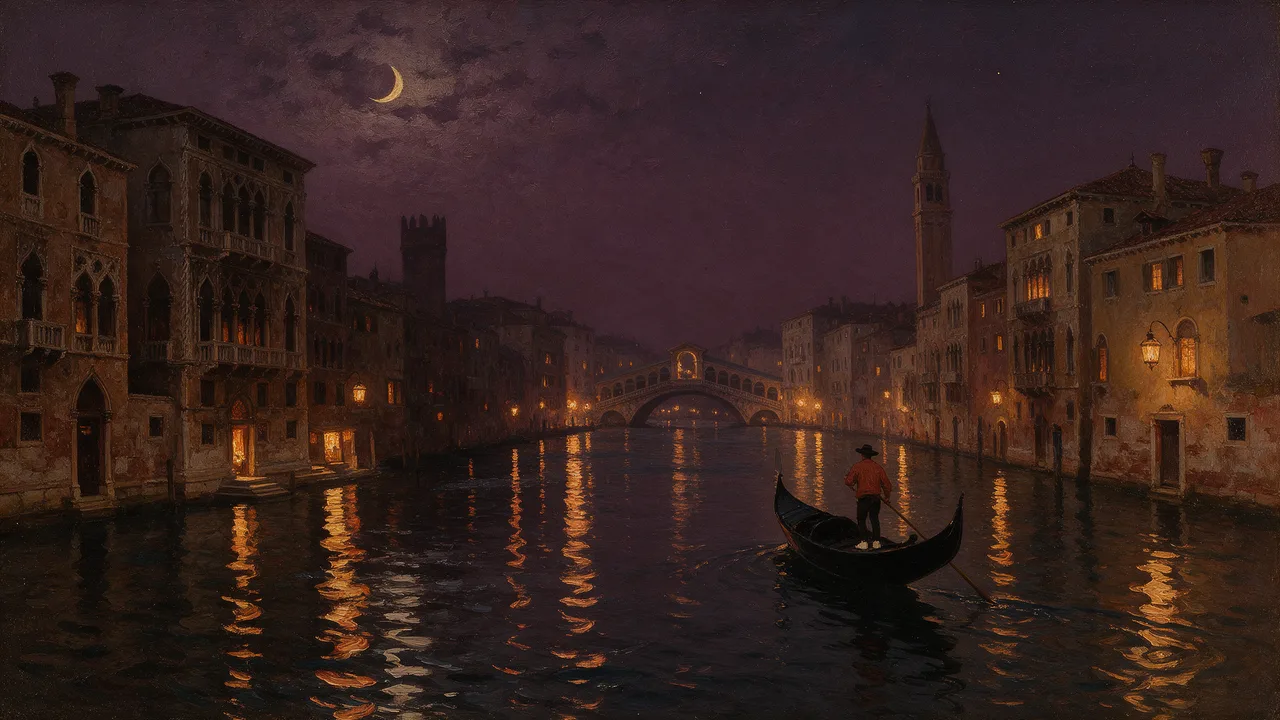
Pruna P-Video 2 Uncensored
Pruna P-Video 2 Uncensored is Pruna AI's video model, hosted on Vellria with nothing to install: text to video and image to video, 720p to 1080p, clips of 1–20s with sound. Run it in Studio or over the REST API, from 8 credits / s (100 credits = $1.00).
vellria-p-video-2Pruna P-Video 2 is developed by Pruna AI. Vellria provides access to the model; it does not own it. All trademarks belong to their respective owners.
Output
No generation yetCover art
from 8 credits / s
Your request will cost 40 credits.
About Pruna P-Video 2
Also known as: P-Video 2 · Pruna AI P-Video 2
P-Video 2 is the standard tier of Pruna AI's video model. Pruna is a company that specializes in making models efficient, and P-Video 2 reflects that: it covers a wide span of clip lengths, from a single beat to a long take, with sound in every clip. It is the more flexible sibling of Pruna P-Video 2 Pro, which is tuned for the finishing pass.
Range is the reason to pick it. A one-second loop for a profile, a short reaction shot, a longer scene — all come from the same model with the same prompt style. Resolution and length multiply each other in the price, so try the staging on short, cheap runs and spend on the length you need once the idea holds.
Clips come with sound, so write the action to be heard as well as seen. A text prompt lets you invent every element of the shot, proportions included; a still you upload instead leads the clip as its first frame and passes its proportions on, so trim it first. Stills from Seedream 5.0 Flash make a quick, inexpensive pairing for drafts.
For long single takes with a different look, compare Wan 3.0; for a scratchpad tier with very high resolution steps, MiniMax H3 Video. If you are unsure which to use, run the same short prompt on P-Video 2 and one of those two, and keep the model whose motion suits the scene.
Pruna P-Video 2 in action
Pruna P-Video 2 outputs with the exact prompts behind them.
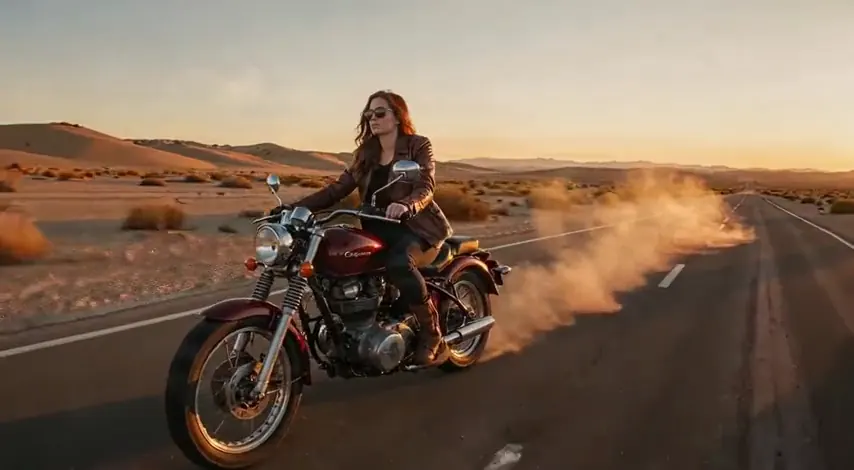
Image to video
The motorcycle speeds down the highway, dust swirling behind it, the camera tracking from the side at golden hour
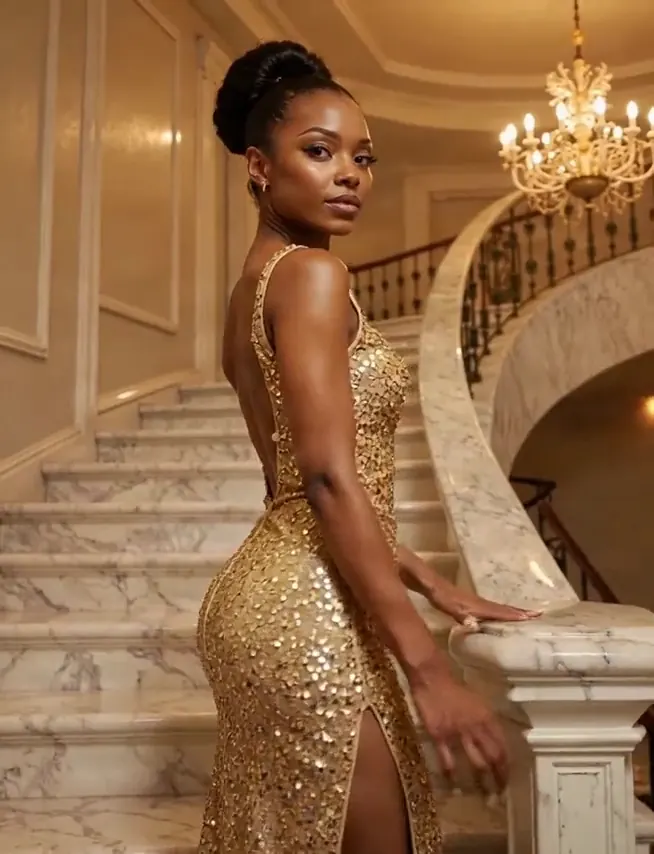
Image to video
She turns to face the camera on the staircase, sequins shimmering under the chandelier light, slow push-in
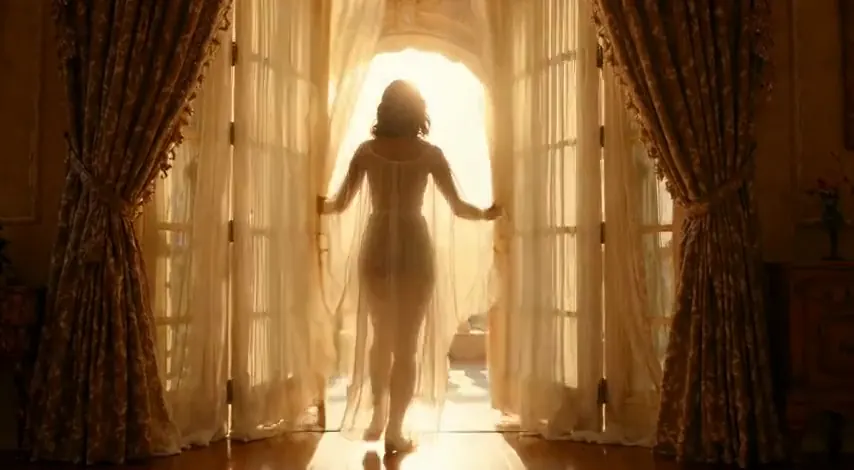
Text to video
A woman in her thirties in a sheer white robe opens tall French doors onto a sunlit balcony, curtains billowing, morning light flooding the room
When to pick Pruna P-Video 2
Pick it when
- You want a very short loop for a profile, a quick reaction shot, or a longer scene, all from one model.
- You are testing a pose or expression on short, inexpensive clips before committing to a longer take.
- You pair stills from an inexpensive image model with video drafts and want the winning still as the opening frame.
Pick another model when
- The shot is decided and you want a finishing pass at its own resolution steps; step up to Pruna P-Video 2 Pro.
- You want long single takes with a different look; run the same short prompt on Wan 3.0 and compare.
- You need a scratchpad tier with very high resolution steps; MiniMax H3 Video offers that.
Prompt or reference
Write the scene from scratch to invent the whole shot and pick its frame shape. Start from a still to keep a look you already have: it becomes the opening frame and brings its shape with it, so crop before you upload.
How to use Pruna P-Video 2 on Vellria
- Prompt: up to 10,000 characters in the panel above.
- Cost: from 8 credits / s — see pricing.
Example prompts
Short loop: an adult woman in a lace bodysuit glances over her shoulder and winks, soft studio light, a single camera click on the soundtrack.
From the uploaded still: the adult man on the motorcycle pulls off his helmet and shakes out his hair, engine idling, desert wind.
Longer scene: an adult couple share a slow kiss on a night train, city lights flickering past the window, rhythmic rail sounds.
An adult woman in a bikini runs into the surf and turns back toward the camera laughing, crashing waves, bright midday sun.
Tips
- Use very short clips to test a pose or expression before committing to a longer take.
- Pair with an inexpensive image model for drafts, then upload the winning still as the opening frame.
- Mention one ambient sound and one action sound in each prompt.
- Keep loops simple: one action, one camera position.
Specifications
| Resolution: | 720p1080p |
|---|---|
| Duration: | 1–20s |
| Aspect ratio (Text to video): | 16:99:164:33:43:22:31:1 |
| Reference images: | 1 reference image |
See also: uncensored AI video generator · NSFW video generation · NSFW image to video.
Pricing
| Resolution | Credits |
|---|---|
| 720p | 8 credits / s |
| 1080p | 15 credits / s |
Pruna P-Video 2 vs Pruna P-Video 2 Pro
Pruna P-Video 2 is the standard tier of Pruna's P-Video 2 line and the most flexible on length, from a very short beat to a long take, with sound that can be switched off.
| Model | Price | Max resolution | Duration | Reference images |
|---|---|---|---|---|
| Pruna P-Video 2 Uncensored This page | from 8 credits / s | 1080p | 1–20s | Up to 1 |
| Pruna P-Video 2 Pro Uncensored | from 12 credits / s | 768p | 5–15s | Up to 1 |
Prices and limits come from the live model catalog.
Pruna P-Video 2 or Pruna P-Video 2 Pro?
- Price: from 12 credits / s (Pruna P-Video 2: from 8 credits / s)
- Max resolution: 768p (Pruna P-Video 2: 1080p)
- Duration: 5–15s (Pruna P-Video 2: 1–20s)
- Settings: None (Pruna P-Video 2: Audio)
P-Video 2 Pro is Pruna's finishing tier: sound in every clip, its own lower resolution steps and a narrower length range, at a higher price per second. Try it when a take found here is worth a second render.
Pruna P-Video 2 API: price and a first request
Pruna P-Video 2 costs from 8 credits / s over the API, the same rate as in Studio. Model id vellria-p-video-2 on POST /v1/generate/video.
curl https://vellria.com/v1/generate/video \
  -H "Authorization: Bearer vll_..." \
  -H "Content-Type: application/json" \
  -d '{
    "model": "vellria-p-video-2",
    "prompt": "…",
    "duration": 1,
    "resolution": "720p",
    "ratio": "16:9"
  }'
Parameters, polling and uploads: API documentation · NSFW video API.
FAQ
Does Pruna P-Video 2 allow NSFW?
Yes, for fictional adult content. Nudity and explicit scenes between adults are allowed. Minors are refused automatically and real people may not be animated without consent.
Is Pruna P-Video 2 free?
Free to start: a new account created with Google gets 20 free credits, valid for 7 days (about 10 images on Z-Image Turbo Uncensored), and every signed-in account gets free daily uses of the NSFW prompt generator and the image to prompt tool. The gift can go toward Pruna P-Video 2 at from 8 credits / s; beyond that every run is paid from prepaid credits at the rate this page shows before you start, and a run that fails at the provider is refunded automatically. Is there a free uncensored AI generator? covers the cheapest way to a first result.
How long can P-Video 2 clips be?
From about a second up to a long take; the exact range is in the specifications table, generated from the live catalog.
Should I use P-Video 2 or P-Video 2 Pro?
Explore and make short clips on P-Video 2; use Pro for the finishing pass on a decided shot.
Can I generate P-Video 2 clips by API?
Yes. The API section on this page shows the request; see the API reference for polling and downloads.
Related models
Make the start frame for your clip with one of our image models.
Pruna P-Image Uncensored
Uncensored 1K images in seconds, in seven shapes; edit up to 5 references at the same low price.
Image
4 credits
Qwen Image 2.1 Uncensored
Uncensored 1K images in seven shapes; edit or merge up to 10 references, each extra one adding a little.
Image
from 7 credits
Seedream 5 Lite Uncensored
Large 3K–4K images, 21:9 ultrawide included; edit or build a series from up to 10 references.
Image
8 credits