
MiniMax H3 Image Uncensored
MiniMax H3 Image Uncensored is MiniMax's image model, hosted on Vellria with nothing to install: text to image and image to image, output up to 1184×896. Run it in Studio or over the REST API, 8 credits (100 credits = $1.00).
vellria-minimax-h3-imageMiniMax H3 Image is developed by MiniMax. Vellria provides access to the model; it does not own it. All trademarks belong to their respective owners.
Output
No generation yetCover art
8 credits
Your request will cost 8 credits.
About MiniMax H3 Image
Also known as: MiniMax H3 · H3 Image
MiniMax H3 Image is the still-image model in MiniMax's H3 generation. MiniMax is the company behind Hailuo AI, its consumer video app, and the H3 line covers both images and video; this page is the image side. People searching for MiniMax H3 NSFW mostly want the video model, which has its own page — but the image model is the natural place to design the frames that video starts from.
The setup is deliberately simple: one resolution and one price for every shape, so the frame can follow where the picture will be used rather than the budget. Pick square, wide or tall and let the description do the rest. It is a good fit for quick character concepts, mood images and first frames, where you want many tries across shapes without thinking about cost per shape.
Its second trick is blending. Attach several pictures and describe how they combine — a character, a location, a costume, a color palette — and H3 Image merges them into one scene. When a picture is attached, the output can keep that picture's proportions or switch to one of the standard shapes. Only the first attachment is included in the price, so attach what the blend actually uses.
When a frame works, carry it into motion with MiniMax H3 Video, where the still becomes the opening frame and the look stays inside one model family. If you need higher-resolution stills, Wan 2.7 Image and Seedream 5.0 Pro go further.
MiniMax H3 Image in action
MiniMax H3 Image outputs with the exact prompts behind them.
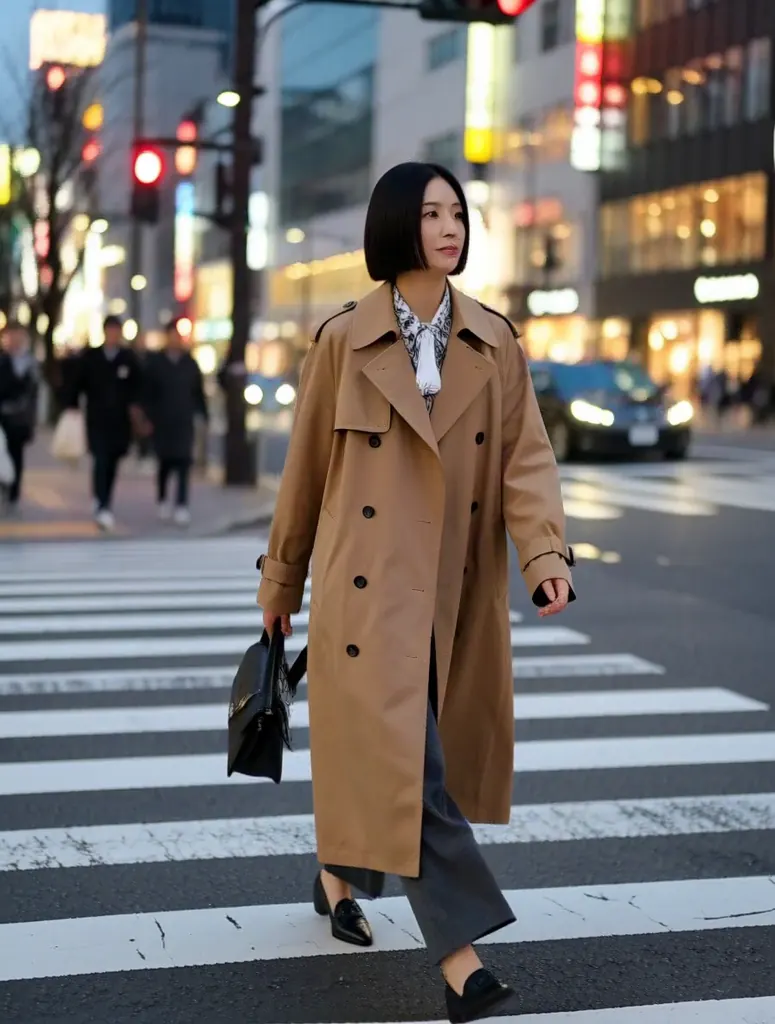
Text to image
Candid street portrait of a Japanese woman in her thirties with a sleek bob and a camel trench coat, crossing a city crosswalk at dusk, soft bokeh of city lights, 35mm documentary photography
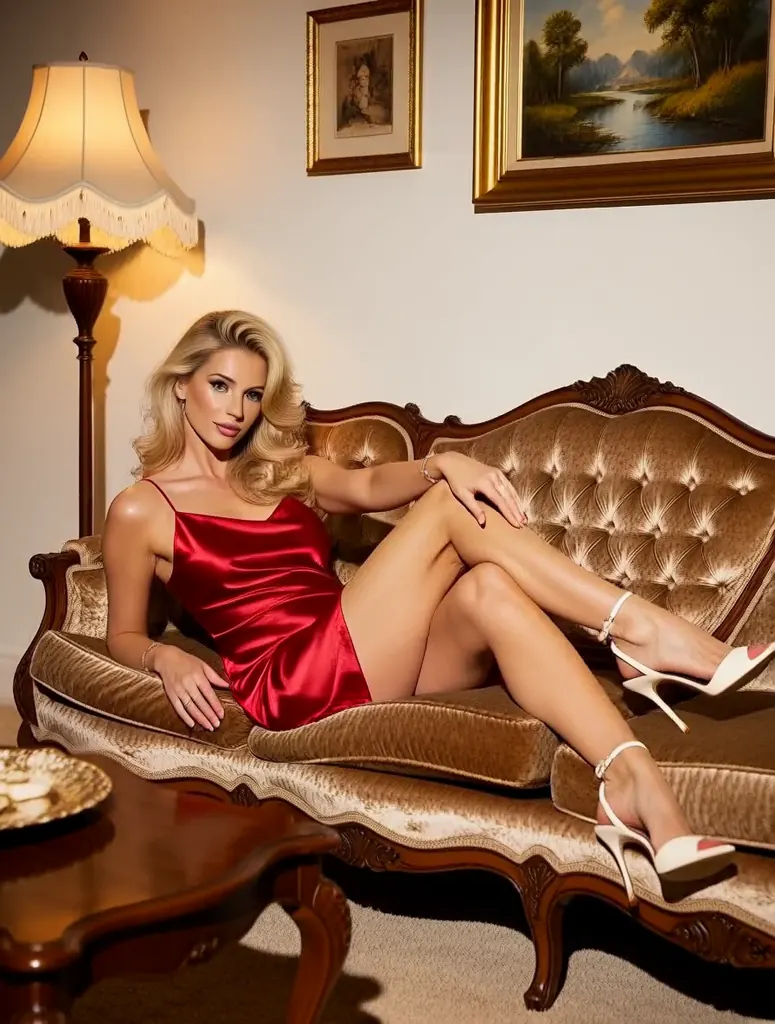
Text to image
Pin-up style photo of a blonde woman in her thirties in a red satin slip dress, lounging on a vintage velvet sofa with one leg raised, retro living room, warm tungsten glow
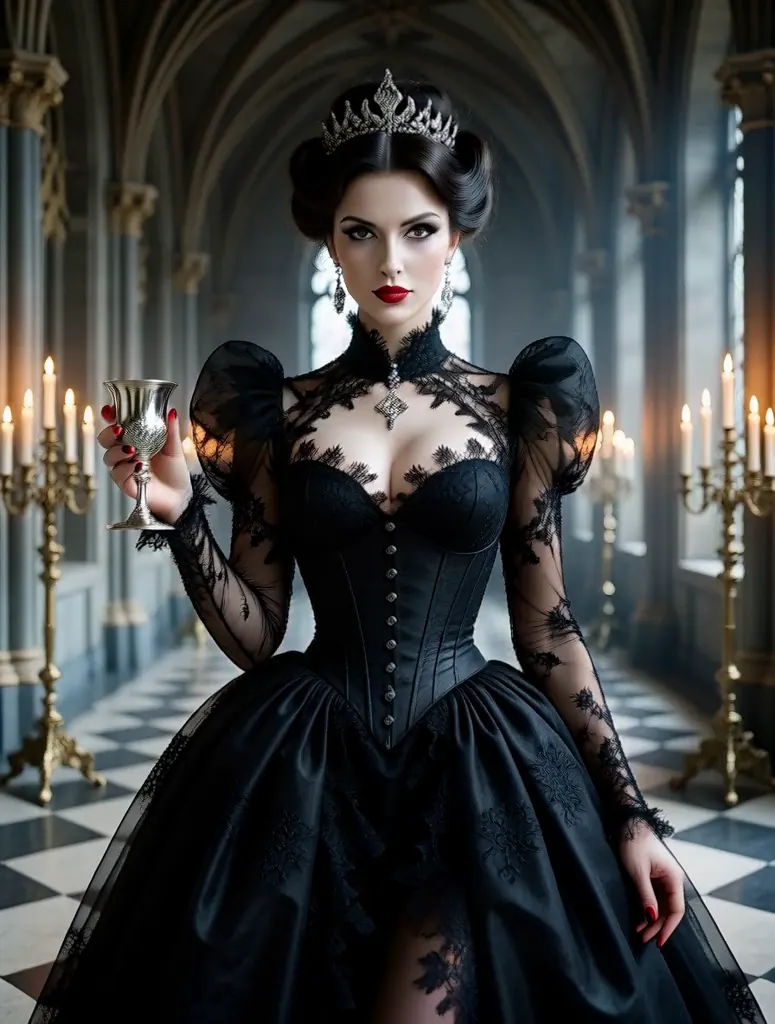
Text to image
Vampire countess in her thirties with porcelain skin and crimson lips, a high-collared black lace gown, holding a silver goblet in a candlelit gothic hall, dramatic chiaroscuro
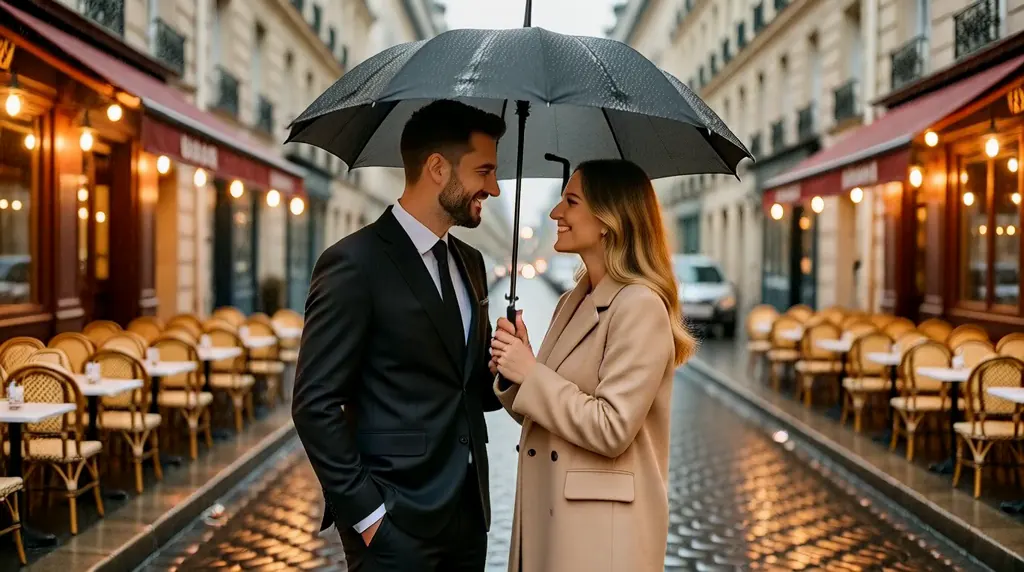
Text to image
Cinematic still of a couple in their thirties sharing an umbrella on a cobblestone Paris street at night in the rain, warm cafe lights behind them, shallow depth of field
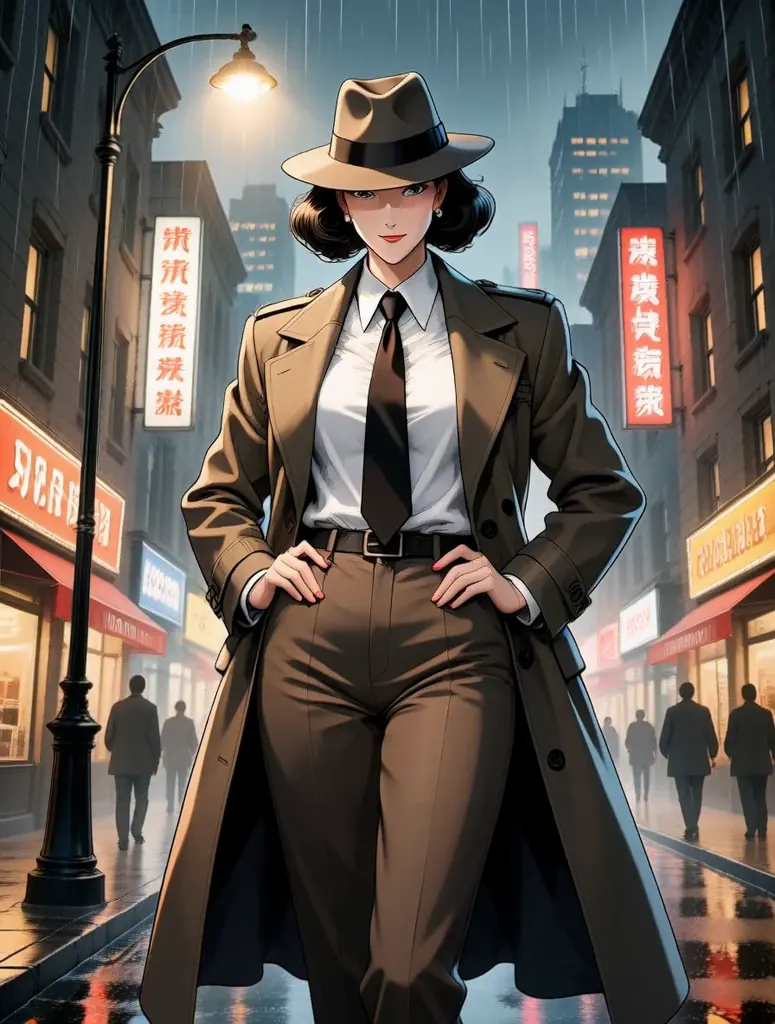
Text to image
Anime-style illustration of a tall adult woman in her thirties, a confident detective in a long coat and fedora standing under a streetlamp in a rainy noir city, 90s cel-shaded look
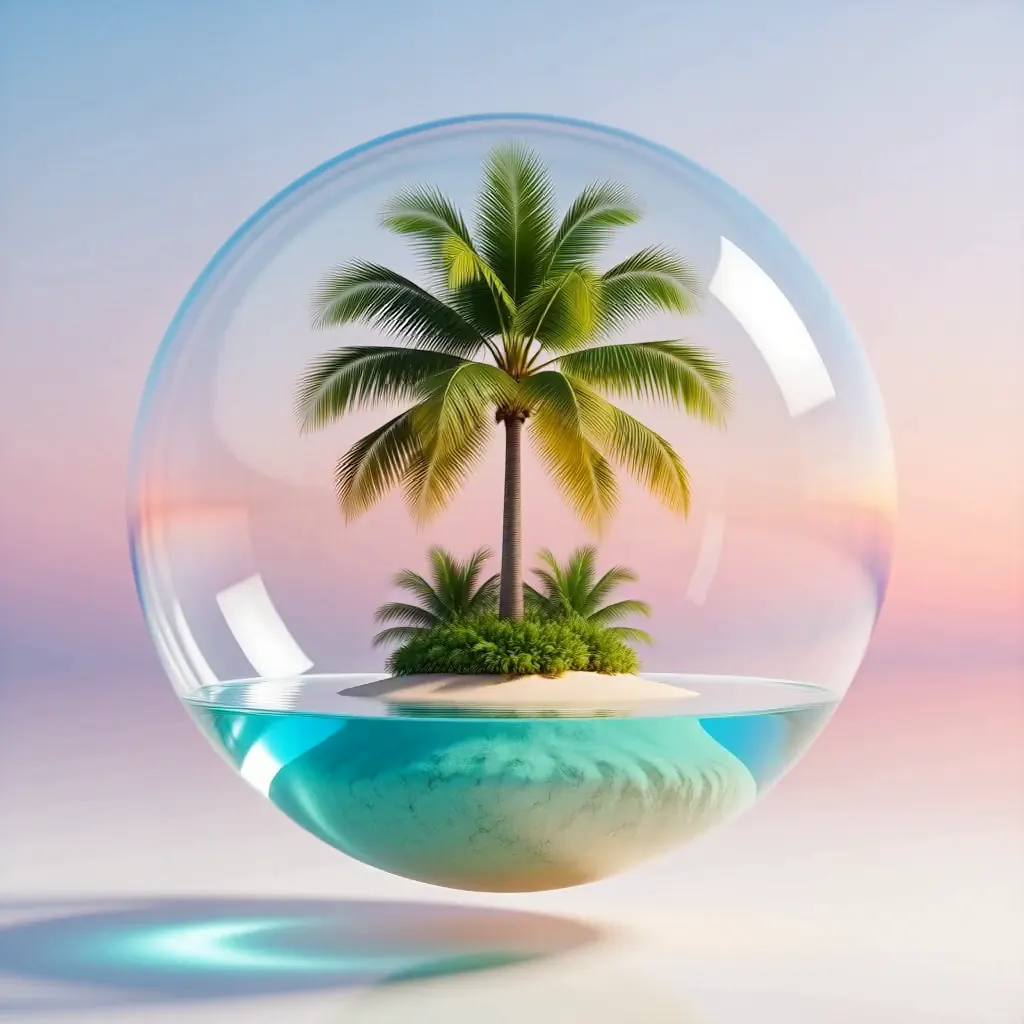
Text to image
Surreal 3D render of a floating glass sphere holding a tiny tropical island with a single palm tree, pastel gradient sky, soft shadows
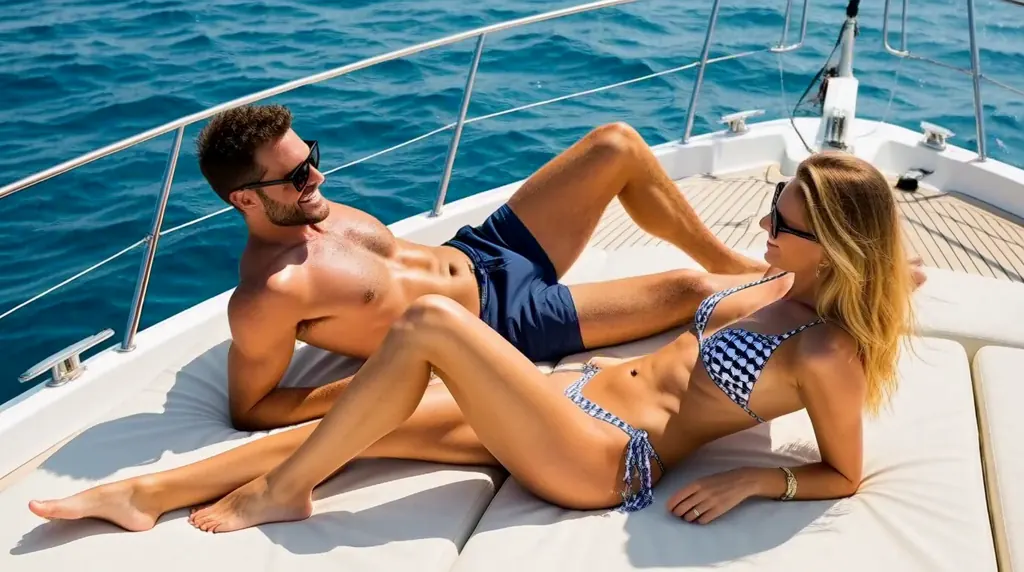
Text to image
Sun-drenched yacht deck, a tanned man and woman in their thirties in swimwear lounging on white cushions, turquoise Mediterranean sea, glamorous summer lifestyle photography
- Before
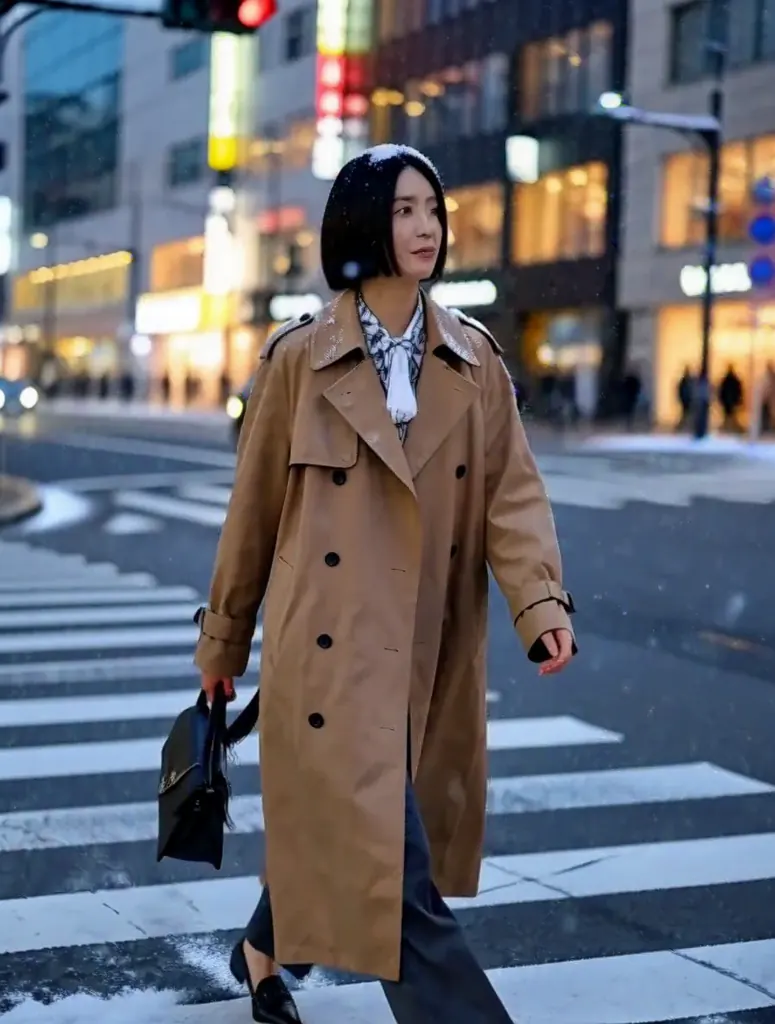 After
Edit
Change the scene to a snowy winter night: deep blue evening sky, heavy snow falling and settling on the street and on her coat, warm shop windows glowing behind her; keep the woman unchanged
When to pick MiniMax H3 Image
Pick it when
- You are designing first frames for MiniMax H3 Video and want the still and the clip to share one model family.
- You want to try one idea across square, wide and tall shapes quickly without the price changing per shape.
- You want to blend a character, a location, a costume and a palette from separate pictures into a single scene.
Pick another model when
- You need a higher-resolution final still than this one-resolution model gives; Seedream 5.0 Pro goes further.
- You want to merge photos while keeping the first photo's exact proportions at high resolution; Wan 2.7 Image is the alternative.
- You mainly want instruction edits of a single picture that keep face and pose intact; Qwen Image Edit 2511 is the dedicated editor.
Prompt or reference
Start fresh when there is nothing to build on. Attach pictures to edit or combine them — every one past the first adds to the cost, so bring what the result needs. With a picture attached, the frame can simply follow its proportions, or you can pick one of the usual shapes.
How to use MiniMax H3 Image on Vellria
- Prompt: up to 10,000 characters in the panel above.
- To edit or combine pictures, attach 1–9 reference images; leave them out to start from text.
- Cost: 8 credits — see pricing.
Example prompts
Tall frame: an adult woman in a sheer kimono on a rain-streaked balcony at night, city lights blurred behind her, moody cinematic still, ready to animate.
Blend: character from picture 1, outfit from picture 2, set in the neon arcade from picture 3; she leans on a pinball machine.
Wide frame of an adult couple dancing close in a dim ballroom, chandeliers out of focus, red and gold palette, 35mm film look.
Square mood image: tangled silk sheets, a discarded corset and a vintage camera on a windowsill, late afternoon sun.
Concept art of an original adult succubus character with leathery wings and a jeweled harness, standing in a gothic cathedral, dramatic backlight.
Tips
- Use H3 Image to try a frame in several shapes at no extra cost before animating it.
- When blending, give each attached picture a job in the prompt.
- Leave room for motion: describe a pose mid-action if the frame will open a clip.
- Keep the same wording you will use on H3 Video; it helps the clip stay true to the still.
Specifications
| Size (Text to image): | 1024×1024 (1:1)1248×832 (3:2)832×1248 (2:3)1184×896 (4:3)896×1184 (3:4)1376×768 (16:9)768×1376 (9:16) |
|---|---|
| Size (Image to image): | 1K · Matches input image1024×1024 (1:1)1248×832 (3:2)832×1248 (2:3)1184×896 (4:3)896×1184 (3:4)1376×768 (16:9)768×1376 (9:16) |
| Reference images: | 1–9 reference images |
See also: uncensored AI image generator · uncensored image editor.
Pricing
Text to image
| Size | Credits |
|---|---|
| 1024×1024 (1:1) | 8 credits |
| 1248×832 (3:2) | 8 credits |
| 832×1248 (2:3) | 8 credits |
| 1184×896 (4:3) | 8 credits |
| 896×1184 (3:4) | 8 credits |
| 1376×768 (16:9) | 8 credits |
| 768×1376 (9:16) | 8 credits |
Image to image
| Size | Credits |
|---|---|
| 1K · Matches input image | 8 credits |
| 1024×1024 (1:1) | 8 credits |
| 1248×832 (3:2) | 8 credits |
| 832×1248 (2:3) | 8 credits |
| 1184×896 (4:3) | 8 credits |
| 896×1184 (3:4) | 8 credits |
| 1376×768 (16:9) | 8 credits |
| 768×1376 (9:16) | 8 credits |
+1 credit per extra image
MiniMax H3 Image vs MiniMax H3 Video and MiniMax H3 Max
MiniMax H3 Image is the still-image entry to MiniMax's H3 line. It renders at one resolution in a range of shapes for one price and blends several reference pictures, which makes it the natural place to design first frames for the two H3 video tiers.
| Model | Price | Max size | Reference images |
|---|---|---|---|
| MiniMax H3 Image Uncensored This page | 8 credits | 1184×896 | Up to 9 |
| Qwen 3 Uncensored | 8 credits | 2048×2048 | Up to 3 |
| Seedream 5 Lite Uncensored | 8 credits | 4704×2016 | Up to 10 |
| Seedream 5.5 Uncensored | 8 credits | 2816×1584 | Up to 10 |
| Wan 2.7 Uncensored | 8 credits | 2K | Up to 9 |
Prices and limits come from the live model catalog.
MiniMax H3 Image or MiniMax H3 Video?
Video · from 6 credits / s
H3 Video is the low-cost video tier of the same line. Upload a still made here as the opening frame to see whether the composition holds up in motion before spending more.
MiniMax H3 Image or MiniMax H3 Max?
Video · from 15 credits / s
H3 Max is the finishing video tier. Once a frame and a camera move are settled, the same still can open the final take there.
MiniMax H3 Image API: price and a first request
MiniMax H3 Image costs 8 credits over the API, the same rate as in Studio. Model id vellria-minimax-h3-image on POST /v1/generate/image.
curl https://vellria.com/v1/generate/image \
  -H "Authorization: Bearer vll_..." \
  -H "Content-Type: application/json" \
  -d '{
    "model": "vellria-minimax-h3-image",
    "prompt": "…",
    "size": "1024*1024"
  }'
Parameters, polling and uploads: API documentation · NSFW image API.
FAQ
Does MiniMax H3 Image allow NSFW?
On Vellria, yes, for fictional adult content: nudity and explicit scenes between adults are allowed. Minors are refused automatically, and real people without consent are prohibited.
Is MiniMax H3 Image free?
Free to start: a new account created with Google gets 20 free credits, valid for 7 days (about 10 images on Z-Image Turbo Uncensored), and every signed-in account gets free daily uses of the NSFW prompt generator and the image to prompt tool. The gift is enough to try MiniMax H3 Image, which costs 8 credits. After that every run is paid from prepaid credits at the rate this page shows before you start, and a run that fails at the provider is refunded automatically. Is there a free uncensored AI generator? covers the cheapest way to a first result.
Is MiniMax H3 Image the same as Hailuo?
Hailuo AI is MiniMax's consumer app; H3 is a MiniMax model generation. This page runs the H3 image model directly, without going through the Hailuo app.
Can I turn an H3 image into a video?
Yes. Download it or keep it in your library and upload it as the first frame on MiniMax H3 Video or any other video model here.
Why choose H3 Image over a higher-resolution model?
Speed of iteration and flat pricing across shapes. Use it to explore; move to a higher-resolution model for the final still if you need the size.
Related models
Turn a still into a clip with one of our video models.
Wan 2.6 Spark Spicy Uncensored
Full HD Wan 2.6 clips of 5, 10 or 15 s from text or a first frame, at a lower 1080p price.
Video
25 credits / s
Lime 1.0 Spicy Uncensored
Low-cost clips of 5 or 10 s at 480p or 720p from your still, with sound made in every run.
Video
from 8 credits / s
Seedance 2.5 Uncensored
Scenes that arrive with sound, 4–30 s up to 1080p; bring a still to life as the first frame or cast up to 10 references.
Video
from 35 credits / s