
Text or image to video
Uncensored AI video generator: clips from a prompt or a still
An uncensored AI video generator creates clips with sound, from a scene you have in mind or a still you want to bring to life, without rewriting what you asked for before it reaches the model. On Vellria you pick a video model, start the clip in Studio or through the REST API, and pay from a prepaid credit balance, with no subscription required — or an optional monthly plan. Between fictional adults there are no restrictions on adult themes; minors, and real people shown without their consent, are not allowed.
20 video models, from 5 credits / s (100 credits = $1.00), clips up to 30 s. New accounts created with Google get 20 credits as a gift, valid for 7 days. Is there a free option?
Start a clip now, from text or from an image
Open Studio, choose one of the video models listed below, and decide what the clip starts from. Text to video needs nothing but a prompt: say who or what is in the shot, what it does, and what the camera does while it happens. Leave the movement out and the model picks one for you; leave the camera out and the shot comes back arbitrary rather than still. Image to video asks for one starting picture as well, and that picture becomes the first frame the motion grows out of. Press run and the job queues at once; close the tab if you like and collect the finished clip from your Gallery later.
The same models answer over the REST API with a Bearer key, so a script can open the job and poll it instead of a browser. Both doors draw on one balance and one catalog. Each card below shows the model's price as the server reports it while this page loads, and the model's own page lists every duration and resolution it accepts. Where to start depends on the shot. For coherence over a whole clip, Seedance 2.5 led our tests; for everyday work at a lower per-second rate, Wan 3.0 Pro; mid-priced, Wan 3.0 and MiniMax H3 Max; and for throwaway drafts, MiniMax H3. Pruna P-Video 2 and Pruna P-Video 2 Pro complete the video catalog, and their pages list what they accept.
See what the models make
Real outputs from the models on this page, each shown with the exact prompt that produced it. Copy a prompt, or open the model and run it yourself.
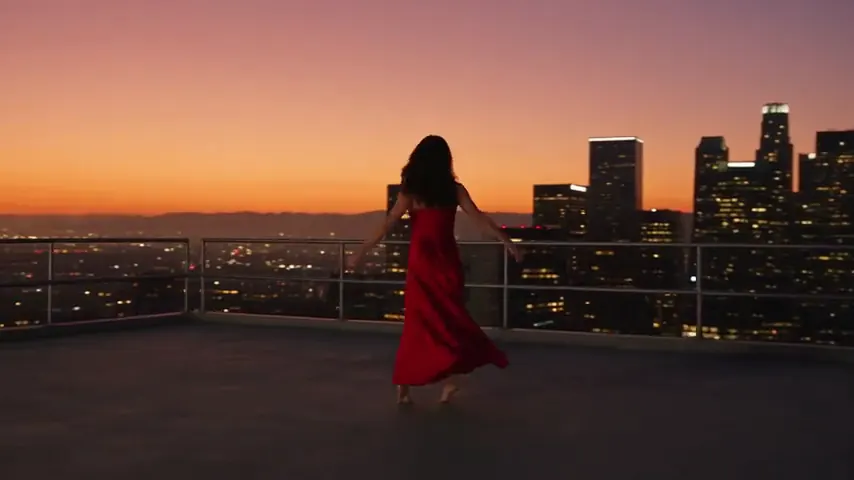
Seedance 2.5 UncensoredText to video
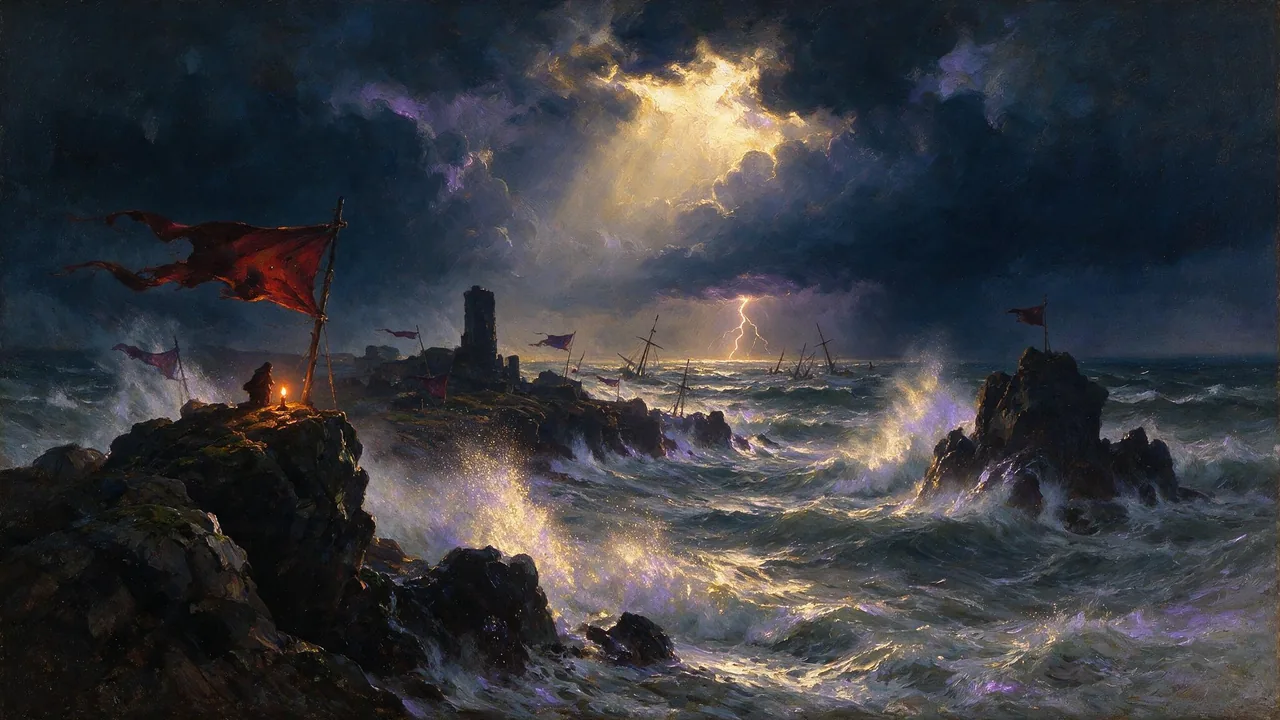
A woman in her thirties in a flowing red silk dress spins slowly on a rooftop at sunset, the fabric swirling around her, the city skyline glowing behind, smooth cinematic camera orbit
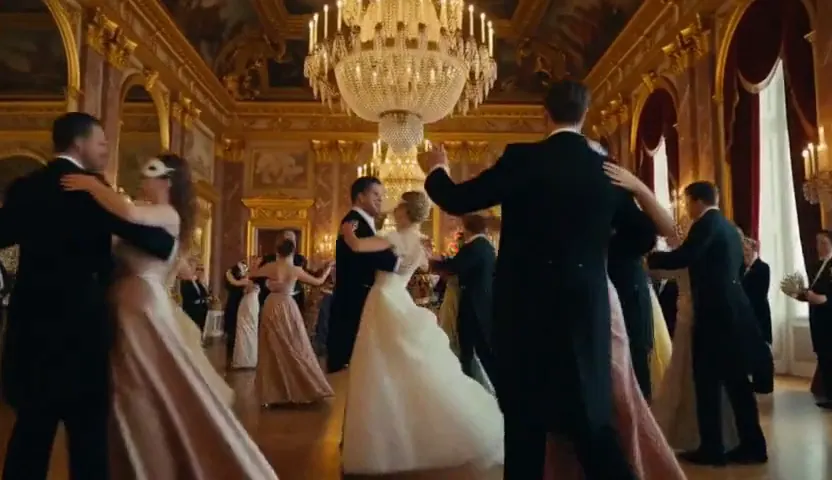
MiniMax H3 Max UncensoredText to video
A masquerade ball in a grand baroque hall, couples in their thirties in gowns and tuxedos waltzing under crystal chandeliers, the camera glides between the dancers
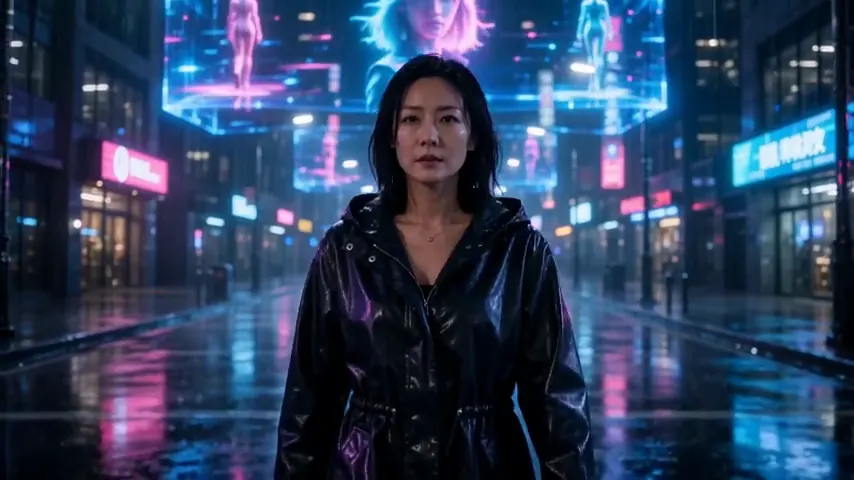
Wan 3.0 UncensoredText to video
A neon-lit street at night, a woman in her thirties in a glossy black raincoat walks toward the camera through the rain as holograms flicker overhead, steady tracking shot
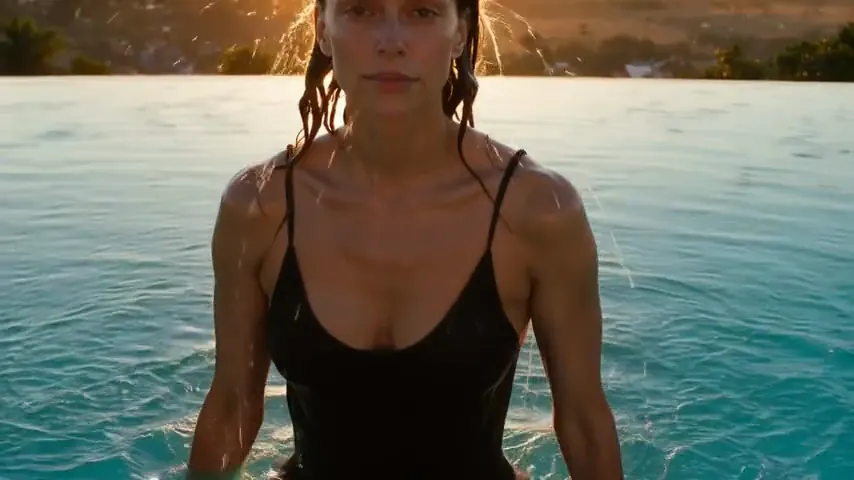
LTX 2.5 Pro UncensoredText to video
A woman in her thirties in a black one-piece swimsuit rises from a turquoise infinity pool at sunset, water streaming from her hair and shoulders, golden backlight, slow motion
Pruna P-Video 2 Pro UncensoredImage to video
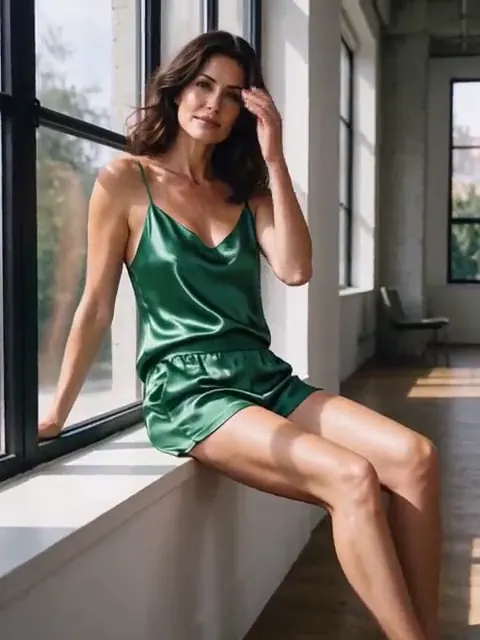
She turns from the window toward the camera and tucks her hair behind her ear, sunlight flickering through the curtains
Wan 3.0 Pro UncensoredImage to video
Rose petals drift down onto her as she opens her eyes and smiles, gentle overhead camera rotation
Video
Seedance 2.5 Uncensored
Scenes that arrive with sound, 4–30 s up to 1080p, or bring a still to life as the first frame.
from 35 credits / s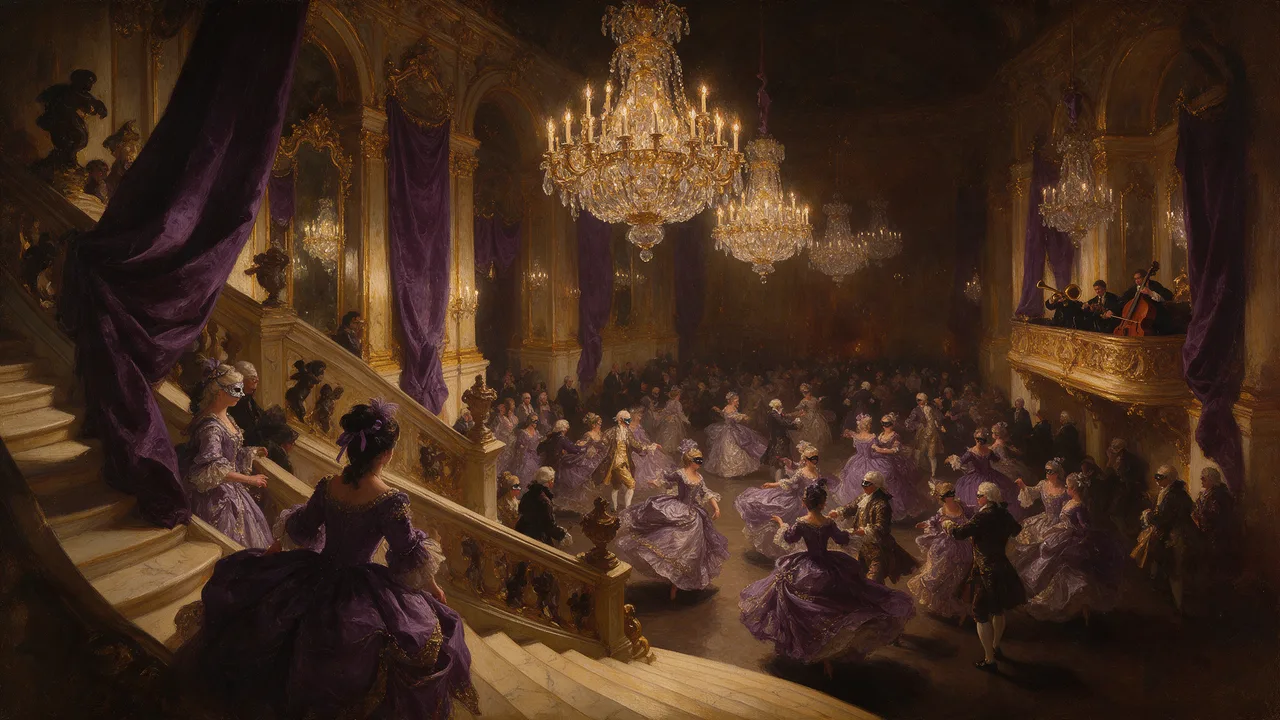
Video
MiniMax H3 Max Uncensored
For the take you keep: 5–15 s clips up to 4K with sound; start from a still if you have one.
from 15 credits / s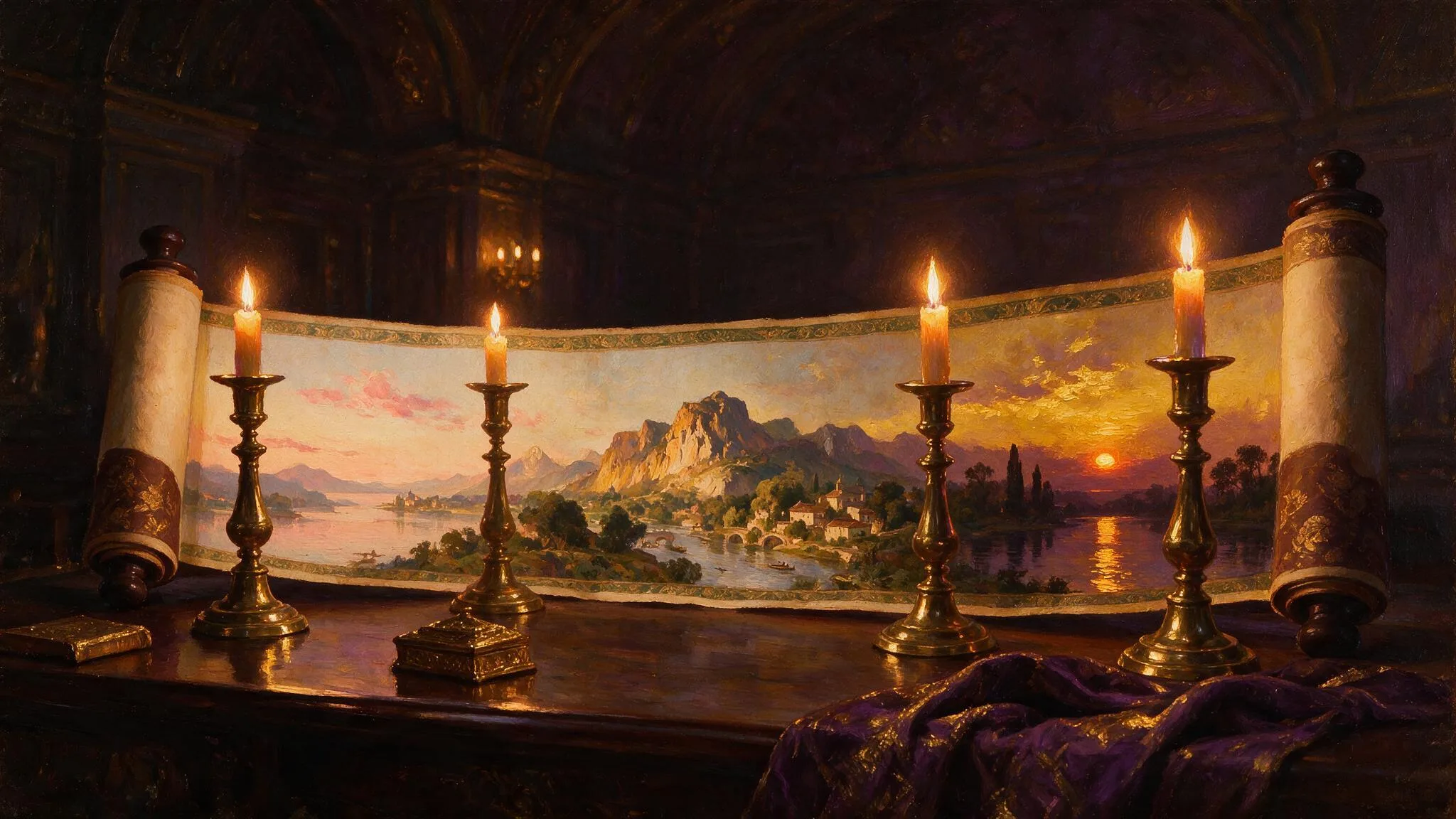
Video
Wan 3.0 Uncensored
Long single takes up to 30 s with sound, 480p to 1080p, or animate a still as the opening shot.
from 15 credits / s
The models for this, side by side
| Model | Sample | Price | Max resolution | Duration | Reference images |
|---|---|---|---|---|---|
| Seedance 2.5 Uncensored | 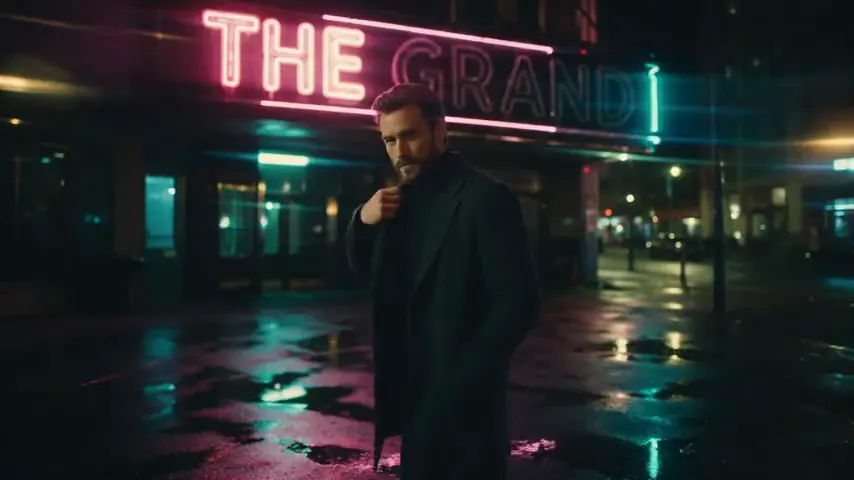 | from 35 credits / s | 1080p | 4–30s | Up to 1 |
| Seedance 2.0 Uncensored | 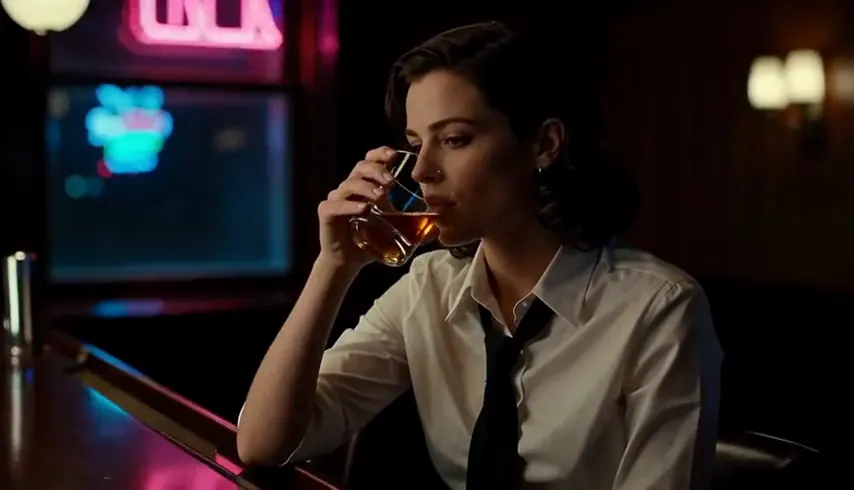 | from 30 credits / s | 1080p | 4–15s | Up to 1 |
| MiniMax H3 Video Uncensored | 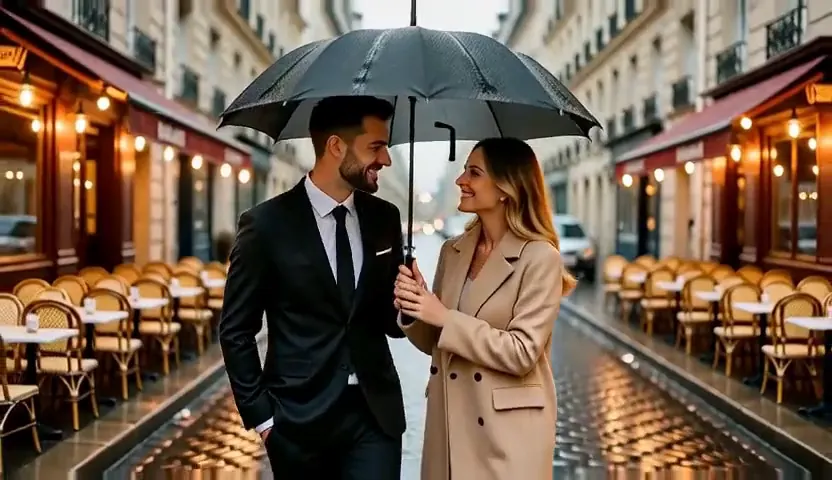 | from 6 credits / s | 4K | 4–15s | Up to 1 |
| MiniMax H3 Max Uncensored | 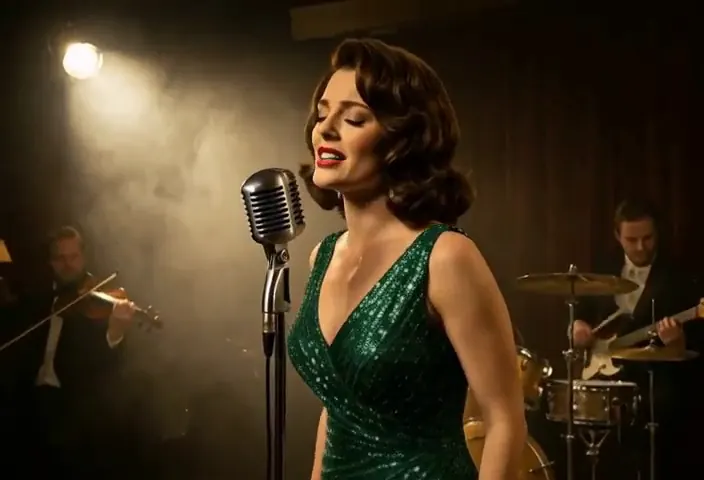 | from 15 credits / s | 4K | 5–15s | Up to 1 |
| Wan 3.0 Uncensored | 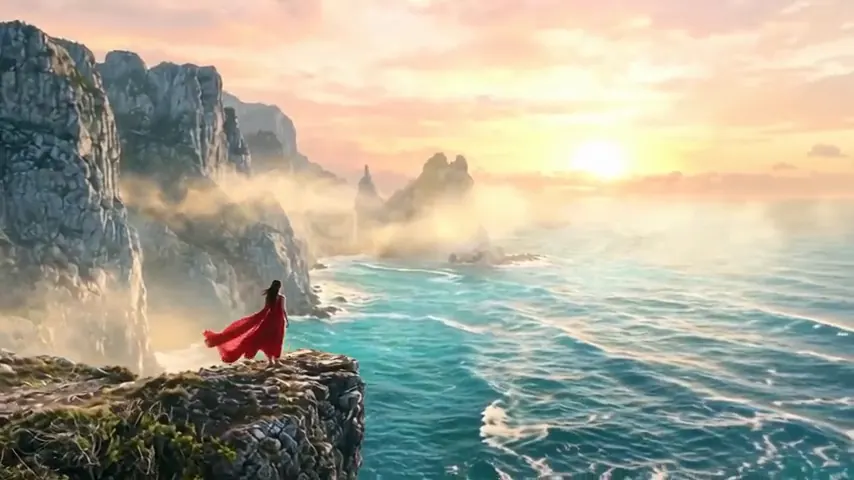 | from 15 credits / s | 1080p | 2–30s | Up to 1 |
| Wan 3.0 Pro Uncensored | 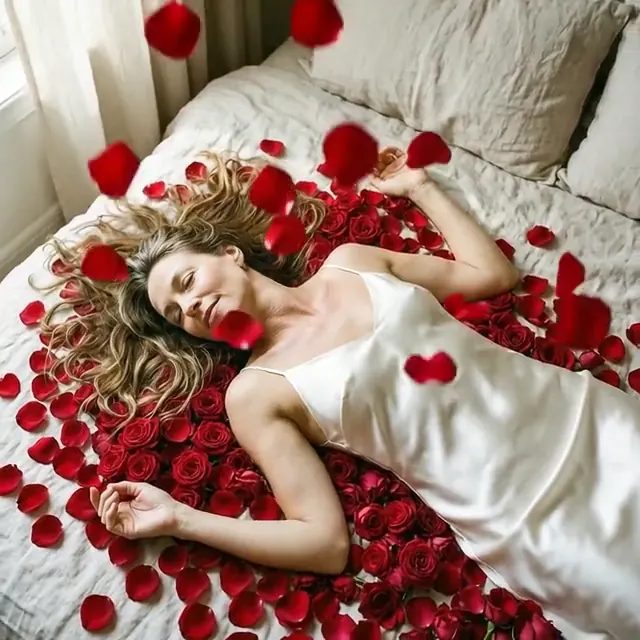 | from 20 credits / s | 1080p | 2–30s | Up to 1 |
| Wan 2.2 Uncensored | 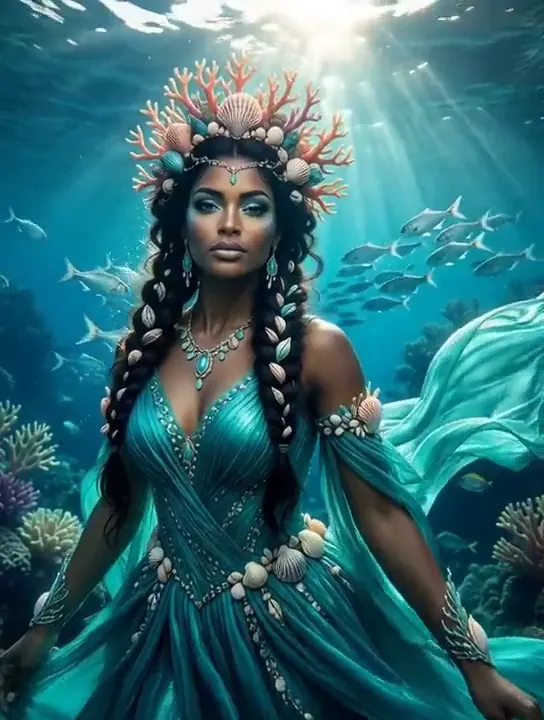 | from 8 credits / s | 720p | 5–8s | Up to 1 |
| Pruna P-Video 2 Pro Uncensored | 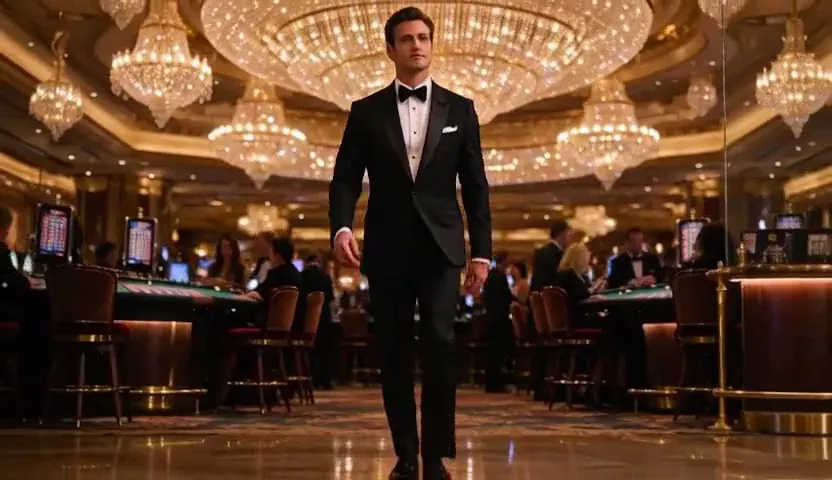 | from 12 credits / s | 768p | 5–15s | Up to 1 |
| Pruna P-Video 2 Uncensored | 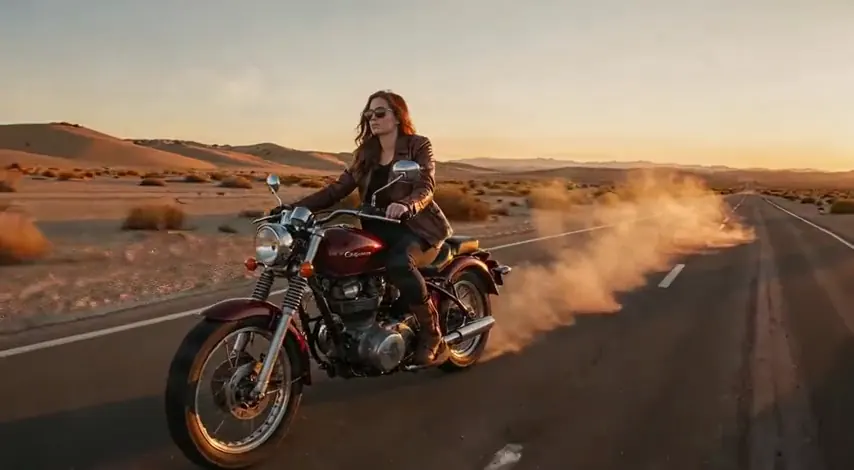 | from 8 credits / s | 1080p | 1–20s | Up to 1 |
| LTX 2.5 Pro Uncensored | 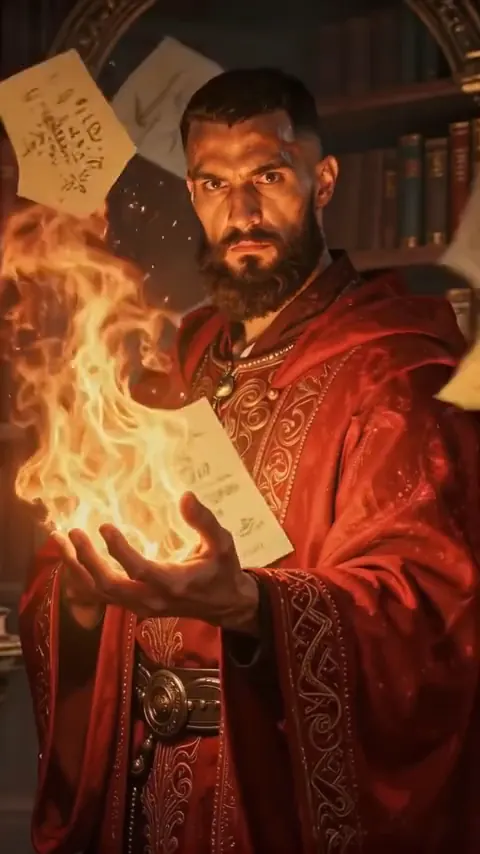 | from 35 credits / s | 4K | 6–10s | Up to 1 |
| LTX 2.5 Fast Uncensored | 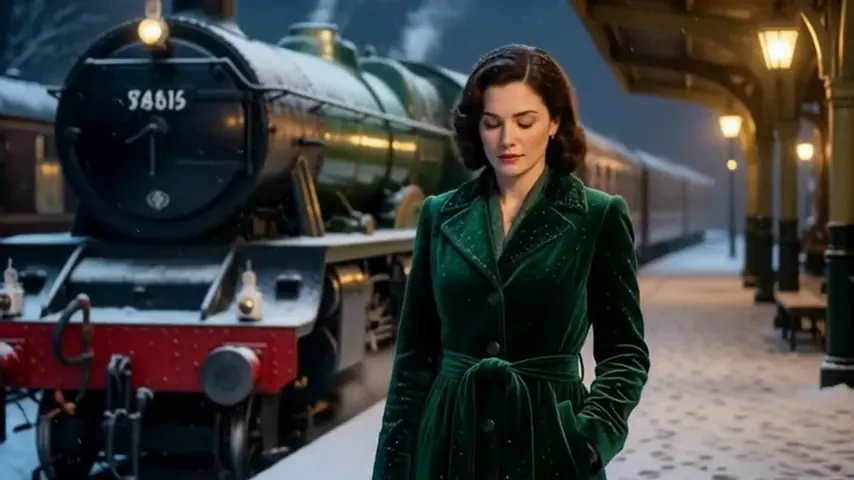 | from 25 credits / s | 1080p | 6–20s | Up to 1 |
| Wan 3.0 Spicy Uncensored | 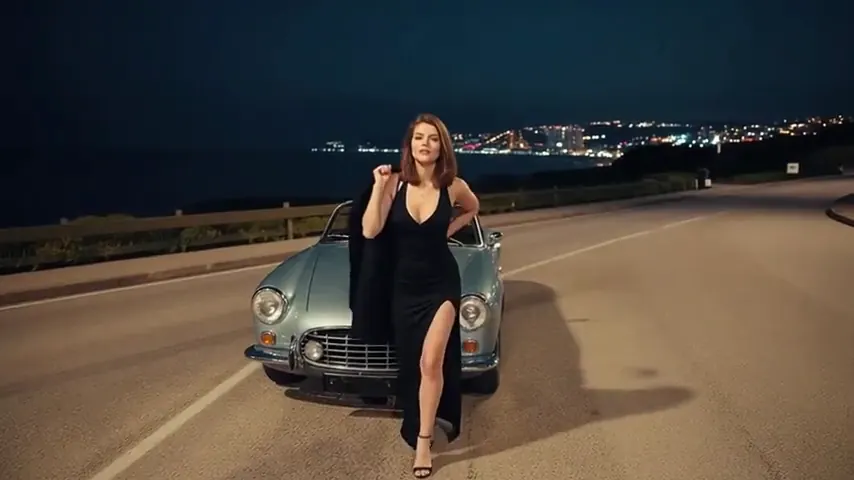 | from 13 credits / s | 1080p | 2–30s | Up to 1 |
| Wan 3.0 Pro Spicy Uncensored | 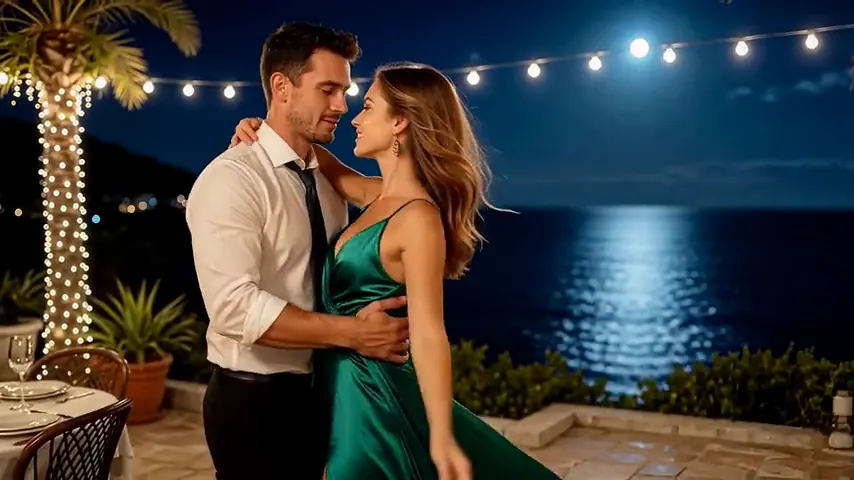 | 45 credits / s | 1080p | 2–30s | Up to 1 |
| Wan 3.0 Prime Spicy Uncensored | 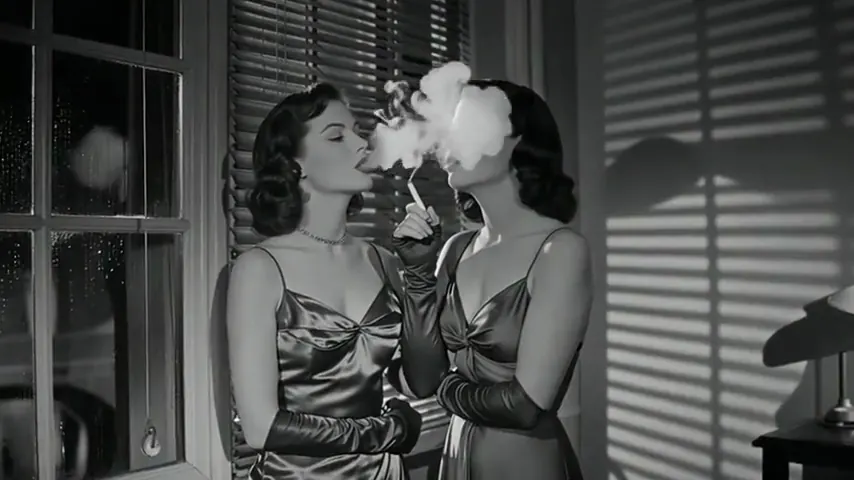 | from 17 credits / s | 1080p | 2–30s | Up to 1 |
| Wan 3.0 VSR Prime Spicy Uncensored | 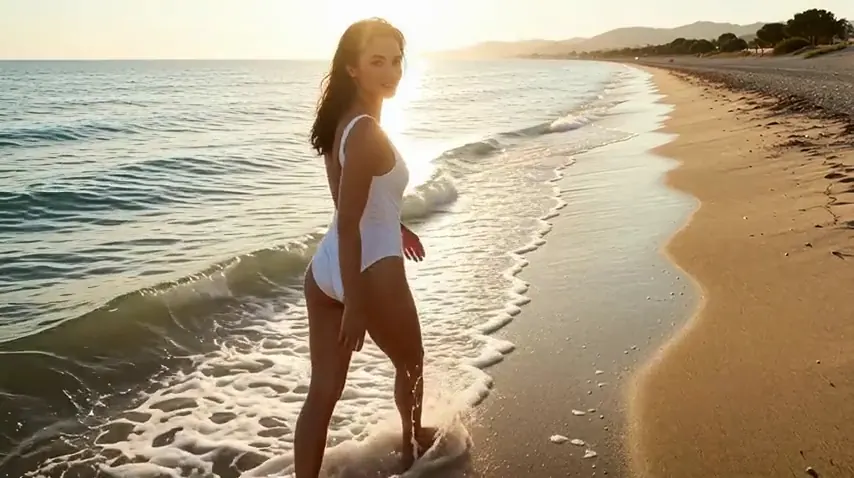 | from 70 credits / s | 4K | 2–30s | Up to 1 |
| Wan 2.7 Spicy Uncensored | 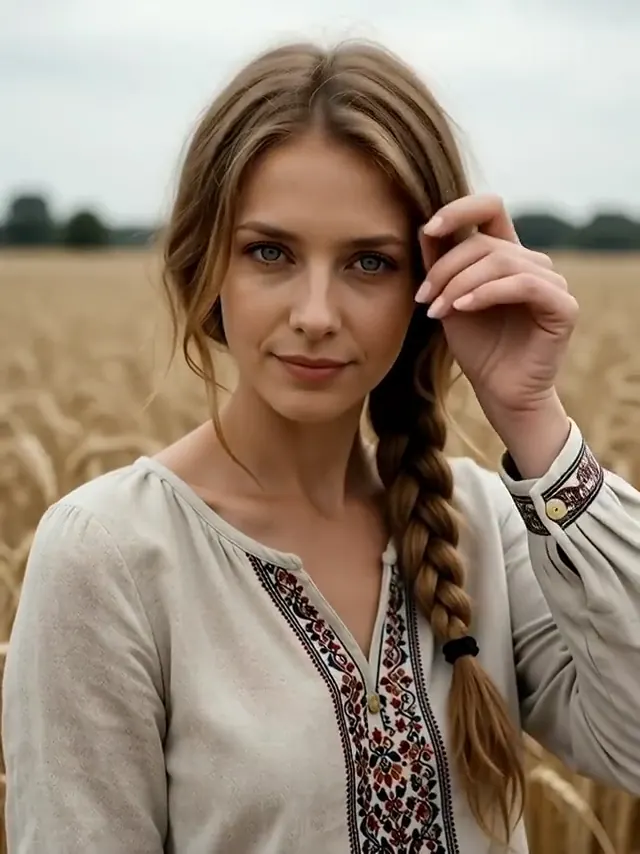 | from 33 credits / s | 1080p | 2–15s | Up to 1 |
| Wan 2.2 Spicy Uncensored |  | from 5 credits / s | 720p | 5–8s | Up to 1 |
| Wan 2.6 Spicy Uncensored |  | from 25 credits / s | 1080p | 5–15s | Up to 1 |
| Wan 2.6 Spark Spicy Uncensored |  | 25 credits / s | 1080p | 5–15s | Up to 1 |
| Lime 1.0 Spicy Uncensored |  | from 8 credits / s | 720p | 5–10s | Up to 1 |
Prices and limits come from the live model catalog.
Text to video and image to video are the same model
You do not have to choose between two sets of models. Every video model here can invent a whole scene, with framing, subject and setting written into your description, or take a picture you already have and bring it to life, keeping its look and composition so the render goes into movement. The picture sets the clip's shape too, so crop before you upload. The uses follow from that: a teaser for a character you designed, an establishing shot for a story, a short loop for a cover, or a test of camera movement before you commit credits to a longer take.
When a subject has to look a particular way, make the frame on an image model first, keep the file you like, and hand exactly that file to the video model as a reference. From a still to a video walks through that route step by step, keeping a character consistent covers carrying one face across several takes, and storyboards and previz covers planning a sequence shot by shot. For explicit clips built on a frame of your own, NSFW image to video covers that same reference flow.
What no filter means when the output moves
A no filter AI video generator, in the only sense that holds here, is one where the prompt you submit is the prompt that renders. Nothing between you and the model softens a subject, so nothing flattens the verbs and camera moves written beside it either. That weighs more for video than for stills: a clip is a longer and dearer render, and a paraphrased prompt loses its movement along with the wording that described it. It keeps iteration honest as well: a clip renders in one pass, so steering happens between takes, and watching one, changing a verb or a camera word and running again teaches you something only when the change you made is the change that ran. A model that renders the prompt as written lets that loop settle on the shot you want; a hidden rewriter turns it into guesswork.
An unfiltered AI video generator is still not an AI video generator without restrictions, and this page does not pretend otherwise. Every model is hosted by a third-party provider, which screens requests with its own content filter and can halt a job after it has started. When that happens the clip is marked failed and its credits go back to your balance without anyone having to ask. Read unrestricted the same way: it describes what happens to your wording on the way to the model, not a promise that every subject renders.
What a clip costs, and what a failed one costs
There is no plan you have to sign up for — pay-as-you-go credits never renew, though an optional monthly plan exists if you would rather have one. You top up through our payment partner's hosted checkout, paying by card or with a method offered where you live; the credits appear when the payment clears, and the balance moves only when a clip starts. Free to start: a new account created with Google gets 20 free credits, valid for 7 days (about 10 images on Z-Image Turbo Uncensored), and every signed-in account gets free daily uses of the NSFW prompt generator and the image to prompt tool. Beyond that every clip is paid for from your balance, and the quiet weeks between projects cost nothing at all.
The charge is made when the job opens, because that is the moment the render is ordered. If the provider errors or stops the run, the same credits come back as the job turns to failed, with nothing to file. What each duration and resolution costs belongs to the model, so read it on the model's page or on the pricing page; choosing a resolution and a clip length helps with which to pick.
Where the line sits
Fictional adult scenes are allowed and the service is meant for adults only. Sexual content involving minors is prohibited, and a prompt the automatic check recognizes as putting a minor into a sexual scene is refused before the run begins. Showing a real, identifiable person in a clip without their agreement is against the terms, which close an account without notice for it. Bestiality, incest, non-consensual sex, extreme gore and hidden-camera content are prohibited too, fictional or not. The rest of the policy, unused credits included, is on the page about what is allowed and what is blocked, and explicit clips from a written scene have their own page, the NSFW AI video generator.
The case against prompt rewriting, made for stills, is on the page about an image generator that leaves your prompt alone, and still images start at the uncensored AI image generator. Before picking a video family, the full ranking of video models sets them against each other. And for how stills and clips fit together under one set of rules, see NSFW AI for images and video.
FAQ ( 5 )