
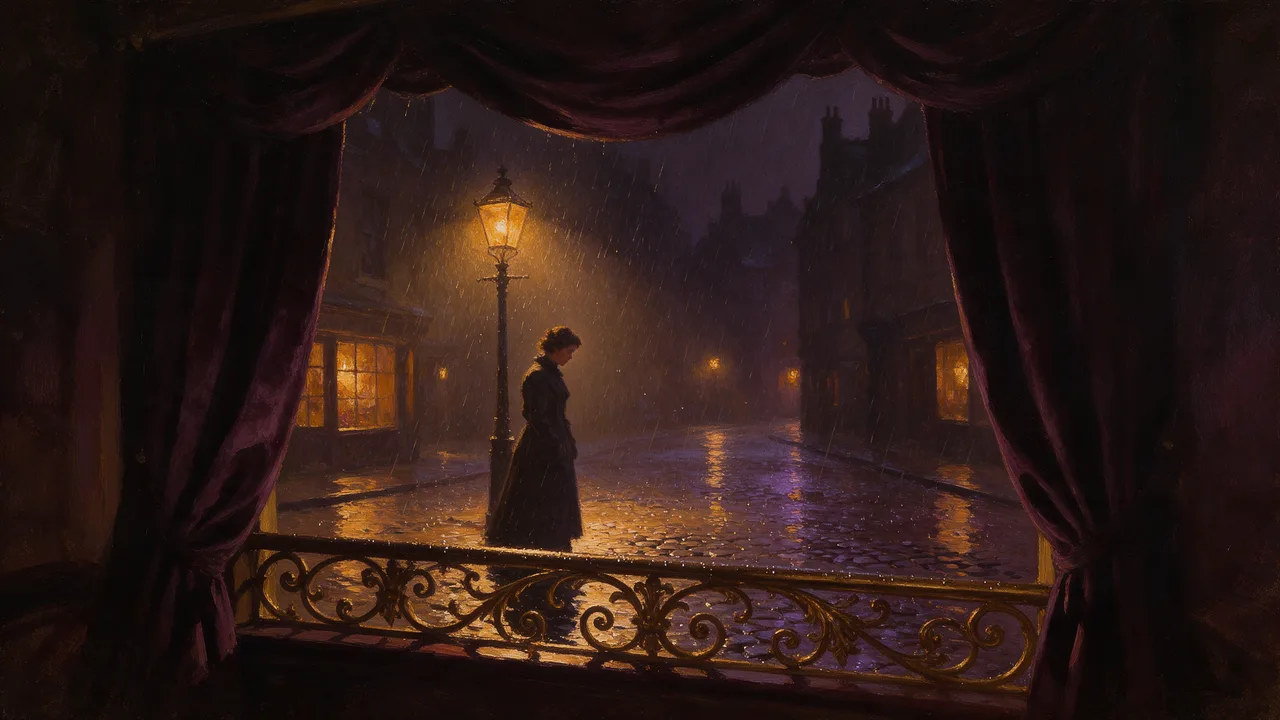
Seedream 4 Uncensored
Seedream 4 Uncensored is ByteDance's image model, hosted on Vellria with nothing to install: text to image and image to image, output up to 2816×1584. Run it in Studio or over the REST API, 7 credits (100 credits = $1.00).
vellria-seedream-4Seedream 4 is developed by ByteDance. Vellria provides access to the model; it does not own it. All trademarks belong to their respective owners.
Output
No generation yetCover art
7 credits
Your request will cost 7 credits.
About Seedream 4.0
Also known as: Seedream 4 · Seedream v4 · ByteDance Seedream 4.0
Seedream 4.0 is the September 2025 release from ByteDance's Seed team that brought generation and editing into one model: it creates images from a prompt, edits pictures you attach and blends several of them into a new composition. It was built to be fast at high resolution, and it remains a dependable all-rounder for realistic photos, illustration and design work. Vellria runs it hosted and uncensored, with nothing to install and no local setup.
Fresh images come at 2K in five shapes: square, 4:3 and 3:4, and the wide and tall screen formats. Every shape costs the same modest flat price, which makes it a sensible place to explore poses, outfits and settings in bulk before you commit to a final frame. Write the subject first, then the setting, the light and the style; plain descriptive sentences work better than long lists of quality words.
Editing accepts one to ten pictures with no charge for the extra ones. By default the edit follows the proportions of the first picture and renders it at roughly 2K, so a landscape photo comes back landscape without a crop; choose one of the five shapes instead when the result has to fit a set layout. Say what changes and what stays, for example 'keep her face and the room, change the dress to red silk', rather than describing the whole new picture.
There is no seed and no negative prompt, so a rerun is a fresh take; save the image you like instead of trying to reproduce it. When lettering on posters and covers matters, or you need 3:2 and ultrawide frames, step up to Seedream 4.5. For the newer generation at a similar flat price compare Seedream 5.0 Flash, and for the most polished single frame see Seedream 5.0 Pro.
Seedream 4.0 in action
Seedream 4.0 outputs with the exact prompts behind them.
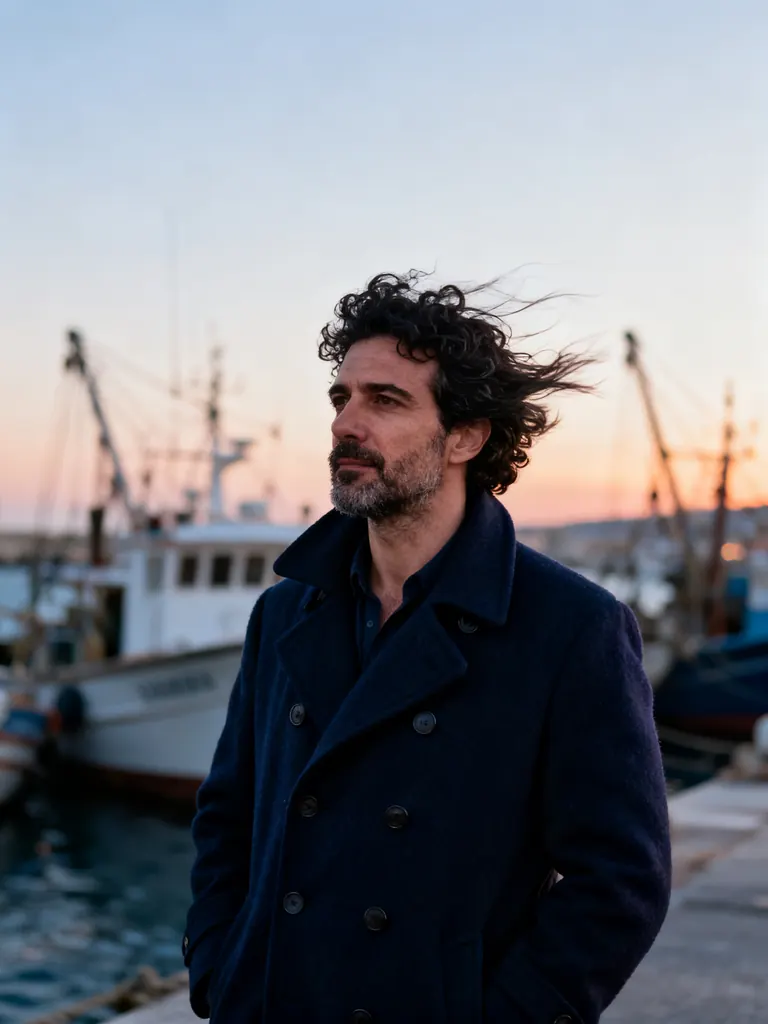
Text to image
Cinematic portrait of a Greek man in his early forties with dark curly hair and stubble, wearing a navy wool peacoat, standing on a windy harbor at dusk, fishing boats blurred behind him, warm and cool contrast, 85mm lens, photorealistic
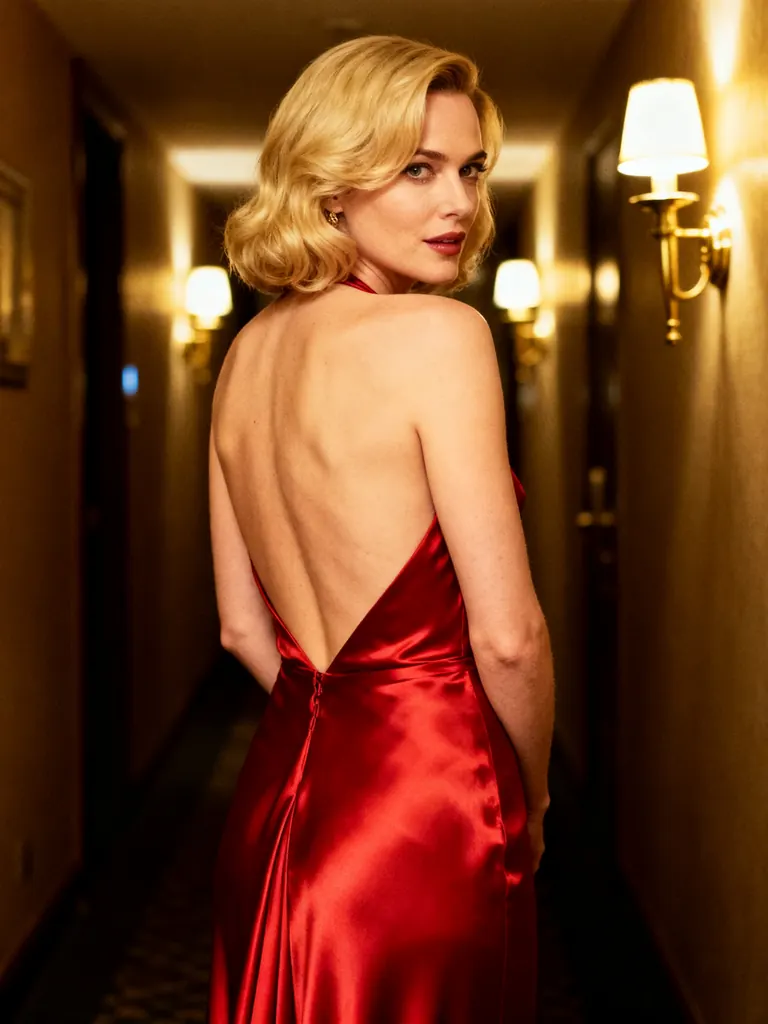
Text to image
Cinematic glamour shot of a blonde woman in her thirties in a backless red satin gown, looking over her shoulder in a dim hotel corridor with brass sconces, warm tungsten light, film grain, sultry and elegant
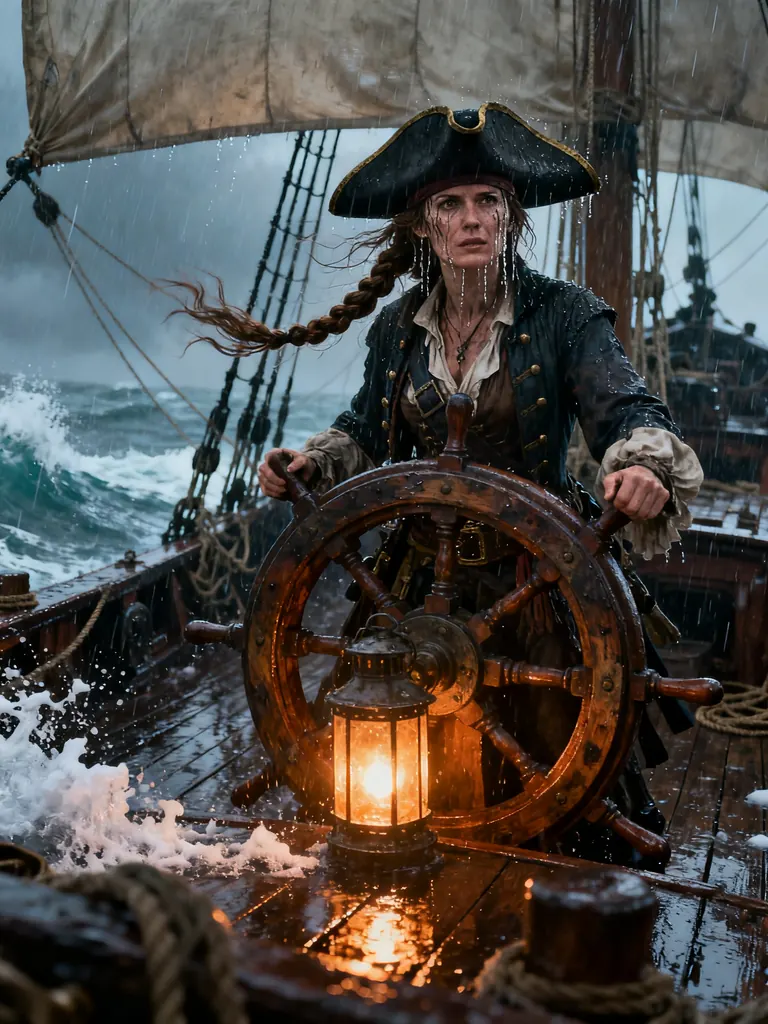
Text to image
Cinematic fantasy still of a pirate captain woman in her thirties with a weathered face, a long braid and a tricorn hat, standing at the helm of a ship in a storm, rain lashing, lantern light, photoreal concept art
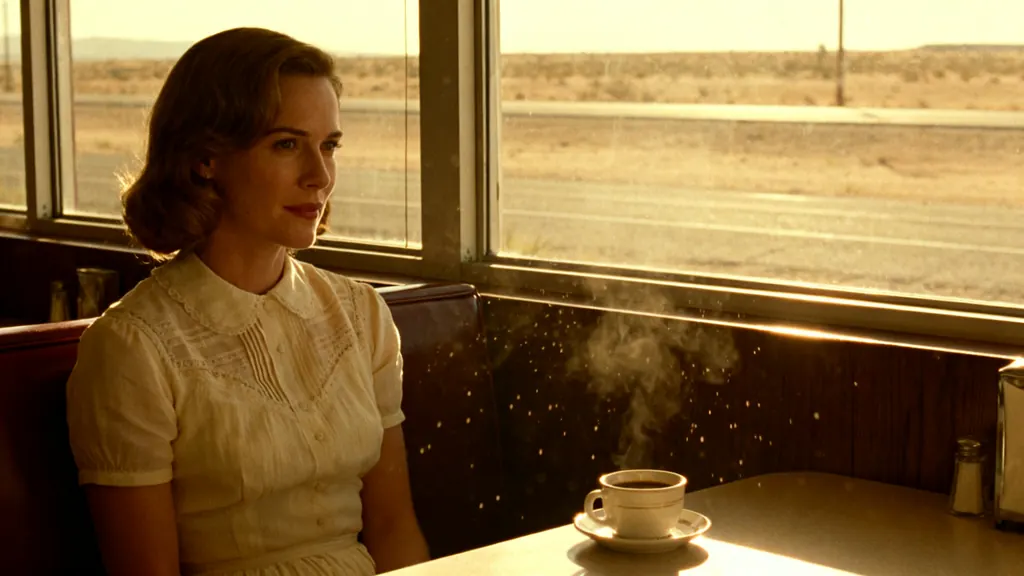
Text to image
Cinematic still of a woman in her thirties in a vintage cream dress sitting alone in a sunlit roadside diner booth, a cup of coffee in front of her, dust motes in the light, an empty desert highway and open desert visible through the window, 1970s film color, no billboards, no signs, no text
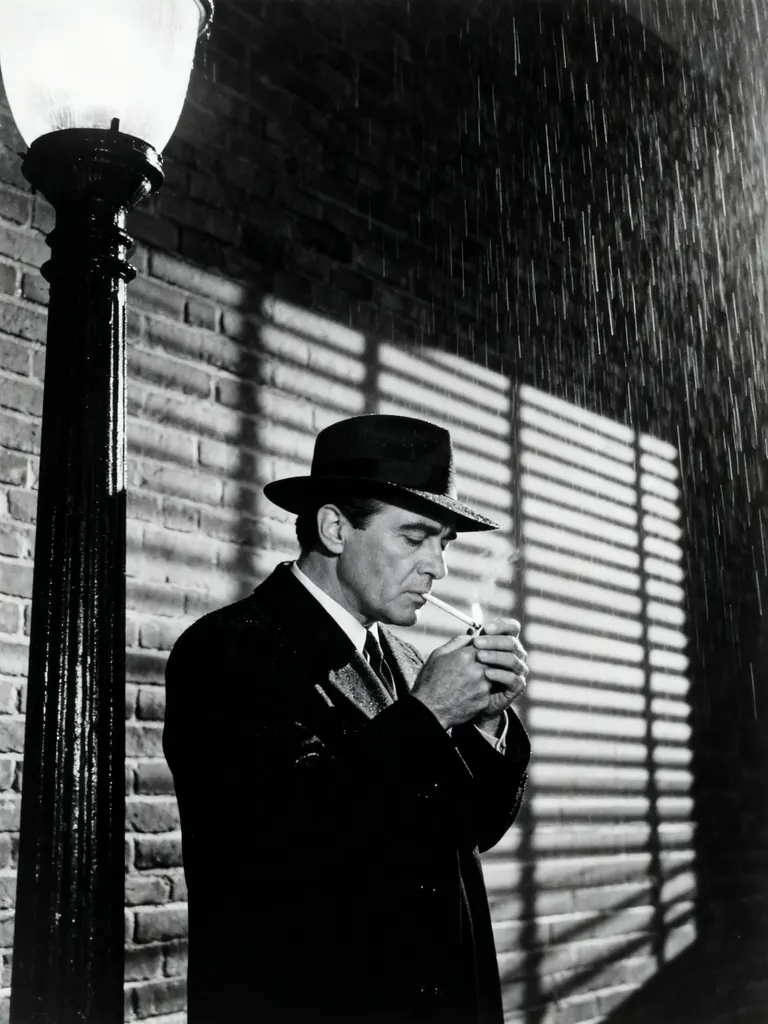
Text to image
Black-and-white film noir still of a detective man in his forties in a fedora lighting a cigarette under a streetlamp, venetian blind shadows across a brick wall, rain, high contrast, 1940s cinema
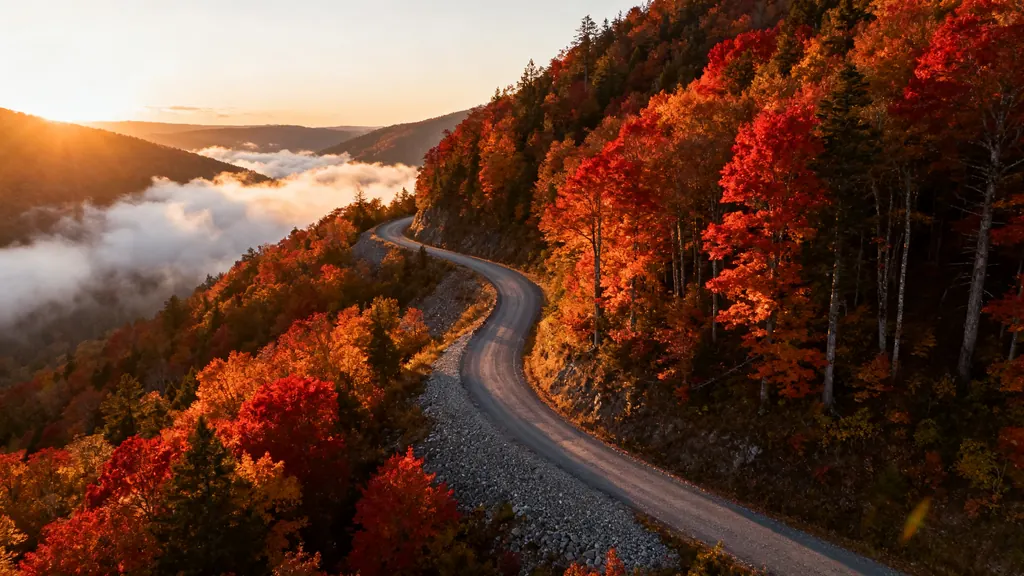
Text to image
Cinematic aerial landscape of a winding mountain road through autumn forests at sunrise, low clouds in the valleys, golden light on red and orange trees, epic scale, photorealistic
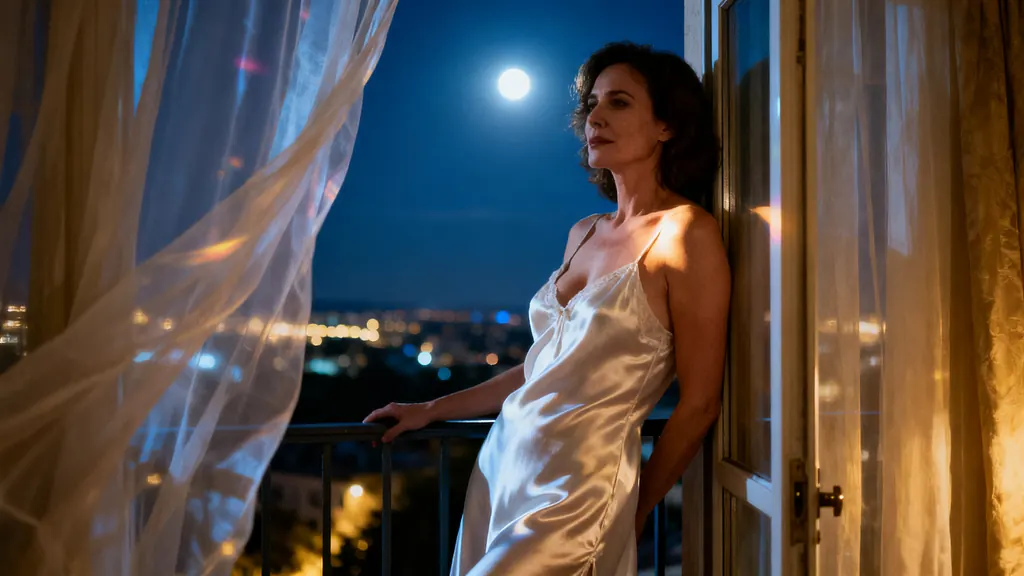
Text to image
Cinematic scene of a woman in her thirties in a white satin slip leaning against a balcony door at night, sheer curtains blowing around her, city lights far below, moonlight on her bare shoulders, intimate and suggestive, anamorphic film look
- Before
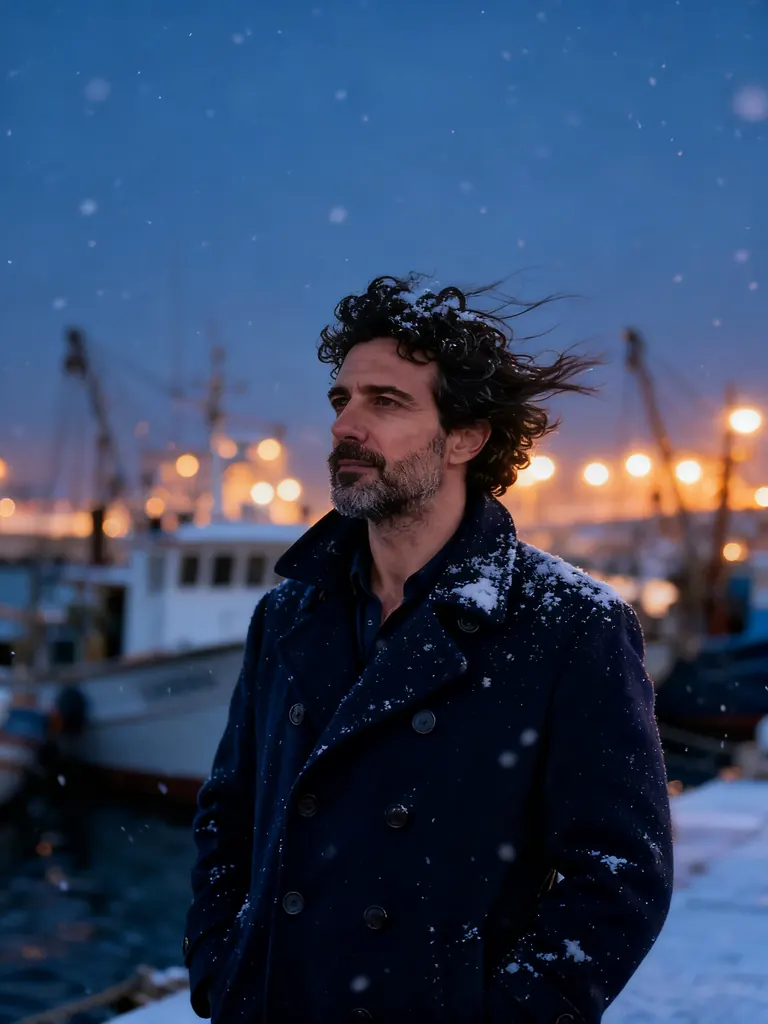 After
AfterEdit
Change the season to a snowy winter evening: snow falling and settling on his coat and hair, the harbor lights glowing warm; keep his face and pose unchanged
When to pick Seedream 4.0
Pick it when
- You want solid 2K photos or illustrations at a modest flat price and plan to run many variations.
- You are editing a photo and want the result to keep its original proportions without choosing a shape.
- You are combining up to ten of your own pictures into one scene and do not want extra pictures to raise the price.
Pick another model when
- Text has to appear in the picture, or you need 3:2, 2:3 or ultrawide frames; Seedream 4.5 covers those.
- You want the newest Seedream generation at a similar single price; try Seedream 5.0 Flash.
- The image must be much larger than 2K, such as a print or a wide banner; Seedream 5.0 Lite renders bigger files.
Prompt or reference
Write from scratch when the picture is new and choose its frame. Attach pictures when someone or something already exists: unless you pick a shape, the result takes on the outline of your first picture, so a portrait stays upright, and extra pictures cost nothing. Choose a fixed shape only when the result must fit a set layout.
How to use Seedream 4.0 on Vellria
- Prompt: up to 10,000 characters in the panel above.
- To edit or combine pictures, attach 1–10 reference images; leave them out to start from text.
- Cost: 7 credits — see pricing.
Example prompts
Candid photo of an adult woman laughing in a sunlit kitchen, oversized white shirt, messy bun, morning light, 35 mm film look.
Edit: keep the adult man and the room from image 1, change his shirt to a black silk robe and make the light warm evening lamplight.
Combine: the adult woman from image 1 wearing the red evening dress from image 2, standing in the marble hallway from image 3, editorial photo.
Fantasy illustration of an adult sorceress in a sheer emerald gown on a cliff at dusk, glowing runes in the air, painterly style.
Moody still life of a perfume bottle on wet black stone, single rim light, water droplets, tall frame.
Tips
- Leave the shape on the adaptive default when you edit a photo; the result keeps its proportions and nothing gets cropped.
- Number attached pictures in the prompt as image 1, image 2 and so on, and give each one a job: face, outfit or location.
- State what must stay the same before you describe the change; the edit holds on to more of the source that way.
- Since there is no seed to fix, run a promising prompt a few times and keep the strongest take.
Specifications
| Size (Text to image): | 2048×2048 (1:1, 2K)2368×1776 (4:3, 2K)1776×2368 (3:4, 2K)2816×1584 (16:9, 2K)1584×2816 (9:16, 2K) |
|---|---|
| Size (Image to image): | 2K · Matches input image2048×2048 (1:1, 2K)2368×1776 (4:3, 2K)1776×2368 (3:4, 2K)2816×1584 (16:9, 2K)1584×2816 (9:16, 2K) |
| Reference images: | 1–10 reference images |
See also: uncensored AI image generator · uncensored image editor.
Pricing
Text to image
| Size | Credits |
|---|---|
| 2048×2048 (1:1, 2K) | 7 credits |
| 2368×1776 (4:3, 2K) | 7 credits |
| 1776×2368 (3:4, 2K) | 7 credits |
| 2816×1584 (16:9, 2K) | 7 credits |
| 1584×2816 (9:16, 2K) | 7 credits |
Image to image
| Size | Credits |
|---|---|
| 2K · Matches input image | 7 credits |
| 2048×2048 (1:1, 2K) | 7 credits |
| 2368×1776 (4:3, 2K) | 7 credits |
| 1776×2368 (3:4, 2K) | 7 credits |
| 2816×1584 (16:9, 2K) | 7 credits |
| 1584×2816 (9:16, 2K) | 7 credits |
Seedream 4.0 vs Seedream 4.5 and Seedream 5.0 Flash
Seedream 4.0 is the entry point to the Seedream family on Vellria: the earliest release we run, with a low flat price, five shapes and edits that can keep the proportions of the picture you attach.
| Model | Price | Max size | Reference images |
|---|---|---|---|
| Seedream 4 Uncensored This page | 7 credits | 2816×1584 | Up to 10 |
| Seedream 4.5 Uncensored | 9 credits | 2848×1600 | Up to 10 |
| Seedream 5 Flash Uncensored | 8 credits | 2816×1584 | Up to 10 |
Prices and limits come from the live model catalog.
Seedream 4.0 or Seedream 4.5?
- Price: 9 credits (Seedream 4.0: 7 credits)
- Max size: 2848×1600 (Seedream 4.0: 2816×1584)
Seedream 4.5 costs a little more and handles lettering and fine facial detail better, with extra shapes including ultrawide. Its edits use fixed shapes only, so for a quick restyle that keeps a photo's framing, stay here.
Seedream 4.0 or Seedream 5.0 Flash?
- Price: 8 credits (Seedream 4.0: 7 credits)
Seedream 5.0 Flash is the newer generation, also priced per run and also free of charges for extra references, with the same adaptive edit default. Run one prompt on both and keep the look you prefer; this model stays the cheaper of the pair.
Seedream 4.0 API: price and a first request
Seedream 4.0 costs 7 credits over the API, the same rate as in Studio. Model id vellria-seedream-4 on POST /v1/generate/image.
curl https://vellria.com/v1/generate/image \
  -H "Authorization: Bearer vll_..." \
  -H "Content-Type: application/json" \
  -d '{
    "model": "vellria-seedream-4",
    "prompt": "…",
    "size": "2048*2048"
  }'
Parameters, polling and uploads: API documentation · NSFW image API.
FAQ
Does Seedream 4.0 allow NSFW?
Yes, on Vellria. Fictional adult nudity and explicit scenes between adults are allowed in fresh images and in edits. Minors are refused automatically, and editing real people without their consent is prohibited.
Is Seedream 4.0 free?
No, there is no free plan, but a new account created with Google gets 20 credits as a gift, valid for 7 days: enough to try Seedream 4.0, which costs 7 credits. After that every run is paid from prepaid credits at the rate this page shows before you start, and a run that fails at the provider is refunded automatically. Is there a free uncensored AI generator? covers the cheapest way to a first result.
What happens to my photo's proportions in an edit?
With the default setting they are kept: the result follows the shape of the first picture you attach, at roughly 2K. Pick one of the five fixed shapes when you want a different frame.
How many reference pictures can I attach?
Between one and ten, at the same price whether you use one or all of them. Give each picture a role in the prompt so the model knows what to take from it.
Is Seedream 4.0 outdated now that 4.5 and 5.0 exist?
It is older, not retired. It costs less per image than the later releases, it is quick, and its edits can follow your photo's proportions by default. Newer tiers are stronger at lettering and large sizes, so compare them on the same prompt.
Can I use Seedream 4.0 through the API?
Yes. The API section on this page shows the request for text and for edits; see the API reference for uploading pictures and polling for the result.
Related models
Turn a still into a clip with one of our video models.
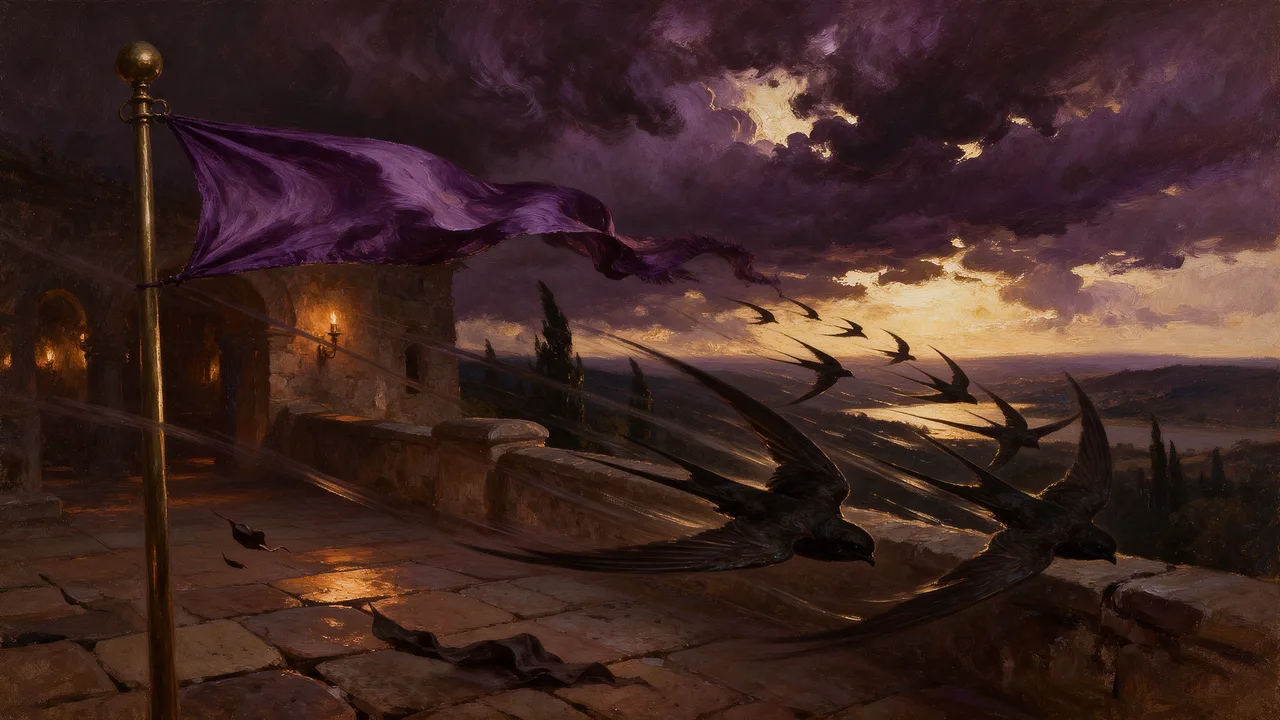
Seedance 2.0 Uncensored
Scenes with sound in 4–15 s takes up to 1080p, or bring a still to life as the opening frame.
Video
from 30 credits / s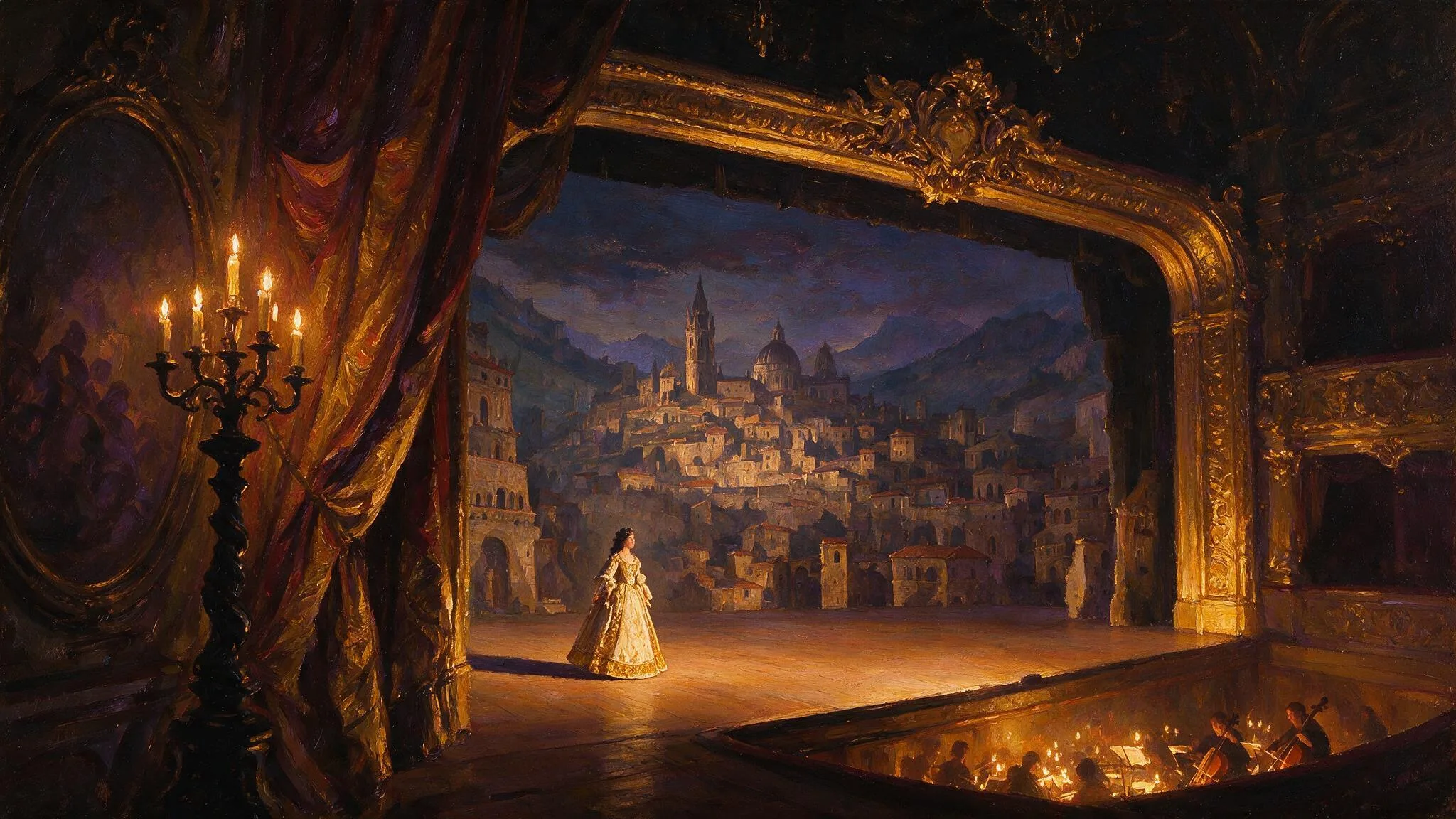
Wan 3.0 Pro Uncensored
Step up for final takes: 2–30 s with sound up to 1080p; start from a still to keep your framing.
Video
from 20 credits / s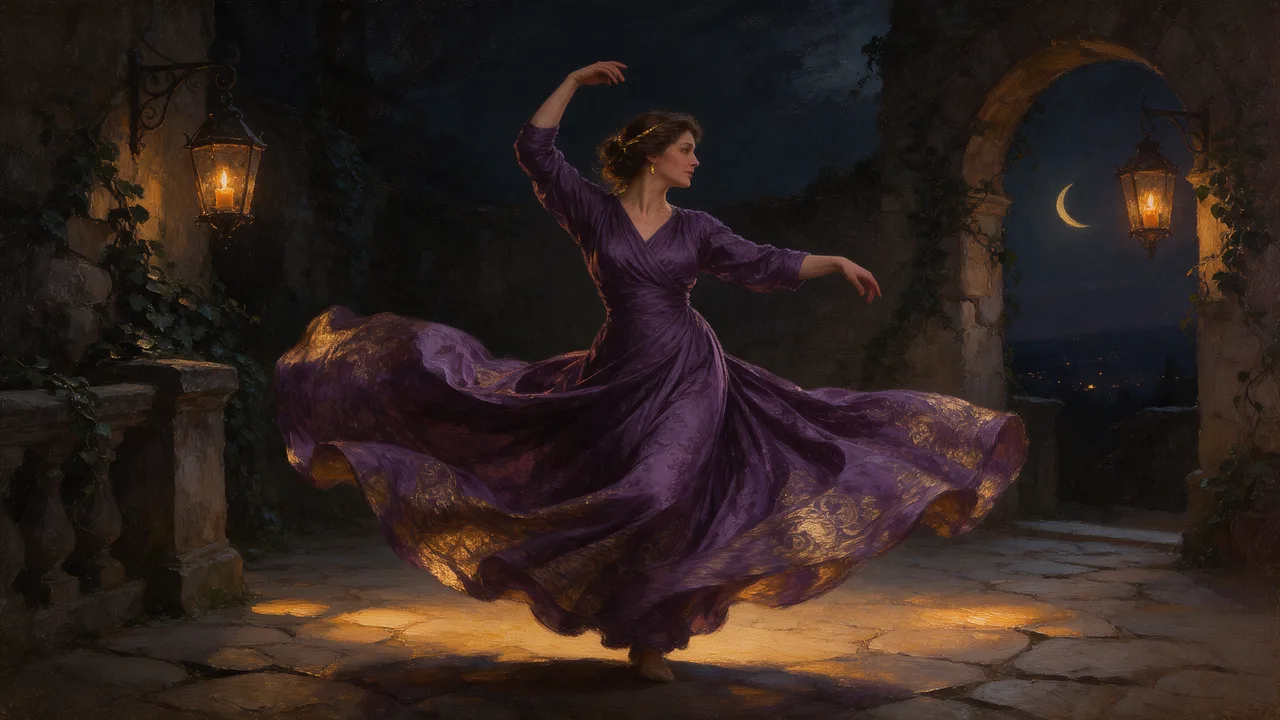
Wan 2.2 Uncensored
Budget silent clips of 5 or 8 s at 480p or 720p, landscape or portrait; animates stills too.
Video
from 8 credits / s