
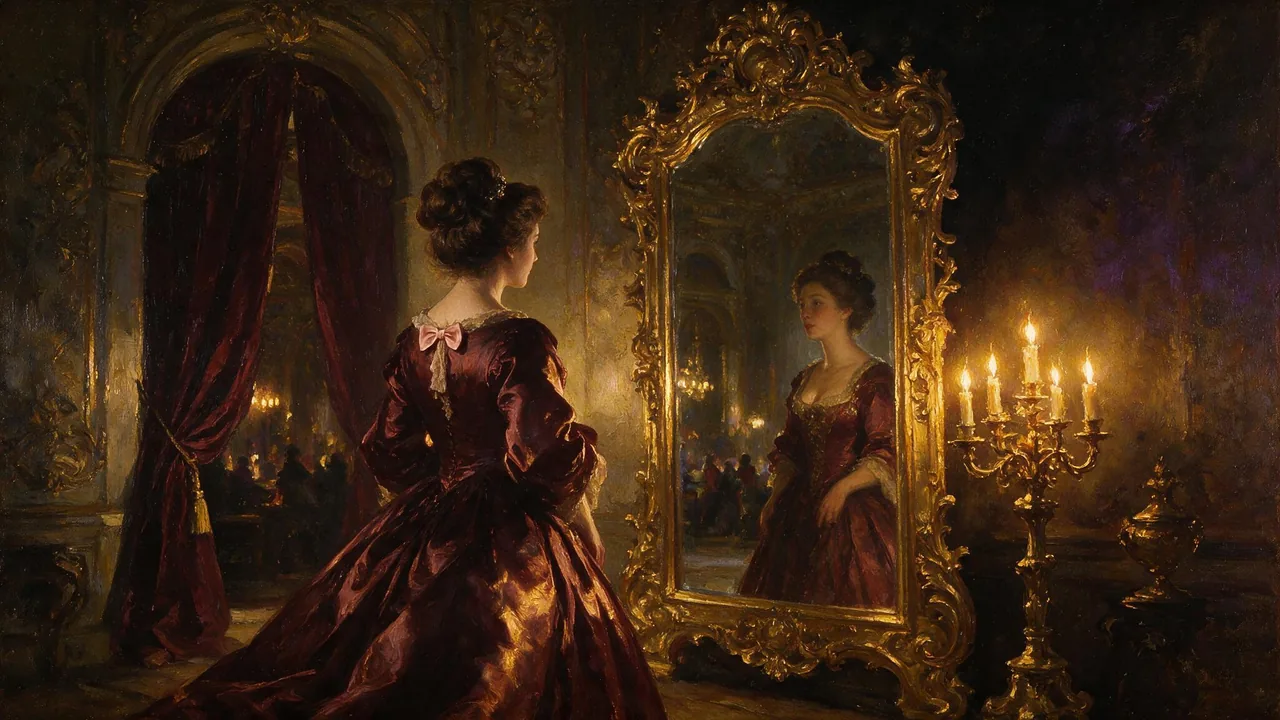
Seedream 5 Pro Uncensored
Seedream 5 Pro Uncensored is ByteDance's image model, hosted on Vellria with nothing to install: text to image and image to image, output up to 1536×1536. Run it in Studio or over the REST API, 10 credits (100 credits = $1.00).
vellria-seedream-5-proSeedream 5 Pro is developed by ByteDance. Vellria provides access to the model; it does not own it. All trademarks belong to their respective owners.
Output
No generation yetCover art
10 credits
Your request will cost 10 credits.
About Seedream 5.0 Pro
Also known as: Seedream 5 Pro · ByteDance Seedream 5.0 Pro
Seedream 5.0 Pro is the top image model in ByteDance's Seedream line, the family people know from Seedream 4.0 and Seedream 4.5. It comes from ByteDance's Seed team, the same group behind the Seedance video models, and it is the newest Seedream generation we run. If you arrived searching for Seedream 4.5 NSFW, this is its successor rather than the same model: the prompt habits you built on 4.5 carry over, and the edit mode works the way you expect.
Pick Seedream 5.0 Pro when the image is the deliverable. A boudoir portrait you want to keep, a cover for an adult story, a key frame you will later animate: these reward a model that listens to lighting, lens and placement instructions. Write the scene the way a photographer would brief it — where the subject sits, where the light comes from, how close the camera is — and leave out stacks of adjectives that pull in different directions.
Reference editing is the second half of the model. Attach an image you generated earlier and describe only what should change: the outfit, the room, the time of day. The rest of the frame stays where it was, and edits come back at the same sizes and in the same style as fresh images, so a picture you have been reworking does not drift in look. For quick drafts before you commit, Seedream 5.0 Flash shares the same family habits at a flat price, and Seedream 5.0 Lite is the pick when the final file has to be very large or ultrawide.
Once a still works, it can open a clip: upload it to Seedance 2.5 as the first frame and the look you settled here carries into motion.
Seedream 5.0 Pro in action
Seedream 5.0 Pro outputs with the exact prompts behind them.

Text to image
Close-up editorial portrait of a confident Black woman in her early thirties with natural coily hair, gold hoop earrings and a rust-colored turtleneck, soft window light from the left, shallow depth of field, 85mm lens, warm film tones, photorealistic skin texture
Text to image
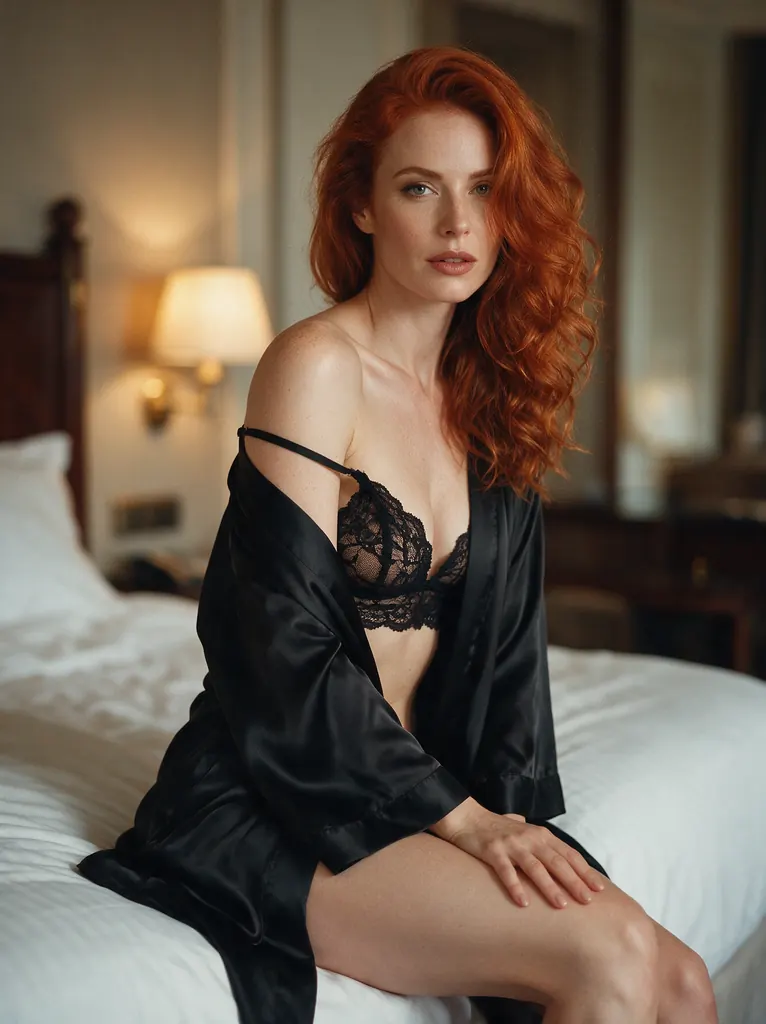
Boudoir glamour photo of an elegant red-haired woman in her early thirties wearing a black lace bralette under a silk robe slipping off one shoulder, sitting on the edge of a hotel bed, warm lamplight, tasteful and suggestive, soft focus background, 50mm film look
Text to image
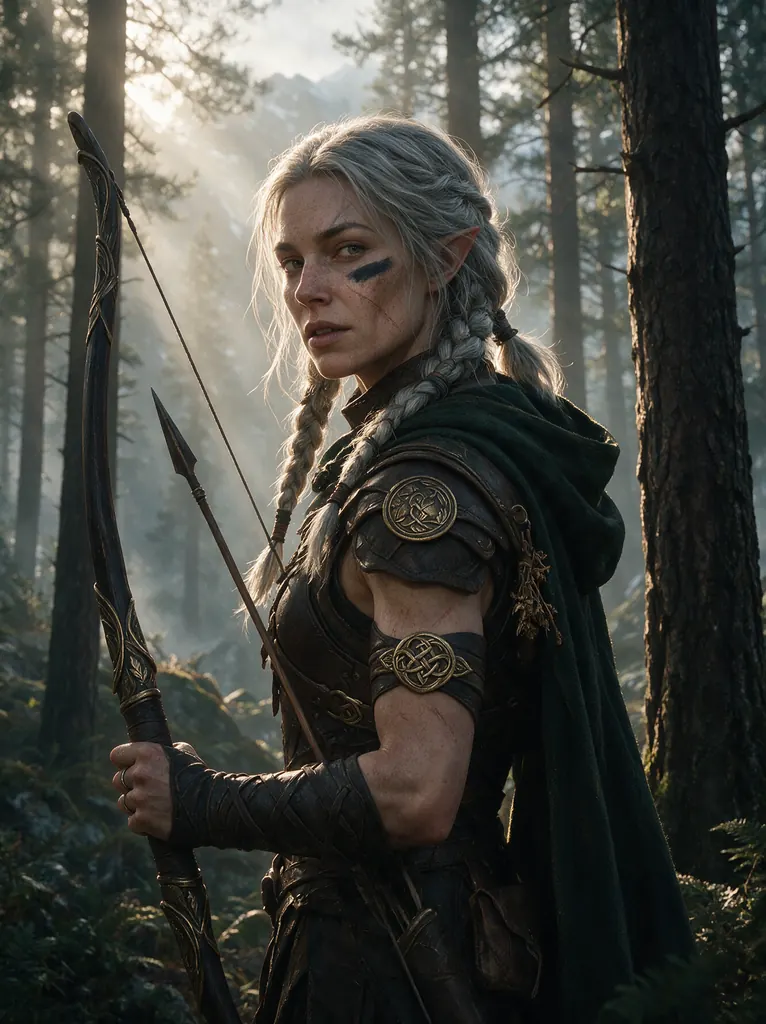
Fantasy character portrait of a battle-scarred elven ranger woman in her thirties with silver braided hair, leather armor with engraved bronze clasps, holding a longbow in a misty pine forest, volumetric morning light, highly detailed cinematic concept art
Text to image
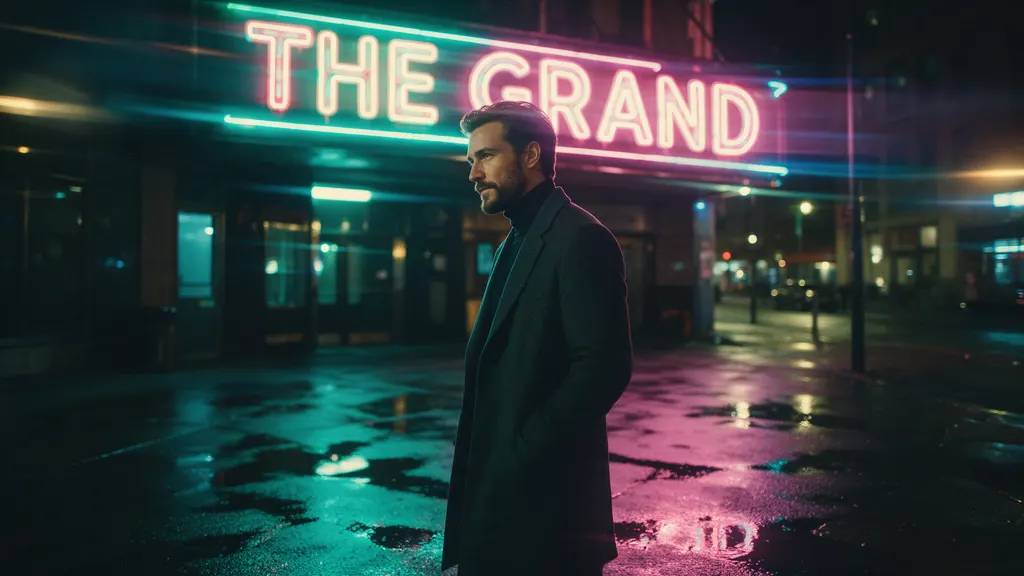
Cinematic wide shot of a stylish man in his thirties with a trimmed beard and a charcoal overcoat standing under a flickering neon sign on a rain-soaked city side street at night, teal and magenta reflections in the puddles, anamorphic lens flare, 35mm film still

Text to image
Anime key visual of a tall adult woman in her late twenties, a starship captain in a white and navy uniform with a short dark bob, standing on the bridge with a violet nebula through the window behind her, clean line art, cel shading, vivid colors, no text, no lettering, no logos
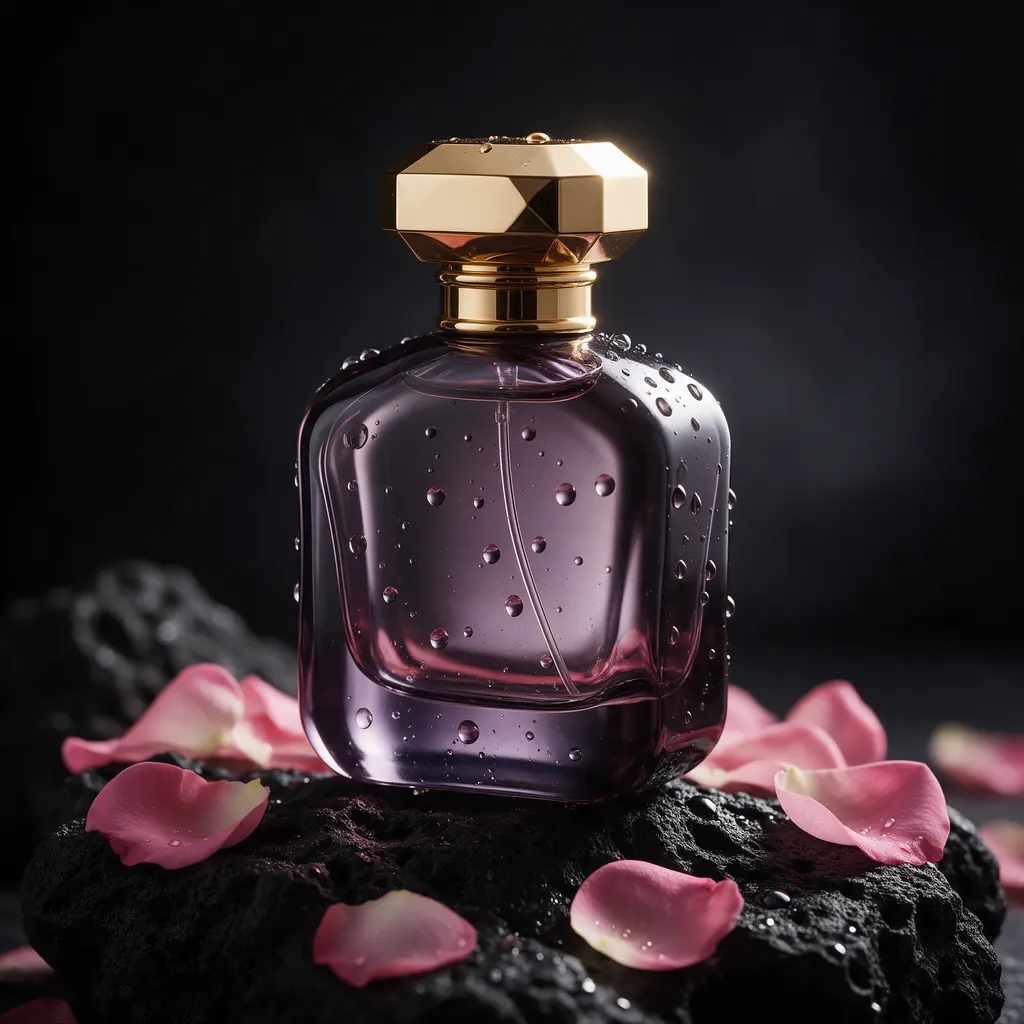
Text to image
Luxury perfume bottle made of smoky violet glass with a faceted gold cap, resting on black volcanic rock with scattered rose petals, dramatic rim light, water droplets, studio product photography, no text, no logo
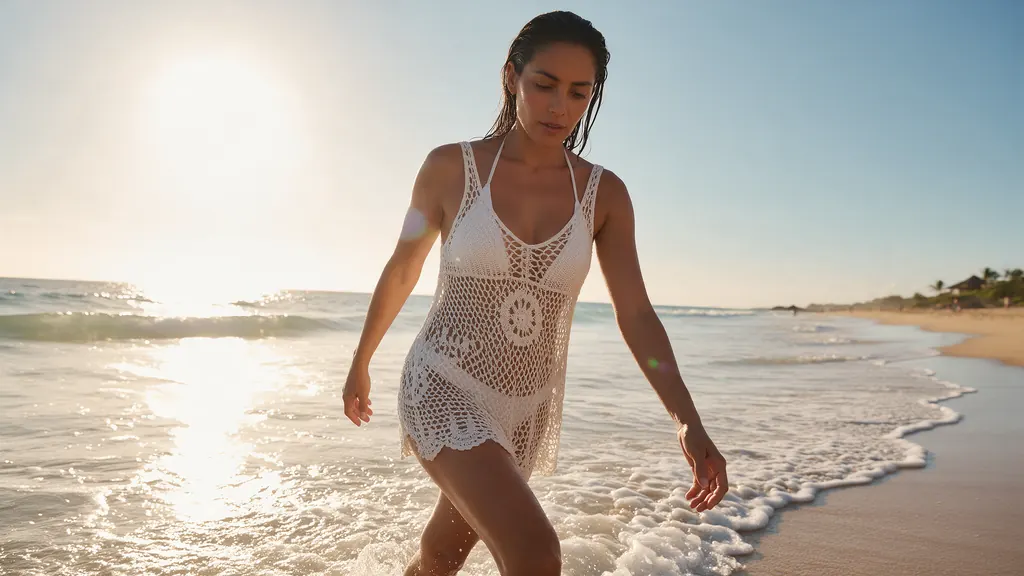
Text to image
Golden hour beach glamour shot of a Latina woman in her early thirties in a white crochet bikini cover-up walking out of gentle surf, wet hair swept back, sun flare, warm tones, editorial swimwear photography
- Before
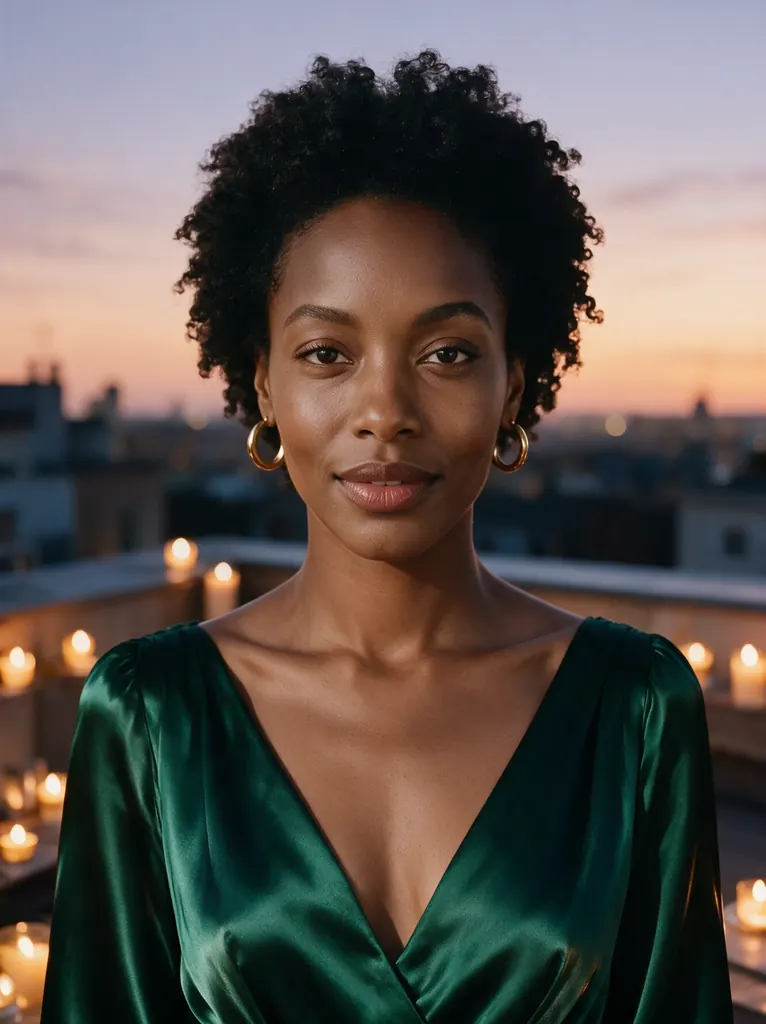 After
Edit
Change her outfit to a deep emerald silk evening gown and move the scene to a candlelit rooftop terrace at dusk; keep her face, hairstyle and pose unchanged
When to pick Seedream 5.0 Pro
Pick it when
- You need one finished portrait or cover where lighting, lens and subject placement have to follow a photographer-style brief closely.
- You want to rework the wardrobe, room or time of day on an image you already like while the rest of the frame stays put.
- You are designing a key frame that will later open an image-to-video clip and want the look settled before any motion is added.
Pick another model when
- You are still exploring ideas and want many inexpensive drafts at one flat price; start on Seedream 5.0 Flash instead.
- The final file must be very large or ultrawide, or part of a long edit series; Seedream 5.0 Lite handles that better.
- You want a fixed seed and negative prompts to step through tiny changes; Qwen Image 3.0 Pro offers both controls.
Prompt or reference
Start fresh for a frame that does not exist yet. Attach a picture when you want part of it reworked — wardrobe, background, the light — while the rest stays where it is. Every picture past the first adds to the cost, so attach what the edit actually needs.
How to use Seedream 5.0 Pro on Vellria
- Prompt: up to 10,000 characters in the panel above.
- To edit or combine pictures, attach 1–10 reference images; leave them out to start from text.
- Cost: 10 credits — see pricing.
Example prompts
Editorial boudoir portrait of an adult woman in her thirties, black silk robe slipping off one shoulder, seated on the edge of an unmade bed, soft window light from the left, 85mm lens, shallow depth of field, warm film grain.
Fine-art nude study of an adult male dancer, back to the camera, chiaroscuro studio lighting, single hard key light, charcoal backdrop, muscular definition rendered like a classical sculpture.
Cover illustration for an adult romance novel: two adults embracing on a rain-soaked rooftop at night, neon reflections on wet concrete, cinematic teal and amber palette, title space left empty at the top.
Edit: keep the woman, pose and framing; change the room to a candle-lit hotel suite with red velvet curtains and evening light.
Glamour photograph of an adult woman in vintage lingerie leaning against a 1950s jukebox, high-key studio light, glossy magazine finish.
Tips
- Describe light before anything else; Seedream 5.0 Pro follows a stated light direction more reliably than mood words like 'sexy' or 'dramatic'.
- When editing, name what changes and say that everything else stays; attaching extra references adds to the cost, so attach only what the edit needs.
- State the age of every person as adult in the prompt; it keeps results unambiguous and avoids pointless refusals.
- Settle the composition on a fresh run first, then switch to reference edits for wardrobe and setting so the face and pose stay put.
Specifications
| Size: | 1536×1536 (1:1, 2K)1776×1328 (4:3, 2K)1328×1776 (3:4, 2K)2048×1152 (16:9, 2K)1152×2048 (9:16, 2K) |
|---|---|
| Reference images: | 1–10 reference images |
See also: uncensored AI image generator · uncensored image editor.
Pricing
| Size | Credits |
|---|---|
| 1536×1536 (1:1, 2K) | 10 credits |
| 1776×1328 (4:3, 2K) | 10 credits |
| 1328×1776 (3:4, 2K) | 10 credits |
| 2048×1152 (16:9, 2K) | 10 credits |
| 1152×2048 (9:16, 2K) | 10 credits |
+1 credit per extra image
Seedream 5.0 Pro vs Seedream 5.0 Flash and Seedream 5.0 Lite
Seedream 5.0 Pro is the finishing tier of ByteDance's Seedream 5.0 line on Vellria. Flash and Lite read the same kind of brief and edit from references the same way, so a prompt moves between the three without rewriting; what changes is where each one spends its price: Pro on the single finished frame, Flash on drafting at a flat price, Lite on very large and ultrawide files.
| Model | Price | Max size | Reference images |
|---|---|---|---|
| Seedream 5 Pro Uncensored This page | 10 credits | 1536×1536 | Up to 10 |
| Seedream 5 Flash Uncensored | 8 credits | 2816×1584 | Up to 10 |
| Seedream 5 Lite Uncensored | 8 credits | 4704×2016 | Up to 10 |
Prices and limits come from the live model catalog.
Seedream 5.0 Pro or Seedream 5.0 Flash?
- Price: 8 credits (Seedream 5.0 Pro: 10 credits)
- Max size: 2816×1584 (Seedream 5.0 Pro: 1536×1536)
- Extra reference images: No extra charge (Seedream 5.0 Pro: +1 credit per extra image)
- Settings: None (Seedream 5.0 Pro: Reasoning)
Draft on Flash while the pose, costume or light is still open, then bring the prompt that worked back here for the version you keep. Nothing has to be rewritten when you switch.
Seedream 5.0 Pro or Seedream 5.0 Lite?
- Price: 8 credits (Seedream 5.0 Pro: 10 credits)
- Max size: 4704×2016 (Seedream 5.0 Pro: 1536×1536)
- Extra reference images: No extra charge (Seedream 5.0 Pro: +1 credit per extra image)
- Settings: None (Seedream 5.0 Pro: Reasoning)
Choose Lite when the file itself has to be big, such as a panorama, a wide banner or a print, or when a long edit series must come back at one exact size. Stay on Pro when one portrait or cover is the whole job.
Seedream 5.0 Pro API: price and a first request
Seedream 5.0 Pro costs 10 credits over the API, the same rate as in Studio. Model id vellria-seedream-5-pro on POST /v1/generate/image.
curl https://vellria.com/v1/generate/image \
  -H "Authorization: Bearer vll_..." \
  -H "Content-Type: application/json" \
  -d '{
    "model": "vellria-seedream-5-pro",
    "prompt": "…",
    "size": "1536*1536"
  }'
Parameters, polling and uploads: API documentation · NSFW image API.
FAQ
Does Seedream 5.0 Pro allow NSFW?
Yes. Fictional adult nudity and sexual content between adults are allowed, and your prompt is sent as written. Prompts that sexualize minors are refused automatically, and real people used without consent are prohibited by the terms.
Is Seedream 5.0 Pro free?
Free to start: a new account created with Google gets 20 free credits, valid for 7 days (about 10 images on Z-Image Turbo Uncensored), and every signed-in account gets free daily uses of the NSFW prompt generator and the image to prompt tool. The gift is enough to try Seedream 5.0 Pro, which costs 10 credits. After that every run is paid from prepaid credits at the rate this page shows before you start, and a run that fails at the provider is refunded automatically. Is there a free uncensored AI generator? covers the cheapest way to a first result.
Is this Seedream 4.5?
No. Seedream 5.0 Pro is the newer generation from the same ByteDance team. If you searched for Seedream 4.5 NSFW, this is the successor; prompts written for 4.5 work here without changes.
Can I edit my own images with Seedream 5.0 Pro?
Yes. Attach one or more images and describe the change. The model keeps what you do not mention, and the result returns at the same size options as a new image.
Do I need to install anything or run ComfyUI?
No. Seedream 5.0 Pro runs in the browser on this page and through the API; there are no weights to download and no GPU to rent.
What does a Seedream 5.0 Pro image cost?
Price depends on output size and the number of reference images. The pricing table on this page is generated from the live catalog, so it is always current.
Related models
Turn a still into a clip with one of our video models.
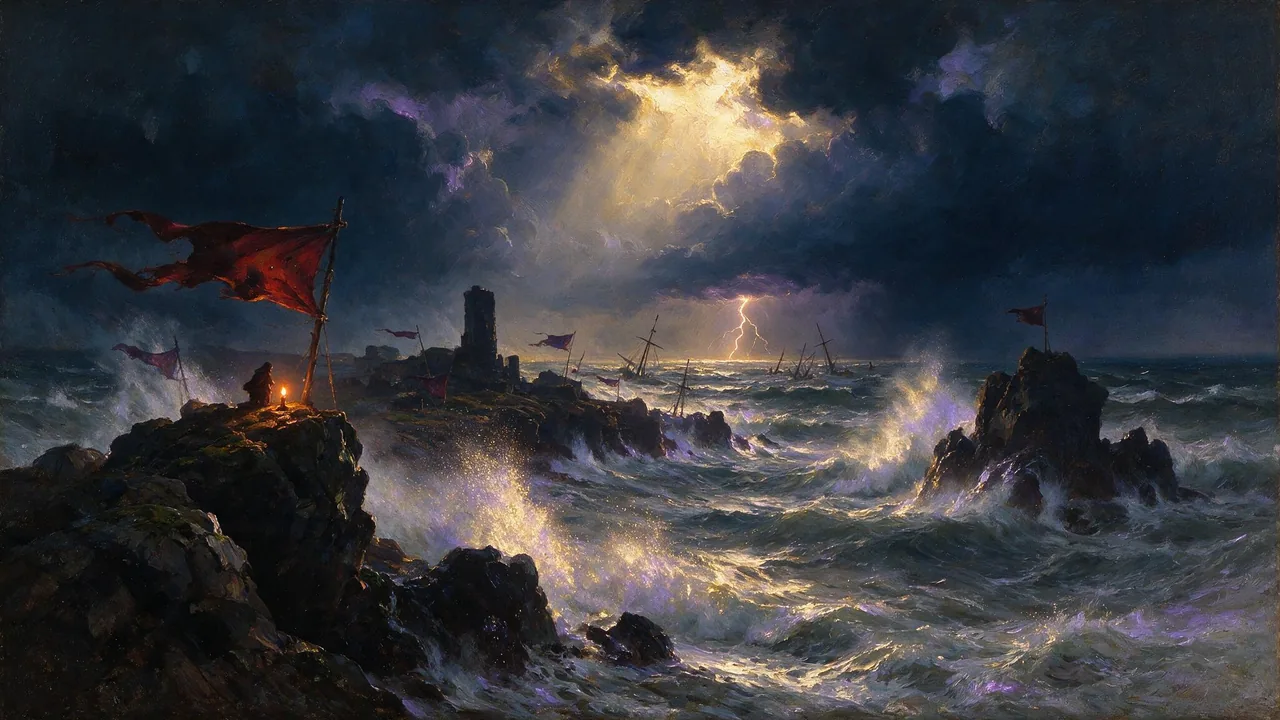
Seedance 2.5 Uncensored
Scenes that arrive with sound, 4–30 s up to 1080p; bring a still to life as the first frame or cast up to 10 references.
Video
from 35 credits / s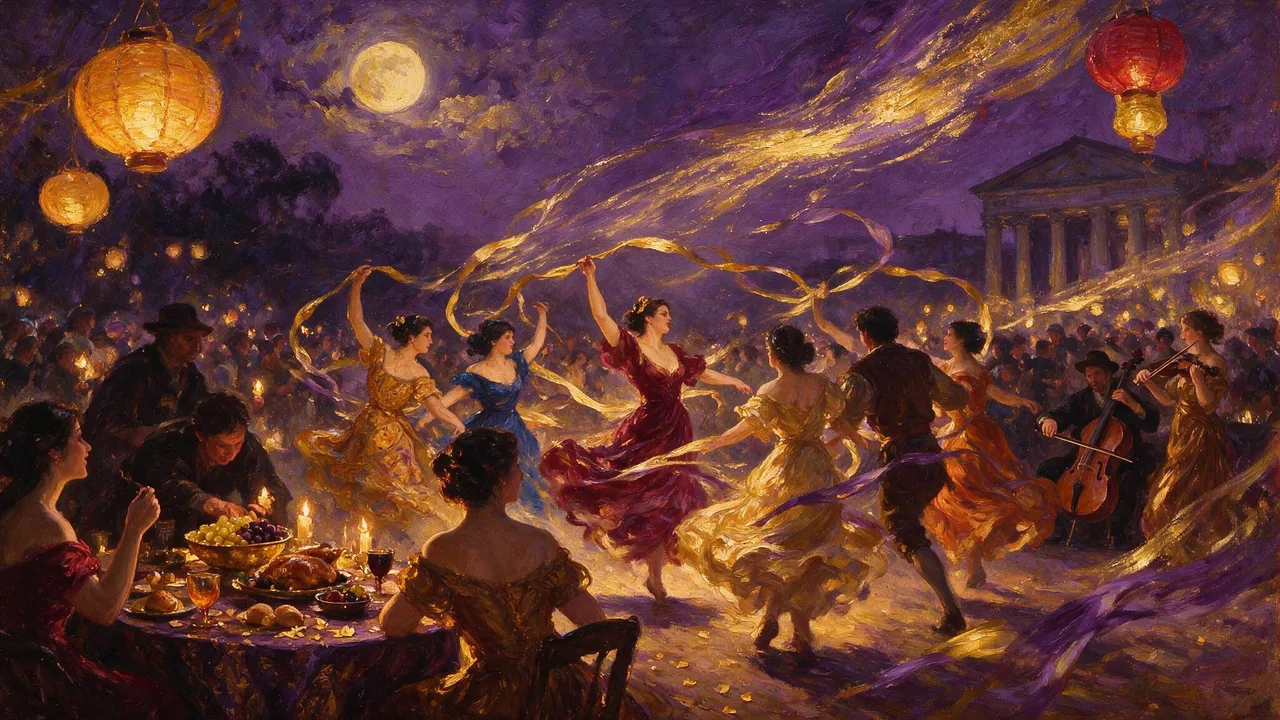
MiniMax H3 Video Uncensored
Test shot ideas before the final take: 4–15 s clips up to 4K, or see how a still moves.
Video
from 6 credits / s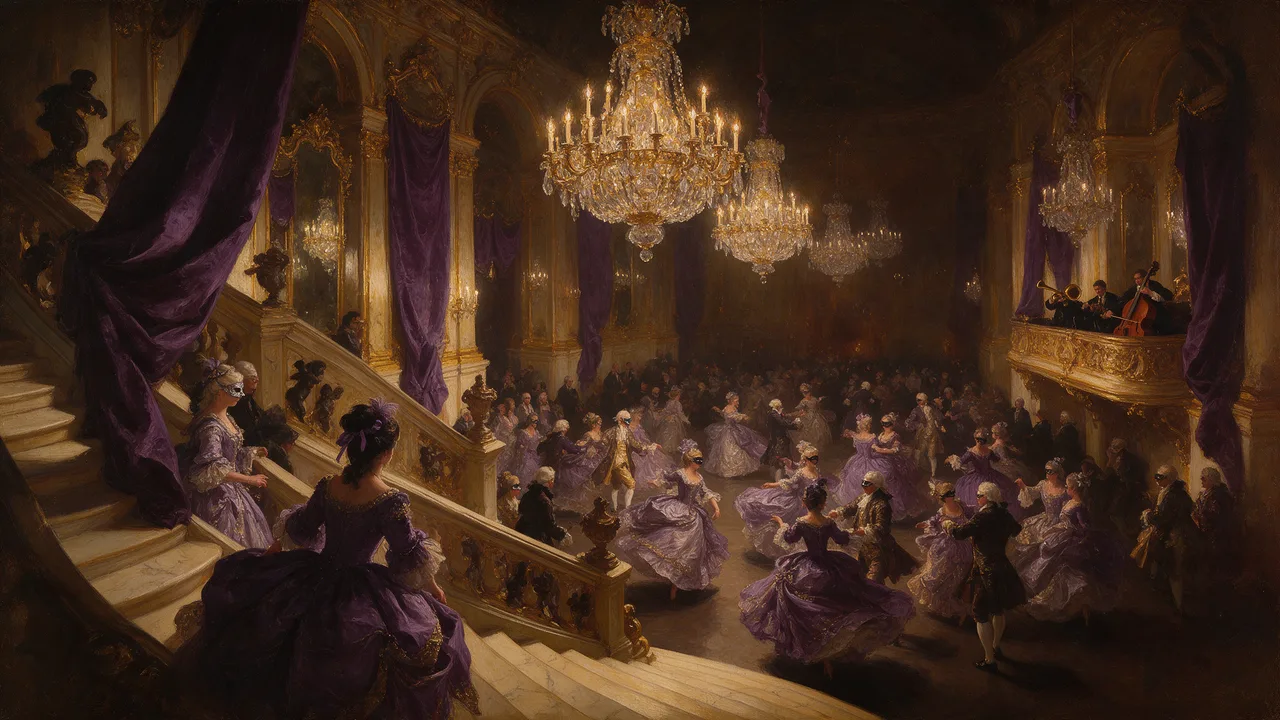
MiniMax H3 Max Uncensored
For the take you keep: 5–15 s clips up to 4K with sound; start from a still if you have one.
Video
from 15 credits / s