See what the models make
Real outputs from the models on this page, each shown with the exact prompt that produced it. Copy a prompt, or open the model and run it yourself.
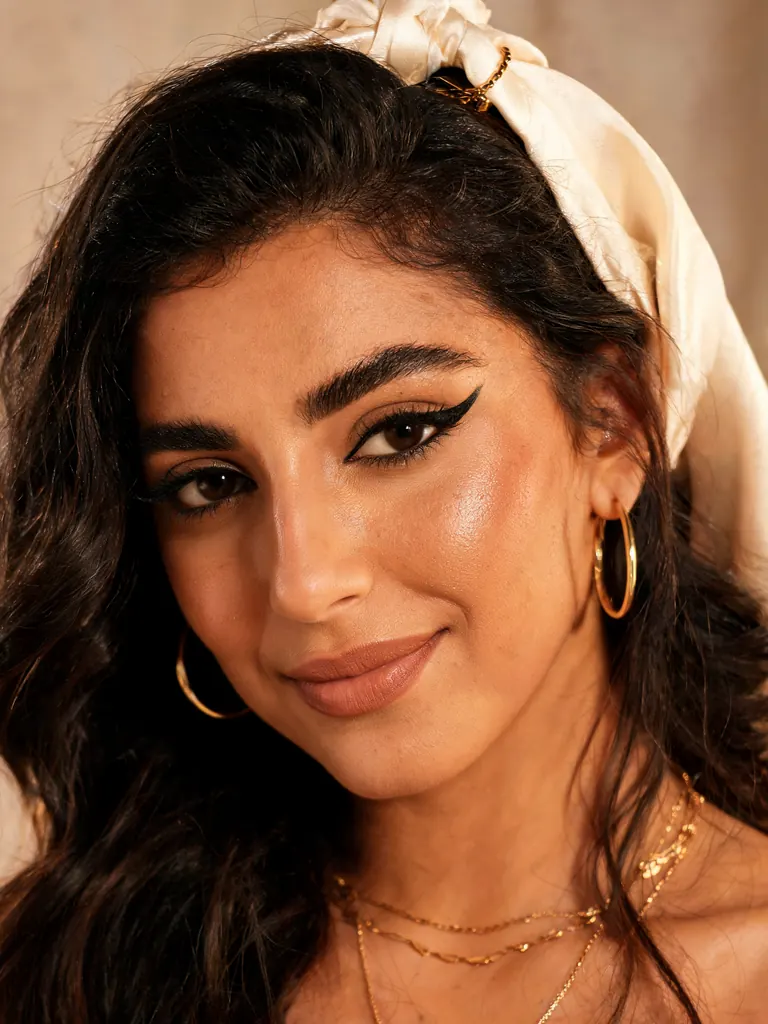 Before
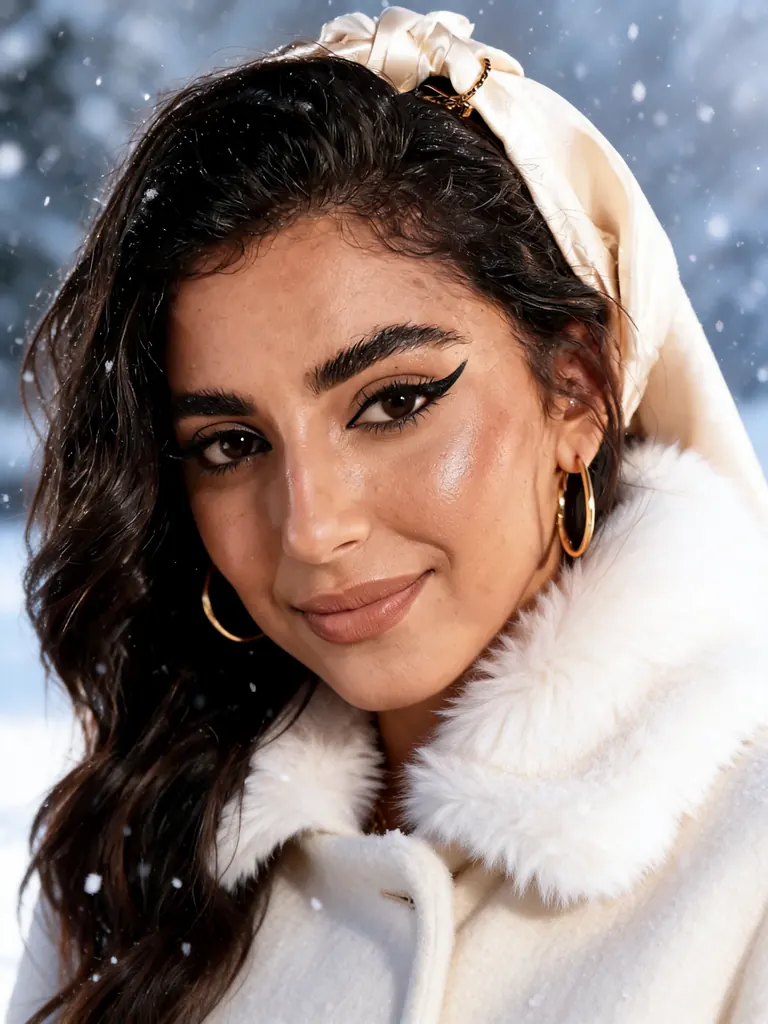 After
Seedream 5 Lite UncensoredEdit
Make it a snowy winter scene: add a cream wool coat with a fur collar and softly falling snow; keep her face, makeup and pose
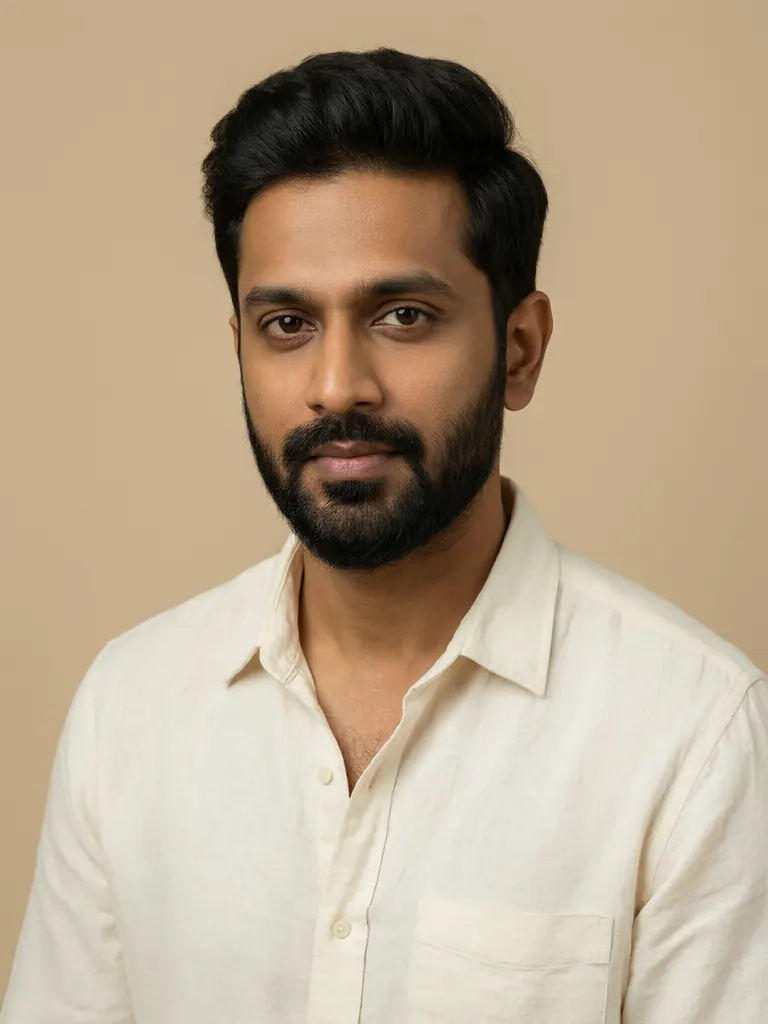 Before
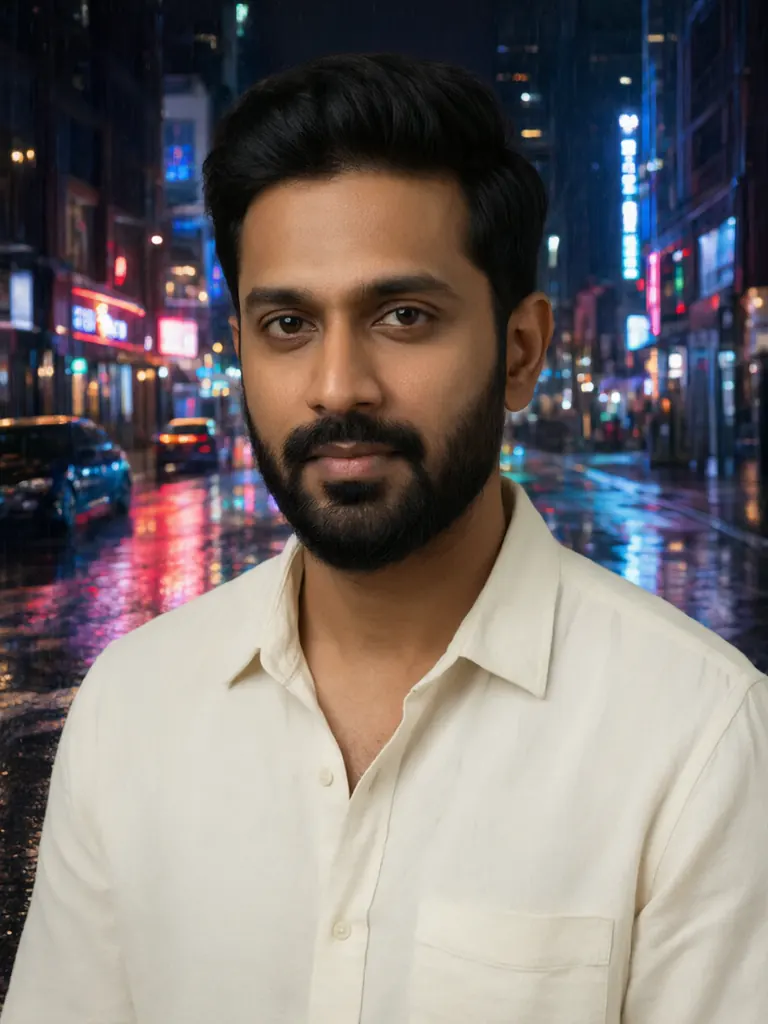 After
Replace the background with a rainy neon-lit city street at night with reflections on the wet pavement; keep the man, his pose and his clothing exactly the same
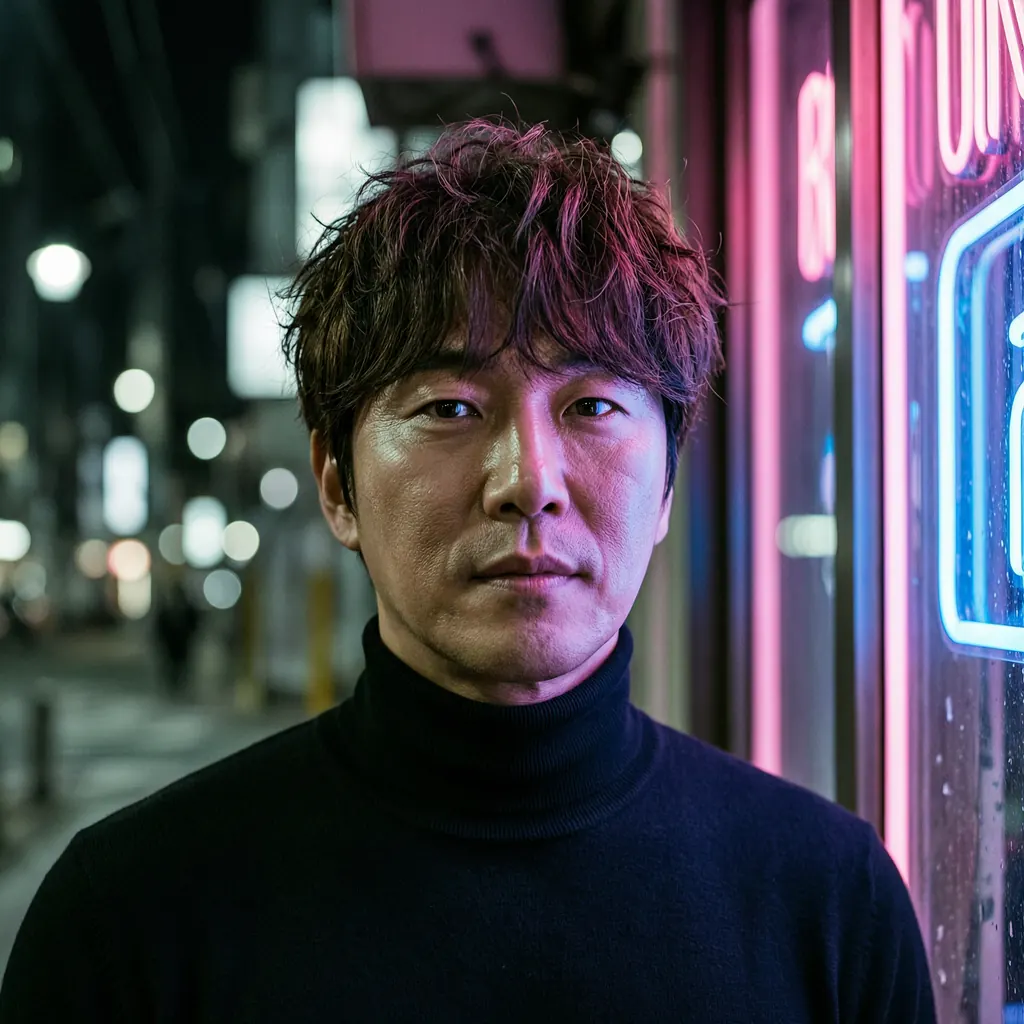 Before
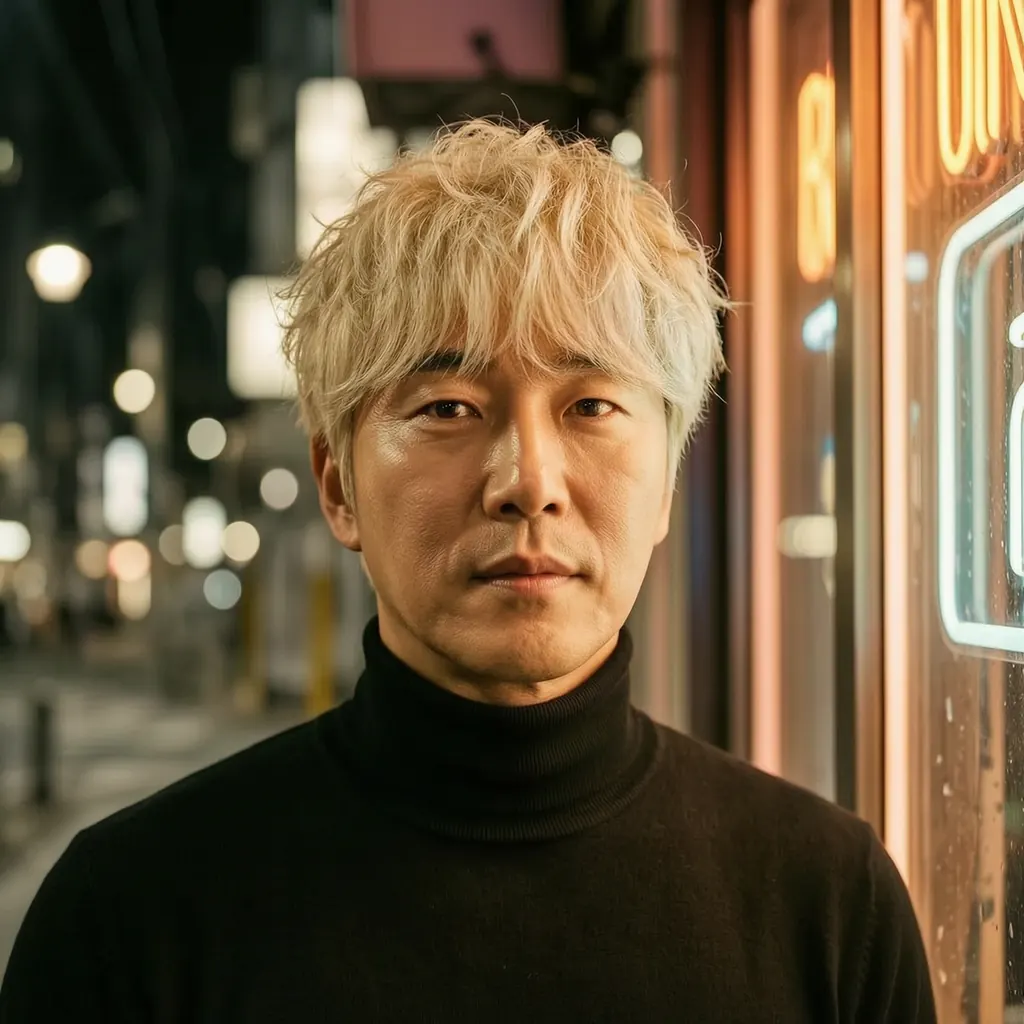 After
Change his hair to platinum blond and the lighting to warm golden-hour sunlight; keep everything else the same
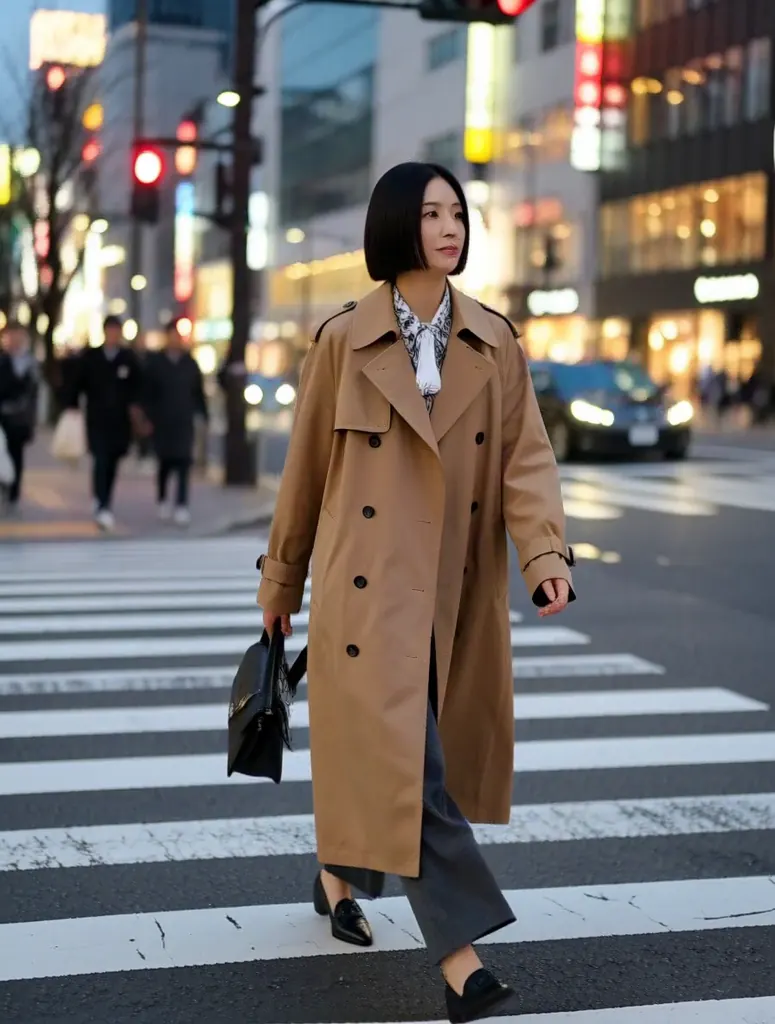 Before
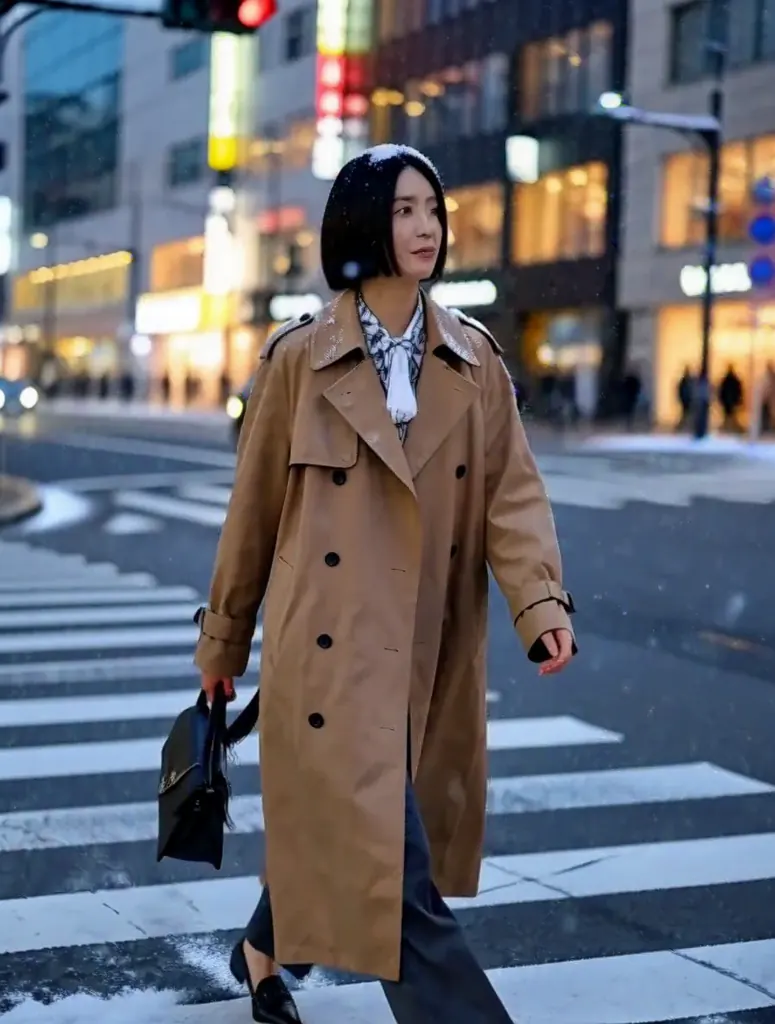 After
MiniMax H3 Image UncensoredEdit
Change the scene to a snowy winter night: deep blue evening sky, heavy snow falling and settling on the street and on her coat, warm shop windows glowing behind her; keep the woman unchanged
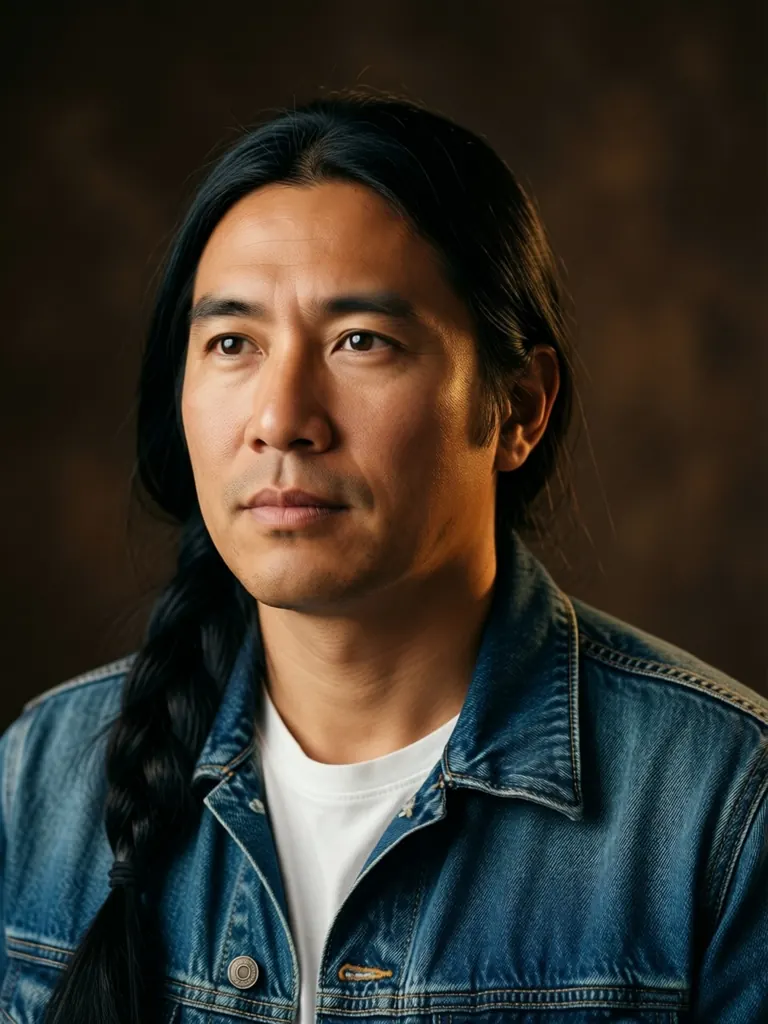 Before
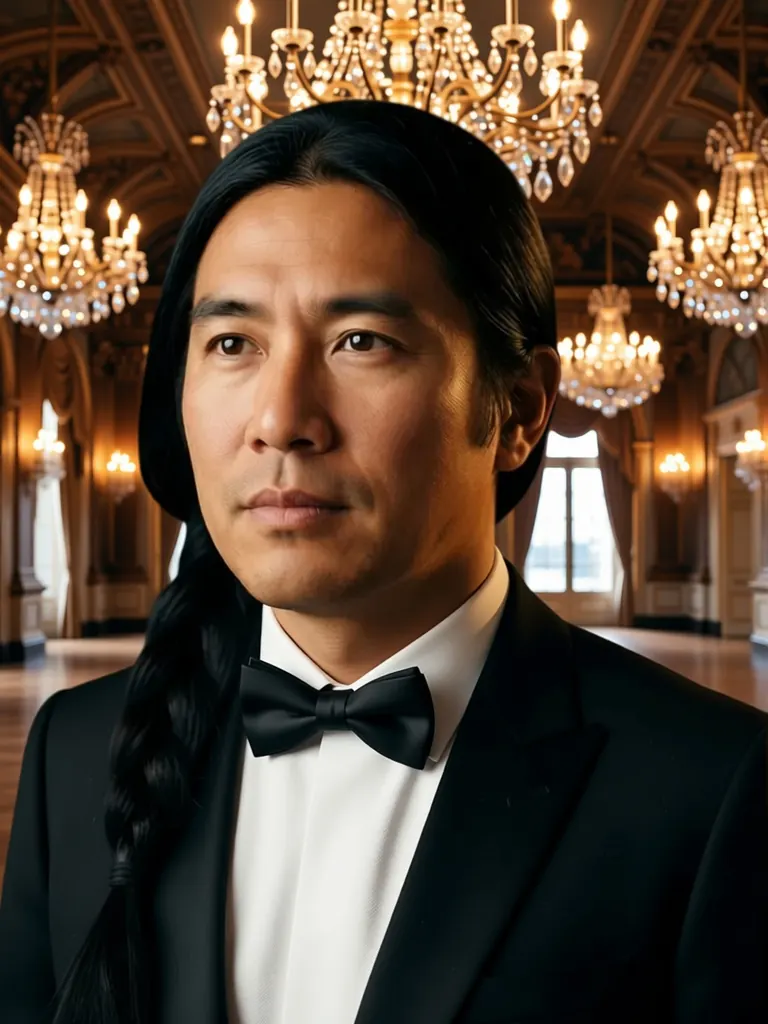 After
Qwen Image Edit 2511 UncensoredEdit
Change his denim jacket to a black tuxedo with a bow tie and replace the backdrop with a grand ballroom lit by crystal chandeliers; keep his face, hair and pose unchanged
An anchor is a picture, not a paragraph
What holds an identity still is an attachment, not a better sentence. Ye et al., in the IP-Adapter paper, give the reason plainly: getting the image you want out of text alone is tricky because "it often involves complex prompt engineering". There is no adjective for a particular jaw, and no quantity of them adds up to one. Every image model here accepts a reference; Seedream 5 Lite reads the largest set of them, which helps when one picture carries the face and others the outfit and the room, and the uncensored AI image editor page covers how references are attached.
Not every picture makes a good anchor. A plain, evenly lit portrait usually beats a dramatic frame, because there is less in it to be copied by accident: a hard rim light or a strong colour cast is evidence too, and the model has no way of knowing you meant only the face. Keep the anchor boring and let the prompt do the staging.
A picture can also arrive as a frame rather than as evidence, which is a different job under different rules; from a still to a video covers that split and the cropping it forces on you.
Capability is declared, not inferred
Every model in the catalog publishes what it does: image or video, plus the sizes and prices of its text mode and its reference mode. Attach pictures and the same model id runs its reference mode, so the model page, the catalog endpoint and the server all agree on what a body should look like.
Models that read references declare their own minimum and maximum, and the refusals run both ways. One built around references turns down a request arriving without any. One that reads none turns down a request that carries them, rather than discarding the attachment and rendering regardless. The second refusal is the one that saves you money, because a discarded picture leaves you holding an output that never used it and nothing on screen to say so.
Valid sizes belong to the model as well, and are not inherited from a relative with a similar name. Attachments can carry a surcharge, which the generate button and choosing resolution and length both total for you.
Draft once, keep the keeper, feed it back
Begin on a model that works from description alone, where the character is still negotiable and you are paying to find out who they are rather than to protect anyone. Iterate the wording until one frame is right; getting there is its own craft, and designing an original character is that craft end to end. For an illustrated or original character, the AI art workflow for figures and characters is where that first keeper gets drawn; this guide is what you do with it afterwards. A character with a hentai or anime look follows the same anchor habit, plus the rule the AI hentai generator sets for every such character: adult in every frame.
Then keep it, literally, by downloading the file, so an anchor you mean to reuse for months lives somewhere you control.
Handing it back is not a matter of copying the link. A finished generation is served behind your credentials and the provider doing the render cannot sign in as you, so the file has to be uploaded and attached by the address that comes back; from a still to a video has the endpoint and the rejections. In the panel, the reference box does it for you, and a selection of the editing models that take an anchor is gathered on one page with what each accepts; the full catalog has the rest.
Each later shot is then one request with a different scene: same attachment, same character wording, only the staging rewritten. The API reference has the body, and writing prompts without a filter has the wording discipline that stops the rest of the frame moving along with it.
Where identity drifts, and what to change
Reproducibility here comes from the attachment and not from a number you can write down, because a seed, on the models that offer one, still lets the frame drift between runs, and most models offer no seed at all; choosing resolution and length has that mechanism. Two identical submissions are two independent draws, so a series held together by description alone is drifting by construction.
Rewriting the prompt between takes is the commonest cause. Every re-worded description reopens the negotiation over everything you did not mean to touch, the face included. Move one clause at a time and you can see what moved with it.
Promoting each new output to anchor is the second. A generation restates its inputs rather than copying them, so an anchor built on an anchor built on an anchor walks steadily away from where it began. Keep an anchor set: the original keeper stays in every request and good new frames join it rather than retire it. That this is difficult is not your imagination. Avrahami et al., in "The Chosen One: Consistent Characters in Text-to-Image Diffusion Models", open on the observation that "the users that use these models struggle with the generation of consistent characters".
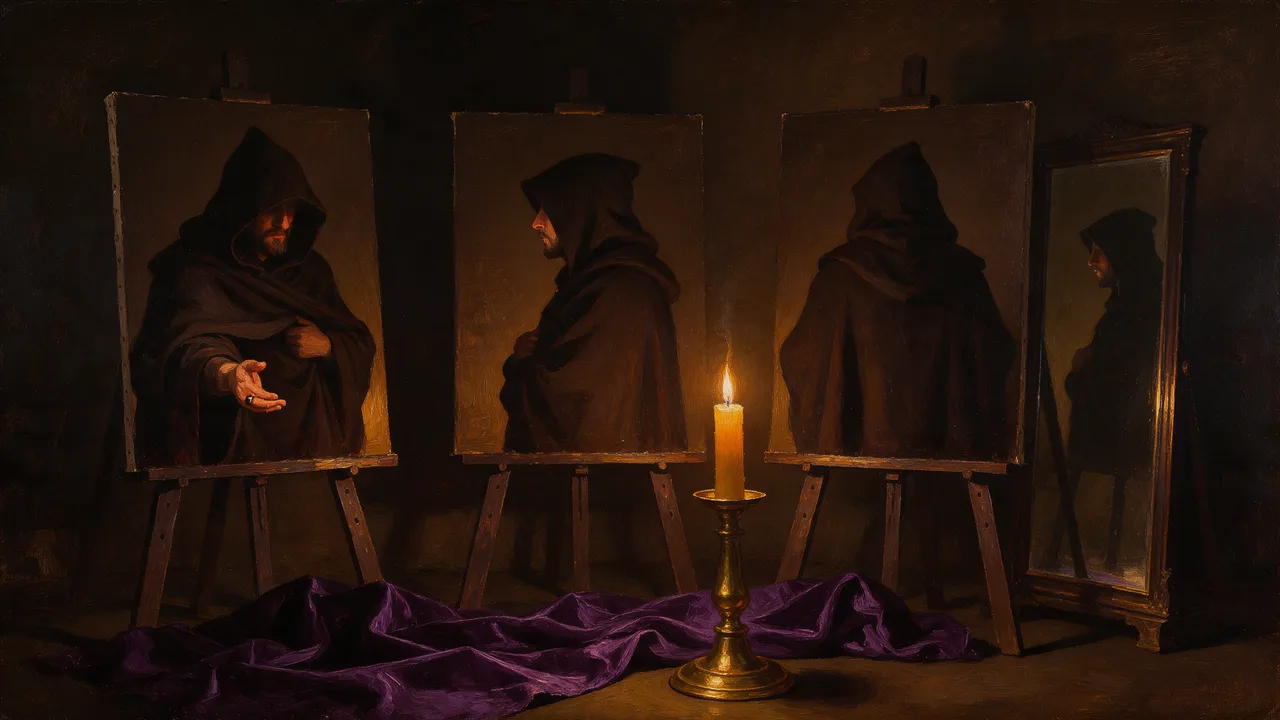
The third cause is an anchor that does not show the part that drifts. A three-quarter portrait says nothing about a buckle visible only from behind, so the model reinvents it every time. Add a view that shows it rather than a sentence that describes it.
It helps to know what you are not doing. DreamBooth (Ruiz et al., CVPR 2023) takes "just a few images of a subject" and fine-tunes the model so it "learns to bind a unique identifier with that specific subject". There is no training step here, so identity is re-derived from your pictures on every request. That is why it can slip, and also why you can change characters between two shots without retraining anything.
Carrying the character into video
Video does not split the same way. A video model that takes a picture opens on it, so the frame you made is what gets animated, which puts composition beyond argument and makes the crop your decision rather than the model's. Nothing on the video side composes a shot around a character for you, so who appears has to be settled while the work is still an image. Seedance 2.5 was among the models that held a supplied frame most faithfully in our runs, and NSFW image to video covers the adult version of this route.
The order follows from that: build the anchor on an image model, stage the frame you want as a still, hand that still to video, and keep the character wording identical so only the action changes. The uncensored AI video generator page covers the routes, and storyboards and previz covers a run of shots that has to read as one production.