Guides
How to get what you want out of a generator with no filter
Working notes rather than feature tours: what to change when a result misses, how to keep one subject recognisable across a series, and how to drive the whole catalog from your own code.
- TechniqueHow to write prompts when nothing rewrites themWhen nothing screens or rewrites your prompt, the text you submit is the text that renders, so your wording is the only variable you have and the only thing there is to debug. That makes prompting a discipline rather than a bag of tricks: describe the frame and the light instead of stacking adjectives, move one thing at a time so you can attribute the difference, and treat the negative prompt as a per-model field rather than a habit: some models declare one, most do not.
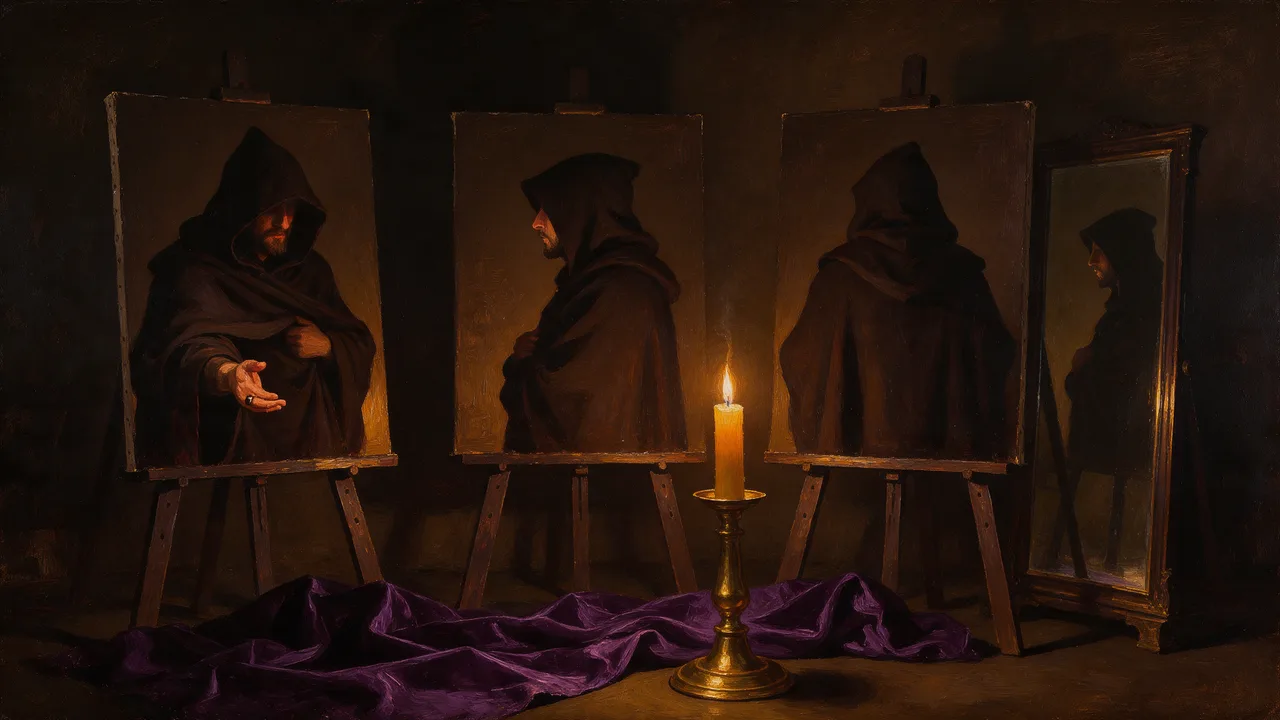
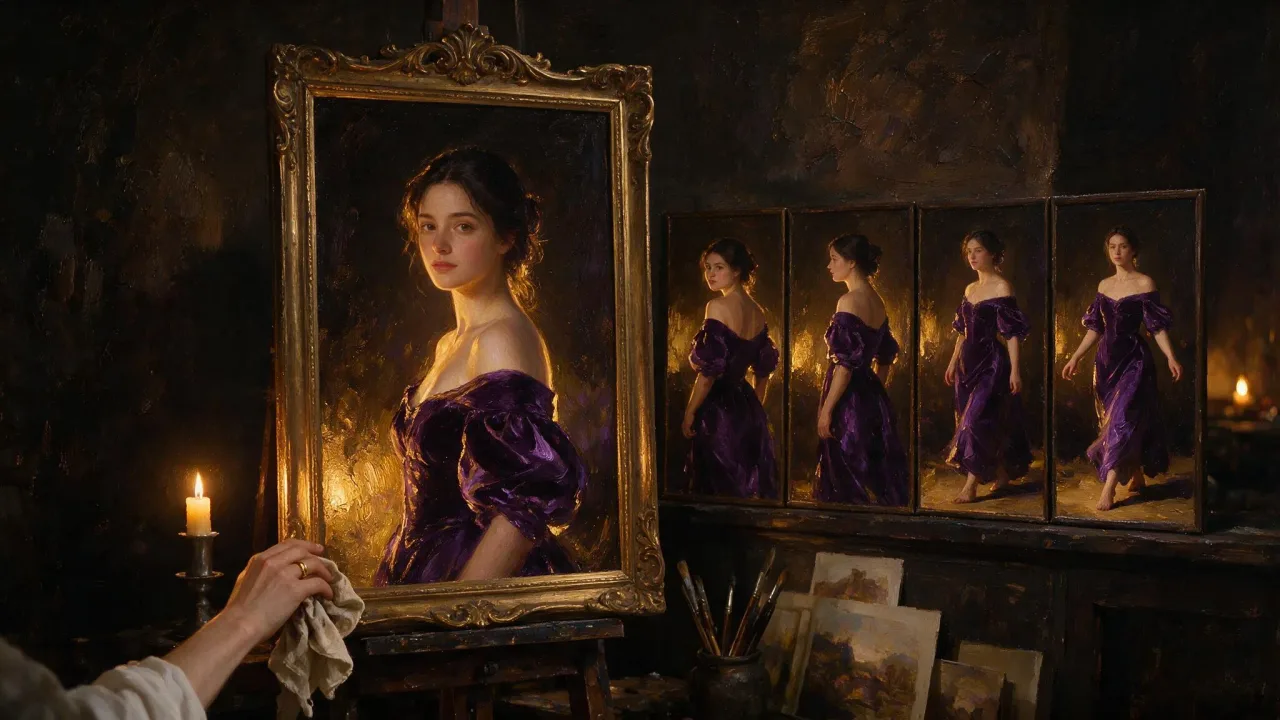
- WorkflowKeeping a character consistent across a seriesNothing carries between runs on its own: every generation is built from scratch, so one written description lands on a slightly different face each time you press start. You hold a character steady by supplying it as a picture instead of re-describing it, which means drafting the subject once, keeping the frame that works, and feeding that frame back into every take that follows.
- WorkflowFrom a still to a video: turning a picture you already have into a clipA still you already have is the cheapest thing you can bring to a video model: the composition is settled, so the whole render goes into motion rather than into inventing a scene. The order of operations is to decide whether your picture is the frame the clip opens on, crop and upload it so it is neither rejected nor silently reframed, then settle the shot on a short draft before paying for a long one.
- TechniqueCalling the Vellria API from your codeFour calls take you from nothing to a finished file: create a key, start a generation, poll the record, and download the output before it expires. This is that loop end to end, with the error each step returns and what a client should do about it.
- TechniqueChoosing resolution and length before you spend the runResolution and length are the settings that decide what a run costs, and on many models they do not cost the same at every step. The pattern that follows is to settle framing and wording at the cheapest step a model offers, then go up once nothing about the shot is still in question.
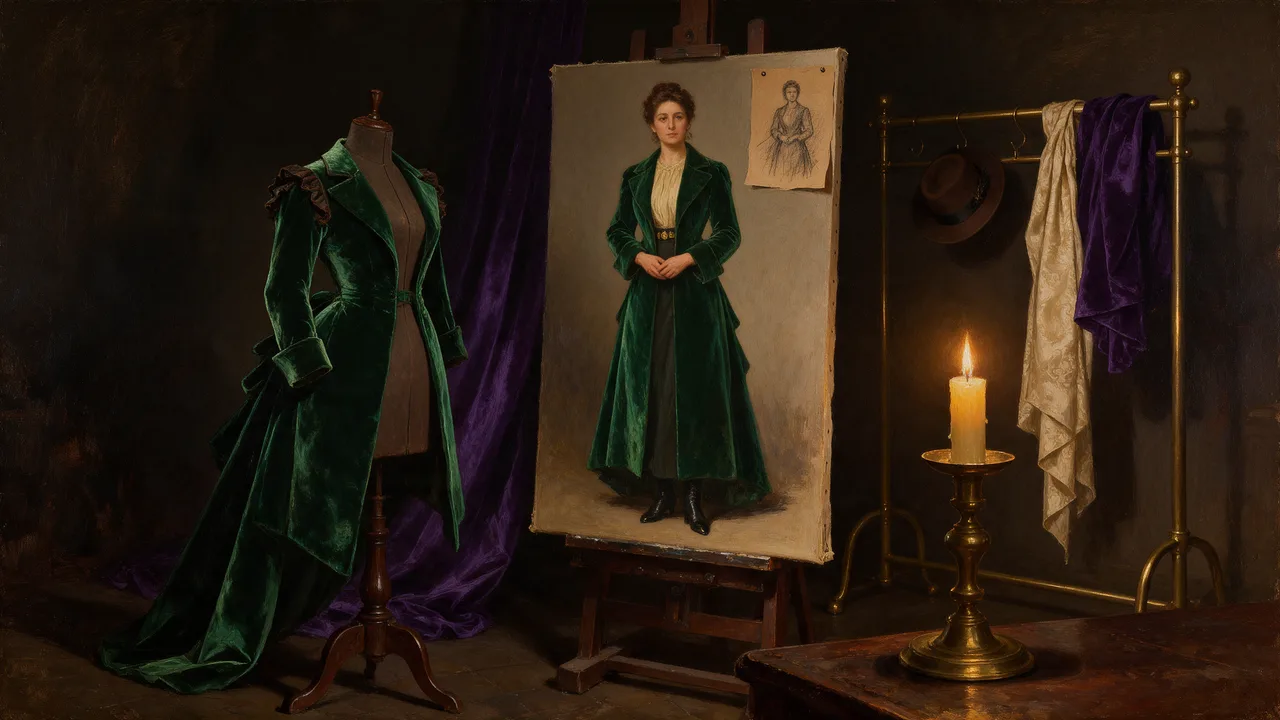
- Use caseDesigning an original character from scratchCharacter design with an image generator works in one order: silhouette first, then wardrobe and palette, then turnaround views, then lock the design and stop describing it. That order fits how the catalog is split, because inventing a character and protecting one are different models here, and the frame you keep at the end of each stage is the input to the next.
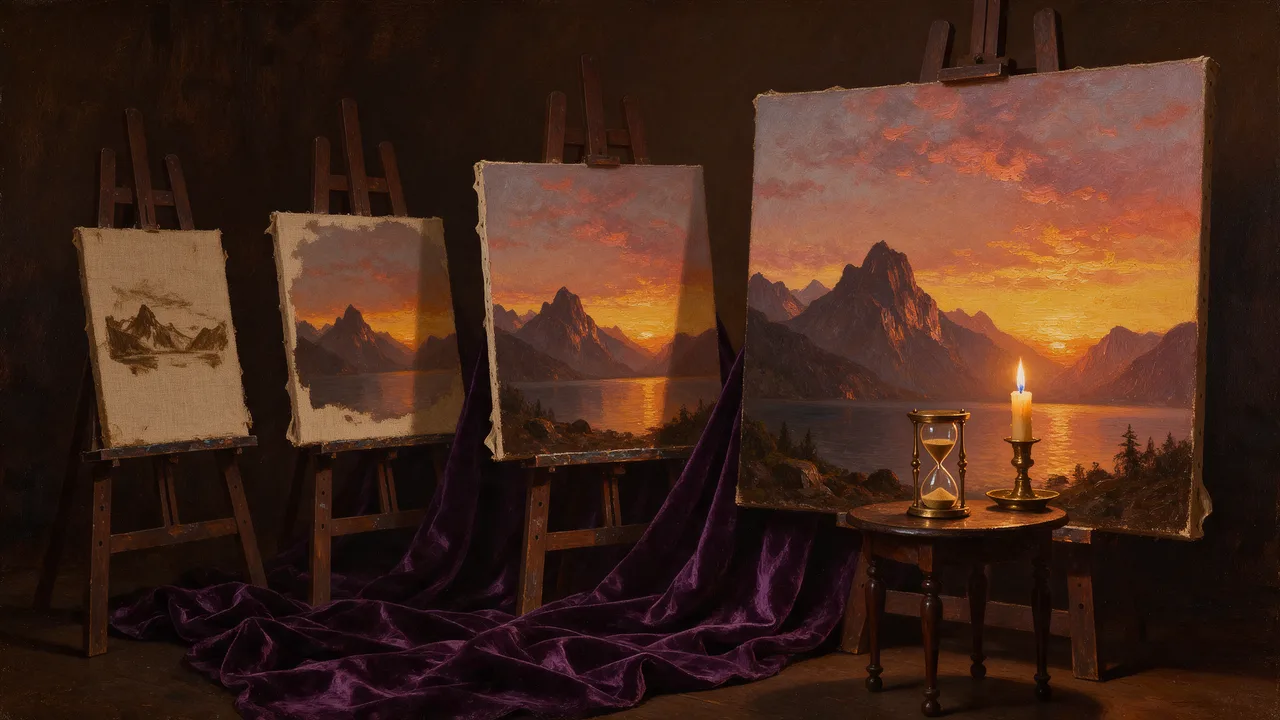
- Use caseConcept art: establish a location, then change one thing at a timeConcept art is a loop: write a wide establishing frame on a text-to-image model, then hand the frame you kept to an editing model and name only the thing you want changed. What holds a set of frames together is the picture you attach and the wording you refuse to rewrite, because there is no setting that carries a location from one run to the next.
- Use caseStoryboard and previz a sequence with generated framesTo storyboard or previz a sequence, you write the beats first and render one frame per beat: a text-only model blocks the frame, an editing model carries the subject into the next panel, and a video model turns a chosen panel into a moving test once the order stops changing. The board is where the decisions are cheap, so the discipline is to keep working in frames until the sequence reads, and only then to spend a render on motion.
- CatalogWhich uncensored video model to use, and which to skipSeedance 2.5 is the one to reach for when the clip has to hold together, and the two Wan 3.0 models plus HappyHorse 1.1 cover most work below it at a fraction of the cost. The cheap end — Seedance 2.0 Fast and the base MiniMax H3 — is worth using to test an idea and worth avoiding for anything you intend to deliver.
- CatalogWhich uncensored image model to use, and what each one is good atSeedream 5 Pro produces the most striking work in the catalog, especially with reasoning switched on, while the Qwen 3 models are the more realistic choice for real people and the better editors for staying faithful to an original. Vellria Lite costs the least by a wide margin and is startlingly good at a narrow range of subjects.