See what the models make
Real outputs from the models on this page, each shown with the exact prompt that produced it. Copy a prompt, or open the model and run it yourself.
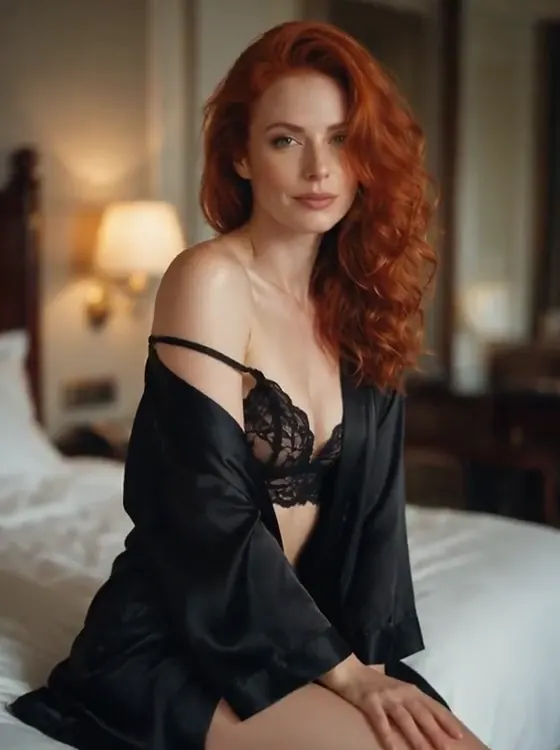
Seedance 2.5 UncensoredImage to video
She slowly turns her head toward the camera with a soft smile as the silk robe slides gently, warm lamplight flickering, slow push-in
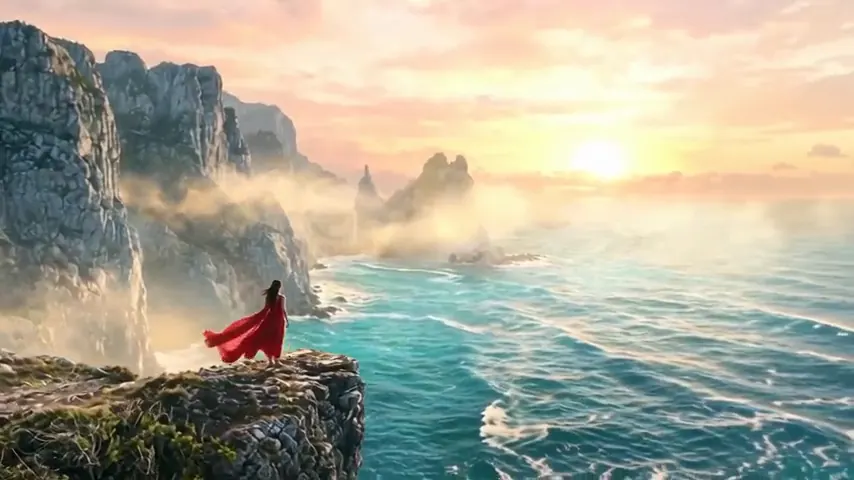
Wan 3.0 UncensoredImage to video
Wind sweeps her red dress and hair as waves crash against the cliffs below, slow aerial orbit around her
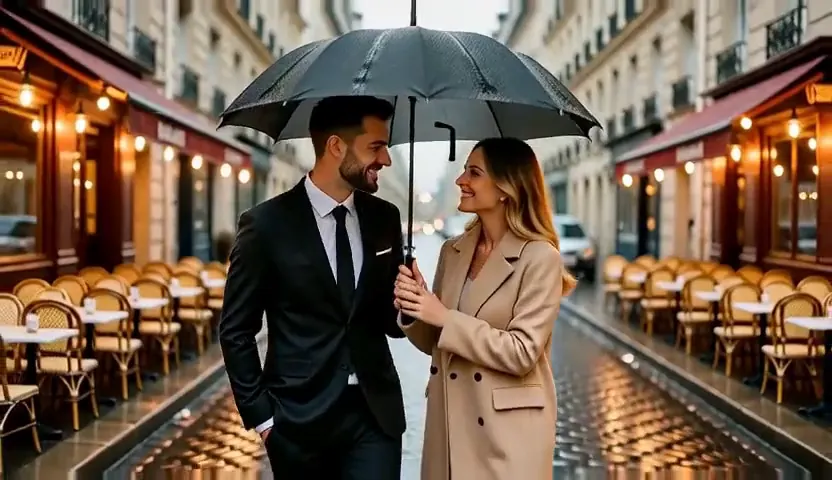
MiniMax H3 Video UncensoredImage to video
The couple walks slowly forward under the umbrella as rain falls around them, the camera tracks backward along the street
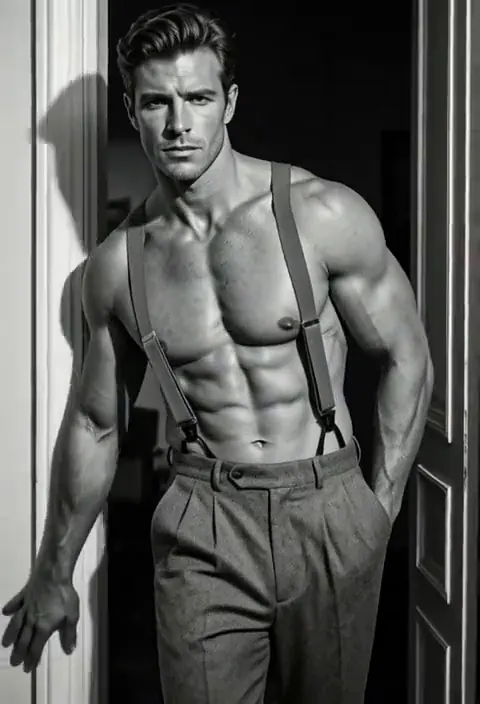
MiniMax H3 Max UncensoredImage to video
He pushes off the doorframe and steps toward the camera, light sweeping across his torso, slow dramatic motion
Wan 3.0 Pro UncensoredImage to video
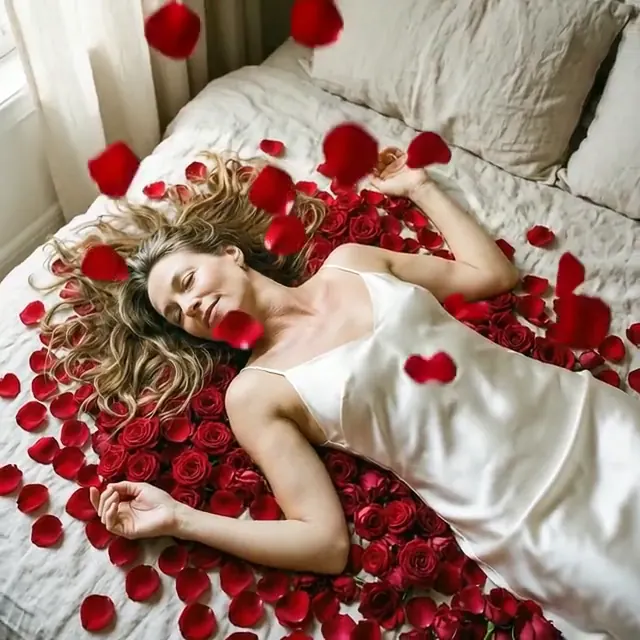
Rose petals drift down onto her as she opens her eyes and smiles, gentle overhead camera rotation
Pruna P-Video 2 UncensoredImage to video
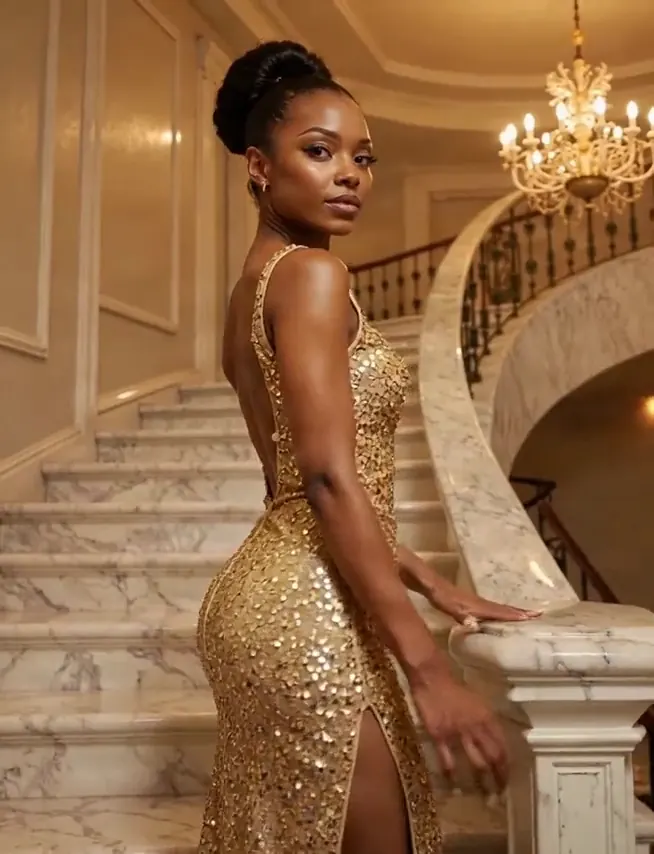
She turns to face the camera on the staircase, sequins shimmering under the chandelier light, slow push-in
Wan 2.2 UncensoredImage to video
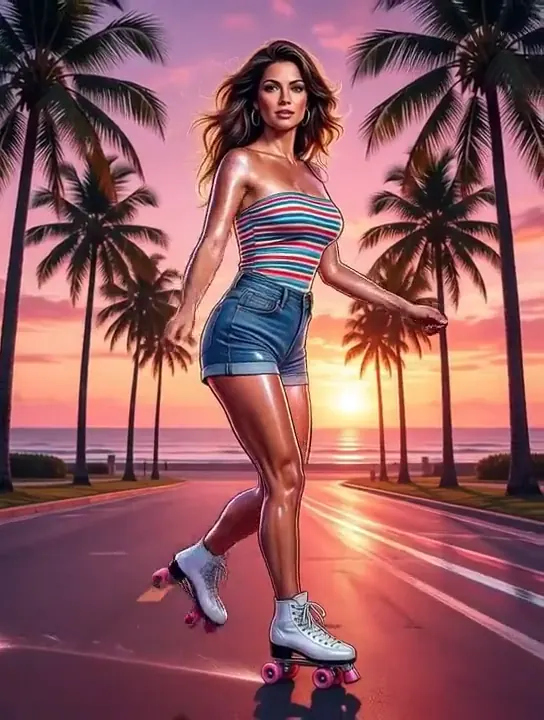
She glides forward on her roller skates past the palm trees, her hair bouncing in the breeze, the pink sunset glowing behind her, smooth tracking shot
Decide whether your picture is the opening frame
A video model that takes a picture treats it as the opening frame. The render begins on those exact pixels, so the picture settles the content and the shape of every frame after it. No video model here reads a picture as evidence and composes the shot around it, so a file that is not the frame you want the clip to start on is not ready for video yet. For explicit clips of fictional adults, the same route is laid out on NSFW image to video.
The catalog prints the capability on every card, so filter to video and read the label rather than guessing from a name. That capability belongs to the model and not to the run, so one that wants an opening frame refuses a request without one, and one that reads no pictures refuses a request that carries them; keeping a character consistent covers why being refused is the behaviour you want here.
Which route you need depends on how much you have already decided. If you generated and framed the still yourself and you know the moment the clip opens on, hand it over as the frame. If a character has to appear but the shot still needs composing, stage it first on an editing model, keep the frame that works, and send that one to video.
Crop and check the rotation before you upload
Because the still becomes the first frame, its shape becomes the clip's shape. Models that open on a picture do not offer an aspect ratio at all: the field is absent from the form rather than disabled, and sending one over the API comes back as an error naming it. So crop in your image editor while the file is still an image. Cropping the finished clip means paying to render pixels you throw away, and re-framing a composition that was built for the wider box.
Check the rotation while you are in there. Photographs off a phone carry an EXIF Orientation tag and your browser quietly applies it: the initial value of the CSS image-orientation property is from-image, which MDN describes as meaning that "the EXIF information contained in the image is used to rotate the image appropriately". A preview can therefore sit upright while the stored pixels lie on their side. If a clip comes back rotated, re-export the still with the rotation baked into the pixels.
Everything else riding on that frame comes with it: a watermark, a letterbox bar, a border, a colour cast you meant to fix later. The opening frame is not a draft the model tidies up on the way past.
Get the file to a URL the model can fetch
Generation endpoints take pictures as addresses rather than as bytes, because the provider performing the render fetches them itself. That is also why a link to one of your own generations does not work: those are served behind your credentials and the renderer has no session to use. Upload the file and attach the address that comes back, which carries an unguessable id and is reachable without signing in.
You do not have to host anything. The reference box on a model's page uploads the file and writes the address into the field for you, and the API reference documents the same endpoint for scripts, where you post raw bytes rather than a multipart form.
Rejections here come from a short list, and the error names the field. The Content-Type header is required and has to match the body, because the server reads the file's magic bytes and renaming a screenshot does not change what it is. The accepted formats are the ordinary ones: JPEG, PNG, WebP, BMP and GIF. Uploading needs a positive credit balance. An address you supply yourself has to be https on a public host, so loopback and private ranges are turned down. When the run starts, the picture has to be a still JPEG, PNG, GIF or WebP without transparent areas. Reference images are not screened for content: no picture is refused for who or what it shows; a file that cannot be read is refused with image_unreadable. Calling the API from your code covers the request side.
One take, so the prompt is the edit
There is no timeline. The model renders the whole clip in one pass, and there is no point mid-render where you step in, cut a beat or change your mind about the camera. Since the picture already answered what the scene looks like, spend the words on what changes: how the subject moves, how the camera moves, and where each of them ends up. The models that stayed closest to the frame we supplied in our runs were Seedance 2.5, Wan 3.0 Pro and MiniMax H3 Max.
Name the camera every time. Leaving it out does not hold the frame still, it hands the choice to the model, and a drift you did not ask for looks exactly like one you did. Writing prompts without a filter goes further into wording.
Budget one beat rather than a scene. Cutting, DeLong and Brunick, analysing 295 English-language feature films in Cognitive Research: Principles and Implications (2018), report that "shots have generally gotten shorter, decreasing more or less linearly from a mean of about 10 s/shot in 1950 to about 4 s/shot in 2010". A take in commercial film carries roughly one action, and your clip is one take, so an action written for a whole scene arrives hurried whatever length you buy.
Settle the shot on a short draft
Length and resolution compound, so the order that wastes least is a short draft at a modest resolution until the motion reads, then one long run at the setting you want. Choosing resolution and length has that trade in full, and every model page does the arithmetic live from the catalog.
Keep the still fixed between takes so the sentence is the only thing that moved. A run that fails at the provider refunds itself; a run that succeeded in a shape you did not want does not, which is the whole argument for cropping first. Download what you decide to keep. See keeping a character consistent when the second clip has to match the first, and storyboards and previz when there are ten of them.