
Image to image
Uncensored NSFW AI image editor
Vellria's uncensored NSFW AI image editor changes a picture you already have from a written instruction, adult edits of fictional people included, without toning the instruction down first. Attach the picture in Studio or send its URL to the REST API, describe the change, and pay per edit from prepaid credits. Turning a photo of a real person into explicit content without their consent is prohibited.
18 image models accept your picture for editing, from 4 credits per edit (100 credits = $1.00). New accounts created with Google get 20 credits as a gift, valid for 7 days. Is there a free option?
Edit a picture now
1. Upload the picture. The button at the top opens Studio's image page with an editing model already selected. Add your picture in the reference box, as a file or an https address; the panel shows how many pictures that model reads before anything runs.
2. Describe the change. Name what should be different and what should stay: another outfit, a new background, light from another side, the same figure in a new pose. Your instruction reaches the model in the words you chose, adult edits included.
3. Get the edit. Press run and the job carries on in the background; the edited picture lands in your Gallery, and the credits it takes are shown beside the button before you commit. If the provider fails the run, those credits come back on their own. Not sure which model to start on? The best NSFW AI image generators are sorted by job, editing included, and the page on an AI image generator with no restrictions says what stays off limits.
See what the models make
Real outputs from the models on this page, each shown with the exact prompt that produced it. Copy a prompt, or open the model and run it yourself.
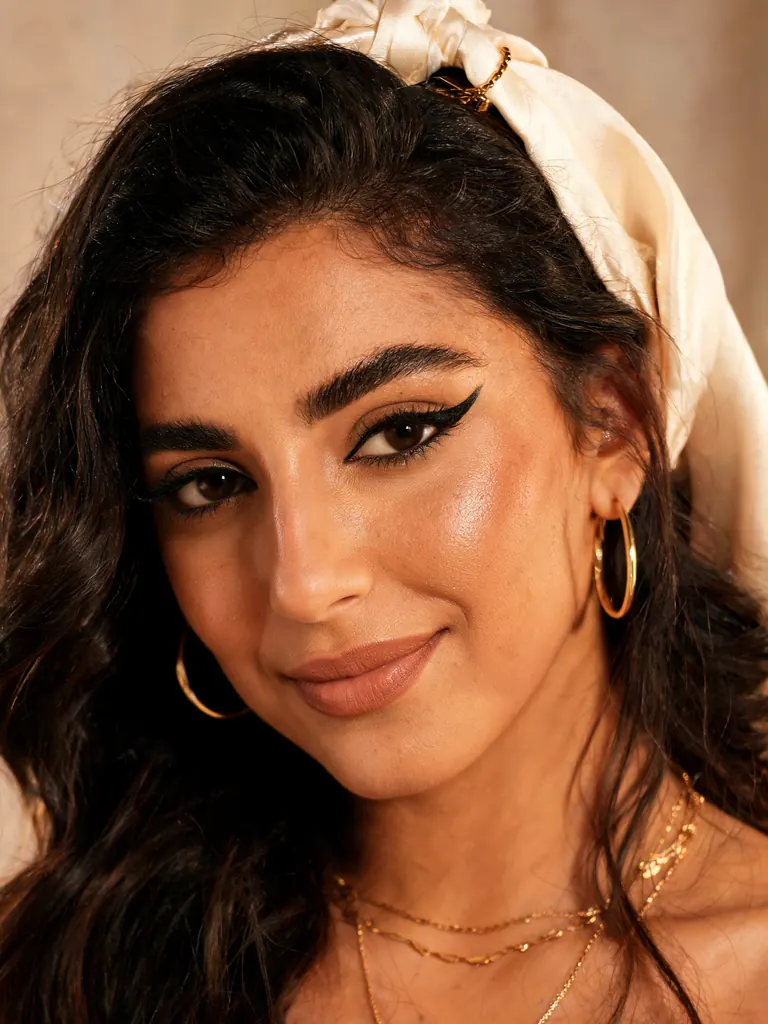 Before
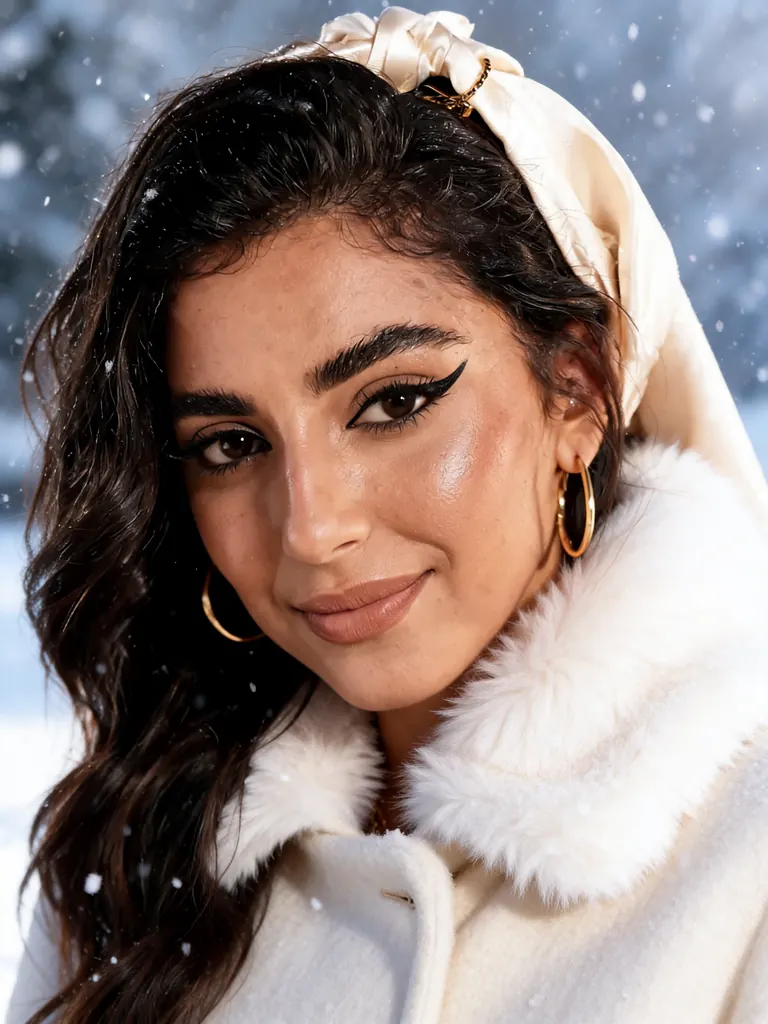 After
AfterSeedream 5 Lite UncensoredEdit
Make it a snowy winter scene: add a cream wool coat with a fur collar and softly falling snow; keep her face, makeup and pose
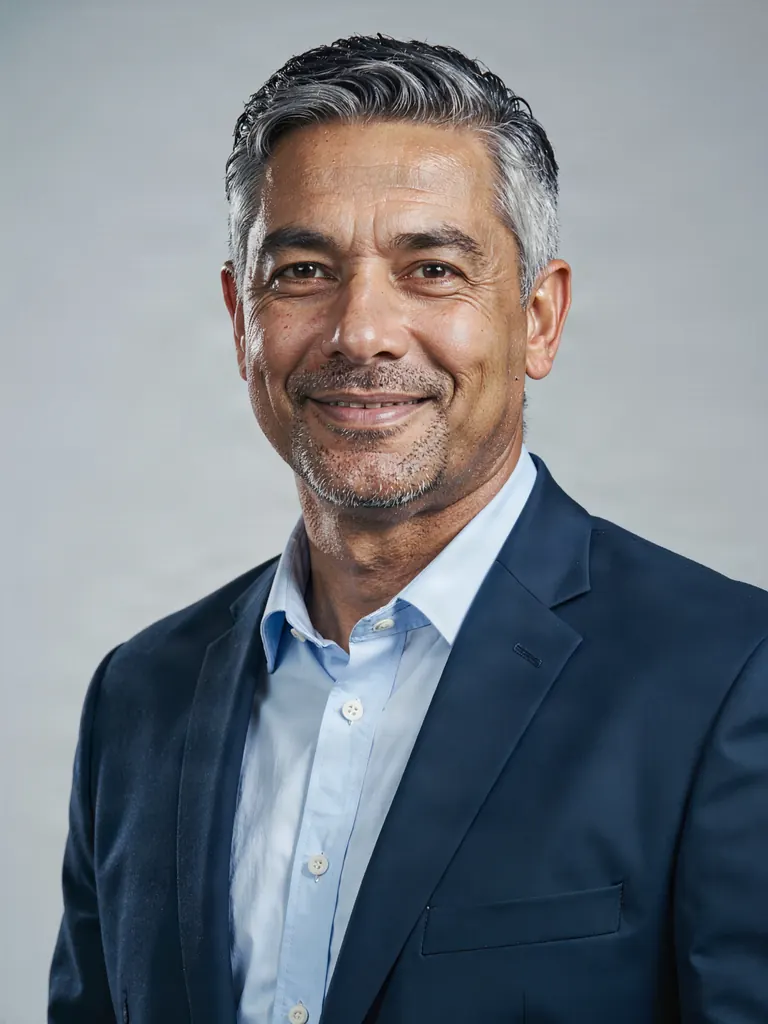 Before
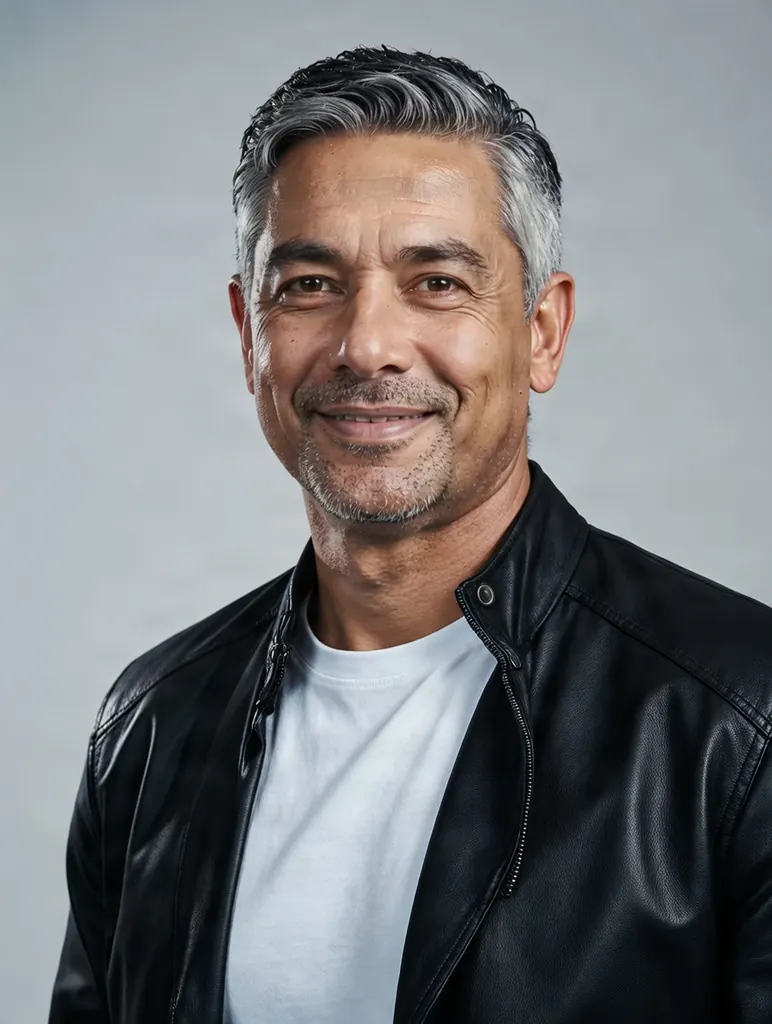 After
AfterReplace the suit with a black leather jacket over a plain white t-shirt; keep his face, pose and the gray background
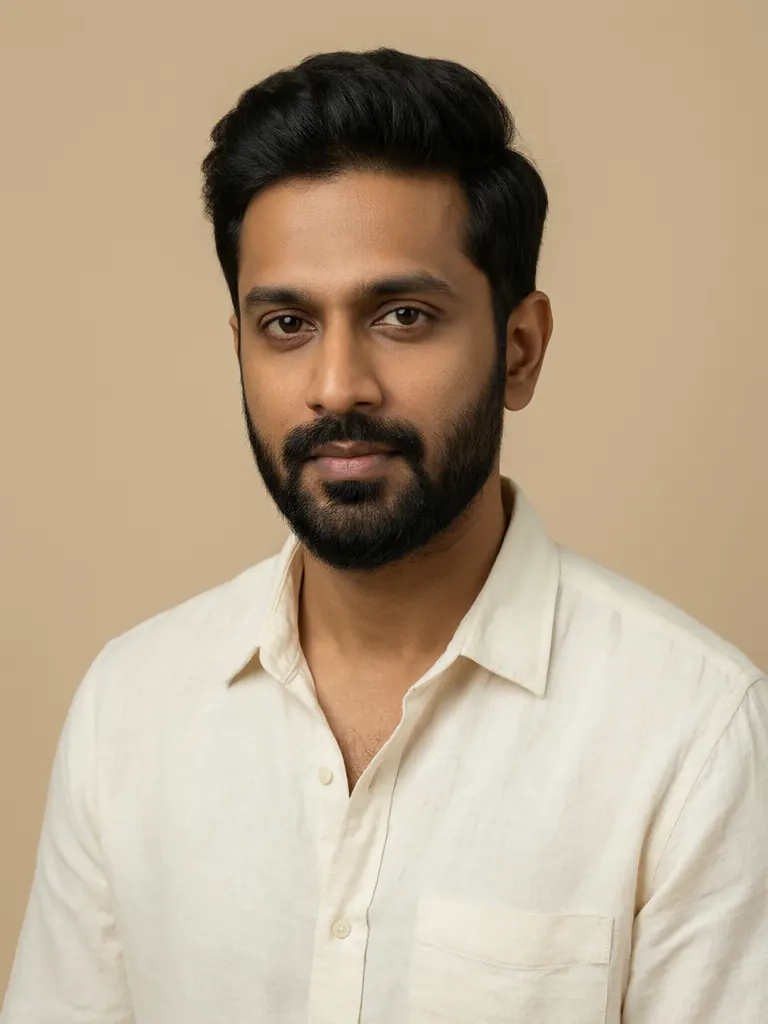 Before
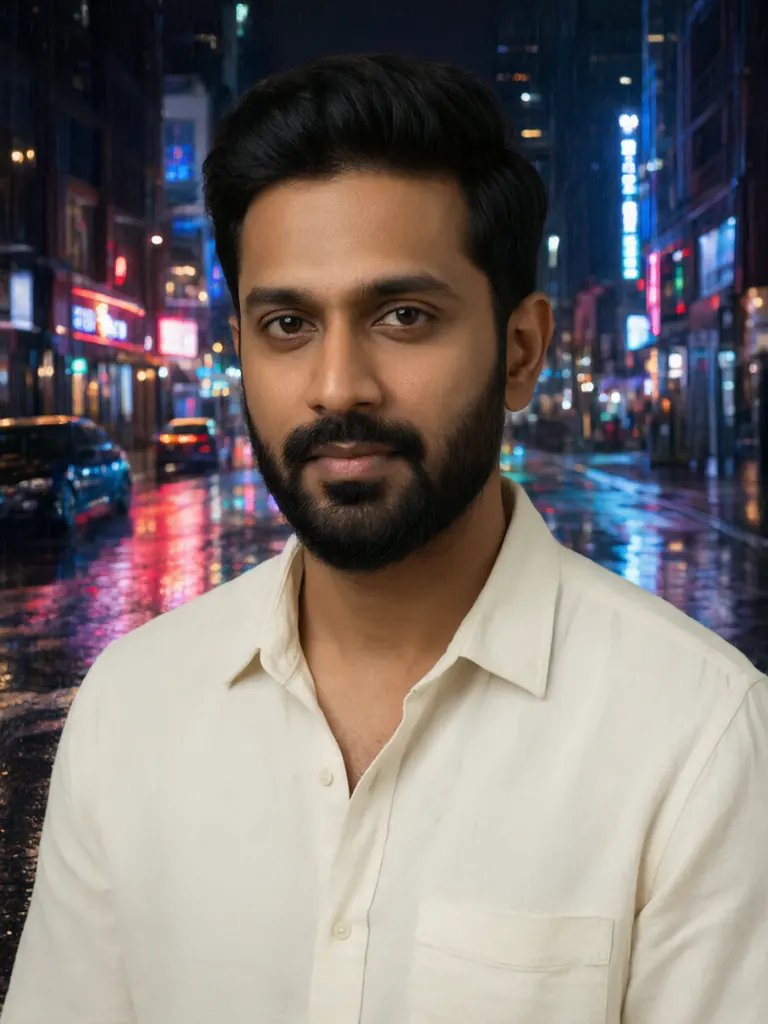 After
AfterReplace the background with a rainy neon-lit city street at night with reflections on the wet pavement; keep the man, his pose and his clothing exactly the same
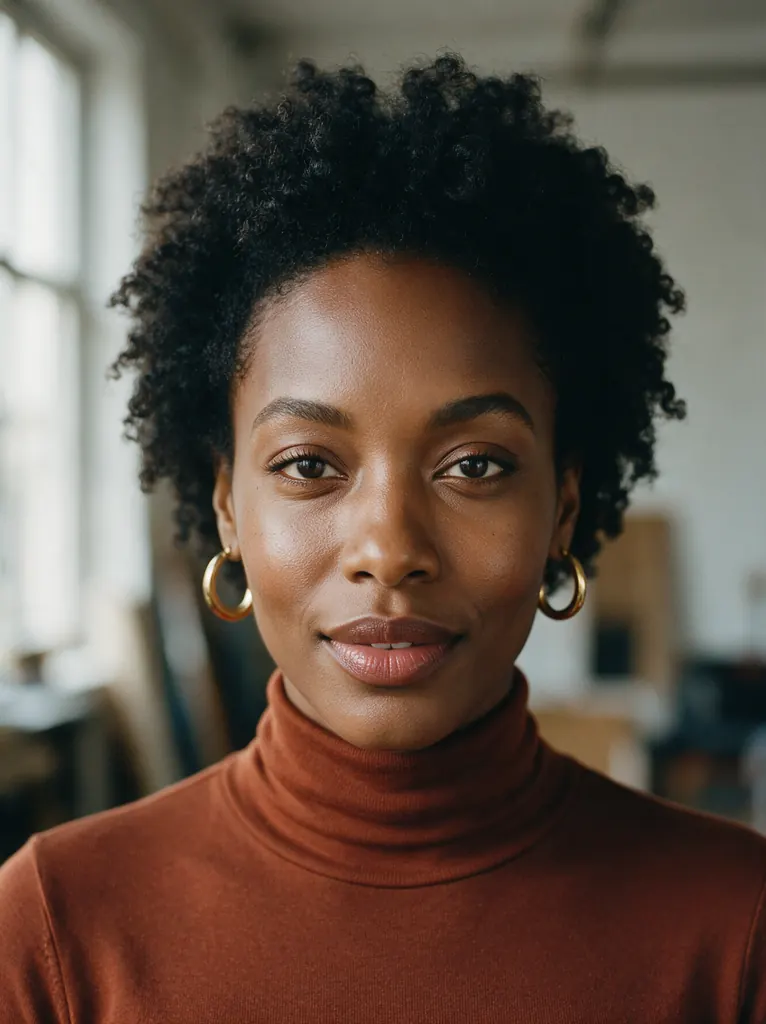 Before
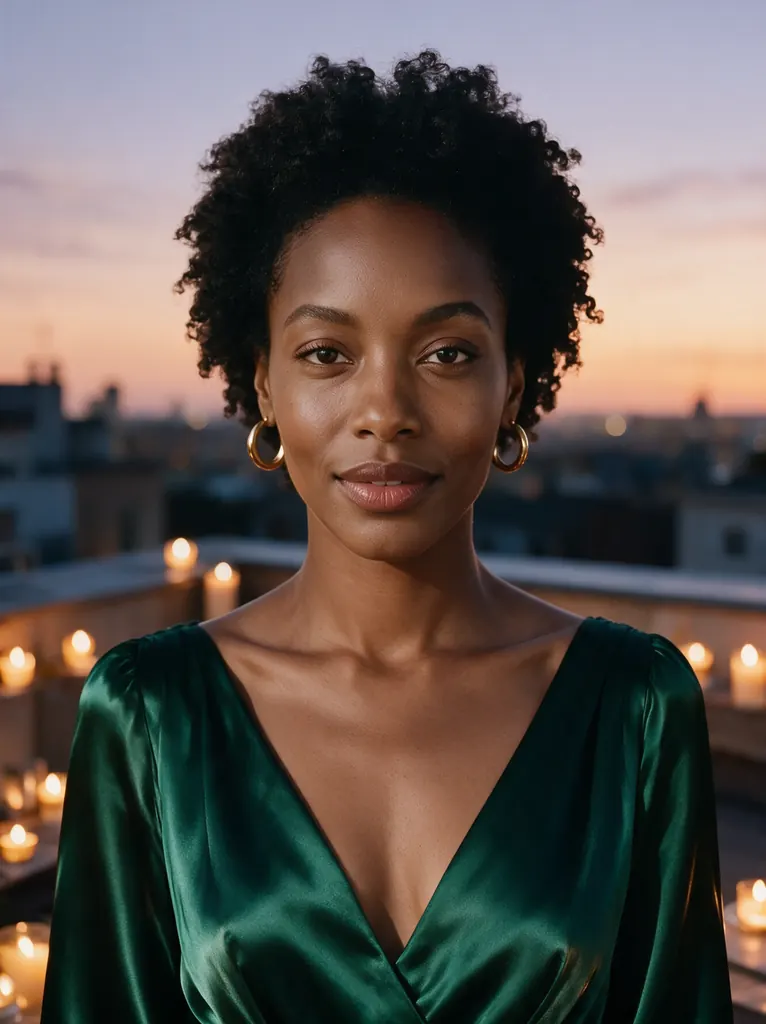 After
AfterChange her outfit to a deep emerald silk evening gown and move the scene to a candlelit rooftop terrace at dusk; keep her face, hairstyle and pose unchanged
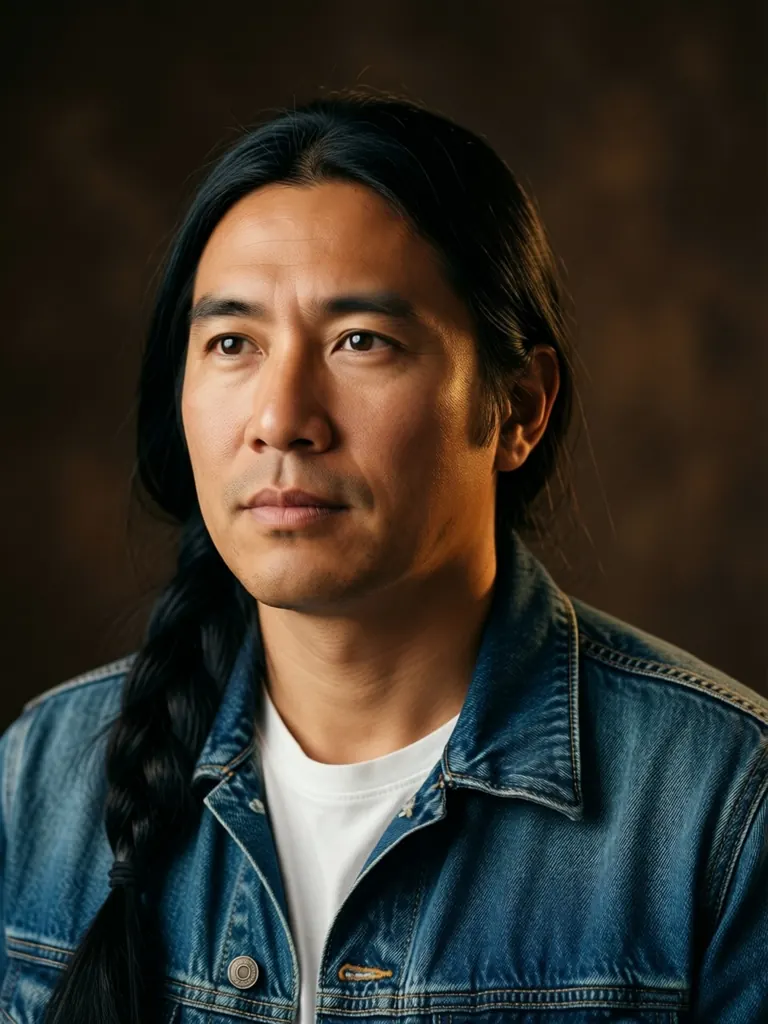 Before
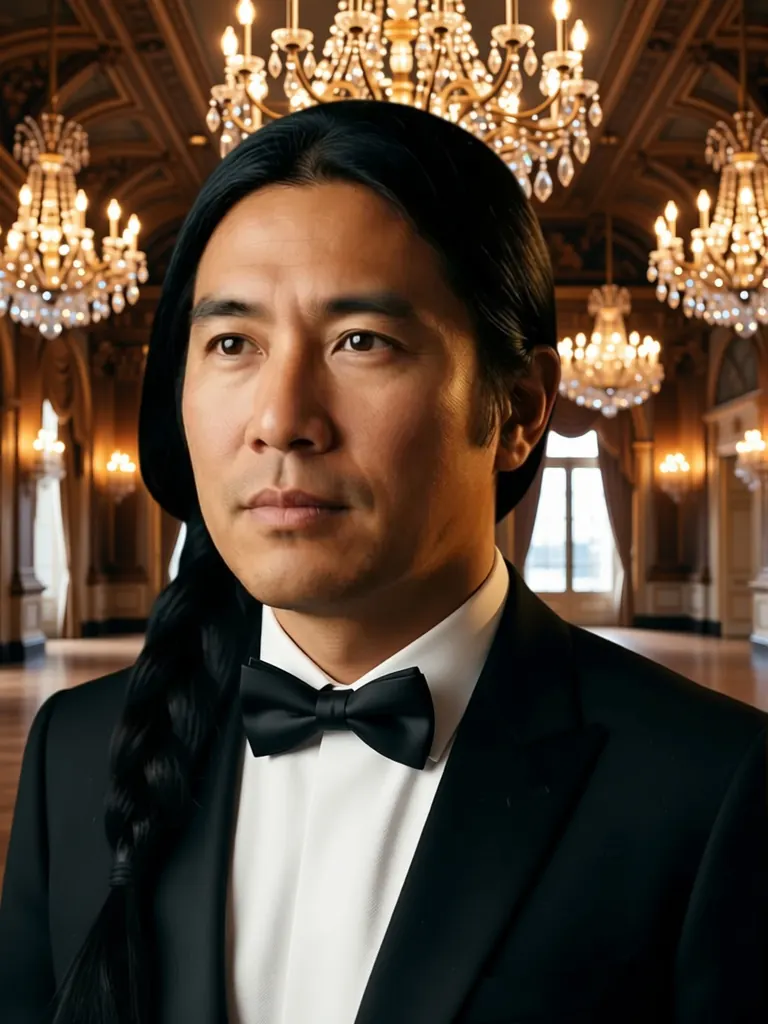 After
AfterQwen Image Edit 2511 UncensoredEdit
Change his denim jacket to a black tuxedo with a bow tie and replace the backdrop with a grand ballroom lit by crystal chandeliers; keep his face, hair and pose unchanged

Image
Qwen 3 Uncensored
Precisely described scenes, followed as written, up to 2K; edit with up to 3 references.
8 credits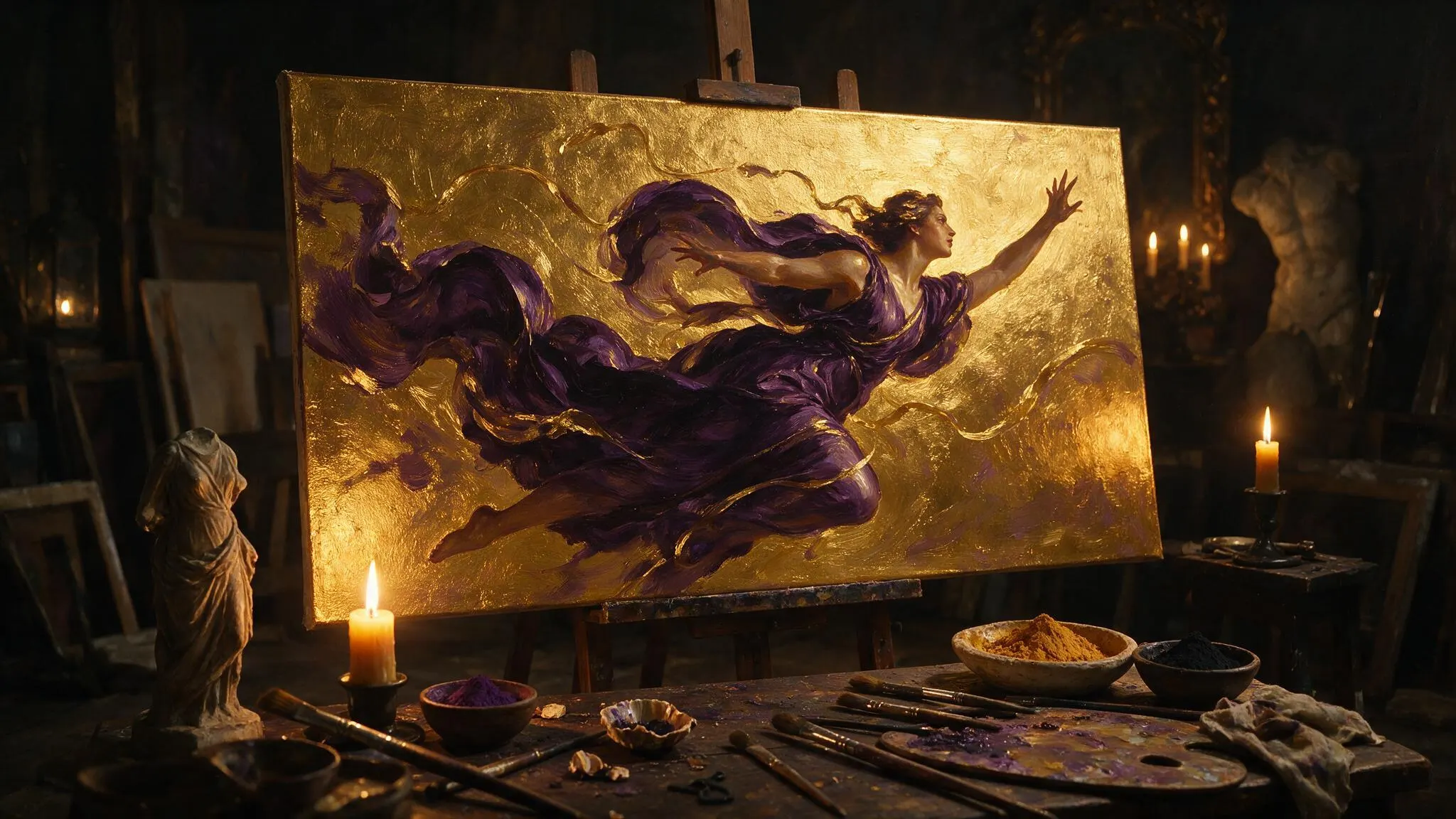
Image
Seedream 5 Lite Uncensored
Large 3K–4K images, 21:9 ultrawide included; edit or build a series from up to 10 references.
8 credits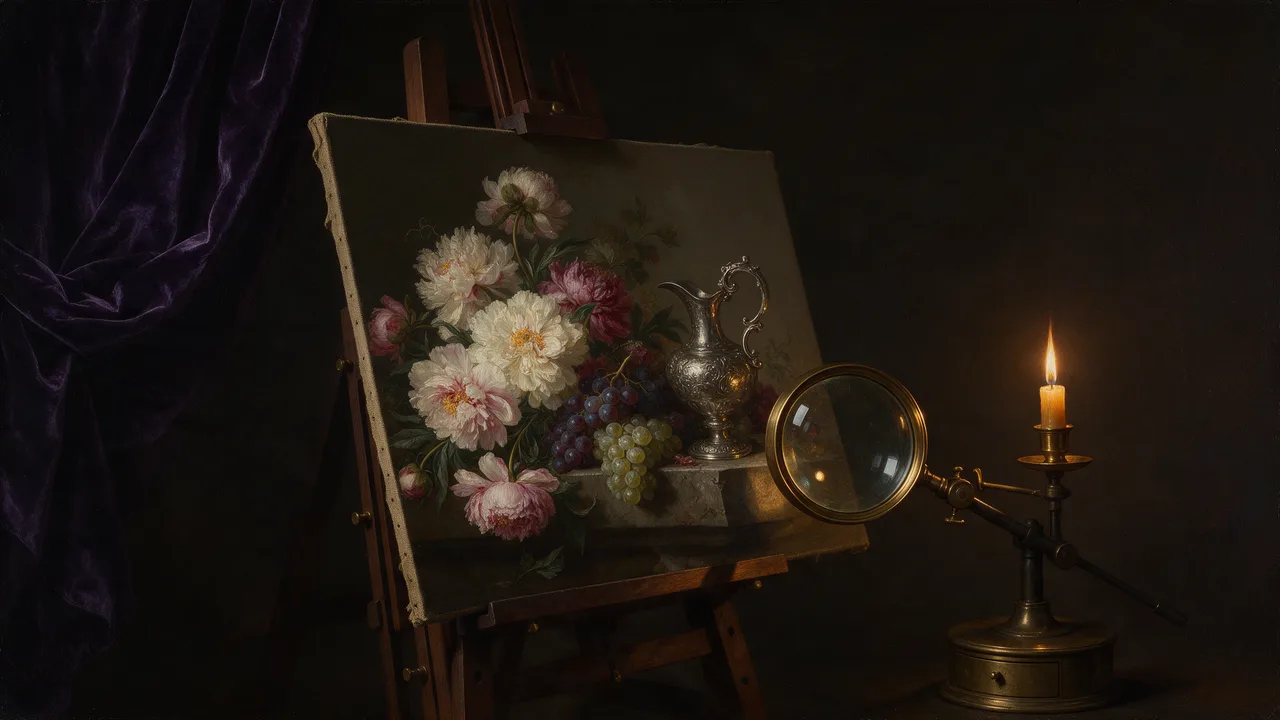
Image
Bria FIBO 1.5 Uncensored
4MP images in seven shapes, one price for all; edit with up to 4 references at no extra cost.
10 credits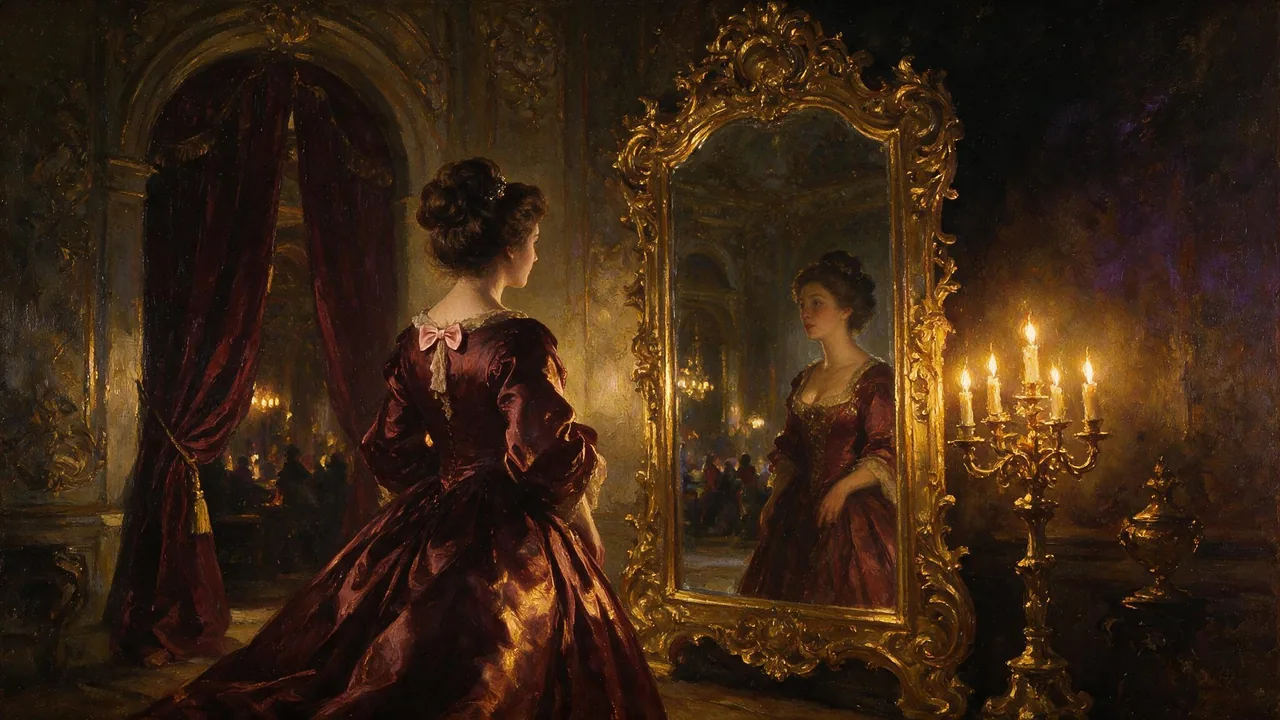
Image
Seedream 5 Pro Uncensored
Finished 2K images like covers and portraits; add up to 10 images to rework an existing shot.
10 credits
The models for this, side by side
| Model | Sample | Price | Max size | Reference images |
|---|---|---|---|---|
| Seedream 5 Pro Uncensored | | 10 credits | 1536×1536 | Up to 10 |
| Qwen 3 Uncensored | | 8 credits | 2048×2048 | Up to 3 |
| Qwen 3 Pro Uncensored | 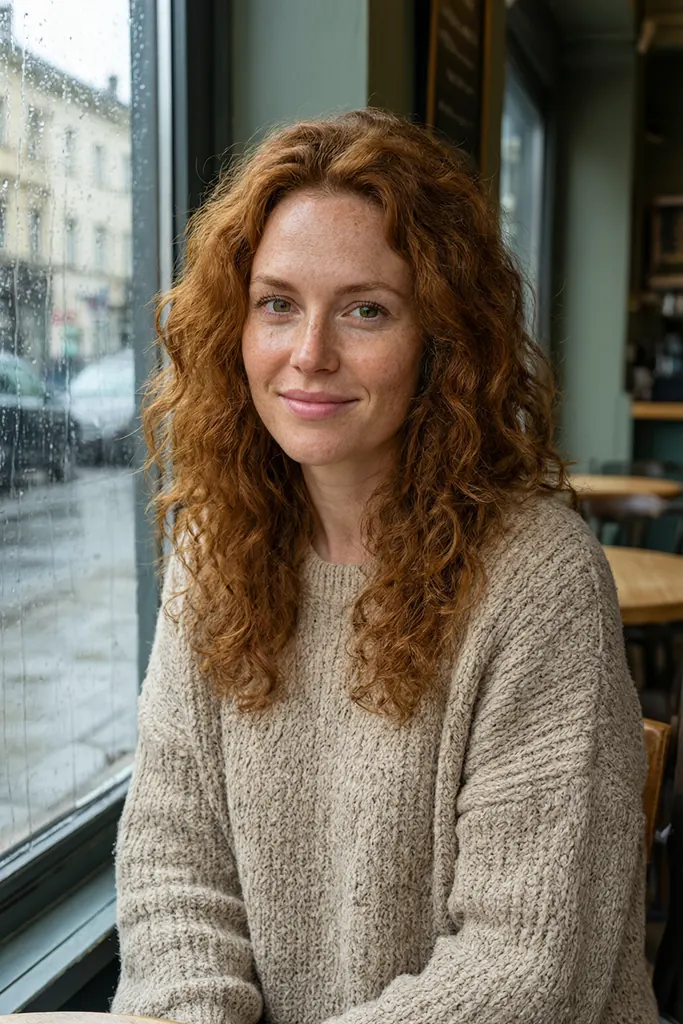 | 10 credits | 1440×1440 | Up to 3 |
| Qwen Image Edit 2511 Uncensored | | 6 credits | 1280×960 | Up to 3 |
| Qwen Image 2.1 Uncensored | 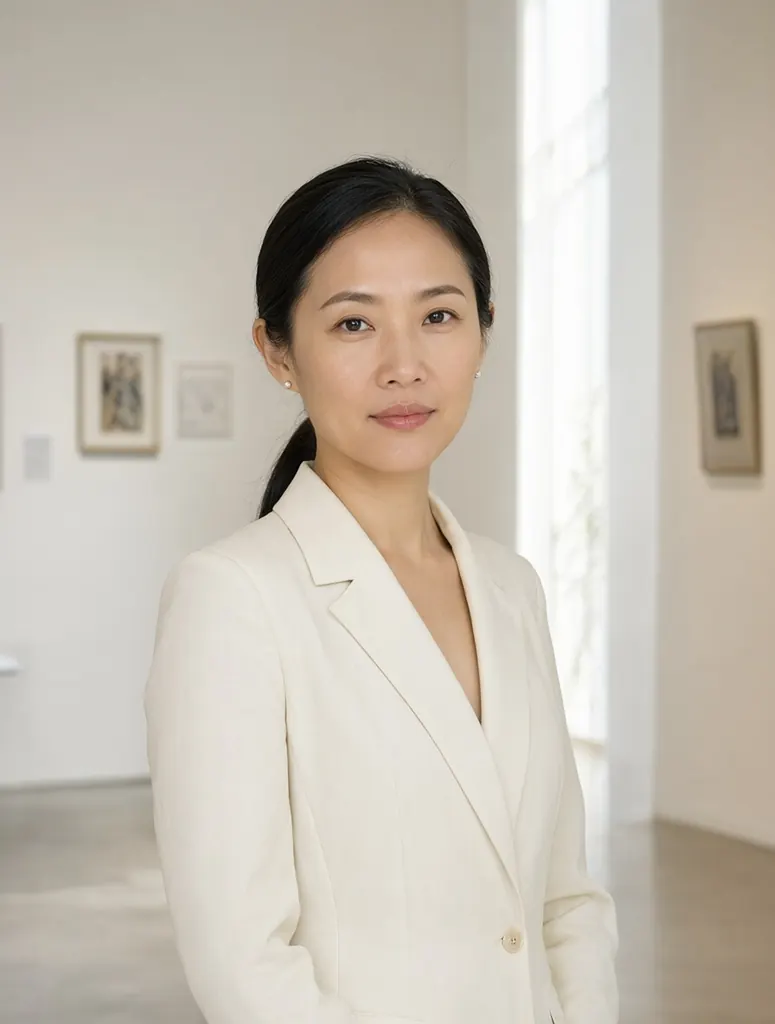 | from 7 credits | 1184×896 | Up to 10 |
| Seedream 5 Lite Uncensored | | 8 credits | 4704×2016 | Up to 10 |
| Seedream 4.5 Uncensored | 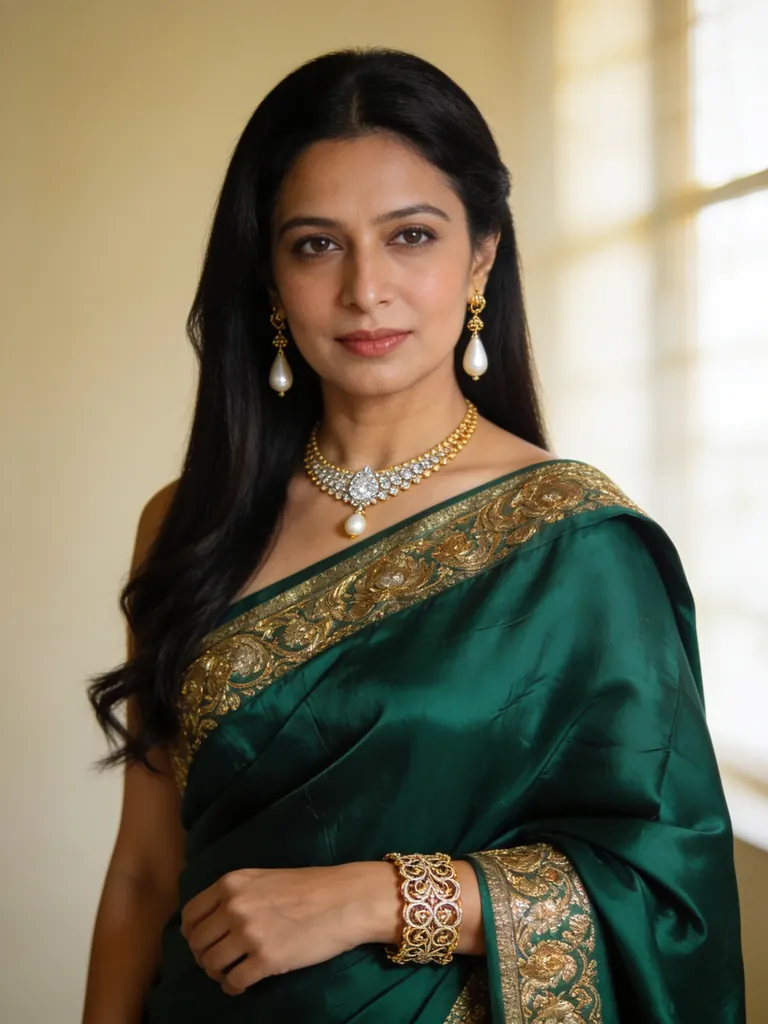 | 9 credits | 2848×1600 | Up to 10 |
| Seedream 4 Uncensored |  | 7 credits | 2816×1584 | Up to 10 |
| Wan 2.7 Uncensored |  | 8 credits | 2K | Up to 9 |
| Bria FIBO 2.0 Uncensored |  | 10 credits | 2048×2048 | Up to 4 |
| Bria FIBO 1.5 Uncensored | | 10 credits | 2048×2048 | Up to 4 |
| MiniMax H3 Image Uncensored |  | 8 credits | 1184×896 | Up to 9 |
| Seedream 5 Flash Uncensored | 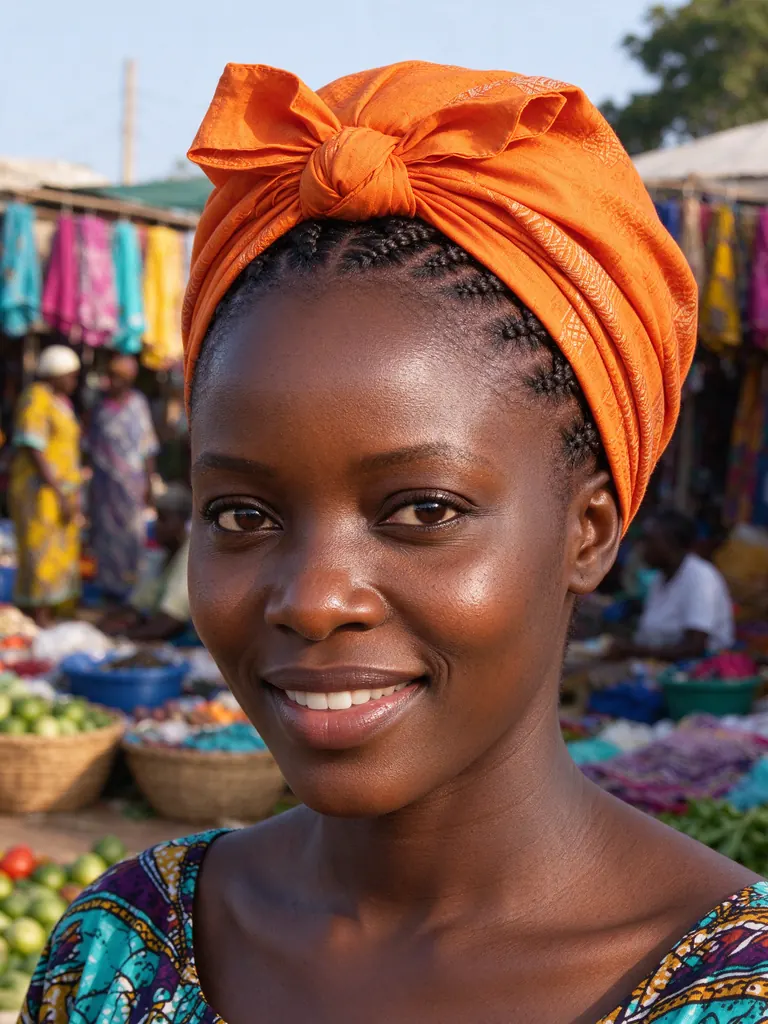 | 8 credits | 2816×1584 | Up to 10 |
| Anima Uncensored | 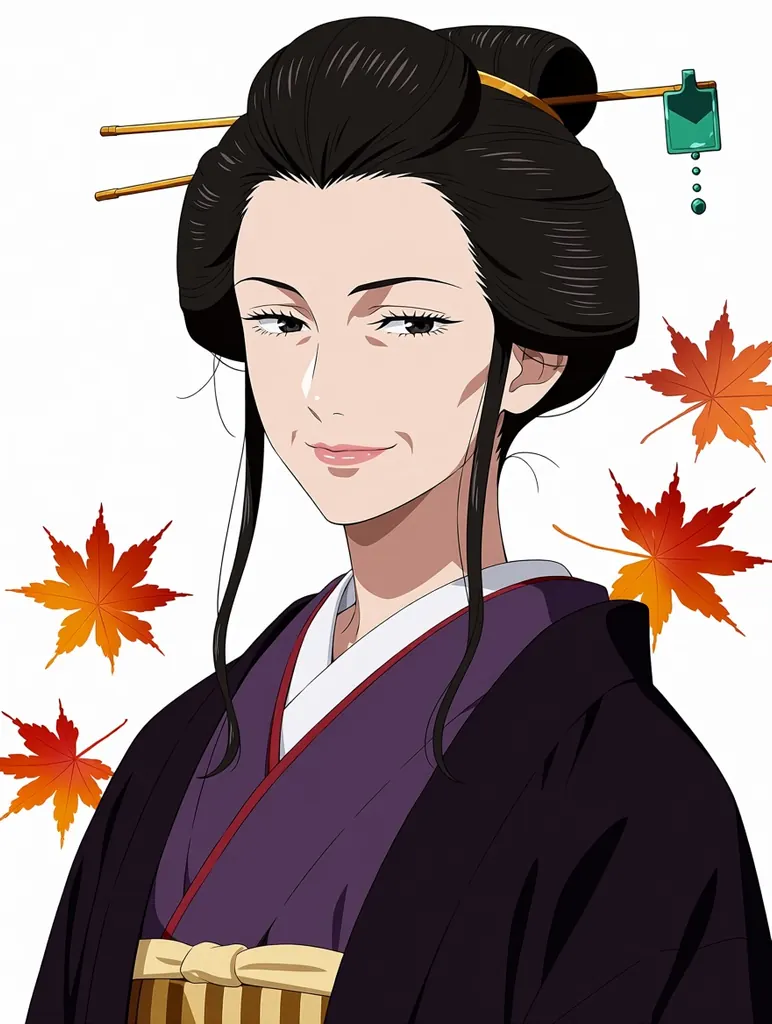 | 5 credits | 1024×1024 | Up to 1 |
| Vellria Anime Pro Spicy Uncensored | 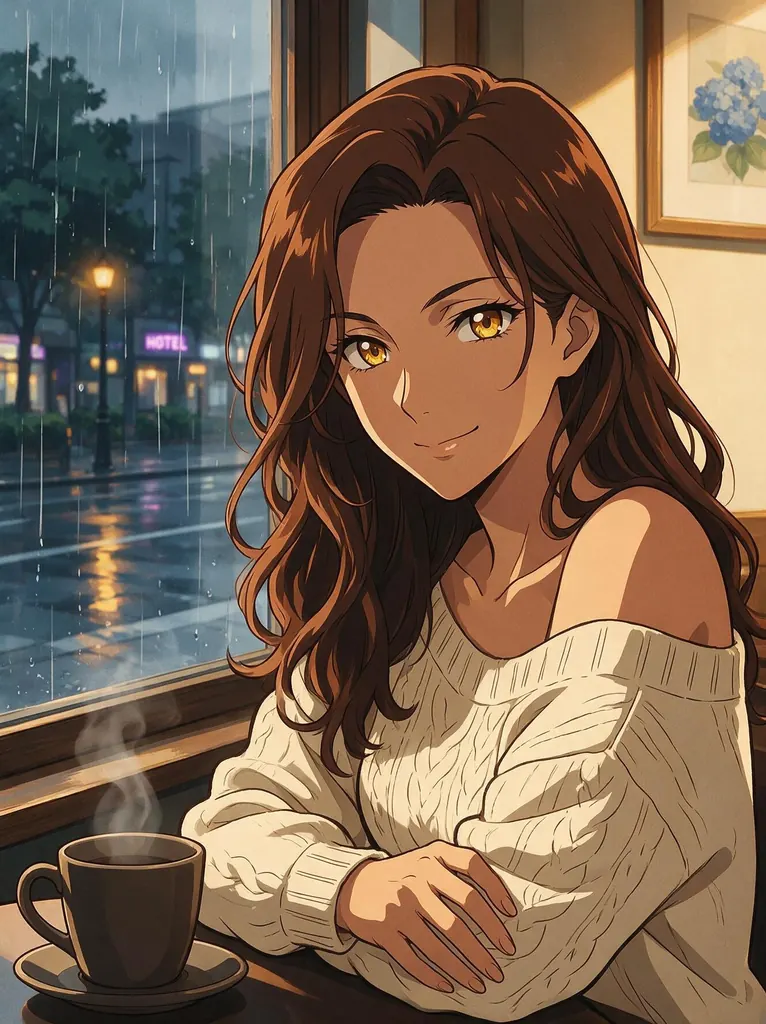 | 10 credits | 1536×1536 | Up to 10 |
| Pruna P-Image Uncensored | 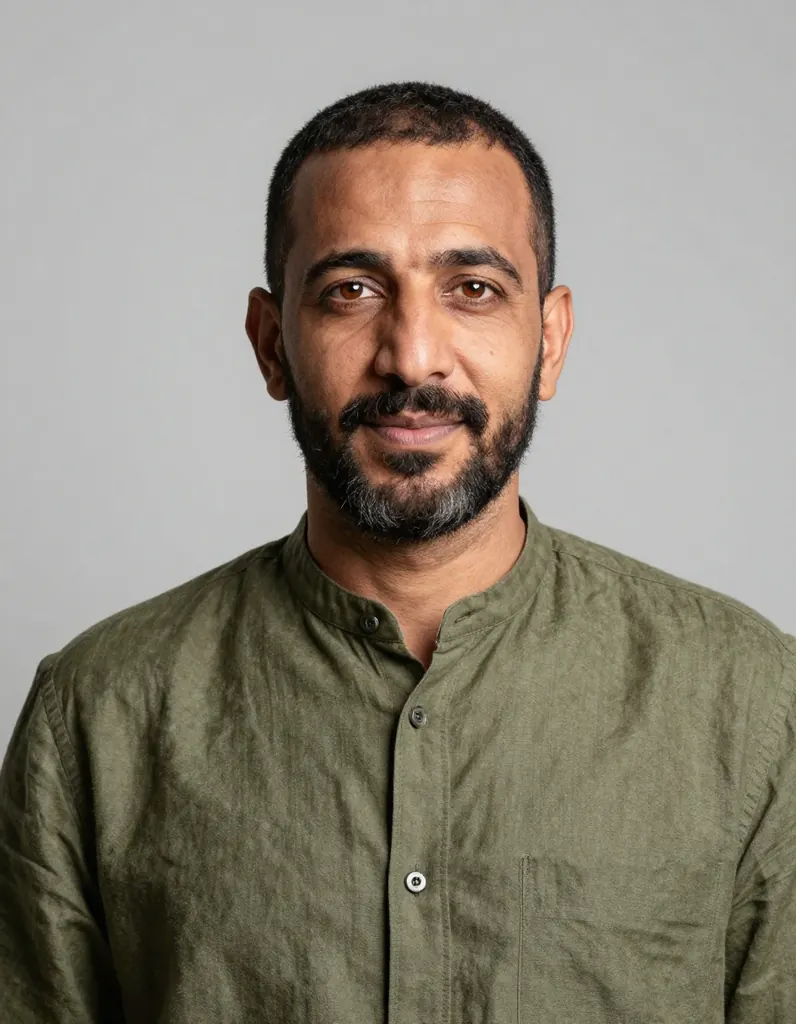 | 4 credits | 1024×1024 | Up to 5 |
| Flux 2 Klein 9B Uncensored | 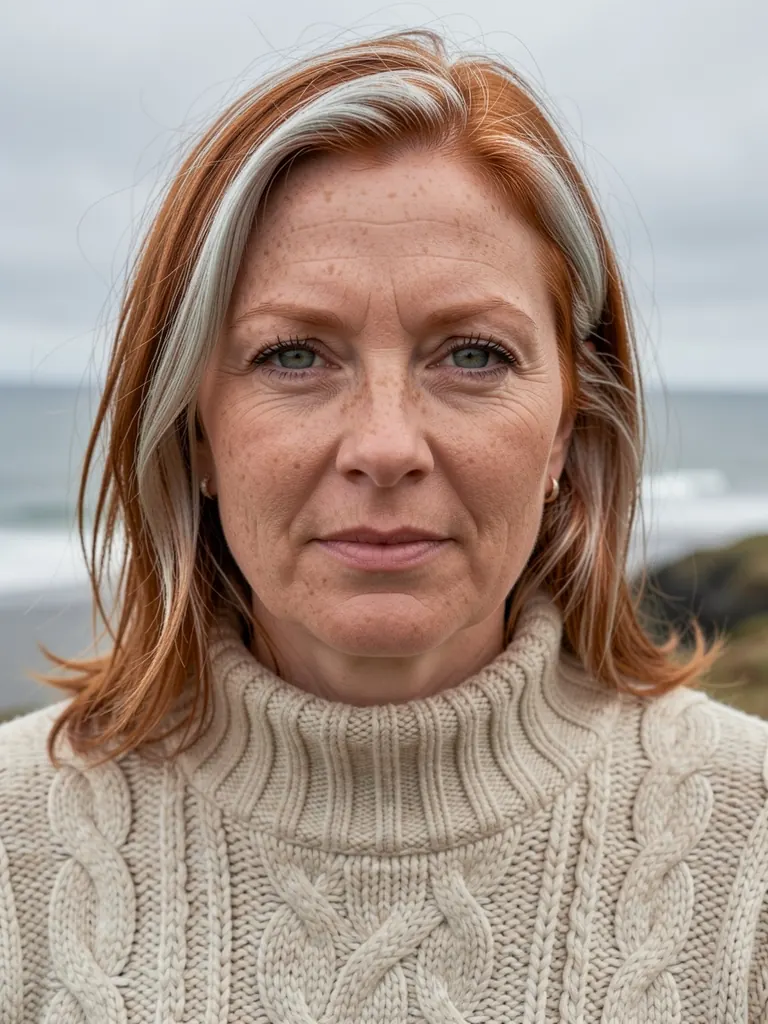 | 5 credits | 1024×1024 | Up to 3 |
| Qwen Image Edit Spicy Uncensored | 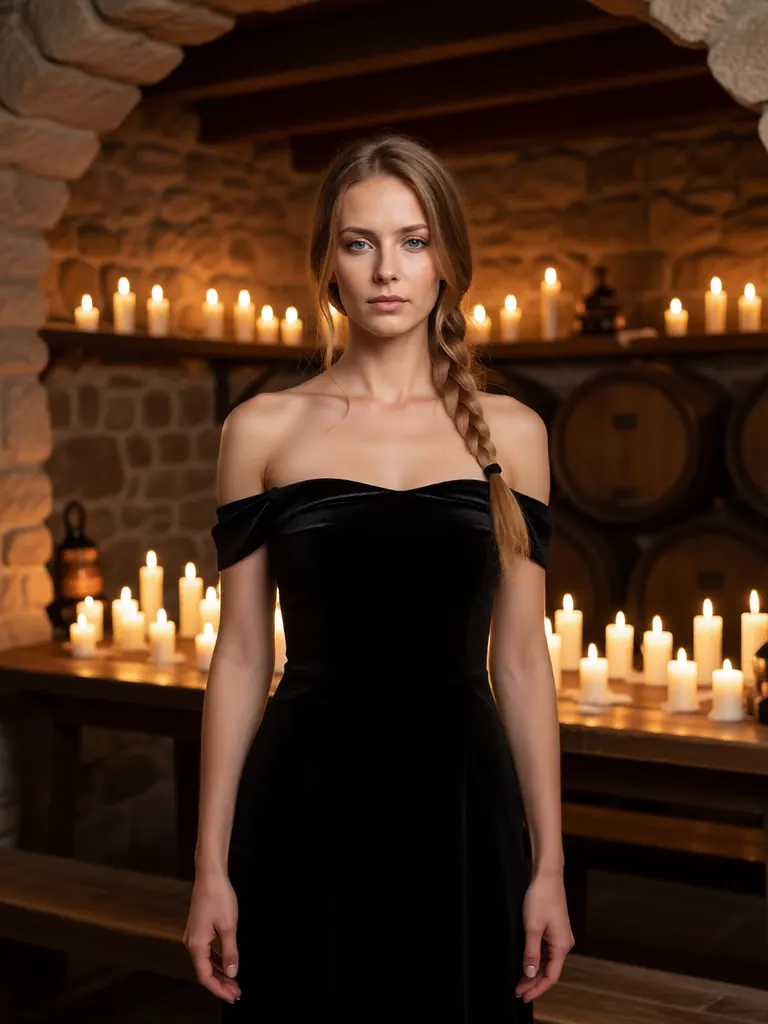 | 10 credits | 1K | Up to 3 |
Prices and limits come from the live model catalog.
What an image to image edit does
Image to image means the model starts from pixels instead of a blank canvas. You hand over one picture or several, write what should be different, and a new image comes back built from that input. Typical requests are another outfit, a changed setting, clothing removed or added, a different light, or the same figure in another pose. Whatever you leave unmentioned is what you are asking the model to hold, so an instruction that names the change and the parts to keep works better than one that describes the whole scene again. The concept art guide builds a whole set of variations on that habit, changing a single thing per edit.
As an NSFW image editor it runs on the same terms as generation here. An adult instruction reaches the editing model in the words you chose; nothing swaps it for a milder version, and our automatic check is not looking for adult vocabulary. That is what uncensored AI image editing amounts to in practice: the edit that comes back answers the edit you asked for, or the run fails and its credits come back automatically. Searches for an NSFW AI image editor, an NSFW AI photo editor or an uncensored AI photo editor describe the same job from different ends: some start with a render, others with a photograph or a drawing they own, and the editing models treat both alike. Typical edits are a wardrobe change or a removed garment on an invented adult, a new background, a shift of light from day to night, a different pose that keeps the face, or a drawn character repainted with a photographic finish.
What the catalog tells you before an edit runs
Every image model here can edit: attach a picture and it reworks that picture instead of starting fresh. How many it will read differs between models; each model's page prints that range from the live catalog. A model that takes several lets you split the evidence, with one picture carrying the person and another carrying the room or the garment. Qwen 3 and Qwen 3 Pro were our picks for editing in the image model comparison, because they hold what the instruction leaves alone; Seedream 5 Lite reads the largest set of references, which suits an edit that combines a person, a garment and a room; and Wan 2.7 blends several photos into one.
Beyond the first picture, some models add a small charge for each extra reference and others add nothing; the total shows beside the run button before you commit. Output size belongs to the model as well. Editing models usually offer a list of shapes and sizes, and where a model keeps the proportions of the picture you sent, its page shows that in place of a list, so crop before uploading when the result should be framed differently.
Some editing models also accept a negative prompt, a seed you can fix between runs, or a reasoning switch, and each model page lists which. The fixed seed earns its place in editing: hold it along with the picture, change one phrase, and more of the difference between two outputs comes from that phrase. To try a few edits on the sign-up gift before topping up, the free uncensored AI image editor page counts how many it covers on the lower-priced models.
Editing a picture in Studio or over the API
In Studio, choose an editing model and add your picture in the reference box, either by uploading the file or by pasting an https address; the panel shows how many pictures that model expects before anything runs. Write the change, pick a size where the model offers one, and start. The job carries on in the background and the result lands in your Gallery, so leaving the page does not lose the edit. A good first edit is a small one: keep the picture, change one thing and compare, so you learn how the chosen model reads an instruction before you ask it for a bigger change.
From code, upload each file to /v1/uploads as a raw body whose Content-Type matches it, hold on to the returned address, and list those addresses in image_urls beside the model id and your instruction. The call returns a generation id at once; poll it until the run reaches a final state. Files can be JPEG, PNG, WebP, BMP or GIF, uploading requires a positive credit balance, and the API reference documents the whole body.
A picture made here can go into an edit too, just not by its link, because a finished file is served behind your sign-in and the provider rendering the edit cannot fetch it from there. Over the API, `POST /v1/generations/:id/reference` copies a finished image into an upload and returns an address the provider can read; in Studio, download the picture and upload it as the reference. For the starting picture itself, use the uncensored AI image generator. When one character has to survive many edits, keeping a character consistent sets out the method, and illustration or original-character work, where an edit is one pass in a longer loop, has its own page, the AI art workflow for figures and characters.
What an edit costs
An edit is priced by the model and the output size you pick, plus any per-reference charge that model lists, and the credits leave your balance when the run starts. There is no required subscription, though an optional monthly plan exists, and the sign-up gift makes the first edits free: beyond it, balances are funded by card or another method available at checkout, and one left idle costs nothing. If the provider fails the job, the credits return automatically once it is marked failed, and pricing has the top-up packages.
Real people, and what the automatic check cannot see
An editor raises a question that writing a prompt from nothing does not, since a file you upload might picture anybody at all. Editing a photo of a real, recognisable person into sexual or explicit content without their consent is forbidden by the terms, as is any other recognisable depiction of a real person made without consent, and being famous exempts no one. Breaking that rule costs you the account: the terms close it without notice.
Only part of that rule is automated. An automatic check reads the text of the prompt for minors in a sexual context and refuses what it catches before any credit is taken. Uploaded pictures are not screened for content: only a file that cannot be read is refused. The check puts no name to a face, famous or not, which leaves keeping real people out of non-consensual use to the terms and to whoever uploads. The model's provider may also run its own filter, and when that stops a run the credits are refunded. The rules for NSFW generation set out the whole policy, age requirement and all.
FAQ ( 5 )