See what the models make
Real outputs from the models on this page, each shown with the exact prompt that produced it. Copy a prompt, or open the model and run it yourself.

MiniMax H3 Image UncensoredText to image
Surreal 3D render of a floating glass sphere holding a tiny tropical island with a single palm tree, pastel gradient sky, soft shadows
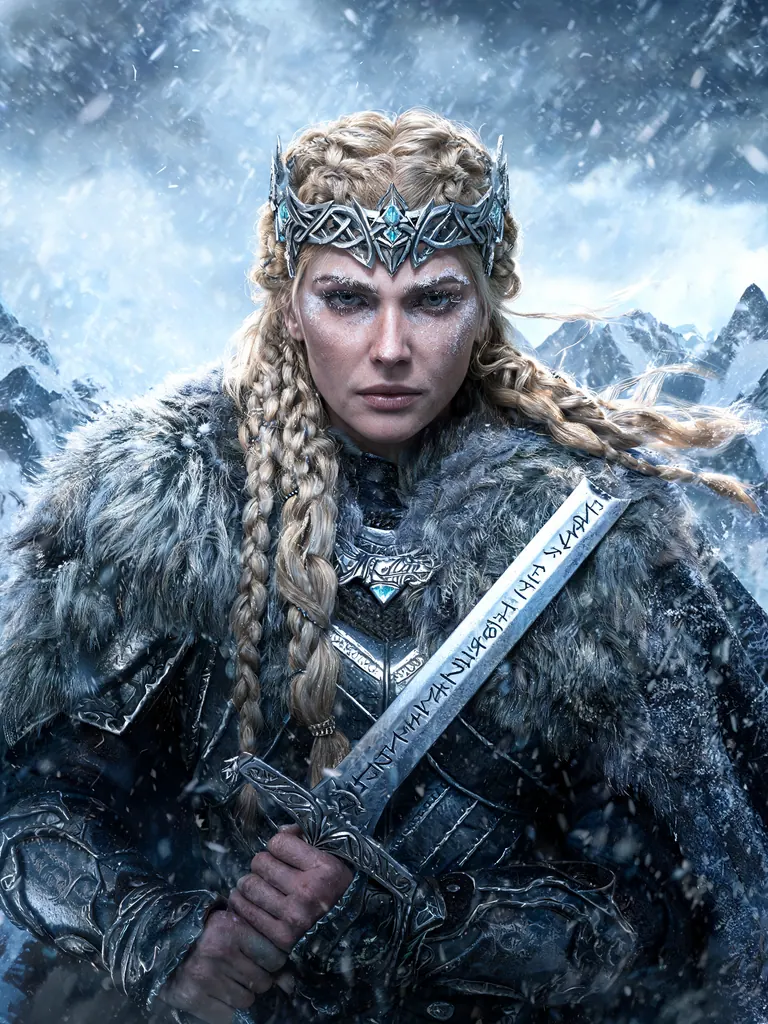
Seedream 5 Lite UncensoredText to image
Epic fantasy portrait of a Nordic warrior queen in her forties with braided blonde hair, a fur mantle and an ornate silver crown, holding a rune-carved sword, snowstorm behind her, painterly realism, extreme detail
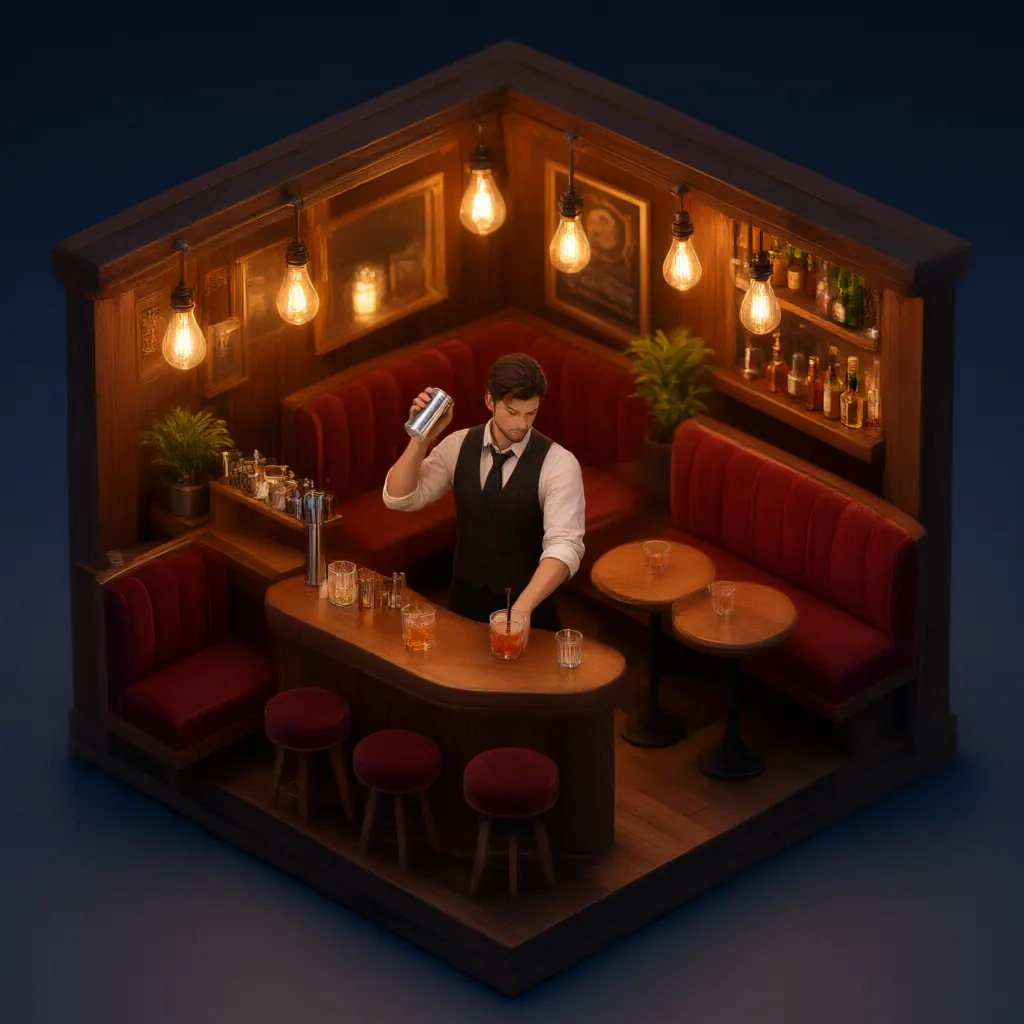
Qwen 3 UncensoredText to image
Isometric 3D render of a tiny cozy cocktail bar at night with warm Edison bulbs, velvet booths and a bartender shaking a drink, miniature diorama style, soft global illumination
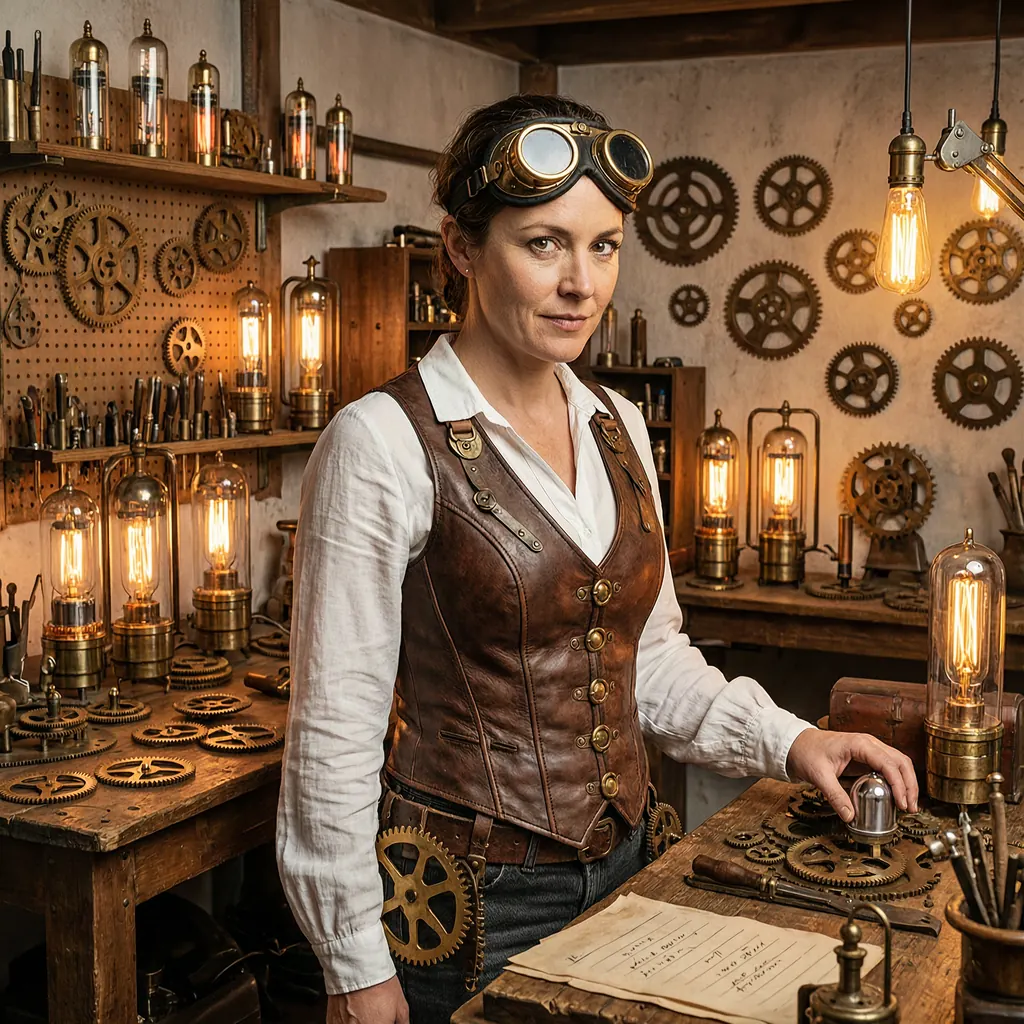
Wan 2.7 UncensoredText to image
Steampunk inventor woman in her thirties with brass goggles pushed up on her head, a leather corset over a white blouse, surrounded by gears and glowing vacuum tubes in a cluttered workshop, warm light, detailed digital art
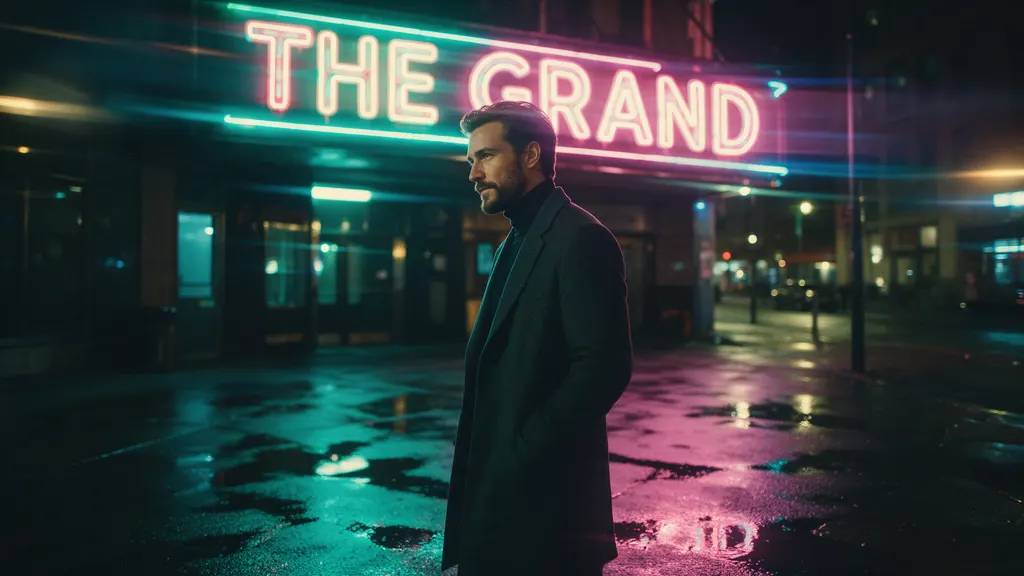
Seedream 5 Pro UncensoredText to image
Cinematic wide shot of a stylish man in his thirties with a trimmed beard and a charcoal overcoat standing under a flickering neon sign on a rain-soaked city side street at night, teal and magenta reflections in the puddles, anamorphic lens flare, 35mm film still
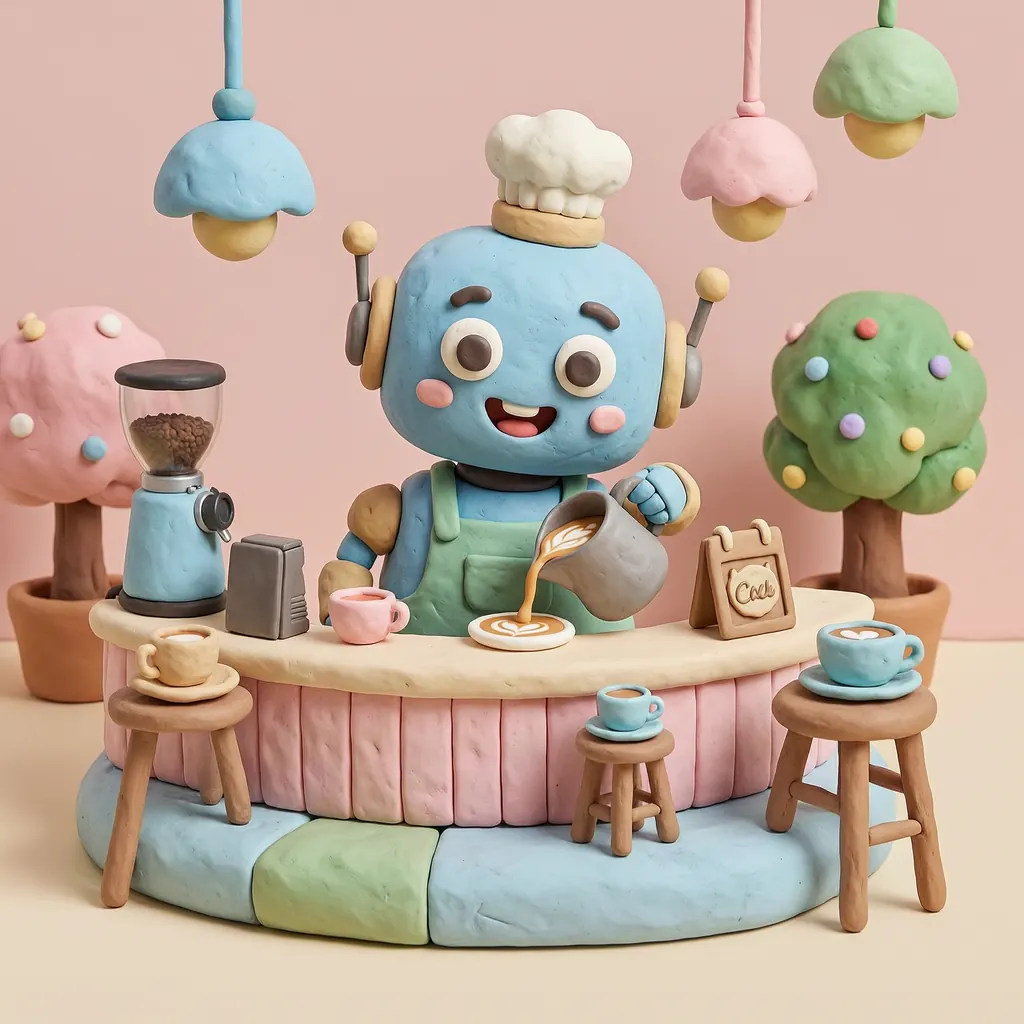
Wan 2.7 UncensoredText to image
3D clay-style render of a cheerful robot barista pouring latte art in a pastel cafe, rounded shapes, soft studio lighting, playful miniature scene, no text, no signs
Establish the place before you decorate it
The first frame is a location, not a subject. Say what the place is, what it is built from, where the camera stands and what the light is doing. A prompt that lists nouns hands the camera to the model, and the model picks a different one every run.
Choose the frame shape now rather than afterwards. Every model page in the catalog carries its own list of accepted sizes and what each one costs. Picking the wide shape up front beats cropping a square one afterwards and paying to render half a frame you then discard. Run this pass short on detail: a composition that fails small does not improve at a higher resolution, it only costs more.
Write the light as a measurement
Mood words are cheap and they do not steer. Dusk, moody and cinematic each cover a wide band of images, and the model settles that band differently every time you ask.
Time of day has borrowable definitions. NOAA's solar calculator glossary defines civil twilight as "the time of morning or evening when the sun is 6 degrees below the horizon", with nautical twilight at 12 degrees and astronomical twilight at 18. A sun just under the horizon, a lit sky and no direct key light gives the model something to render. Dusk does not.
Colour works the same way. The CIE's international lighting vocabulary defines standard illuminant A as Planckian radiation "at a temperature of about 2 856 K", and D65 as a phase of daylight at "approximately 6 500 K". That is the distance between a tungsten interior and an overcast street, and naming both ends in one prompt is how you get a warm window against a cold exterior rather than a frame that is uniformly one or the other. Writing prompts without a filter goes further into wording that can be checked against a render.
Change one variable with an editing model
Same shot, later in the day is not something a fresh prompt can deliver, because re-running a prompt reopens every decision including the ones you liked. Editing keeps them: every image model here can rework a picture you attach, holding the scene while you change one thing. Seedream 5 Pro suits the establishing frame you mean to keep, and the uncensored AI image editor page explains how a reference is attached in Studio or over the API.
So keep the frame, upload it, and describe only the change. Move the sun. Wet the road. Strip the signage. Name the one variable and let the rest stand, because a description that re-lists the whole scene invites the model to re-decide it.
One trap catches people once: you cannot attach a link to your own generation, because the provider fetching it has no session of yours. Upload the file and use the address that comes back; from a still to a video has the endpoint and the rejection list. Check the editing model's own size list while you are there, and note that some charge for each picture past the first.
A chain of single changes hides the interactions
Changing one thing at a time is the right instinct and an incomplete method. Writing in The American Statistician in 1999, Veronica Czitrom compared one-factor-at-a-time experiments against designed ones and stated the limit flatly: "Interactions are not estimable from OFAT experiments." Her other objection is the one you feel in credits, that a designed experiment "requires less resources (experiments, time, material, etc.) for the amount of information obtained".
Environment work is full of interactions. Wet ground reads one way at midday and another under a low sun; fog that adds depth to an overcast frame erases a rim light. Test time of day, then separately test weather, and you have learned about each and nothing about the pair, which is the pair you are actually going to ship.
Run the small grid instead of the long chain. Two times of day against two weather states is four runs and shows you the corners rather than one path through the middle, and because the whole grid is written before any of it launches, its cost is known in advance. Grids are the obvious thing to script: calling the API from your code has the loop, and the values to iterate over belong in the catalog lookup rather than in a constant in your source.
Making the set read as one world
The same description rendered twice gives you two locations that merely resemble each other. That is fine for one image and fatal for a set. Keep a world block: a fixed paragraph holding what must not move, covering materials, palette, the direction and colour of the key light, the era and the weather. Paste it into every prompt unaltered and vary only the line describing the shot.
Rewriting that block between frames is what makes a set drift, and the drift stays invisible until two frames sit side by side. Your Gallery stores the prompt next to each generation, so the wording behind a frame you like is recoverable rather than remembered.
If a character has to stand in these locations, keeping a character consistent covers the anchor side and character design covers inventing them. Once the frames are approved, storyboards and previz takes them onward into a sequence.