
Free edits to start
Free uncensored AI image editor: your first edits on the gift
Vellria's uncensored AI image editor is free to try: a new account created with Google gets 20 credits as a gift, valid for 7 days, enough for a few edits of your own picture on the lower-priced editing models. Upload a photo or a render, write the change, and the edit is charged to the gift first; once it is spent, edits are paid per run from prepaid credits.
18 image models accept your picture for editing, from 4 credits per edit (100 credits = $1.00). New accounts created with Google get 20 credits as a gift, valid for 7 days. Is there a free option?
Five edits worth trying first
A gift covers a handful of edits, so it pays to choose ones that teach you how an editing model reads an instruction. These five make good first tries, one change at a time:
1. Swap the outfit. Keep the person, the pose and the room, and ask for a different garment, or for less of it, on an invented character. Anything your instruction does not name, the model tries to keep as it was.
2. Change the setting. One figure, somewhere else: a hotel room in place of a studio wall, a beach at dusk in place of a kitchen.
3. Move the light. A warm lamp from the left, a hard camera flash, candlelight. Light edits are small, and they show quickly how faithfully a model keeps the rest of the frame.
4. Change the finish. Turn a sketch into a photographic render, or a photo into an inked illustration, with the composition left alone.
5. Fix one detail. Hands, an expression, a stray object in the corner. Asking for a single fix per edit is the cheapest way to get it right.
How many edits the gift covers
The numbers below come straight from current catalog prices. For each of the lowest-priced models that accept a picture, the table divides the gift by the price of one edit made with a single reference image. Some models charge a little more for every extra picture after the first, and bigger outputs are dearer, so the count is the most the gift can buy, not a fixed allowance.
Edits are paid from the gift before anything else, and each one's cost is displayed next to Run ahead of time. Should the provider fail an edit, its credits go back to the gift while the gift is still valid.
| Model | Price | What the gift covers |
|---|---|---|
| Pruna P-Image Uncensored | 4 credits | up to 5 edits |
| Anima Uncensored | 5 credits | up to 4 edits |
| Flux 2 Klein 9B Uncensored | 5 credits | up to 4 edits |
| Qwen Image Edit 2511 Uncensored | 6 credits | up to 3 edits |
See what the models make
Real outputs from the models on this page, each shown with the exact prompt that produced it. Copy a prompt, or open the model and run it yourself.
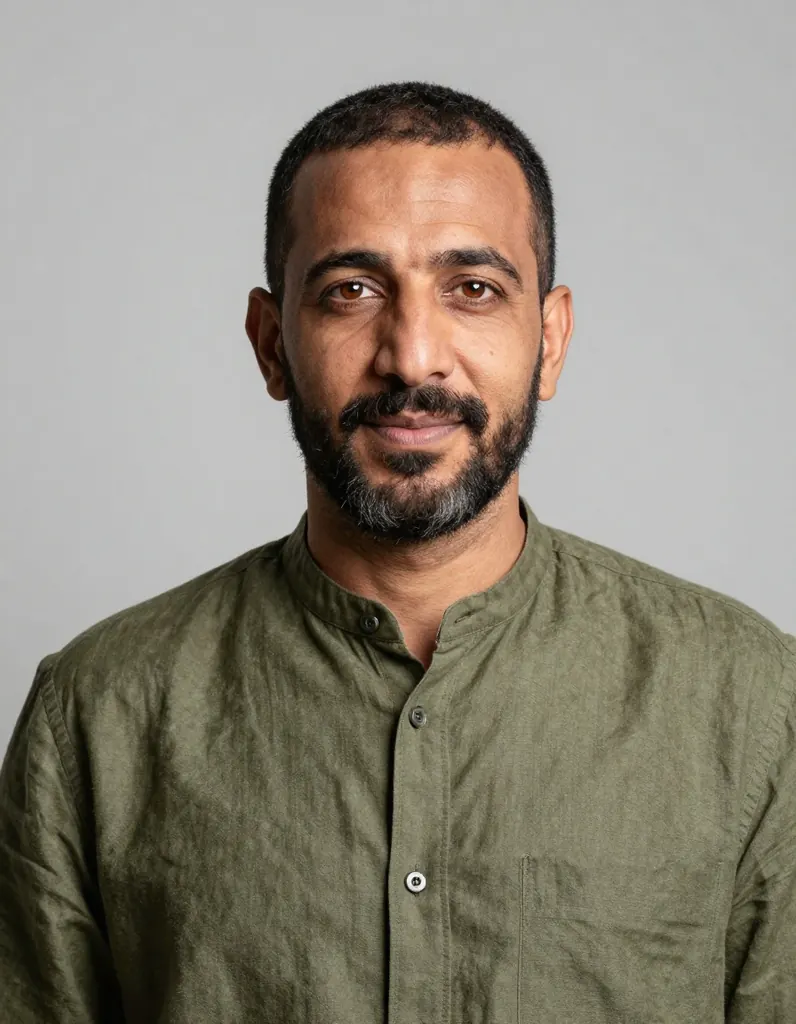 Before
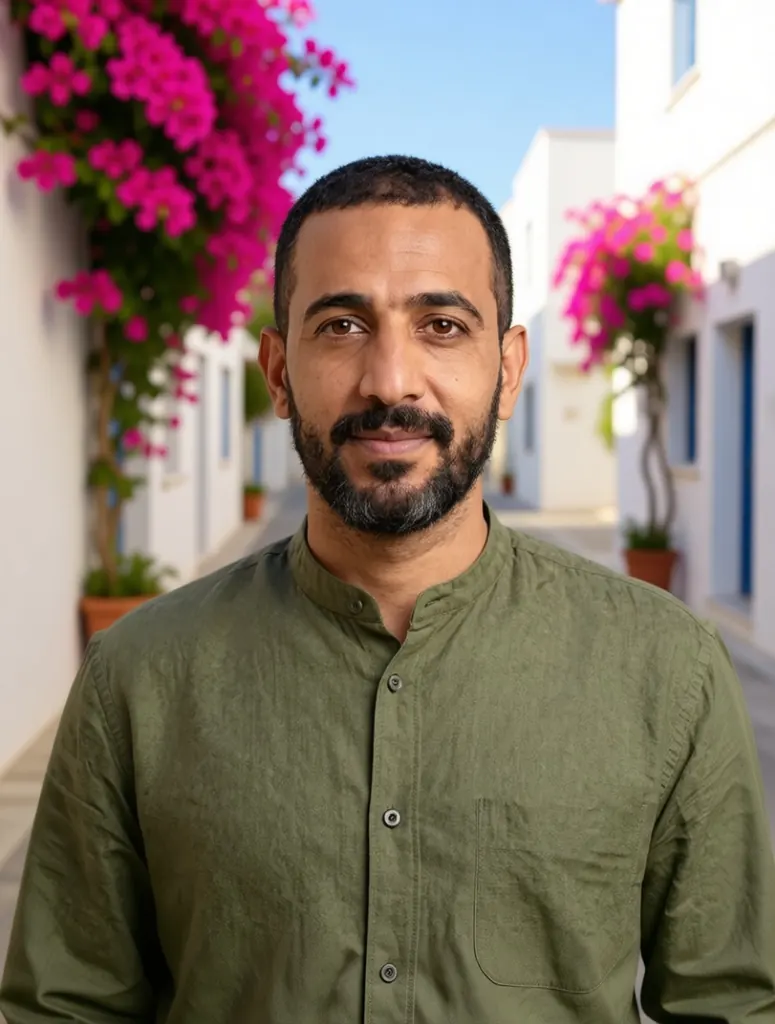 After
Replace the grey backdrop with a sunlit Mediterranean street with whitewashed walls and bougainvillea; keep the man, his shirt and his pose exactly the same
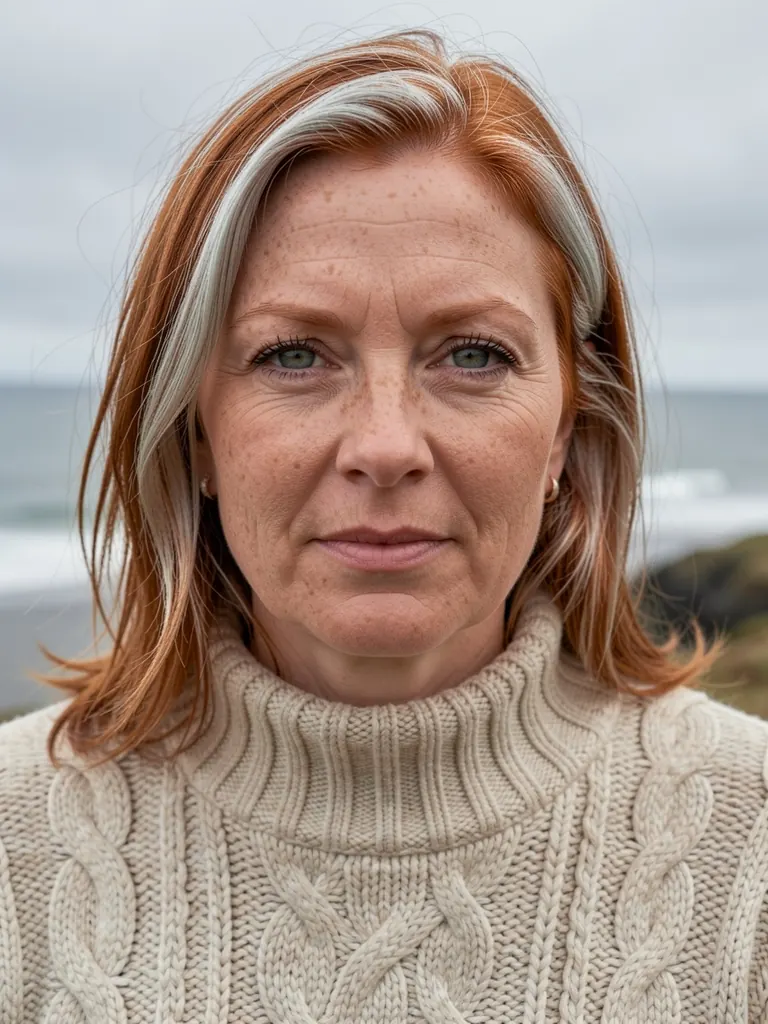 Before
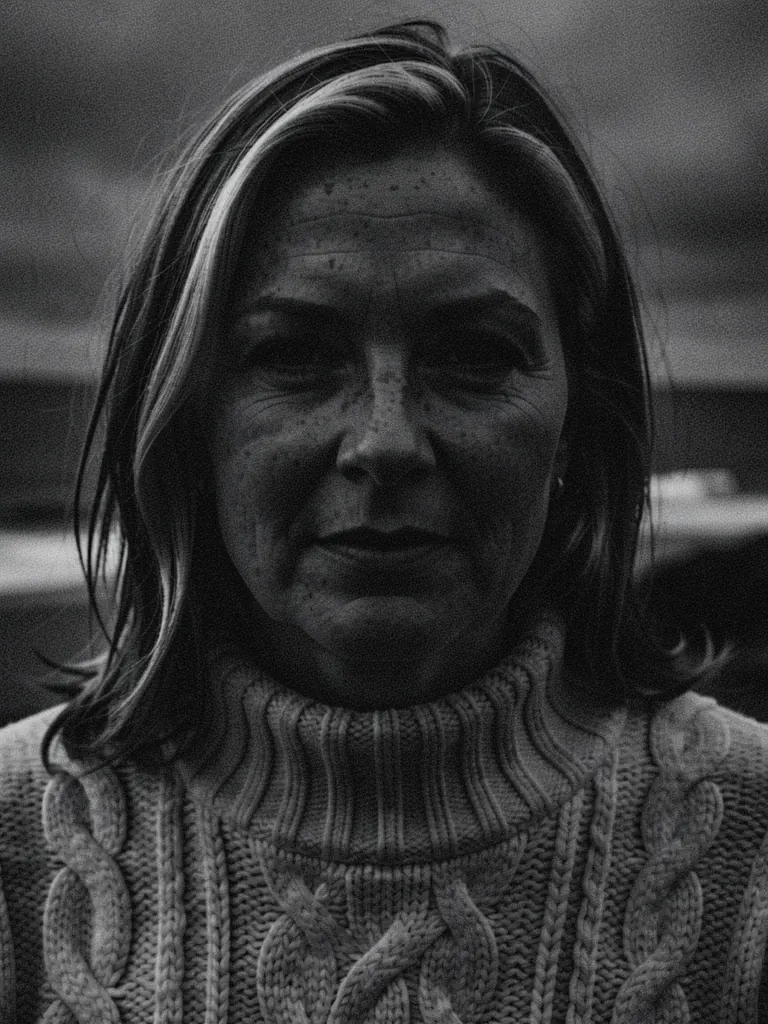 After
Flux 2 Klein 9B UncensoredEdit
Restyle the photo as a moody black-and-white portrait with deep shadows and fine film grain; keep her face, the sweater and the framing
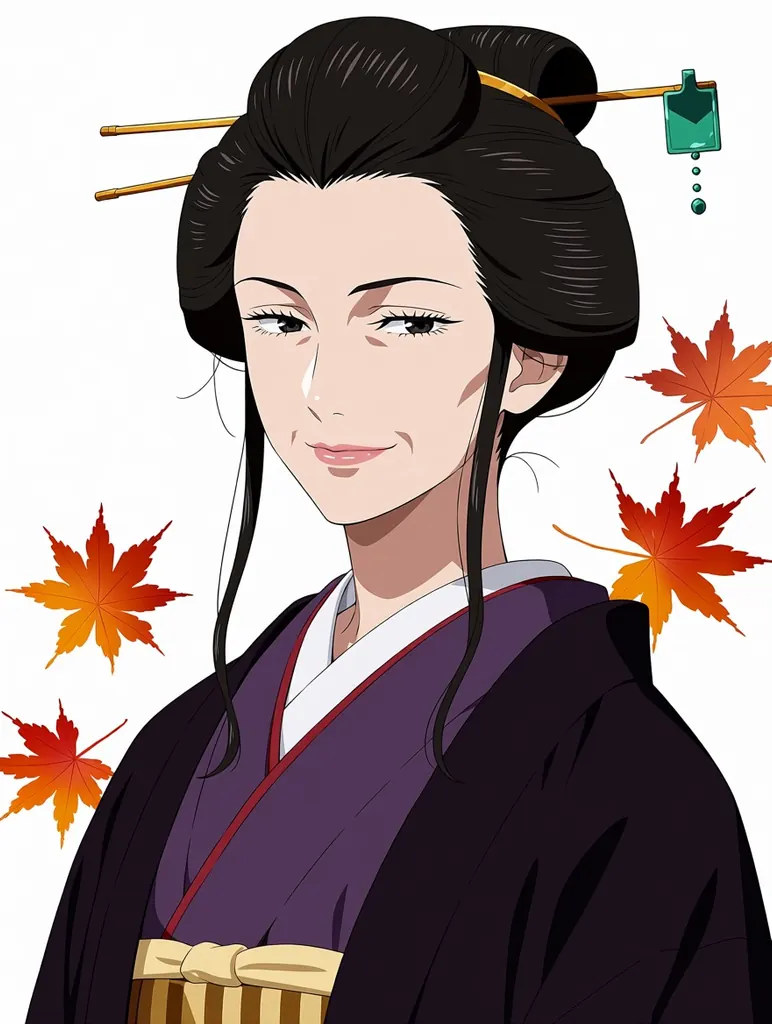 Before
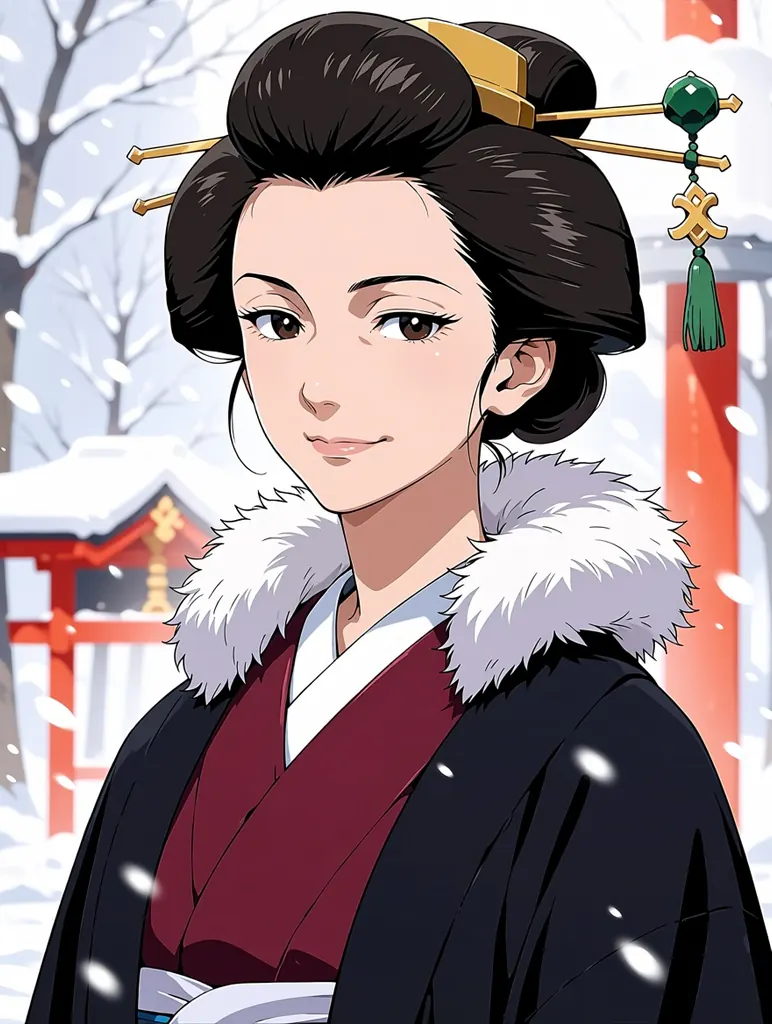 After
Anima UncensoredEdit
Anime illustration of the same mature adult woman in her late thirties with an elegant long face and dark hair pinned up with a jade hairpin, now in a winter scene: a crimson kimono with a white fur stole, heavy snow falling, a red-lacquered shrine gate softly blurred behind her, clean line art, soft cel shading, adult proportions, no text
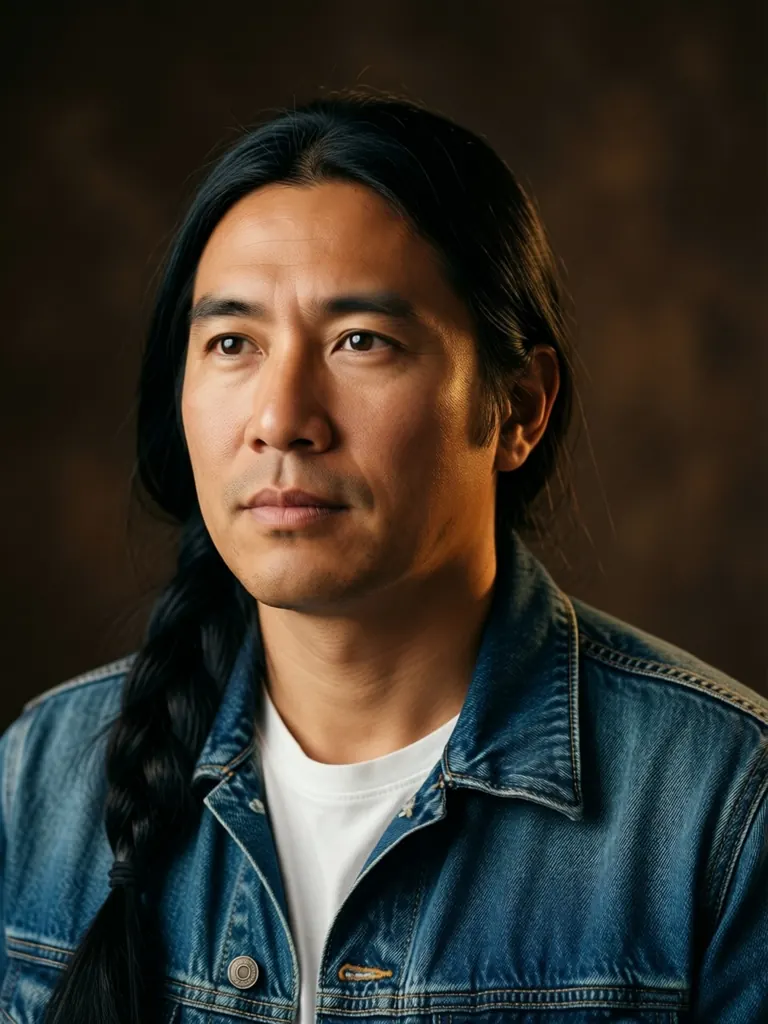 Before
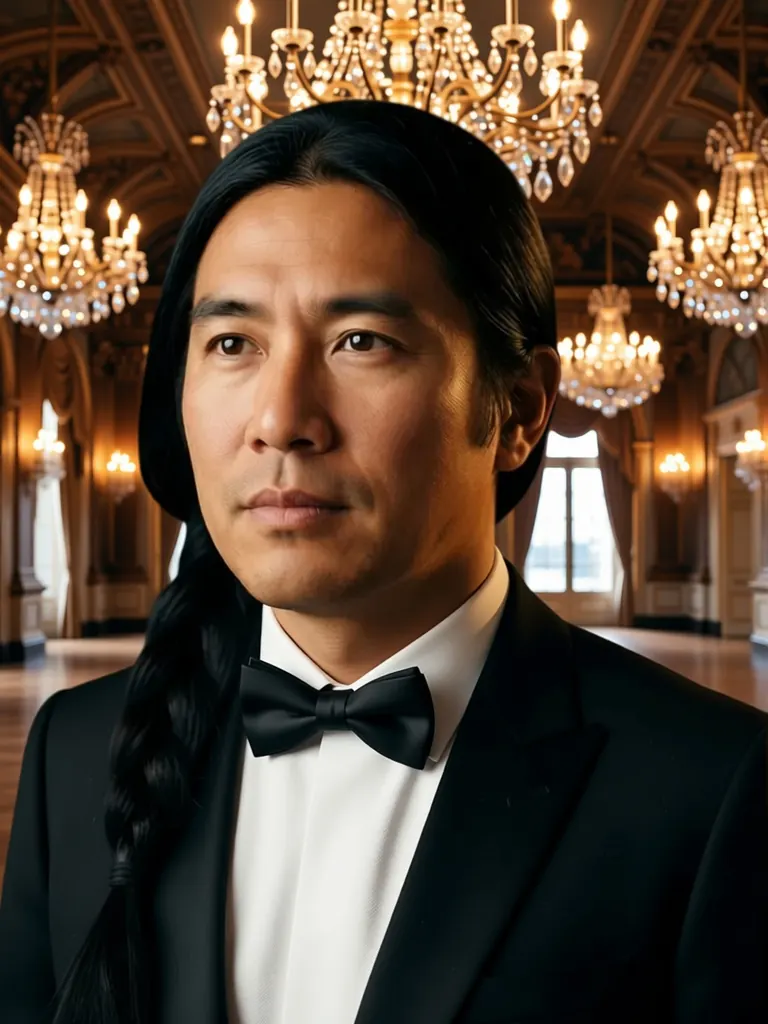 After
Qwen Image Edit 2511 UncensoredEdit
Change his denim jacket to a black tuxedo with a bow tie and replace the backdrop with a grand ballroom lit by crystal chandeliers; keep his face, hair and pose unchanged
Image
Pruna P-Image Uncensored
Uncensored 1K images in seconds, in seven shapes; edit up to 5 references at the same low price.
4 credits
Image
Flux 2 Klein 9B Uncensored
Uncensored 1K images with crisp text and realism; edit up to 3 references at one flat price.
5 credits
Image
Anima Uncensored
Uncensored 1K anime illustrations in seven shapes at one low price, or repaint a single picture as anime.
5 credits
Image
Qwen Image Edit 2511 Uncensored
Edit a photo by instruction with up to 3 references, or start from text with Qwen Image 2512.
6 credits
The models for this, side by side
| Model | Sample | Price | Max size | Reference images |
|---|---|---|---|---|
| Seedream 5 Pro Uncensored |  | 10 credits | 1536×1536 | Up to 10 |
| Qwen 3 Uncensored | 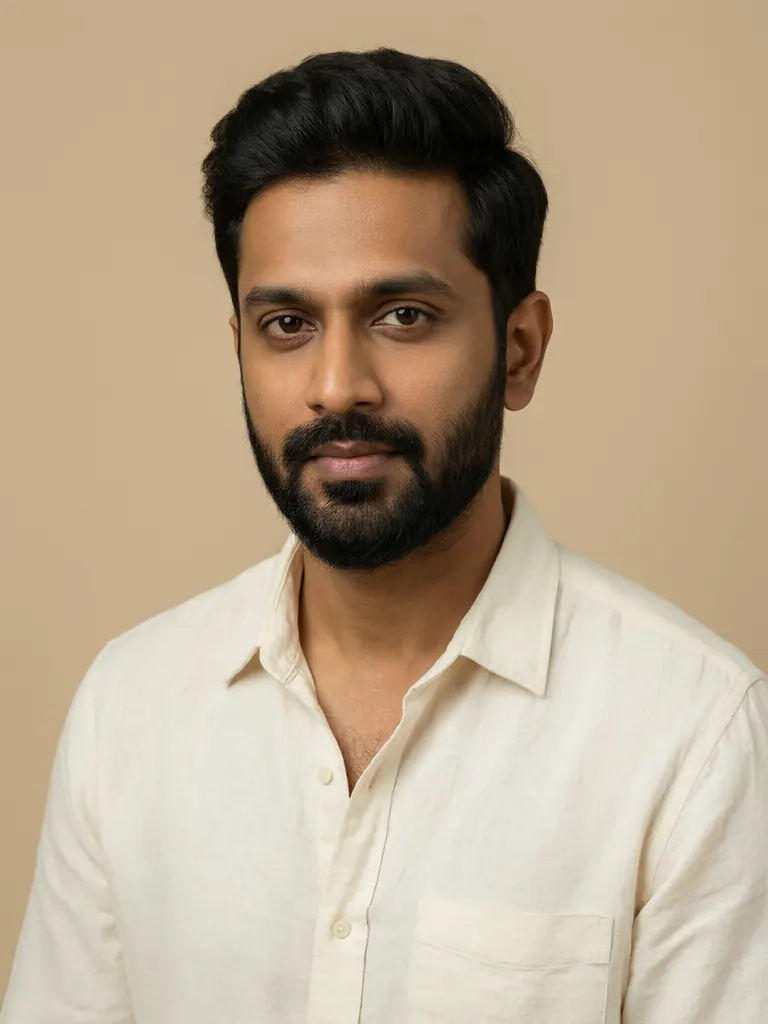 | 8 credits | 2048×2048 | Up to 3 |
| Qwen 3 Pro Uncensored | 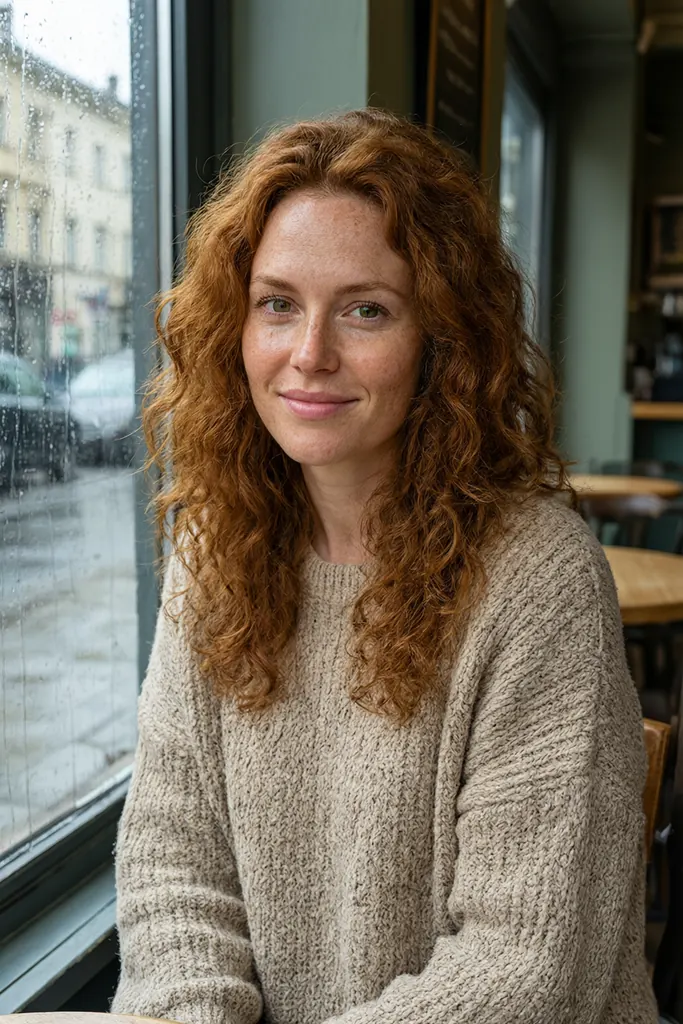 | 10 credits | 1440×1440 | Up to 3 |
| Qwen Image Edit 2511 Uncensored | | 6 credits | 1280×960 | Up to 3 |
| Qwen Image 2.1 Uncensored | 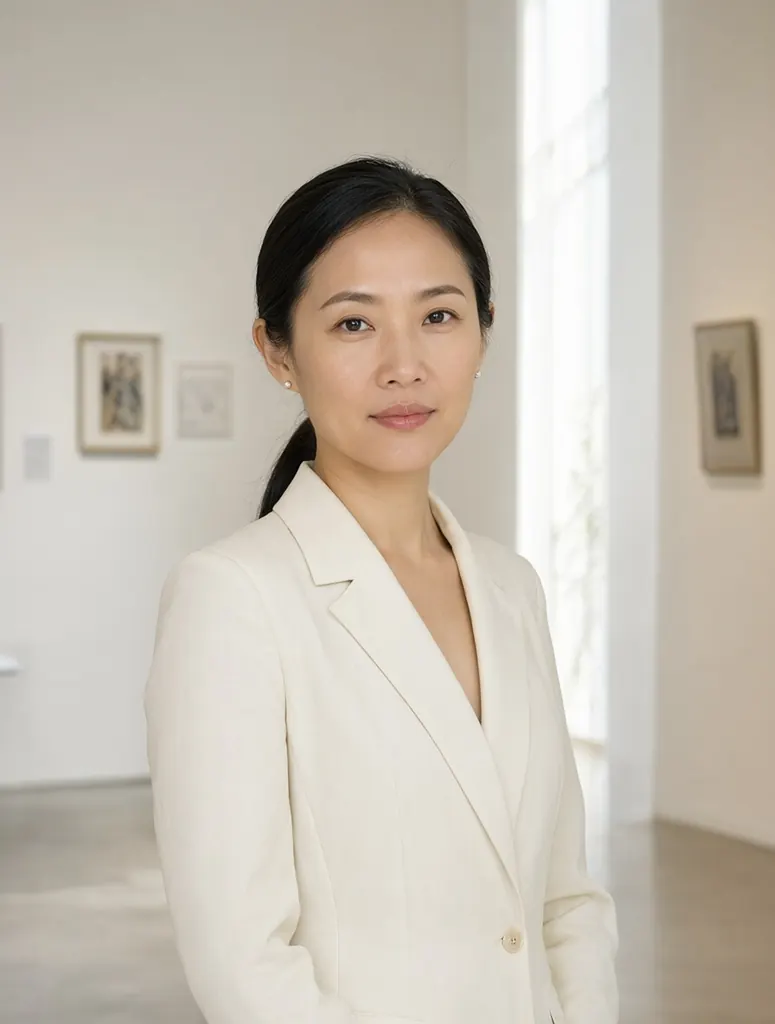 | from 7 credits | 1184×896 | Up to 10 |
| Seedream 5 Lite Uncensored | 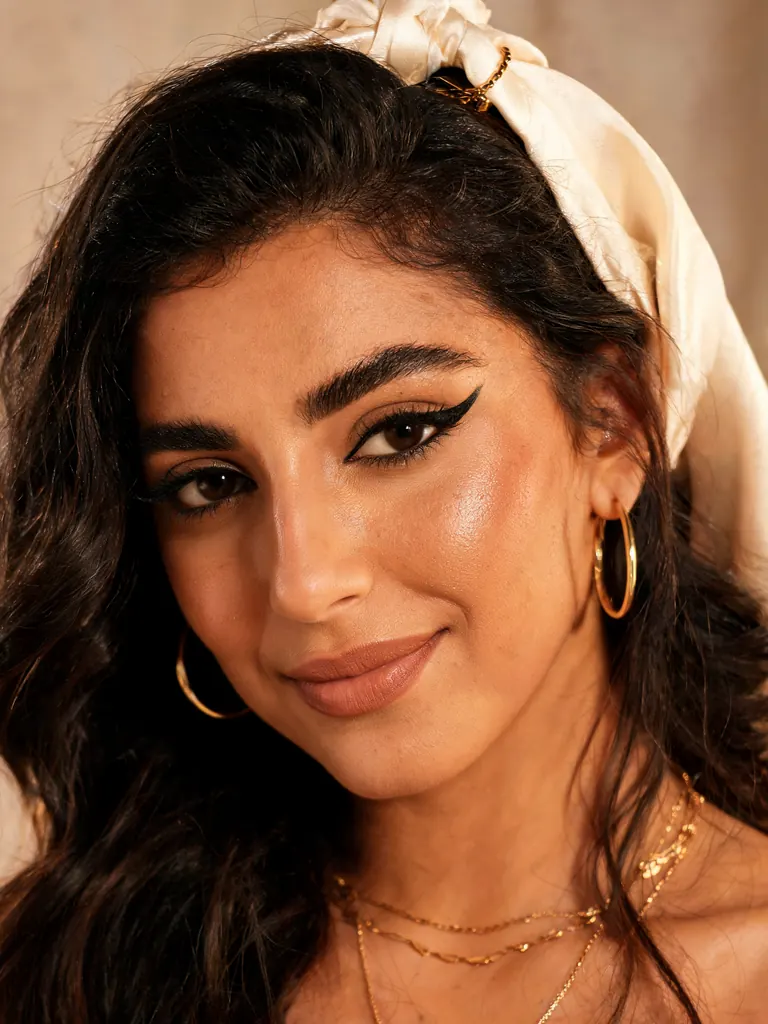 | 8 credits | 4704×2016 | Up to 10 |
| Seedream 4.5 Uncensored |  | 9 credits | 2848×1600 | Up to 10 |
| Seedream 4 Uncensored |  | 7 credits | 2816×1584 | Up to 10 |
| Wan 2.7 Uncensored |  | 8 credits | 2K | Up to 9 |
| Bria FIBO 2.0 Uncensored |  | 10 credits | 2048×2048 | Up to 4 |
| Bria FIBO 1.5 Uncensored | 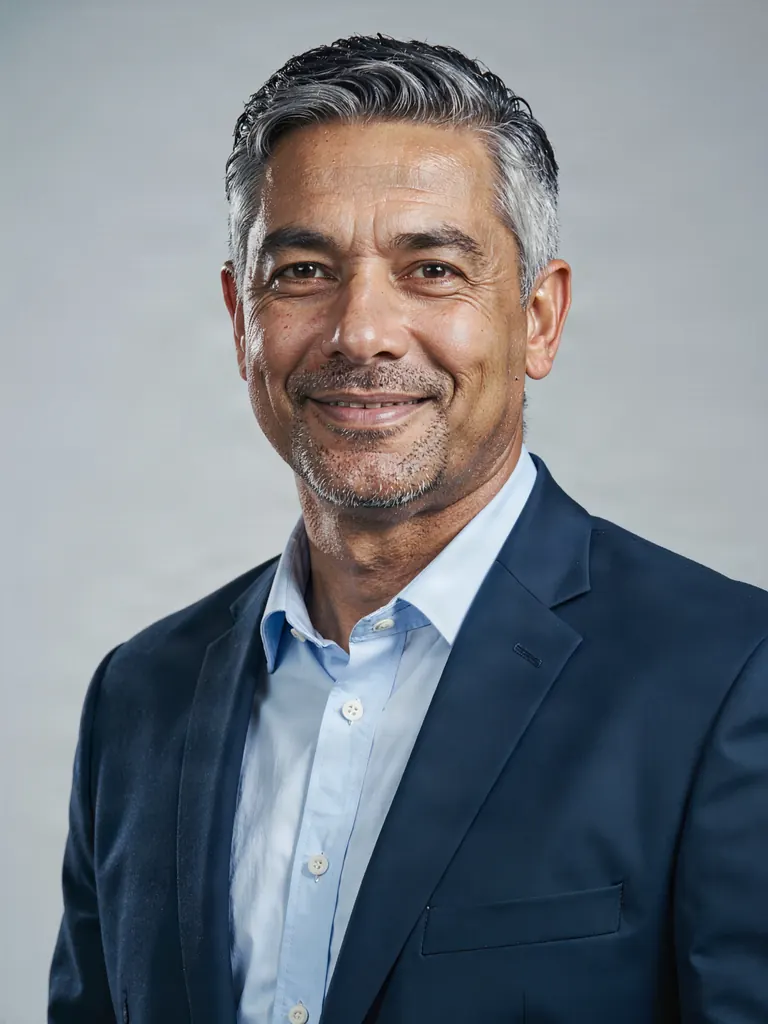 | 10 credits | 2048×2048 | Up to 4 |
| MiniMax H3 Image Uncensored | 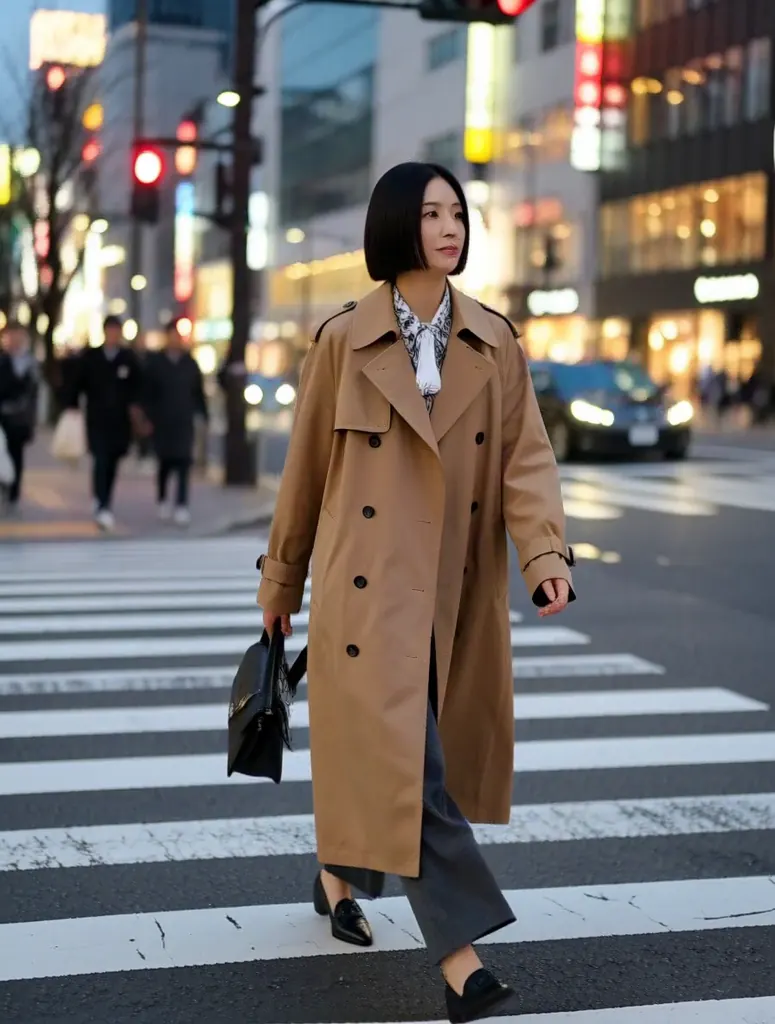 | 8 credits | 1184×896 | Up to 9 |
| Seedream 5 Flash Uncensored | 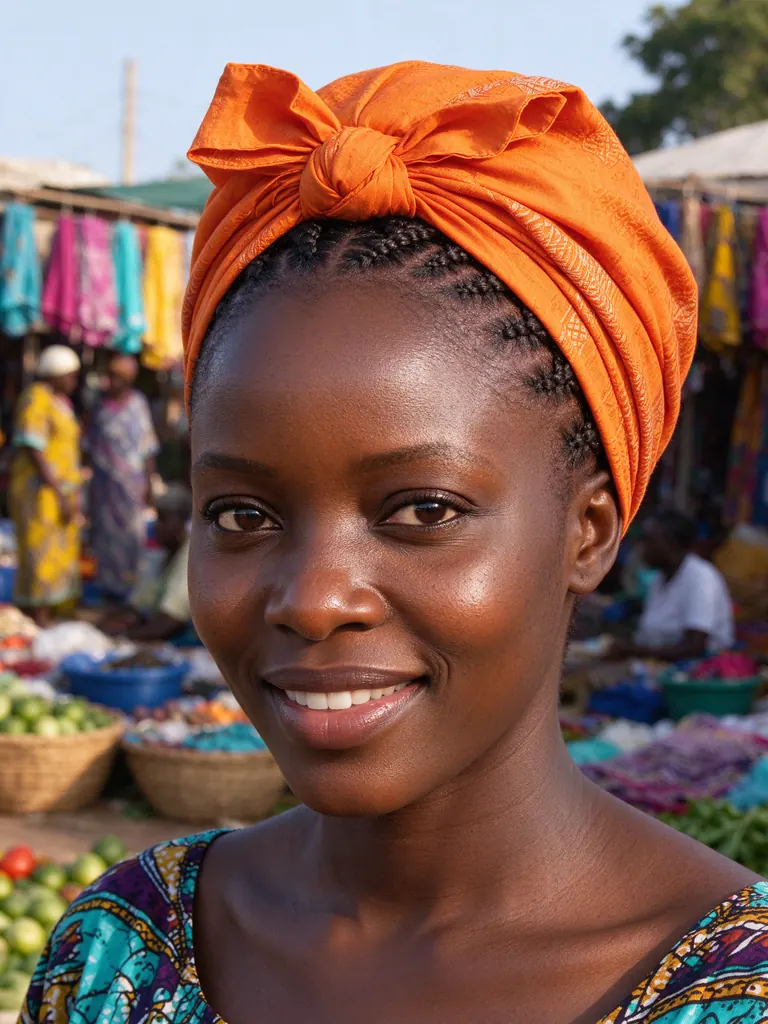 | 8 credits | 2816×1584 | Up to 10 |
| Anima Uncensored | | 5 credits | 1024×1024 | Up to 1 |
| Vellria Anime Pro Spicy Uncensored | 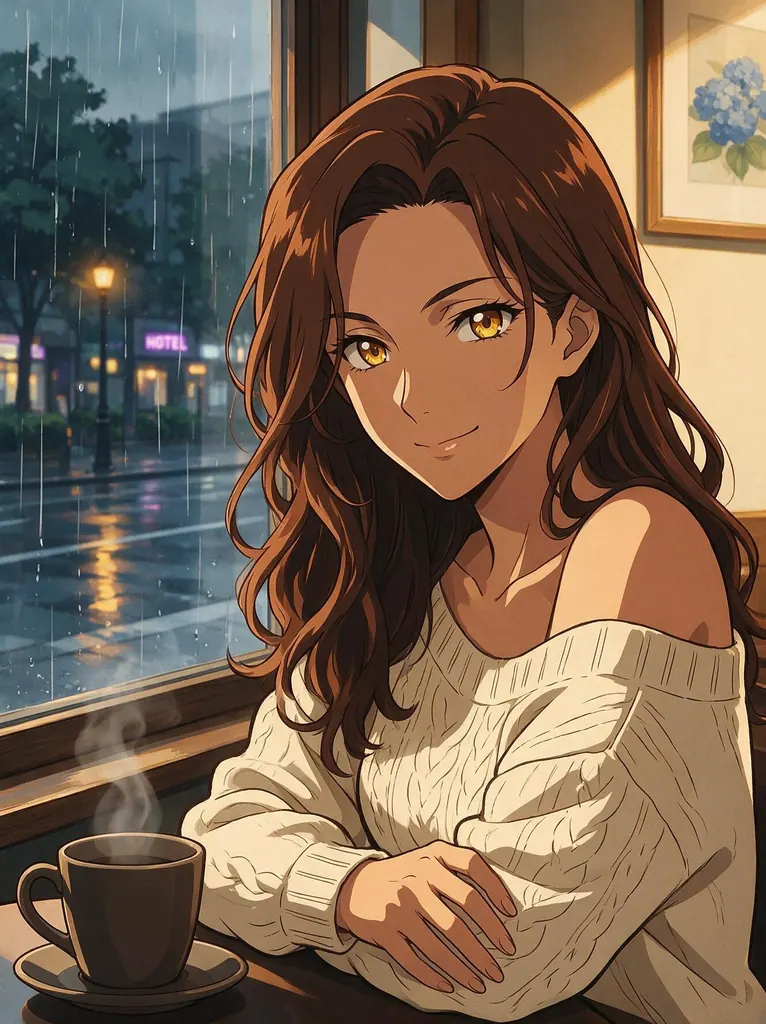 | 10 credits | 1536×1536 | Up to 10 |
| Pruna P-Image Uncensored | | 4 credits | 1024×1024 | Up to 5 |
| Flux 2 Klein 9B Uncensored | | 5 credits | 1024×1024 | Up to 3 |
| Qwen Image Edit Spicy Uncensored |  | 10 credits | 1K | Up to 3 |
Prices and limits come from the live model catalog.
From your picture to an edit in three steps
1. Sign in with Google. The credits show up on their own once the fresh account opens, without a form or payment details.
2. Add the picture. The edit button on this page opens Studio with a low-priced editing model chosen for you. Drop your file into the reference box or paste a public https link; JPEG, PNG and WebP all work.
3. Describe one change and run it. Say what changes and, when it matters, what has to stay put. The result arrives in your Gallery, and if it is close but not right, a second edit on that result usually costs less than starting over with a long instruction.
Free edits and paid edits are the same edits
Nothing about an edit changes because the gift pays for it. The same editing models run, your instruction reaches them in your own words with nothing softening it first, and explicit edits of invented people are allowed just as they are on a paid balance. People looking for a free NSFW AI image editor or a free uncensored AI photo editor usually want exactly this: to see whether a model keeps a face, a pose and a room intact before paying for anything.
This page is about getting those first edits for free. The complete walk-through, covering every editing model, how many pictures each reads, output sizes and the API route, lives with its sibling, the uncensored AI image editor. To draw new pictures from a prompt on the gift instead, see the free NSFW AI generator, and to get a written description of a picture before editing it, the image to prompt tool is free a few times a day.
Your picture, and other people's
An upload can show anyone, which puts one rule in sharper focus than a prompt written from nothing does: sexualising the photo of an identifiable real individual without that individual's permission breaks the terms, and the account is closed without notice. Editing pictures of yourself, or of characters you invented, is your call.
No one reviews what an uploaded file shows, and no system tries to identify a face, so that rule rests on the terms and on whoever uploads. The provider of a model may stop a run under its own filter, in which case the credits come back to the gift. Everything else the policy covers is set out under what NSFW generation allows.
FAQ ( 5 )